Practical WordPress protection, set up in minutes
Protect WordPress from malware, vulnerable plugins, and automated attacks
For site owners, freelancers, and small agencies.
Security Ninja combines a cloud firewall, malware and core-file scanning, vulnerability monitoring, login protection, and 2FA in one established WordPress plugin.
$119/year (about $9.92/mo) · billed annually for one site
30-day money-back guarantee
Card or PayPal · $0 today · cancel before day 14.
-
100,000+
WordPress sites
-
4.9★
250+ reviews
-
15+ years
WordPress security
-
30-day
money-back guarantee
Cover the WordPress risks that cause real work
-
Stop bad traffic and automated abuse
Cloud Firewall blocks known bad IPs, scanners, unwanted countries, and abusive requests before they consume WordPress resources. WooCommerce rules reduce checkout, coupon, and add-to-cart abuse.
-
Find problems before they spread
Run malware and core-file scans, check plugins and themes for known vulnerabilities, and work through 50+ security tests with clear results.
-
Lock down every login
Limit repeated attempts, move the default WordPress login URL, and require 2FA with an authenticator app or email code.
-
Keep watch without babysitting the site
Schedule scans, review important changes in the Events Logger, receive reports, and send selected events to tools your team already uses through webhooks.
Host security, the free plugin, and Pro
Host-only security
Hosting security sits outside WordPress. It will not show plugin vulnerabilities or Security Ninja scan results in wp-admin.
Free plugin only
The free plugin covers security tests and vulnerability checks. Cloud firewall, malware scanning, and 2FA are Pro.
Security Ninja Pro
Pro is the cloud firewall, malware and core-file scans, and login protection with 2FA.
Choose how many WordPress sites you need to protect
More than 25 sites? See agency plans
Security Ninja Pro
1 site
$119 /year
- Cloud Firewall and country blocking
- Malware and Core File Scanners
- Vulnerability Monitoring and 50+ Security Tests
- Login Limits, Custom Login URL, and 2FA
- WooCommerce Abuse Protection
- Scheduled Scans and Email Reports
- Events Logger and Webhooks
- Priority Email Support
Card or PayPal · $0 today · cancel before day 14.
30-day money-back guarantee · Billed annually
See WP Security Ninja inside WordPress

- Block known bad IPs and scanners before they reach WordPress
- Add country rules and 404 protection when you need them
- Reduce WooCommerce checkout and coupon abuse

- Work through 50+ checks with clear pass and fail results
- Scan for malware and compare core files to official copies
- See known vulnerabilities in plugins and themes

- Limit repeated login and lost-password attempts
- Move the default WordPress login to a custom URL
- Require 2FA with an authenticator app or email code
A name you remember
Funny name. Serious track record.
Security Ninja has helped WordPress owners find problems and put practical protection in place since 2011. You get one maintained plugin, clear results, and support from people who know the product.
-
Since 2011
shipping WordPress security updates
-
100,000+
sites using Security Ninja
-
4.9/5
from real customer reviews
What our customers say
-
“Thank you, Security Ninja! Your plugin is easy to use, provides clear reports of activity, and includes built-in tools that make security a lightweight task.”
-
“I'm very happy with this plugin. It provides the essential security features that every WordPress website needs.”
-
“Security Ninja has improved massively over the last year. The plugin keeps getting better and more powerful, and it has become an important part of how I manage WordPress security…”
Get protected in three simple steps
- 1
Install WP Security Ninja Pro.
- 2
Activate the license.
- 3
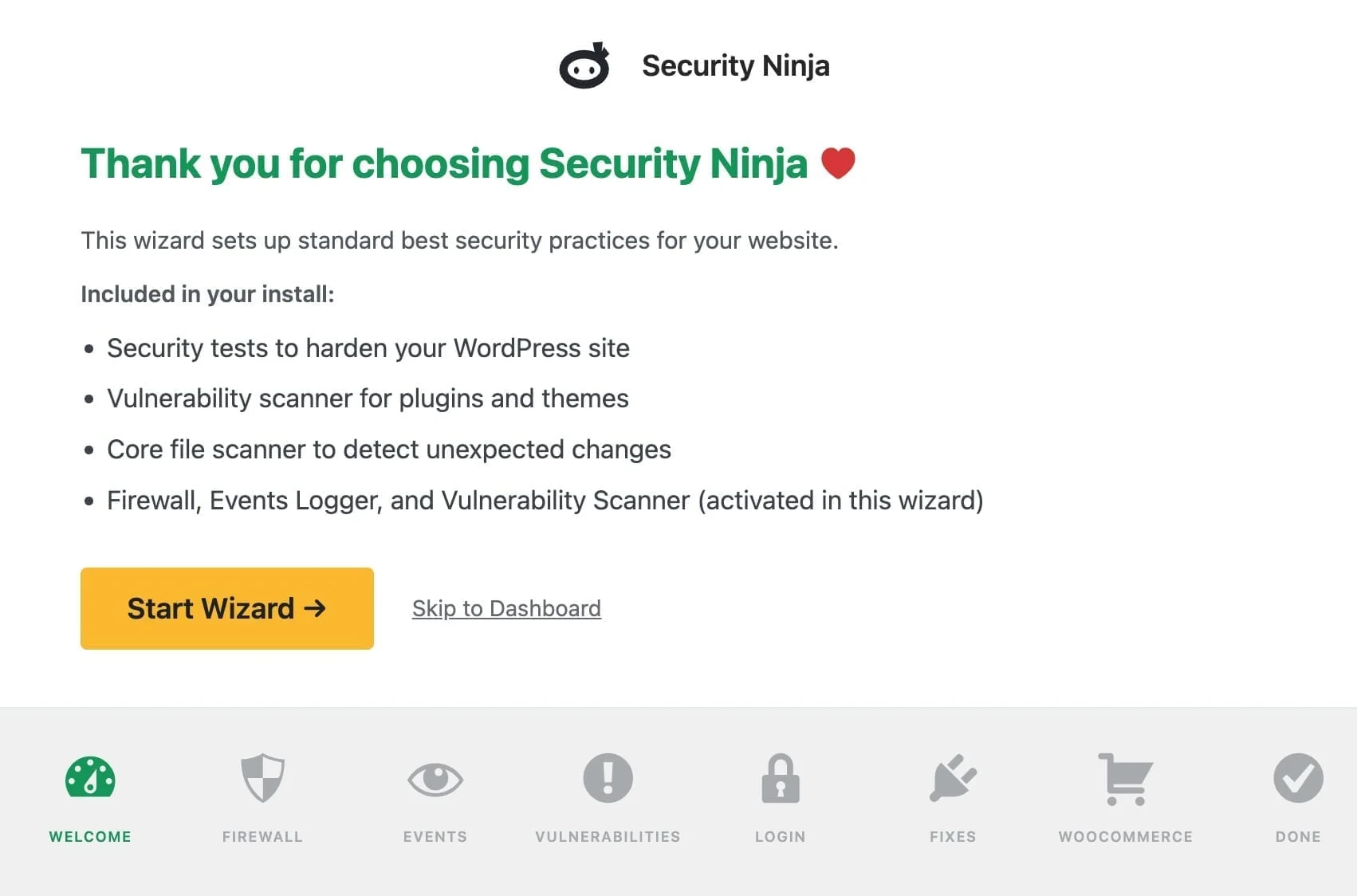
Run the setup wizard and first scan.
Your baseline protection is in place.
Security Ninja shows you what needs attention next.
Frequently asked questions
Will Security Ninja slow down my website? +
The plugin is built to stay light. Cloud Firewall filters traffic before it burdens WordPress. Scans run on demand or on a schedule you choose, not on every page view.
Does it automatically clean malware? +
No. The scanner identifies suspicious files and code for you to review. It does not delete files automatically, so you stay in control and avoid removing legitimate code by mistake.
Can I use it with another security plugin? +
Often yes, with judgment. Overlapping firewalls or login limiters can conflict. Many people use Security Ninja as the main stack. If you keep another tool, turn off duplicate features and test after install.
What does the Cloud Firewall block? +
It can block known bad IPs, bots, scanners, and selected countries, plus tighten login and WooCommerce abuse paths. You control which rules are on.
Does it protect WooCommerce? +
Pro includes WooCommerce-focused rate limits for areas bots often abuse, such as checkout, add-to-cart, login, and coupon guessing. That sits alongside the firewall and login protection.
Can I use it on client websites? +
Yes. Pick a license for the number of sites you need. Freelancers and agencies use multi-site licenses across client installs. Higher tiers unlock white-label options.
Can I upgrade to more sites later? +
Yes. Upgrade from your Freemius account to a higher site count when your portfolio grows. You typically pay the difference for the remaining term.
What does the 30-day guarantee cover? +
If during the next 30 days you experience an issue that makes the plugin unusable and we are unable to resolve it, contact support through your account or help desk and we will happily consider a full refund. Renewals are not covered by the same guarantee.
Protect your WordPress site before a warning becomes an emergency
Scan for existing risks, block malicious traffic, and keep important WordPress security information in one place.
Card or PayPal · $0 today · cancel before day 14.
30-day money-back guarantee