Blog / Página 2
Todos los artículos
Página 2 de 7 · en inglés
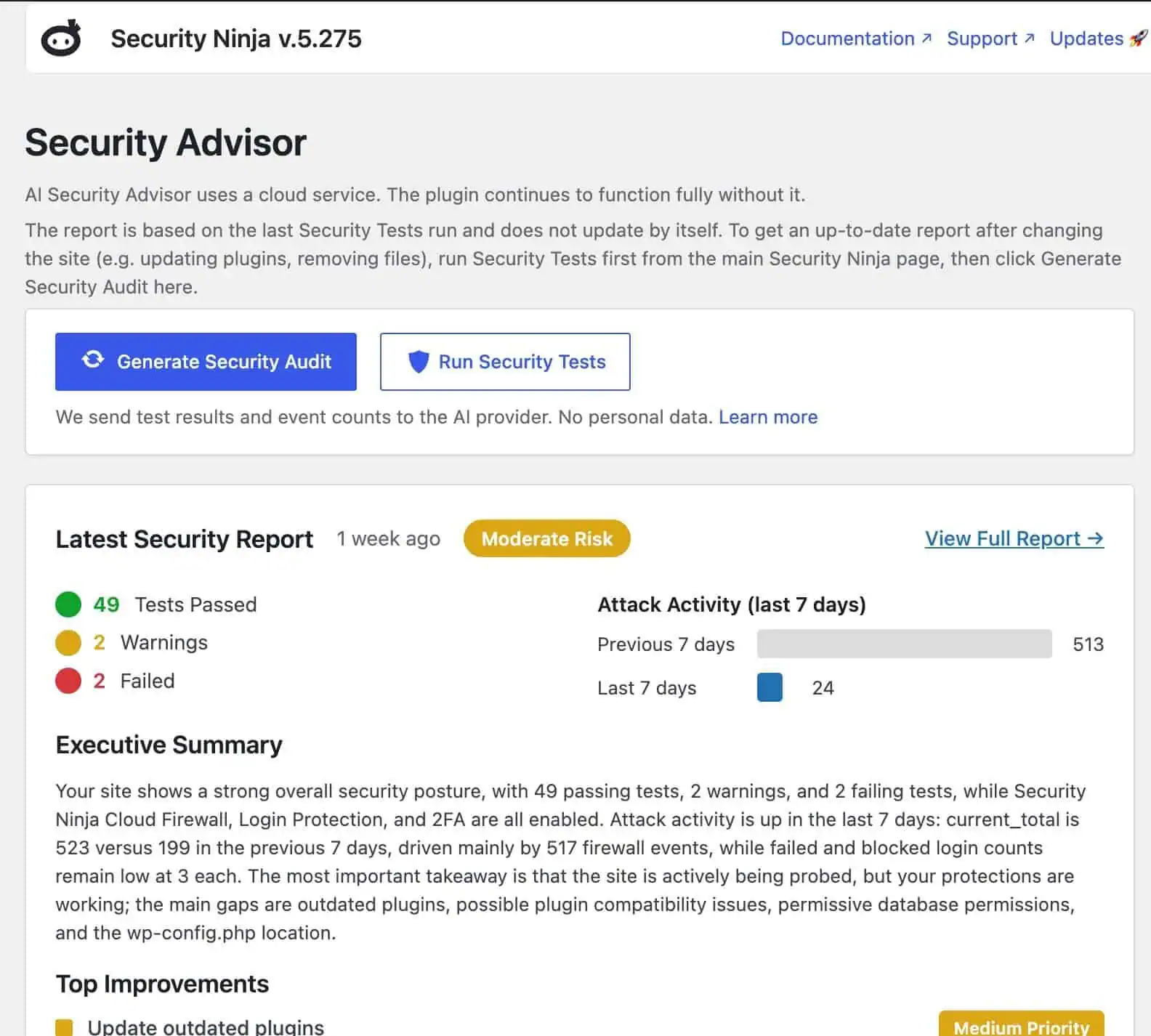
- WP Security Ninja and WordPress 7 AI connectors How the AI Security Advisor uses WordPress 7 AI connectors to turn real Security Ninja scan data into plain-language reports, on Free and Pro.
- Recommended tools for WordPress professionals A short, honest list of tools we use or trust for WordPress hosting, workflows, GraphQL, resets, and growth. No paid placements dressed up as advice.
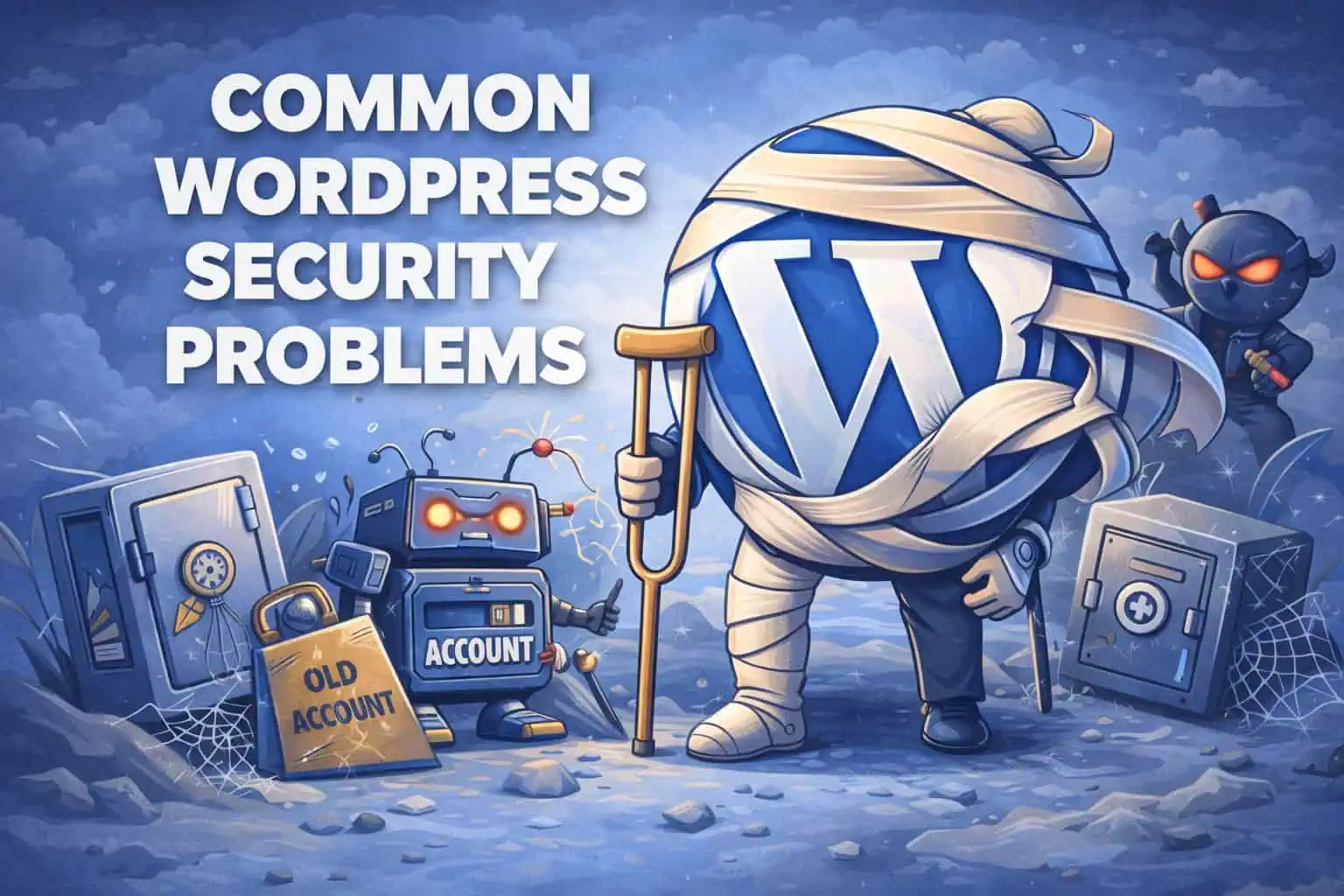
- WordPress security patterns we keep seeing (and simple fixes) Recurring WordPress security problems: postponed updates, messy access, no logs, untested backups, bot noise, and one-time security installs. Plus a simple baseline.
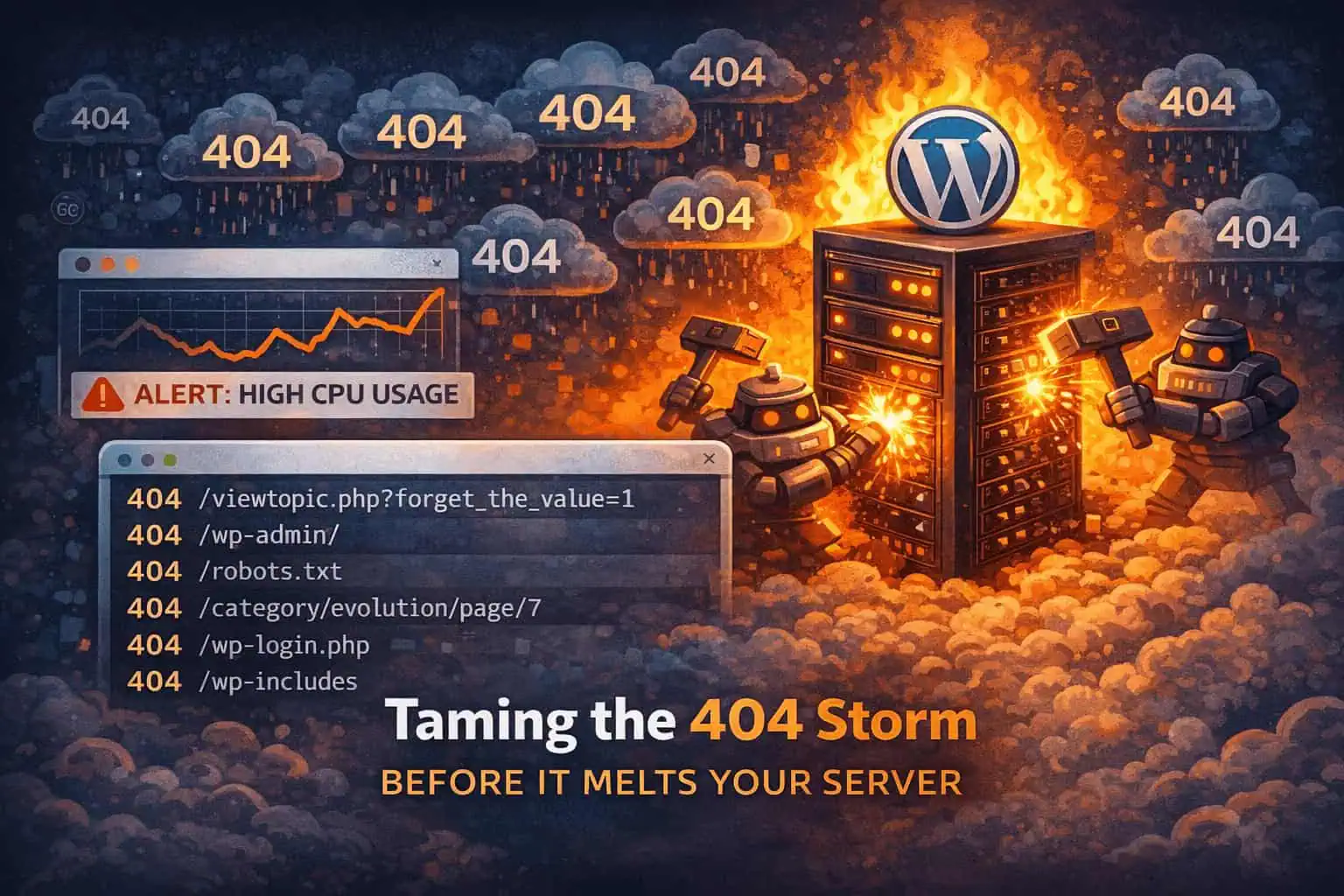
- Why 404s can spike your hosting bill (and how to calm bot noise) 404 hammering burns CPU even when pages do not exist. Confirm the pattern in logs, then cut junk earlier with firewall and rate limits.
- WooCommerce abuse: fake checkouts, coupon attacks, and rate limits Coupon guessing and checkout hammering drain stores without a classic “hack.” Signals to watch and a tuning-first rate-limit approach that protects real shoppers.
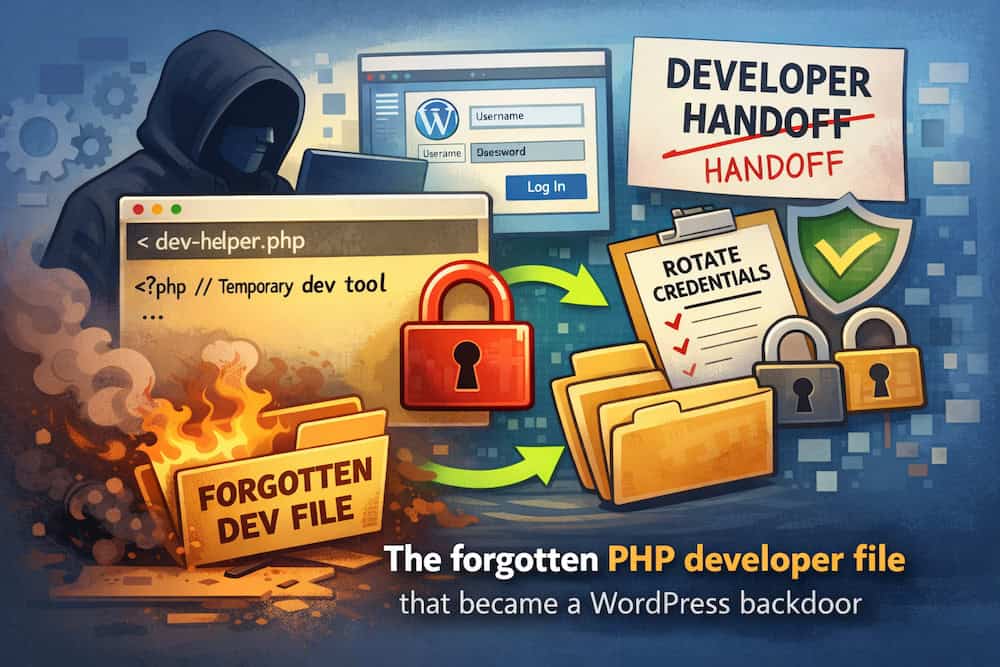
- WordPress hacked after a developer handoff: the leftover file problem A leftover developer file manager acted as a WordPress backdoor. How to find it, clean up, and stop permanent “helpful” access tools.
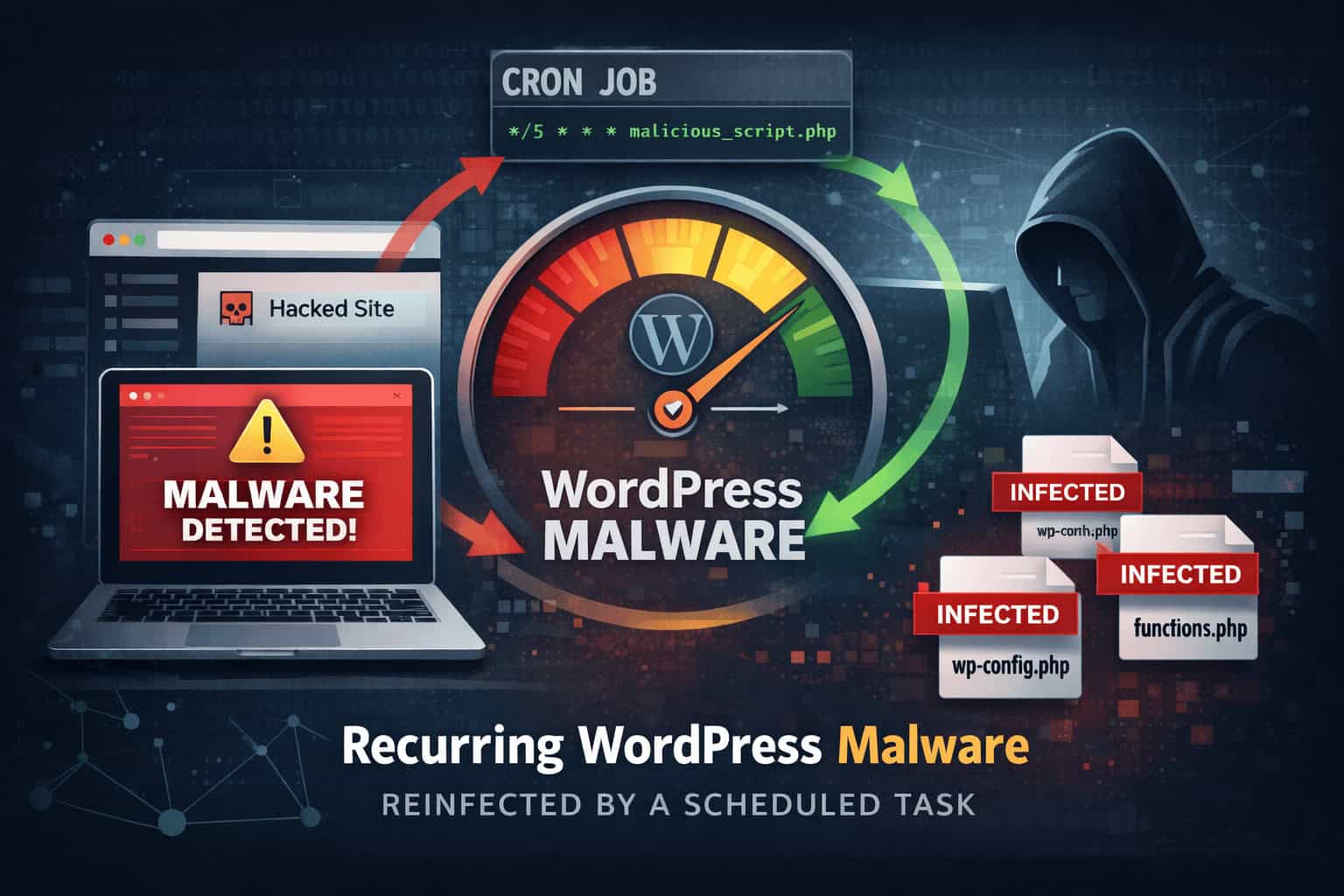
- The malware that kept coming back: the cron job we finally found A WordPress site was cleaned twice, but redirects returned. The root cause was a hosting cron job reinjecting malware on a schedule.
- WordPress security for beginners WordPress security for beginners: simple steps for updates, logins, plugins, backups, scanning, and what to do if something looks wrong.
- WordPress security configuration Configure WordPress security without fluff: wp-config, users, host settings, plugin module order, staging vs production, and links to deeper hardening guides.
- WordPress security plugin conflicts How to spot and fix WordPress security plugin conflicts: overlapping firewalls, login hardeners, and scanners that fight each other.
- WordPress backup and security plugins How to choose WordPress backup plugins vs security plugins: what each job covers, how to keep backups safe, and where Security Ninja fits.
- How to set up a WordPress security plugin Set up one WordPress security plugin: Free tests first, then firewall, malware, and login. Do not stack two suites.
- WordPress security audit A practical WordPress security audit: what to check, which tools to run, how to prioritize fixes, and when to get help.
- How to secure a WordPress login How to secure a WordPress login: unique passwords, 2FA for admins, failed-login limits, and fewer administrators.
- WordPress security checklist A printable WordPress security checklist: HTTPS, updates, passwords/2FA, backups, WAF/scans, least privilege, admin hardening, remove unused, and monitoring.
- WordPress firewall plugins A WordPress firewall plugin filters bad HTTP before it hits wp-admin. Plugin vs cloud WAF, what it actually blocks, and how to pick one without stacking tools.
- WordPress security scanner comparison What a WordPress security scanner actually does: vulnerability checks, malware scans, and core integrity. How to pick one you will run, including Security Ninja.
- Free vs premium WordPress security plugins Free vs premium WordPress security plugins: what free usually covers, when Pro is worth it, and how Security Ninja Free and Pro map to real protection.
- WordPress security best practices Practical WordPress security habits: updates, weak passwords, hosting, brief threat classes, monitoring, and a monthly routine you can keep.
- WordPress security hardening Practical WordPress hardening: updates, wp-config, permissions, logins, SSL, plugins, XML-RPC, .htaccess, firewall, scans, and backups in a sensible order.