WordPress security for beginners
WordPress security for beginners: simple steps for updates, logins, plugins, backups, scanning, and what to do if something looks wrong.
Topics Hardening & checklists Beginner guides

Updated Published
WordPress security for beginners: simple steps for updates, logins, plugins, backups, scanning, and what to do if something looks wrong.
Topics Hardening & checklists Beginner guides
Updated Published
You do not need to become a security engineer to protect a WordPress site. You need a short list of habits and one place to check whether the basics are covered.
Bots scan the internet for:
Most “hacks” are automated. Your job is to make the site boring to attack and easy to restore.
Deactivated plugins still sit on disk. Delete them.
More detail: login security guide.
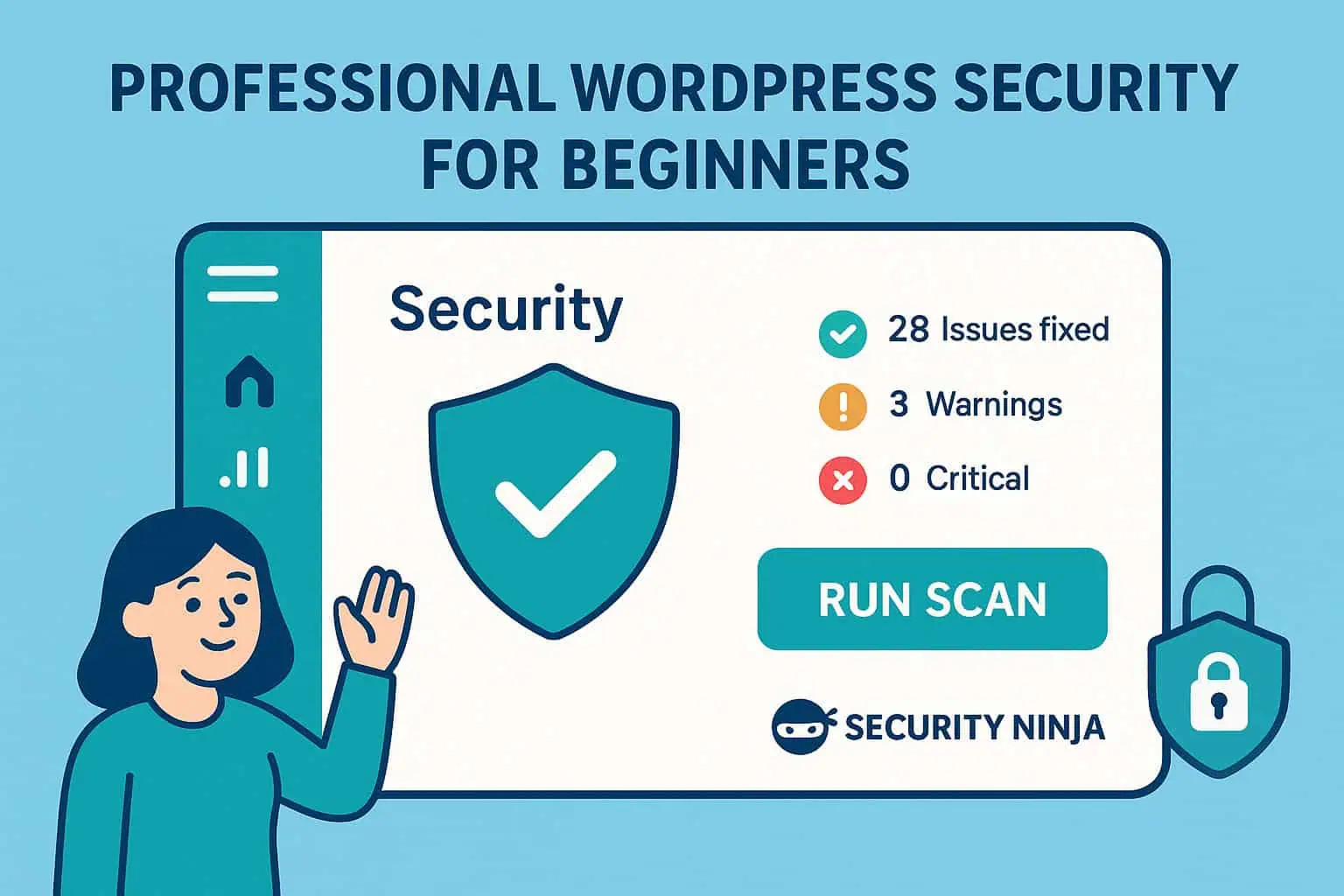
Install a WordPress security plugin such as Security Ninja and run the security tests. Free covers a useful baseline (tests, vulnerability checks, core integrity, events). Pro adds a WordPress firewall plugin layer via Cloud Firewall, malware scanning, scheduled scans, and stronger login tools.
Use the install wizard so you are not guessing toggles.
Guide: backup plan.
Printable-style list: security checklist. Deeper config: hardening guide.
Signs: lockouts, weird redirects, new admins, spam you did not add, browser malware warnings.
Start here: 7 signs of a hack and what to do next. To remove WordPress malware, prefer a clean restore when you have one. Need hands-on help? Hire cleanup or a review.
For most personal sites and small businesses:
That is enough to put you ahead of a huge share of neglected WordPress installs. Add a Pro WordPress firewall plugin layer and scheduled scanning when the site earns money or holds customer data.
Found this useful? Share it.
