Why 404s can spike your hosting bill (and how to calm bot noise)
404 hammering burns CPU even when pages do not exist. Confirm the pattern in logs, then cut junk earlier with firewall and rate limits.
Topics Firewalls & scanners

Updated Published
404 hammering burns CPU even when pages do not exist. Confirm the pattern in logs, then cut junk earlier with firewall and rate limits.
Topics Firewalls & scanners
Updated Published
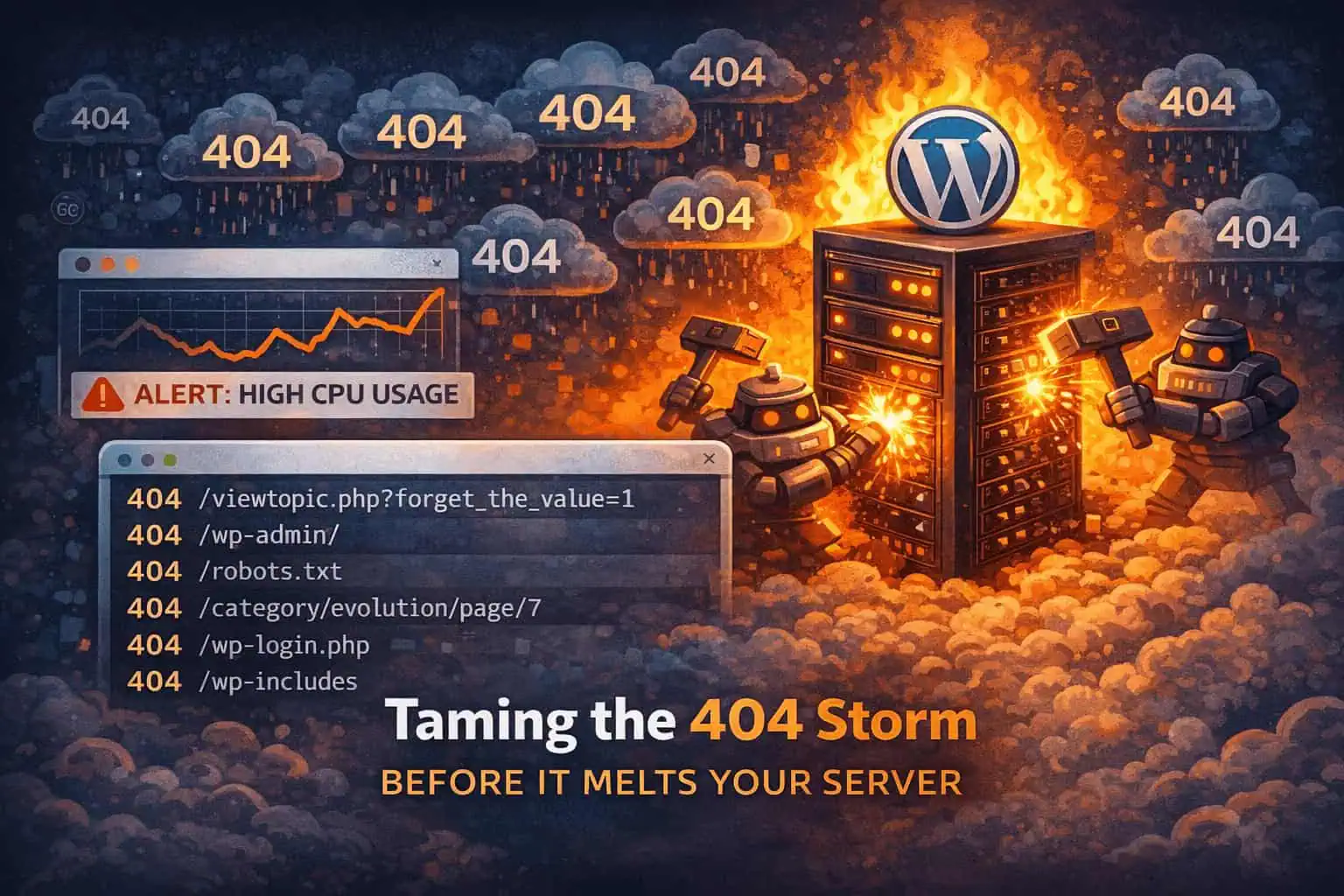
A “high CPU usage” warning with flat analytics is often not a slow plugin. It is bots hammering random URLs until your server spends real work returning endless 404s.
The fix is usually not a week inside WordPress. Confirm the 404 storm in access logs, then reduce that junk earlier with firewall controls and rate limiting, tuned so real visitors still get through.
Typical pattern in access logs:
.php filenames, obvious scannersAnalytics stay quiet because these hits never become sessions. Hosting still bills CPU and I/O.
A “not found” response still costs work. Depending on the stack, the request may hit the web server, rewrite rules, PHP, and a full WordPress bootstrap before the theme returns 404. Multiply that by thousands of junk paths and you get timeouts, elevated CPU, and a site that feels flaky under “no traffic.”
Intent varies: vulnerability scanning, inventory of targets, or warm-up before something louder. Outcome for you is the same: resource burn. At extreme volume it can feel adjacent to DDoS-style noise even when the goal is reconnaissance, not a headline attack.
When CPU spikes and orders look normal, open logs before you disable half your plugin list. If 404 volume dominates, optimizing WooCommerce queries will not fix request quality.
Goal: keep automated nonsense away from PHP. That is what a WAF / application firewall is for in this scenario.
If you use WP Security Ninja, start with the firewall docs and tighten abusive patterns carefully:
A calm workflow:
Do not aim for “zero bots.” Aim for stable hosting while noise stays background noise.
WordPress performance work still matters for real traffic. When the pressure is request volume from scanners, firewall controls are the right first move.
Found this useful? Share it.
