The malware that kept coming back: the cron job we finally found
A WordPress site was cleaned twice, but redirects returned. The root cause was a hosting cron job reinjecting malware on a schedule.
Topics Malware & cleanup

Updated Published
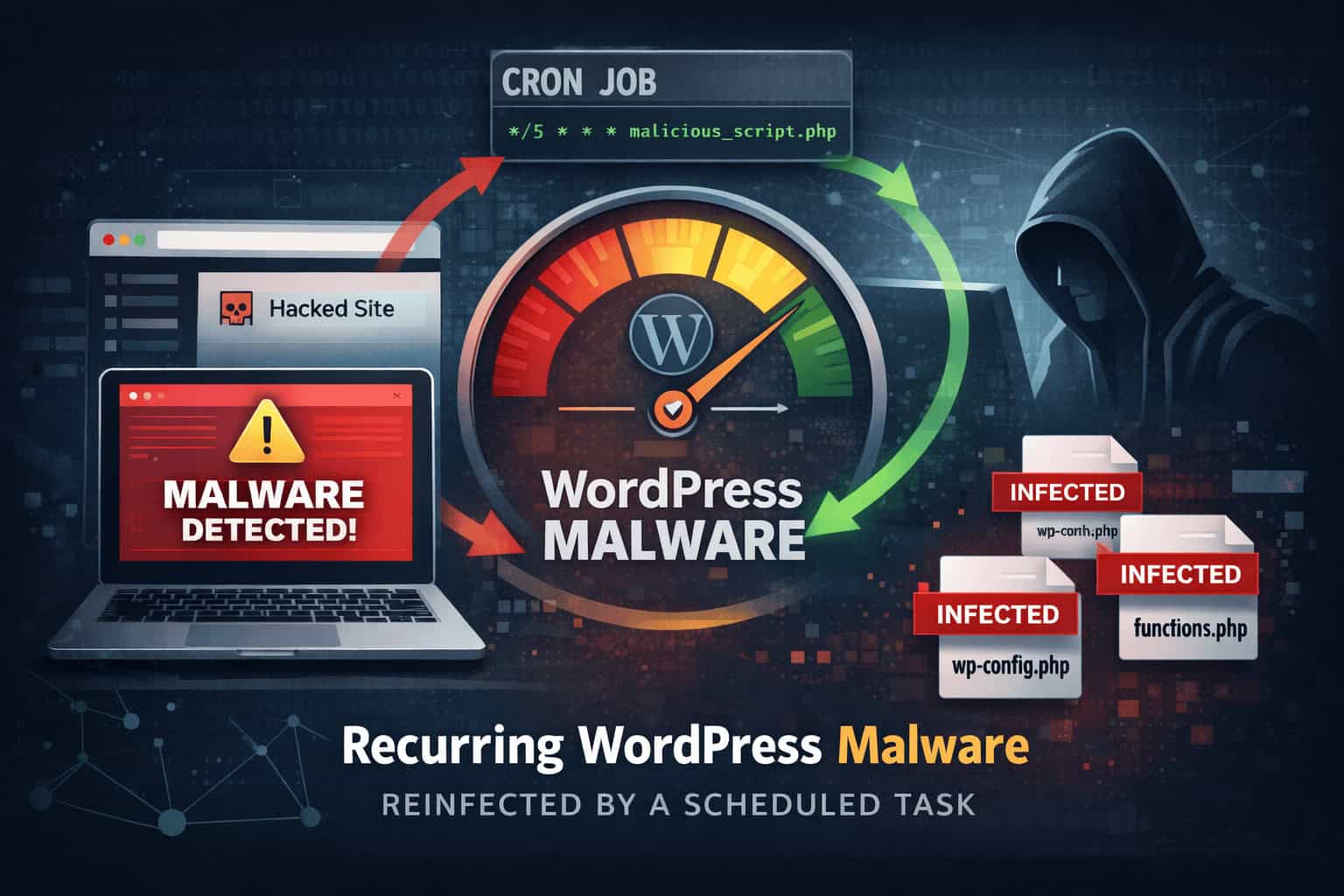
A WordPress site was cleaned twice, but redirects returned. The root cause was a hosting cron job reinjecting malware on a schedule.
Topics Malware & cleanup
Updated Published
A WordPress site was “cleaned” twice. The same redirects came back within hours. The visible malware was not the root issue. A scheduled task (cron) was quietly reinjecting the payload on a predictable cycle.
The turning point was stopping the hunt for injected strings and asking a better question: what keeps writing this back to disk? Once the cron job and the script it ran were removed, and credentials were treated as exposed, the redirects stopped and the file changes stopped reappearing.
The most time-consuming malware cases are rarely the loud defacements. They are the ones that look almost normal until a customer reports something odd, then the symptom vanishes when you try to reproduce it.
Here the owner described two “small” problems that were serious in practice: redirects that only hit some visitors, and short CPU spikes that did not match real analytics traffic.
A quick spot check looked fine. The homepage loaded. Admin worked. Nothing screamed compromise. That is why conditional malware is so disruptive: it wastes time and makes you doubt what you saw. Selective redirects (by device, country, referrer, time window, or first visit) are built to stay quiet during troubleshooting.
The first cleanup looked successful. That moment is dangerous because it creates false confidence. A suspicious plugin was removed, a few modified files were cleaned, and for part of the day the site looked stable. Then the redirects returned.
The second pass was heavier: password resets, theme reinstall, plugin updates. Symptoms faded briefly, then came back the same way.
At that point it stopped being a “missed file” problem and became a persistence problem. Something was designed to restore the infection after removal. When malware returns quickly and repeatedly, stop asking only “where is the bad code” and start asking “what recreates it.” Full process to remove WordPress malware.
We checked for a compromised admin reintroducing changes: new admin users, odd login patterns, edits through normal WordPress workflows. Password resets and stronger access controls were already in place. Nothing pointed to an account-based loop, so attention moved to automation. Login hardening for aftercare: WordPress login security guide and 2FA.
Redirects and file changes reappeared on a roughly daily pattern, often early morning. Hosting spikes followed the same rhythm. Humans rarely reinfect a site at 04:12. Schedulers do. Once you suspect scheduling, you stop burning hours on random file searches.
Instead of only scanning for “bad strings,” we watched file modifications. The same small cluster of files kept changing after restore. The edits were surgical injections, not full overwrites. That pattern is typical of reinjection: blend into legitimate code, leave a small hook.
Validation step for any site owner: restore from known-good sources, then watch. If the same files keep getting re-edited, something is still writing to disk. File integrity monitoring thinking helps here even if you use simple timestamps and checksums.
WordPress scheduling usually lives in two places: WP-Cron (internal events) and hosting-level cron jobs. We checked both. Persistence was a hosting cron that ran PHP on a schedule. It was easy to miss: no helpful label, and it could look like “maintenance” in a rushed audit.
The job executed a hidden script that fetched a small payload, injected it into a few common files, and stayed quiet enough to avoid casual discovery. The injected logic skipped many logged-in admins and only redirected a fraction of visitors, which is why manual checks looked clean while real users still got hurt. Related patterns: backdoors and webshells.
Removal had to be structured:
Treat the environment as exposed (assume breach), not as “just a bad plugin.” The outcome we wanted was measurable: redirects gone, file changes not recurring, hosting CPU back to normal.
1. Audit scheduled tasks at both layers
Check hosting cron for anything you did not create. Then review WordPress scheduled events. That gap is often the difference between “we cleaned it” and “it stays clean.”
2. Watch for repeat file modification patterns
Restore, then observe. If the same files keep getting surgically edited, hunt the writer, not another copy of the payload.
3. Turn the response into a baseline
Write down what changed. Keep a short routine so customers are not your only detection system. Vulnerability awareness helps on the prevention side: WordPress vulnerabilities database and plugins as security risks.
A WordPress security plugin will not replace a hosting-panel cron audit when persistence lives outside WordPress. What in-app scanning, integrity checks, vulnerability alerts, and logs can do is shorten time-to-diagnosis and time-to-confidence once you are looking in the right layer.
Cleaning payloads without removing persistence is how you repeat the same incident every day. Find the scheduler. Then clean the rest. Layered file backdoors look different from hosting cron: how to find layered backdoors.
Found this useful? Share it.
