WordPress hacked after a developer handoff: the leftover file problem
A leftover developer file manager acted as a WordPress backdoor. How to find it, clean up, and stop permanent “helpful” access tools.
Topics Malware & cleanup

Updated Published
A leftover developer file manager acted as a WordPress backdoor. How to find it, clean up, and stop permanent “helpful” access tools.
Topics Malware & cleanup
Updated Published
Sometimes a WordPress site is not compromised through WordPress itself. It is compromised through something sitting next to WordPress: a leftover “temporary” tool that was useful during development and then quietly forgotten.
In this case, a single PHP helper file functioned as a full backdoor long after a developer handoff. Rotating WordPress passwords would not have solved the real problem.
The fix was disciplined, not clever: remove the spare key, rotate the right credentials, look for secondary access, and put a clean offboarding routine in place.
A site changed hands. A migration and some troubleshooting needed quick server access. The site kept running. The owner did not arrive with a dramatic “we’ve been hacked” moment. They had quieter signals: occasional slowness, a couple of unfamiliar files in the file manager, and the line experienced owners learn not to ignore: “I swear we didn’t touch anything.”
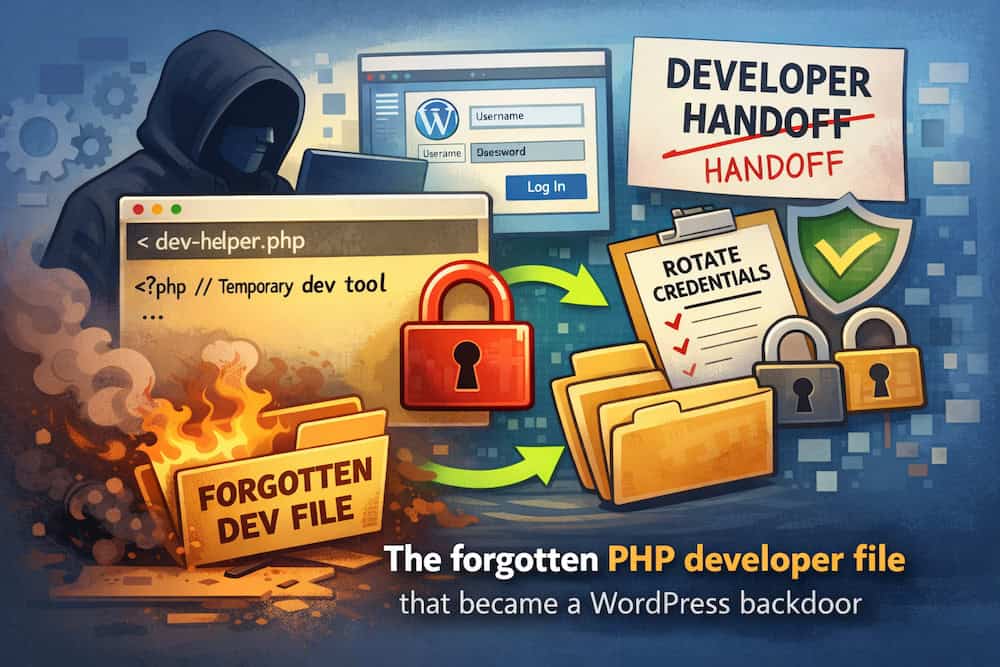
Before changing anything, ask: did anyone have server access recently for legitimate reasons (developer, agency, contractor, migration, debugging)? Here the answer was yes, a few months earlier.
Developers often use small practical tools under deadline pressure: file managers, uploaders, database viewers, search/replace scripts, mail testers, cache cleaners. Those tools are not malicious by default. Left on a production server, they become an access path that bypasses wp-admin entirely.
In the audit we found one PHP file in a place it did not belong. The name was boring. The behavior was a full file manager: browse directories, upload files, edit files on the server.
Someone could control the site without logging into WordPress. That is why this class of incident is so frustrating. You can rotate WordPress passwords all day. It will not matter if an attacker can still upload and modify PHP.
If someone can upload and edit files, they can:
This is not “a WordPress core vulnerability” in the usual sense. It is unauthorized server access. Treat it like a lost key.
After the file was gone and access was tightened, the quiet weirdness stopped. No magic trick. Just removing the spare key.
Locked out of wp-admin but you still own the site (or are hired to recover it) and have FTP/SFTP access? Use a one-time recovery method, then delete the code immediately:
Do not leave recovery hooks or file managers on client sites “for later.” Do not install permanent hidden admin creators as a support convenience. Attackers look for exactly that pattern. A forgotten recovery snippet is a backdoor with a nicer story.
Authorized emergency recovery: create access, log in, delete the code, rotate passwords, scan. Permanent client backdoors: never.
This is operational security: clean handoffs, tight access, and noticing changes early. WP Security Ninja helps you keep a clearer baseline inside WordPress (tests, scanning, events) so suspicious patterns are easier to catch after a cleanup. Pair that with offsite backups you have actually restored once.
Found this useful? Share it.
