Visibility
Dashboard summaries, a per-plugin usage table, and a request log so you can see which plugin is involved and where activity is coming from.
Free · WordPress.org
Grumpy AI Gate
Monitor AI-related activity on your WordPress site, spot which plugin is involved, and optionally block selected WordPress AI Client flows. Free, local, no cloud account.
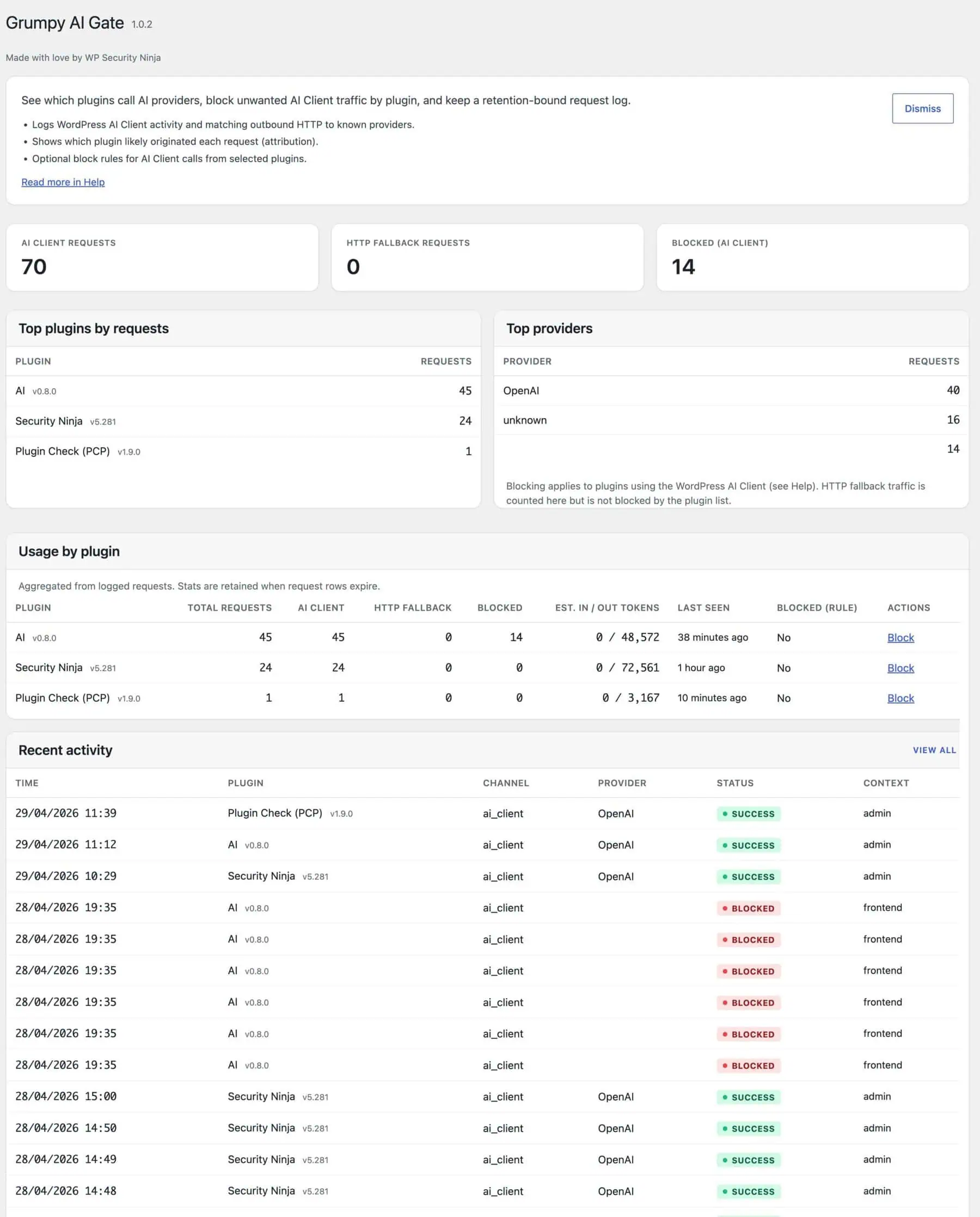
Built for visibility first
What you get
Plugins can trigger AI for content, assistants, SEO, and more. Grumpy AI Gate gives you a practical first layer of visibility and control.
Dashboard summaries, a per-plugin usage table, and a request log so you can see which plugin is involved and where activity is coming from.
AI API usage adds up. Logging helps you spot patterns early so invoices, quota limits, or runaway experiments do not blindside you.
When you know what leaves your server, it is much easier to judge what should and should not be sent in prompts.
For WordPress AI Client flows that respect the prevent hook, you can block selected plugins from generating prompts through that path.
Watch how Grumpy AI Gate monitors AI plugin activity in WordPress.
Which WordPress Plugin Is Using AI? Grumpy AI Gate Shows You
Plugins can now trigger AI activity without a clear way to see who made the request, how often it happens, or whether it should be allowed. Grumpy AI Gate closes that gap.
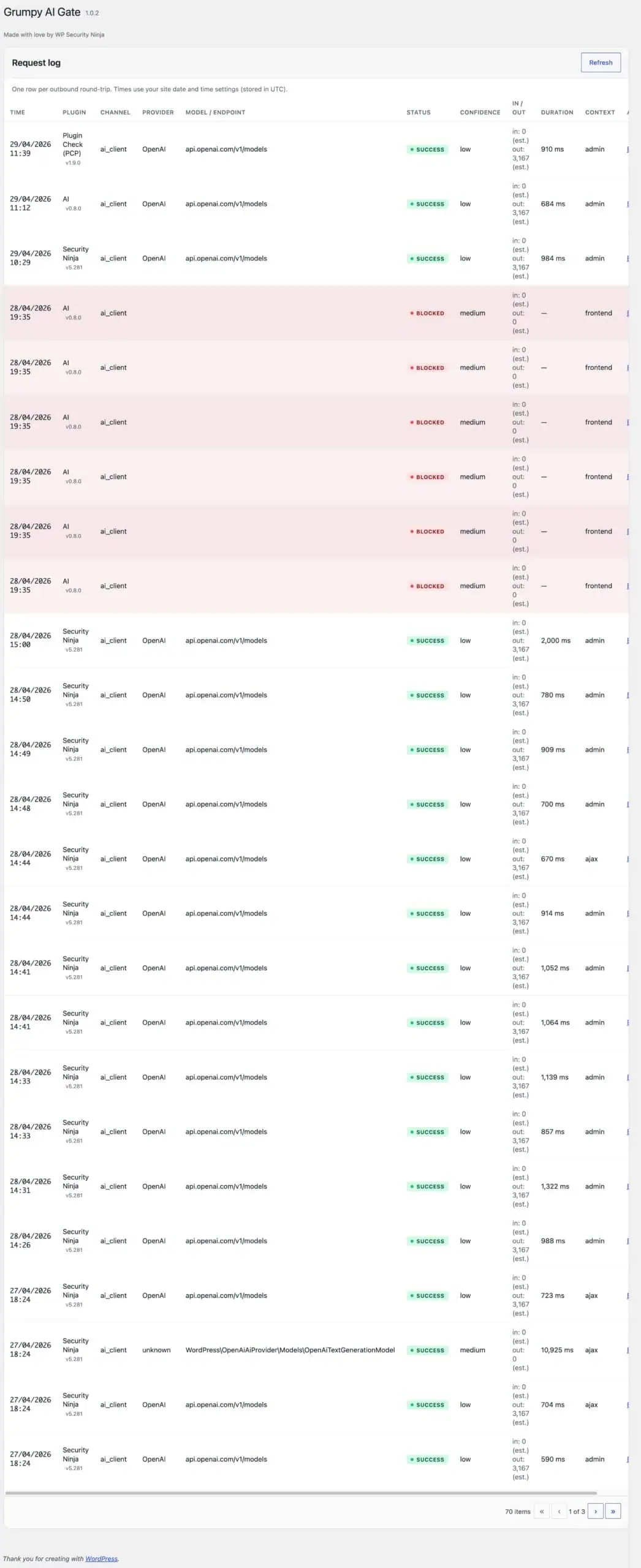
When the WordPress AI Client is available, Grumpy AI Gate records requests from core lifecycle hooks. For plugins that talk to providers over HTTP instead, it can inspect outbound requests already in flight and log recognized AI provider traffic.
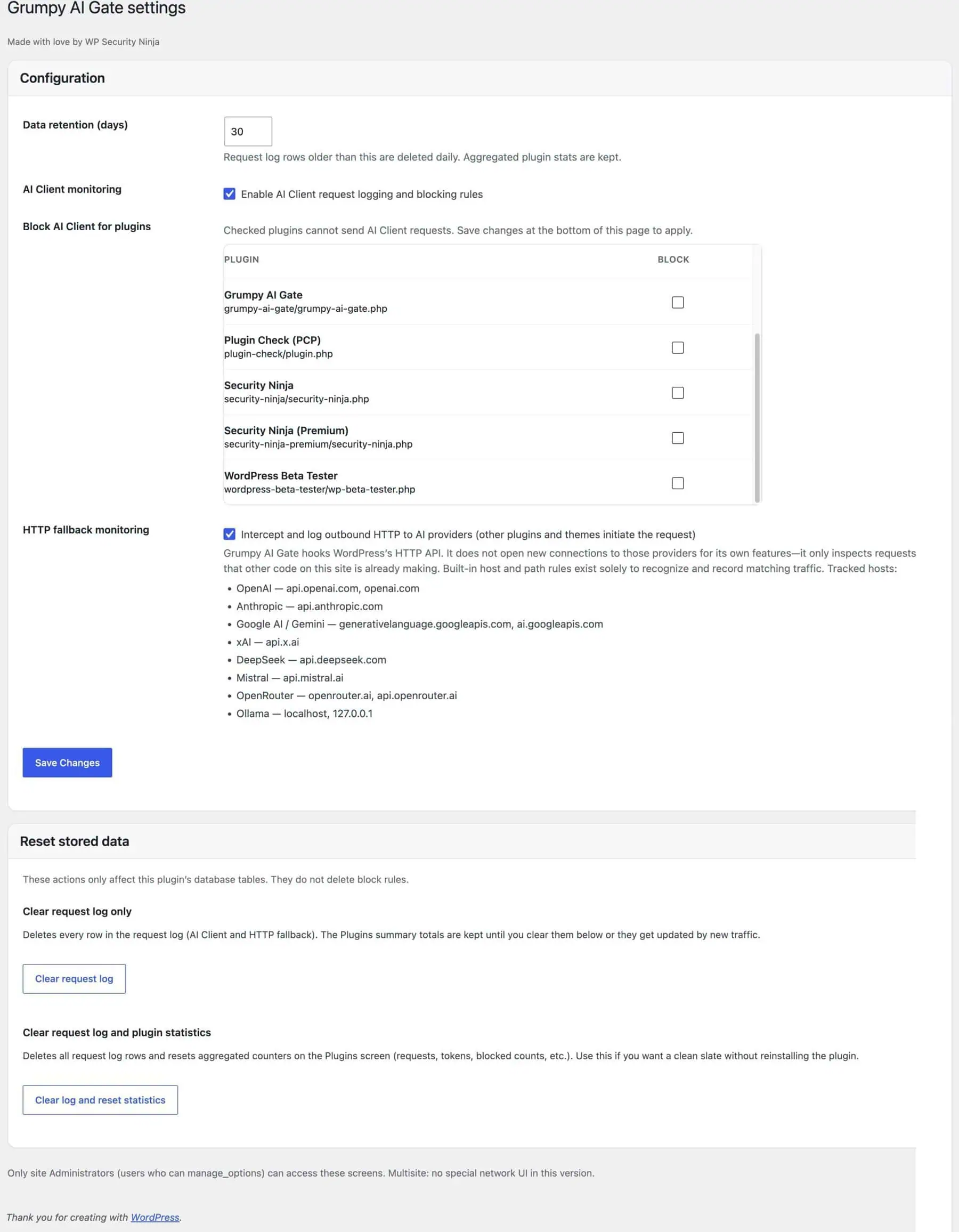
Grumpy AI Gate is a control and visibility plugin, not a full outbound firewall. Hard spend limits still belong in provider dashboards, quotas, and API key controls.
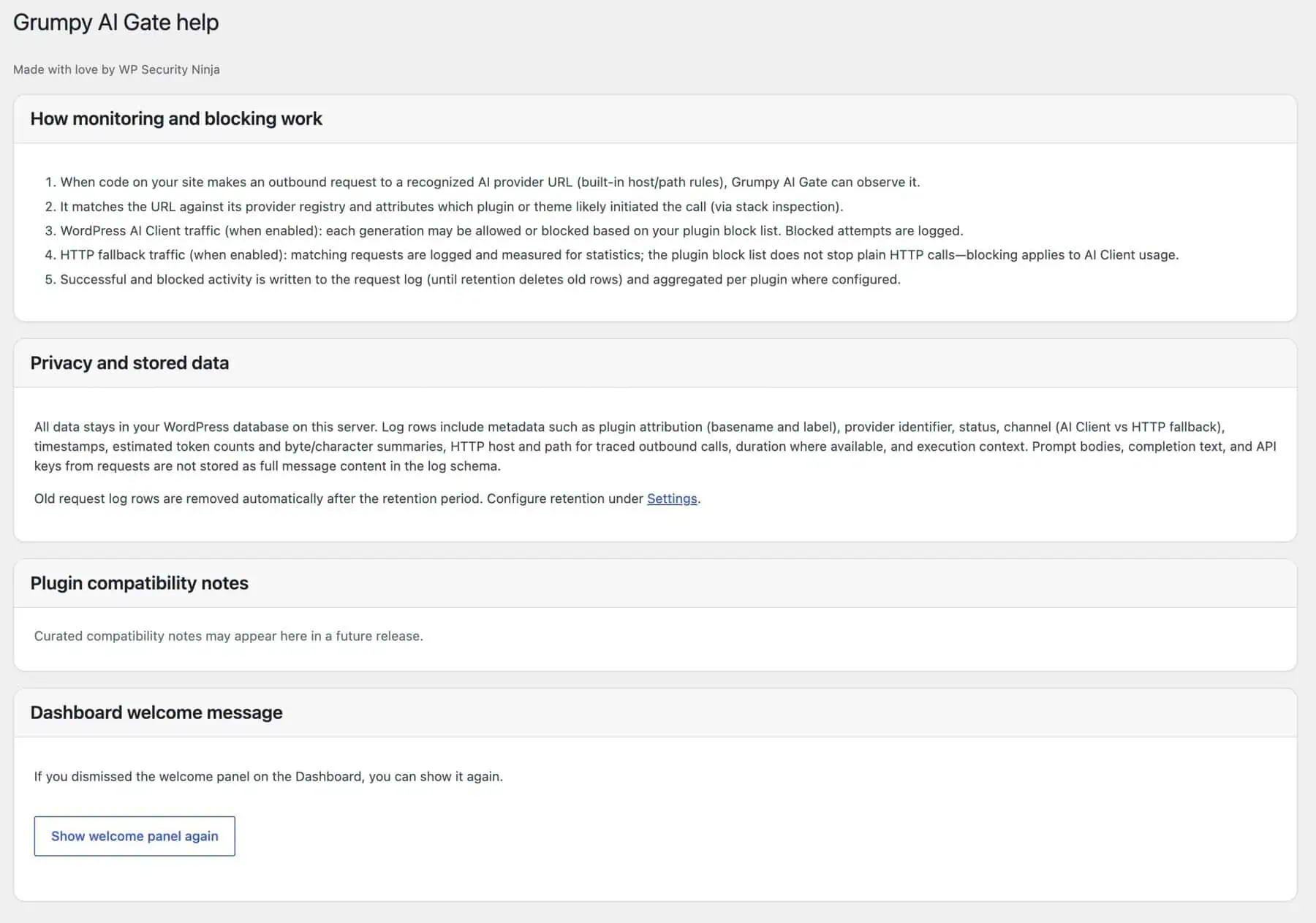
Everything stays on your server. There is no cloud account, no remote analytics, and no telemetry from this plugin. Provider names and URL patterns are local matching rules only.

Excellent Plugin
Excellent idea for the AI era. As more WordPress plugins quietly integrate AI features, Grumpy AI Gate provides valuable transparency and control over what's happening on your site. It's simple, practical, and gives website owners greater peace of mind when managing AI-powered tools.
No. In the current release, blocking applies only to selected WordPress AI Client flows. Direct outbound HTTP calls from plugins can still be logged for visibility, but they are not universally blocked.
No. Logs and settings stay on your server. The plugin does not add off-site tracking or analytics.
Yes. The plugin loads safely, and HTTP fallback can still log recognized provider traffic initiated by other code on the site.
Grumpy AI Gate requires WordPress 7.0+. Release testing included WordPress 7.0 Beta 5.
Get visibility into AI-related plugin activity on your WordPress site, and stop supported AI Client flows where needed.
Download free