Pro · Set and forget
WP Security Ninja
WordPress security monitoring on a schedule
Schedule daily, weekly, or monthly scans and get email reports when results change. It works for one busy site or a whole client list.
- ✓ Daily / weekly / monthly
- ✓ Email reports
- ✓ Change awareness
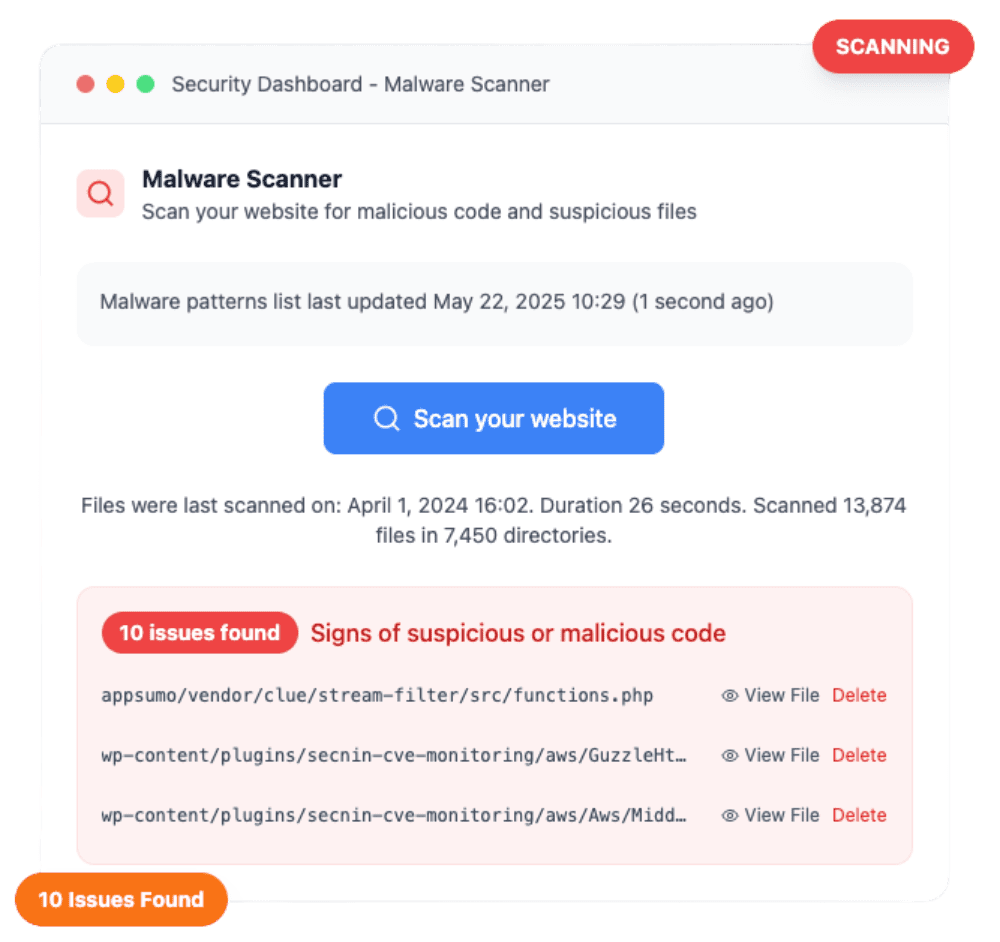
Monitoring that does not rely on memory
Manual scans are easy to skip. Scheduled Scanner runs your checks in the background and emails you when results change.
- ✓ Choose a cadence that fits your risk
- ✓ Email reports when something needs attention
- ✓ Pairs with malware, tests, and vulnerability checks
Know when things get better, or worse
Reports highlight status changes so you can celebrate improvements and react to new warnings without reading every line every time.
- ✓ Clear status labeling in reports
- ✓ Useful for freelancers with many client sites
- ✓ Combine with webhooks for chat alerts
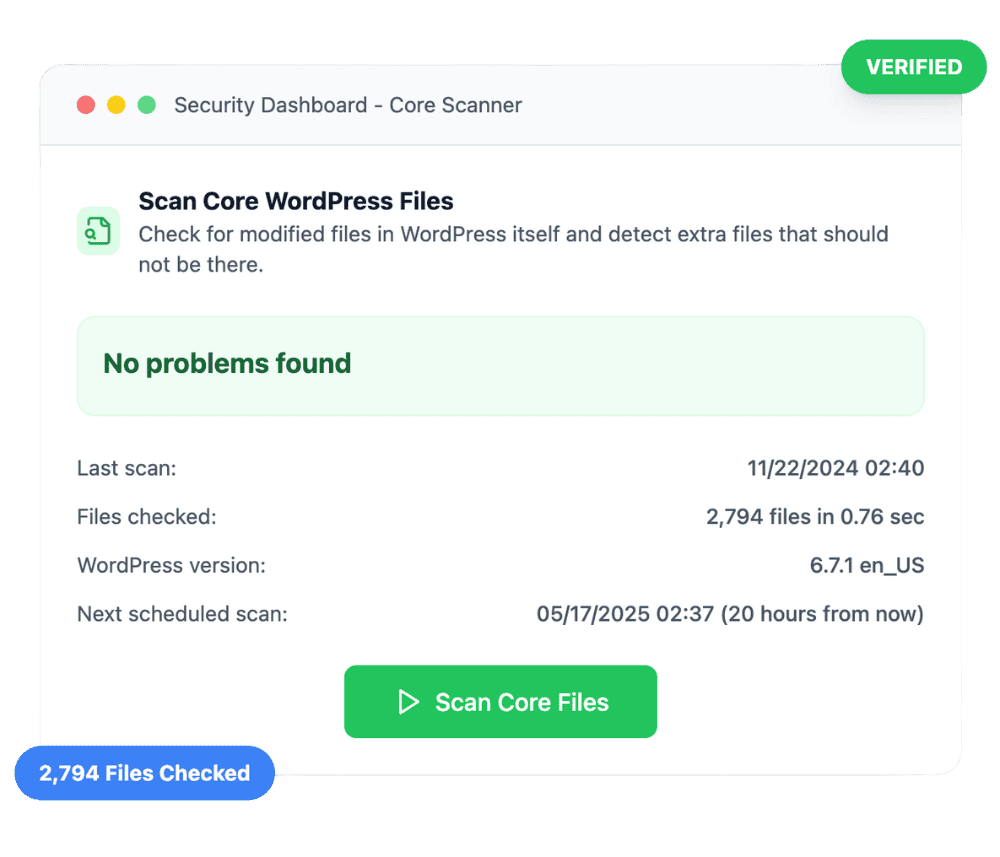
Pair scheduled scans with the Events Logger
Scheduled scans tell you when results change. The Events Logger shows what happened in between, including logins, firewall blocks, and other important activity.
- ✓ Scheduled scans when results change
- ✓ Events for login and firewall history
- ✓ Webhooks when you want chat alerts
Customer reviews
4.9 / 5 from 262 reviews
Great offering
“My Wordpress site had recently been compromised even when I had a scanning plugin that was supposed to detect malware.”
“Security Ninja has improved massively over the last year. The plugin keeps getting better and more powerful, and it has become an important part of how I manage WordPress security…”
One of my best purchases
“So I end up purchasing quite a few accounts here. Most are just sitting on the shelf, hoping that someday they will mature enough to be worth it.”
Excellent Plugin
“Security Ninja has everything and more of what you’d want in a security plugin. Some examples are the firewall, limited login attempts, malware scanner, logs, and alerts.”
Frequently asked questions
What does scheduled scanning monitor? +
Your schedule runs the security checks you choose and emails you when results change, for example when a new vulnerability or malware finding appears. Pair it with the Events Logger for login and firewall history, and webhooks for chat alerts. You still decide how to review and fix anything it finds.
Is scheduled scanning free? +
No. Scheduled scans and email reports are Pro features. Free users can run scans manually anytime.
What gets scanned on a schedule? +
You configure the schedule in Security Ninja Pro. Reports can include the security checks you rely on day to day. See the scheduled scanner docs for current options.
How does this differ from a WordPress care plan? +
Scheduled Scanner and Events are product monitoring. A care plan is people and process: who updates, who reviews alerts, and who cleans malware. Use both when an agency or you own the calendar. See the WordPress care plan guide for the maintenance checklist.
Can I also get Slack alerts? +
Yes. Use Pro webhooks alongside scheduled email reports for chat-channel visibility.
Run security checks automatically
Upgrade to Pro for scheduled reports, the full Events Logger, malware scanning, and Cloud Firewall.
Get Pro