Security Ninja for MainWP: fleet security from one dashboard
How Security Ninja for MainWP handles fleet status, remote scans, combined events, email alerts, report history, and white label.
Topics Hardening & checklists

Updated Published
How Security Ninja for MainWP handles fleet status, remote scans, combined events, email alerts, report history, and white label.
Topics Hardening & checklists
Updated Published
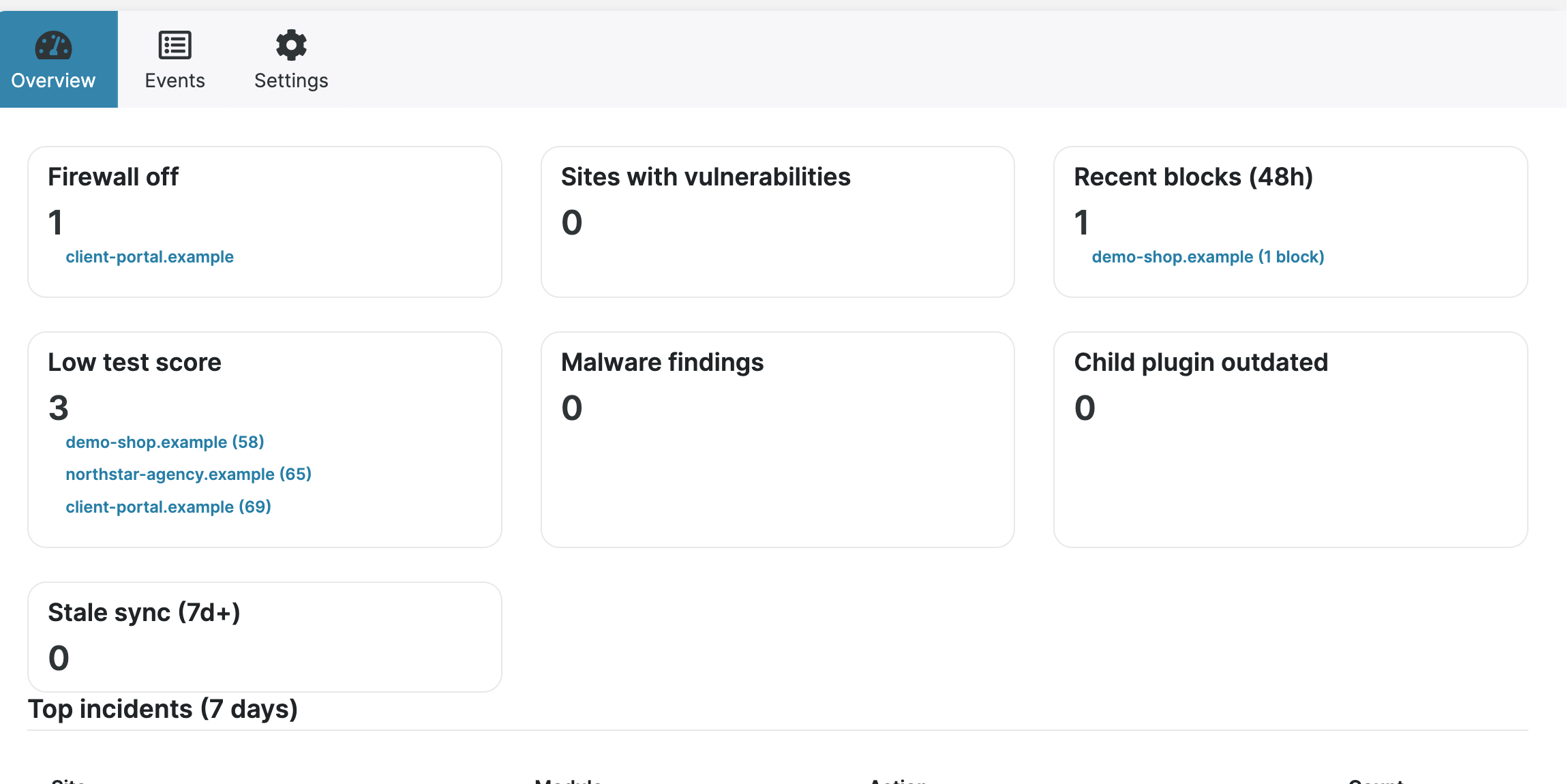
If you already manage sites with MainWP, Security Ninja can surface security status from those child sites inside your MainWP Dashboard. You still install Security Ninja on each site. The MainWP addon sits only on the Dashboard and pulls results after you sync.
This is for people who run many WordPress installs and do not want to open every wp-admin to see scores, known vulnerabilities, or recent security events.
| Location | What to install |
|---|---|
| MainWP Dashboard site | MainWP Dashboard, Security Ninja, and the Security Ninja for MainWP addon |
| Each child site | Security Ninja only (free or Pro). Do not install the MainWP addon on children |
Child sites already include the MainWP integration code inside Security Ninja. The addon on the Dashboard reads that data after sync. If the overview is empty or Sync stays grey, you usually have no connected children yet, or Security Ninja is missing on those sites.
Setup paths:
The free addon is on WordPress.org. It works with free or Pro Security Ninja on child sites. Data shown matches what each site’s version can provide.
| Capability | Free addon | Premium addon |
|---|---|---|
| View Security Ninja test results per site | Yes | Yes |
| See known vulnerabilities | Yes | Yes |
| Trigger remote security scans | Yes | Yes |
| Sync / pull fresh results | Yes | Yes |
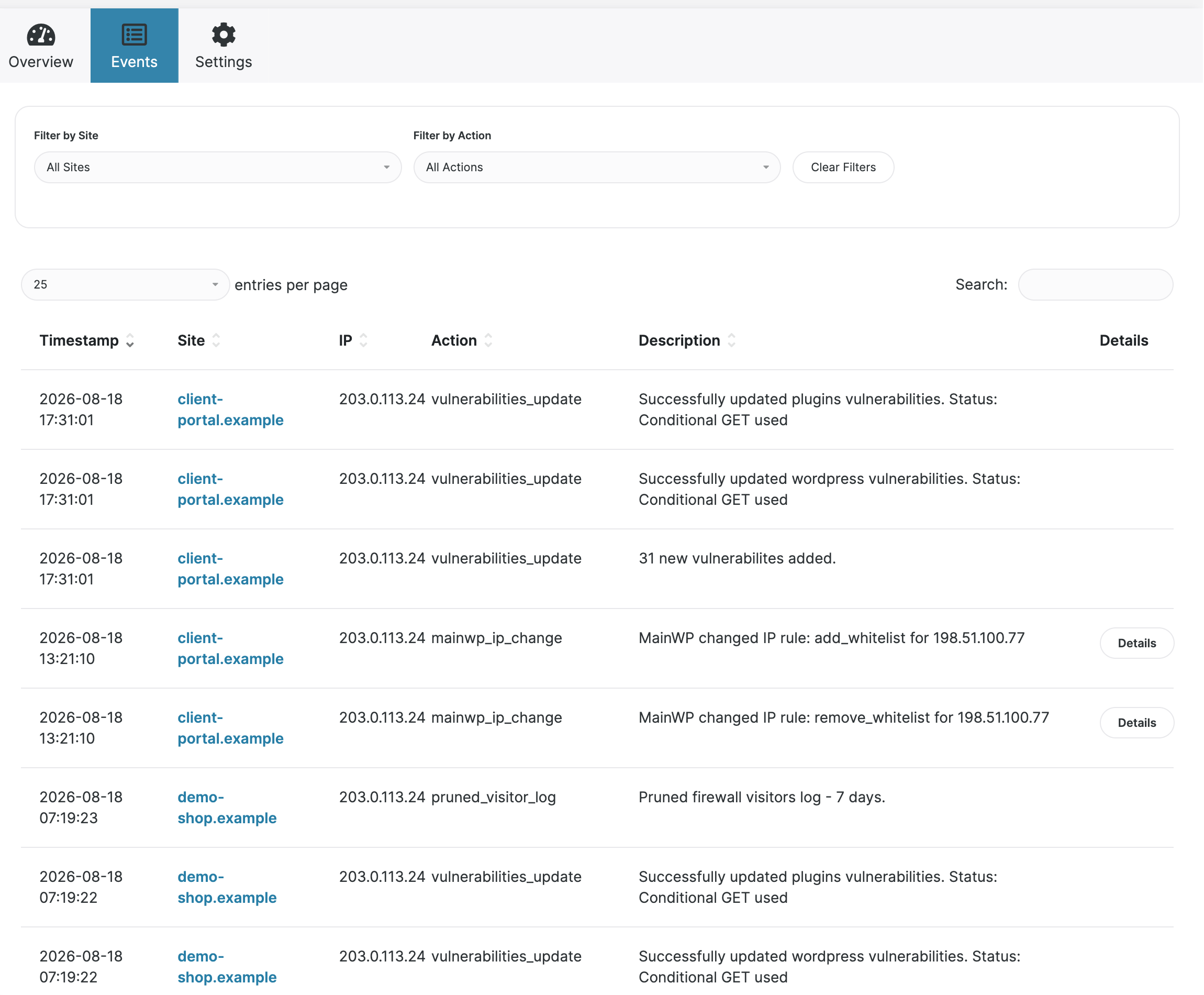
| Combined event logging across sites | No | Yes (needs events on the child; Pro) |
| Daily fleet email digest | No | Yes |
Score and vulnerability history for month.summary | No | Yes |
| Remote white label on/off | No | Yes (Pro children) |
Premium customers should use the zip from their account, not the free wordpress.org build. The free plugin does not include premium code. Agency packs often include MainWP addon value; see agencies and the MainWP integration page.
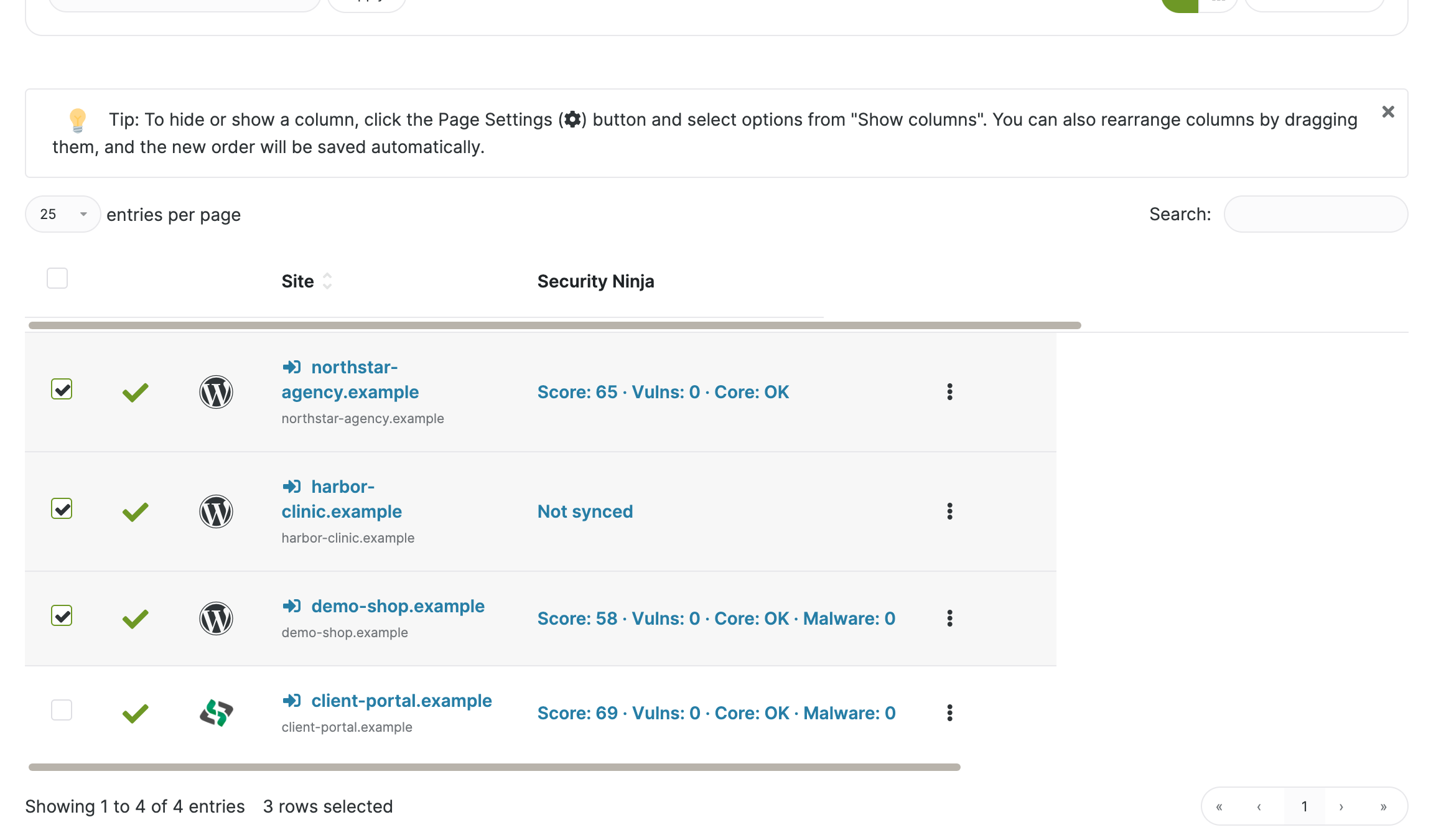
Useful day-to-day pieces:
[securityninja.month.summary] client report token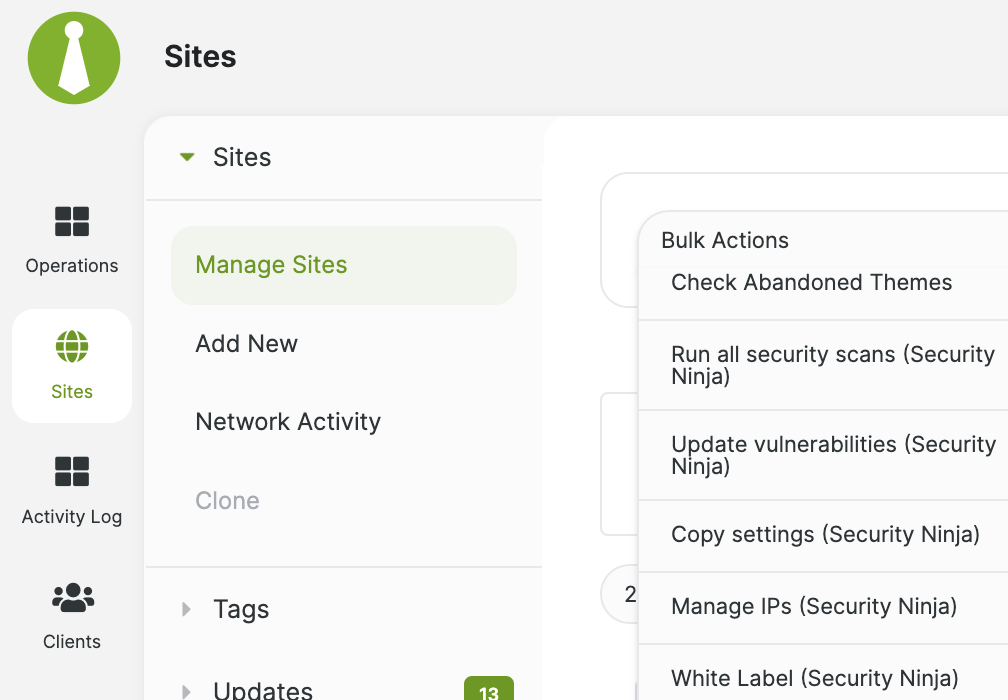
MainWP plus Security Ninja improves visibility and response time. It does not:
Keep the Dashboard site locked down the same way you would any high-value admin: MFA, unique passwords, least privilege, and tested backups. Broader fleet habits: WordPress security checklist and the security guide hub.
For a wider look at MainWP itself (updates, backups, extensions), see MainWP for managing multiple WordPress sites.
Found this useful? Share it.
