Blog / Página 5
Todos los artículos
Página 5 de 7 · en inglés
- How to protect your ecommerce website: practical security basics Practical ecommerce security for WordPress and WooCommerce: HTTPS, MFA, bot noise, updates, payments honesty, and recovery without overclaiming PCI magic.
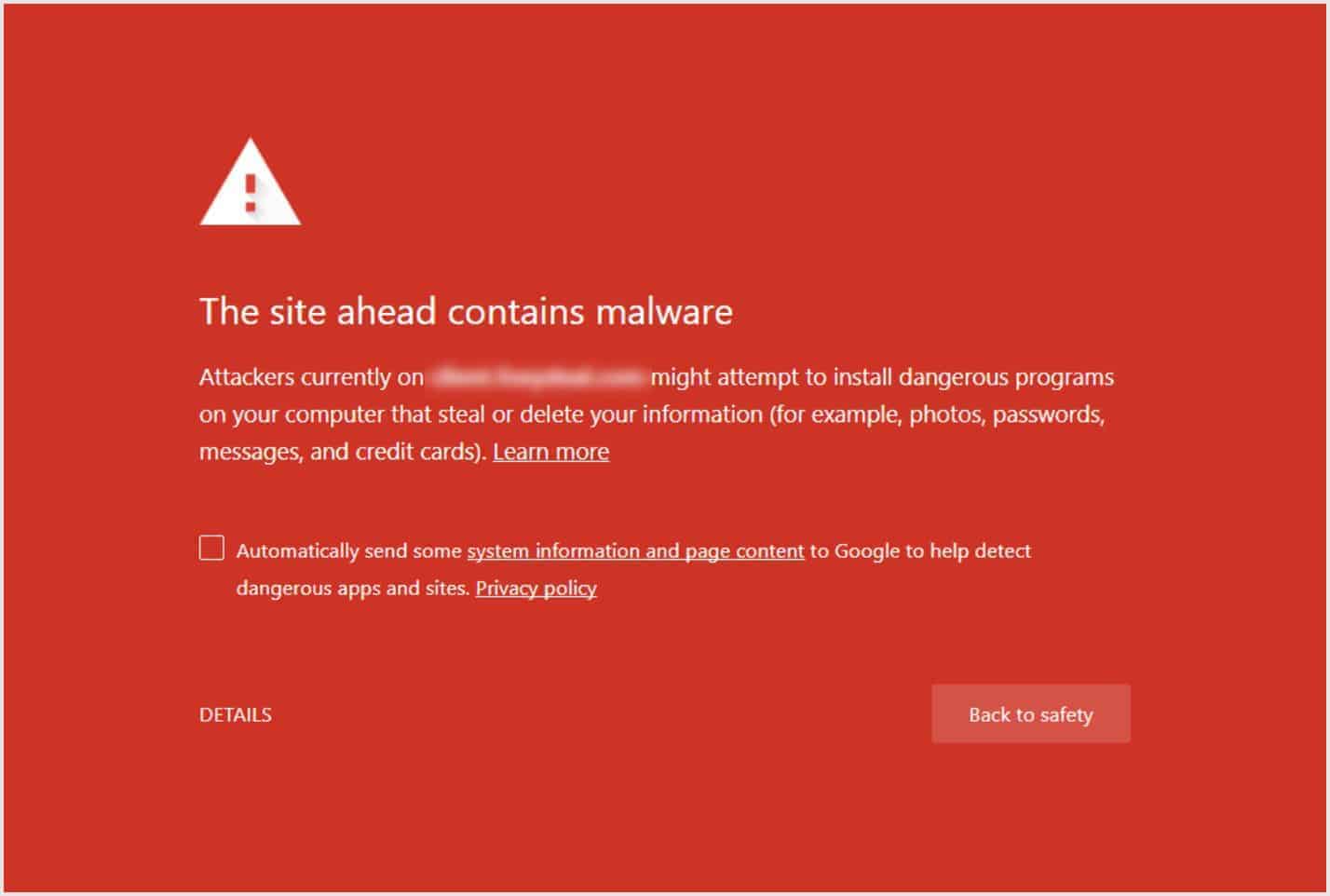
- Website Backup Plan: Survive a Site Compromise & Recover Fast Build a simple WordPress backup and recovery plan: clean backups, early alerts, restore steps, and what to do if malware or a hack takes the site down.
- What is a browser fingerprint? How fingerprinting works What is a browser fingerprint? How sites build a profile from device signals, what private mode cannot hide, and practical ways to reduce browser fingerprinting.
- Negative SEO vs WordPress malware Junk backlinks often look like negative SEO when the real problem is malware on WordPress. Clean the site first. Disavow in Search Console only after the install is clean.
- Access control in database security How database access control works: least privilege, discretionary vs mandatory models, flow and inference controls, and why it matters for WordPress data.
- Why website security matters for SEO How HTTPS, malware, spam injections, and downtime affect search visibility, plus practical security steps that protect rankings and trust.
- Password protect a WordPress site, page, or category Password protect an entire WordPress site, a single page without a plugin, or a category. Soft gates for staging and previews, not a substitute for login security.
- How criminals steal personal data (and what to do about it) Spyware, social apps, loyalty databases, and open Wi-Fi: common ways personal data is stolen, plus practical defenses for people and small businesses.
- Why Hackers Target Your Website, and How to Protect WordPress Even small WordPress sites get hit by bots. Here is why, how attacks usually start, and the practical steps that cut most of the risk.
- Why regular website maintenance keeps your site secure Regular WordPress maintenance closes security gaps, keeps backups usable, improves speed, and protects visitor trust before small issues become incidents.
- WordPress Site Hacked? Steps to Recover and Secure It Fast If your WordPress site is hacked: confirm the compromise, contain damage, restore or clean, rotate access, close the entry point, and harden so it does not return.
- WordPress Hacked Redirect: Find and Fix It A WordPress hacked redirect often sits in .htaccess, index.php, siteurl/home, or uploads. Find it, remove the backdoor, then harden login.
- How to Protect a WordPress Site from Malware and Hackers Practical ways to protect WordPress from malware: updates, safe plugins, strong logins, firewall, scanning, and backups you can restore.
- Methods to protect your WordPress site from breaches Practical WordPress defenses that reduce breach risk: updates, strong logins, IP limits when they fit, HTTPS, and hardening that is not security theater.
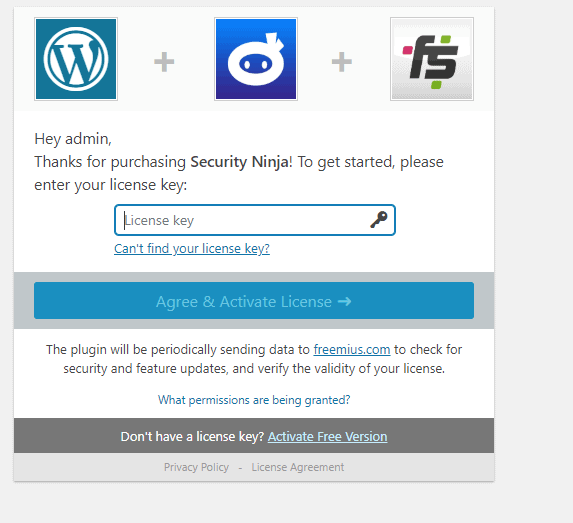
- Get started with WP Security Ninja Just purchased? Download the Pro ZIP from your account, activate your license, run the install wizard, then harden with care.
- What visitors and customers risk without WordPress security How a compromised WordPress site harms visitors and customers: stolen data, malware redirects, defacement, fake ads, lost trust, and legal exposure.
- How an ethical hacker can help protect your WordPress site What ethical hackers (penetration testers) actually do for WordPress sites, when hiring one makes sense, and how security plugins fit beside that work.
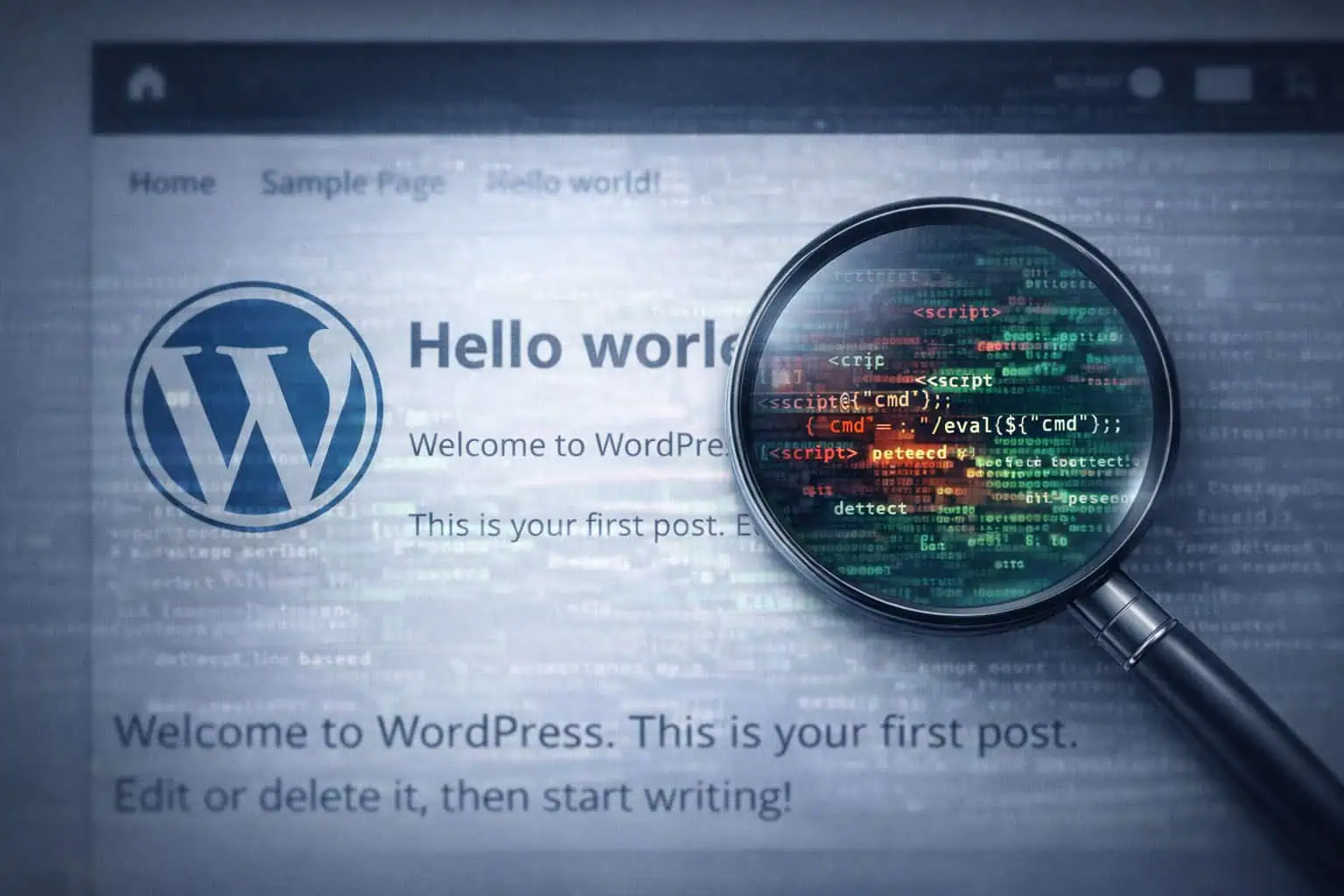
- Backdoor injection patterns: finding layered WordPress persistence A teaching metaphor for multi-layer WordPress backdoors: droppers, obfuscation, and multiple shells. Where they hide and how to find them without inventing a fake campaign.
- Steps to secure your business online A practical sequence for small online businesses: risk priorities, updates, network basics, staff training, access control, and shadow IT without the brochure voice.
- WordPress SEO mistakes that also create security risk Thin SEO checklists miss the failures that hurt rankings and trust: malware redirects, spam, weak HTTPS, and neglected plugins. Fix these first.