WordPress security library
Blog
123 practical articles on malware, login protection, hardening, and keeping WordPress sites safe.
Start here
Pillar guides most site owners need first.
- WordPress security for beginners WordPress security for beginners: simple steps for updates, logins, plugins, backups, scanning, and what to do if something looks wrong.
- How to secure a WordPress login How to secure a WordPress login: unique passwords, 2FA for admins, failed-login limits, and fewer administrators.
- WordPress security checklist A printable WordPress security checklist: HTTPS, updates, passwords/2FA, backups, WAF/scans, least privilege, admin hardening, remove unused, and monitoring.
- WordPress firewall plugins A WordPress firewall plugin filters bad HTTP before it hits wp-admin. Plugin vs cloud WAF, what it actually blocks, and how to pick one without stacking tools.
- WordPress security scanner comparison What a WordPress security scanner actually does: vulnerability checks, malware scans, and core integrity. How to pick one you will run, including Security Ninja.
- Free vs premium WordPress security plugins Free vs premium WordPress security plugins: what free usually covers, when Pro is worth it, and how Security Ninja Free and Pro map to real protection.
- WordPress security hardening Practical WordPress hardening: updates, wp-config, permissions, logins, SSL, plugins, XML-RPC, .htaccess, firewall, scans, and backups in a sensible order.
- Best WordPress security plugins Best WordPress security plugins by job: Security Ninja, Wordfence, Sucuri, MalCare, Patchstack, and Solid Security. What each is strong at, and how we choose.
- WordPress security guide A practical WordPress security hub: ordered paths for beginners, agencies, stores, and incident response, plus links to checklists, hardening, login, firewall, and scanners.
- WordPress malware removal How to remove WordPress malware: contain the infection, clean or restore, rescan, rotate access, and close the hole so it does not come back.
- WooCommerce security How to secure a WooCommerce store: updates, strong logins, checkout rate limits, malware scanning, backups, and monitoring. No fake PCI guarantees.
- 7 Signs a WordPress Site Is Hacked How to tell if a WordPress site is hacked: unknown admins, lockouts, redirects, spam, Search Console warnings. Several signs together, not one glitch.


Malware & cleanup
Guides on detecting WordPress malware, cleaning reinfections, and hardening the site afterward so it does not get infected again.
- WordPress core files were modified: what it means A core-file warning means a checksum mismatch, not an automatic hack. How to read the diff, when it is harmless, and when to restore or treat it as malware.
- When a security plugin is enough vs when to hire cleanup A plugin is the weekly stack you run yourself. Hired cleanup is humans for a live compromise or a written review. How to buy the right job, not a second dashboard.
- WordPress Malware Cleanup: DIY or Hire Help? After you confirm a WordPress hack: when to clean malware yourself, when to hire cleanup, what a good incident response includes, and how to avoid paying twice.
- Check if Your WordPress Site Is Hacked Check if a WordPress site is hacked with scans from wp-admin: vulnerabilities, security tests, core integrity, then a logged-out look at users and Search Console.
- WordPress security patterns we keep seeing (and simple fixes) Recurring WordPress security problems: postponed updates, messy access, no logs, untested backups, bot noise, and one-time security installs. Plus a simple baseline.

Login & access
Protect wp-login, stop brute force, and lock down administrator access.
- How to enable 2FA on WordPress Enable two-factor authentication on WordPress: authenticator app or email codes, which roles must enroll, grace period, and how to recover a lost phone.
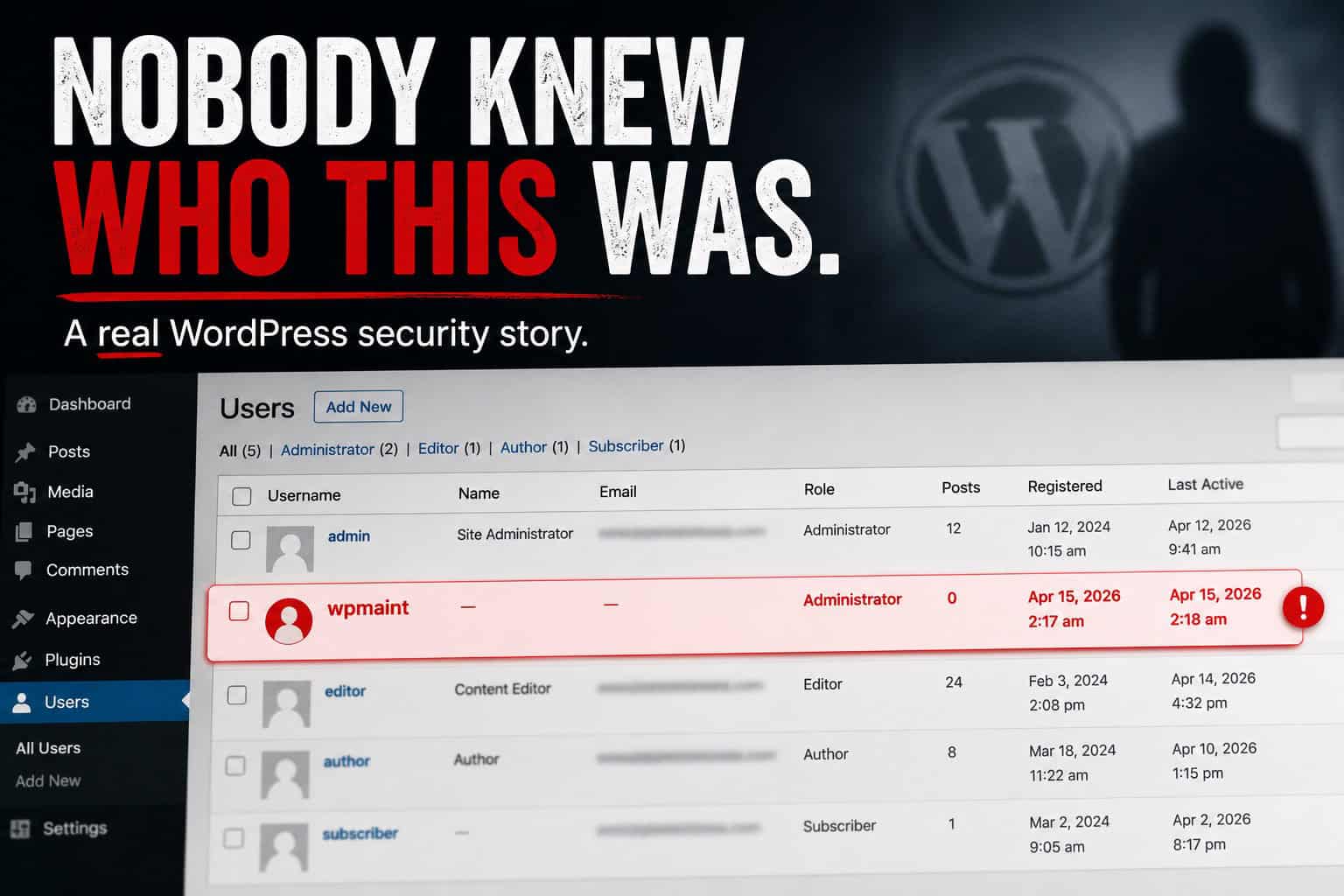
- An unknown WordPress admin: the calm response that keeps the incident short A client spotted an unrecognized administrator named wpmaint. How we contained access, checked plugins and themes, and left the site more disciplined than before.
- How to secure a WordPress login How to secure a WordPress login: unique passwords, 2FA for admins, failed-login limits, and fewer administrators.
- WooCommerce Protected Categories: password and role gates Set up WooCommerce Protected Categories (Barn2) with passwords, roles, or users. Test add to cart, cache pitfalls, and store hardening that still matters.
- Password Management Tips for WordPress Sites Numbered password practices for WordPress: unique passwords, managers, team sharing, 2FA, recovery codes, and audits without duplicating the full login guide.

Hardening & checklists
Practical hardening steps, audits, and security checklists that stick.
- How to enable 2FA on WordPress Enable two-factor authentication on WordPress: authenticator app or email codes, which roles must enroll, grace period, and how to recover a lost phone.
- WordPress core files were modified: what it means A core-file warning means a checksum mismatch, not an automatic hack. How to read the diff, when it is harmless, and when to restore or treat it as malware.
- When a security plugin is enough vs when to hire cleanup A plugin is the weekly stack you run yourself. Hired cleanup is humans for a live compromise or a written review. How to buy the right job, not a second dashboard.
- WordPress Security Monitoring: What It Actually Means WordPress security monitoring explained: plugin schedules, events logs, external uptime checks, and human retainers. What each covers and what none of them replace.
- wp2shell: Critical WordPress core vulnerability actively exploited WordPress 7.1.2 is a critical core security release (CVE-2026-87902). 7.1.1 patched Click2Shell and Comment2Shell. July leftover-access checks still apply.

Firewalls & scanners
Compare firewalls, scanners, and how layered protection actually works.
- Security Ninja vs MalCare Security Ninja vs MalCare: one in-dashboard stack versus malware cleanup plans, and when each fits.
- Security Ninja vs Patchstack Security Ninja vs Patchstack: one in-dashboard stack versus virtual patching for known vulnerabilities.
- WordPress WAF: Plugin Firewall vs Cloud WordPress WAF compared: plugin firewall vs cloud or edge WAF. Where each runs, what each blocks, when to use both, and why stacking three firewalls backfires.
- Ninja Firewall vs Security Ninja (Not the Same Plugin) Ninja Firewall is NinTechNet, not WP Security Ninja. Same ninja word, different companies. Firewall-only tool vs a Free-to-Pro stack.
- Security Ninja vs Solid Security Security Ninja vs Solid Security (formerly iThemes Security): hardening-first versus an all-in-one Free-to-Pro WordPress security stack.

WooCommerce & ecommerce
Practical WooCommerce security tips: protect customer data, reduce checkout abuse, and keep your storefront trustworthy.
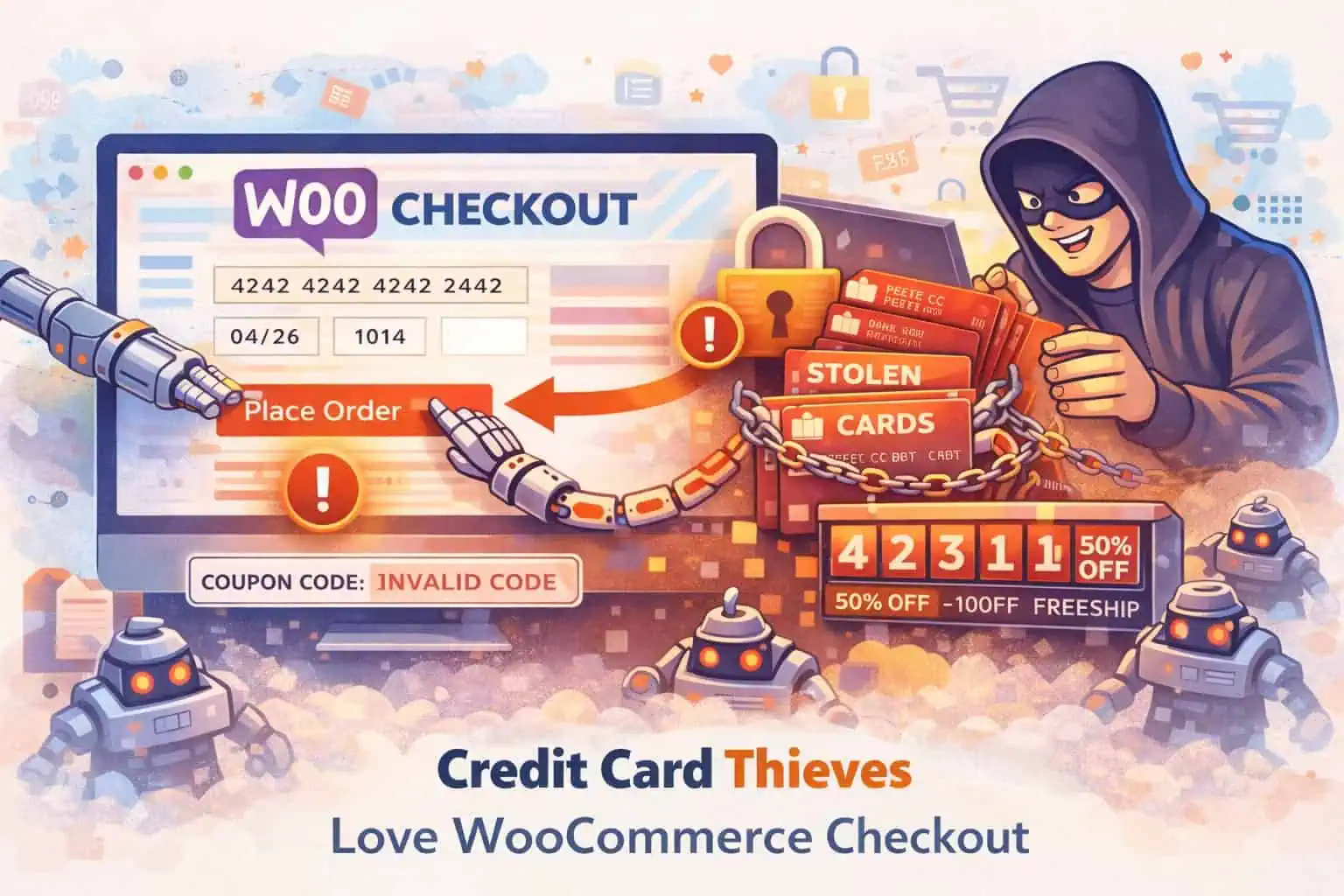
- WooCommerce Checkout and Coupon Security Secure WooCommerce checkout and coupons: bot abuse, credential stuffing, skimming risk, rate limits, and staff access. Satellite guide to the WooCommerce security hub.
- WooCommerce abuse: fake checkouts, coupon attacks, and rate limits Coupon guessing and checkout hammering drain stores without a classic “hack.” Signals to watch and a tuning-first rate-limit approach that protects real shoppers.
- WordPress ecommerce vs WooCommerce: what's the difference WordPress ecommerce usually means WooCommerce: WordPress is the CMS, WooCommerce is the store plugin. Honest tradeoffs vs hosted carts, then the security work that comes with ownership.
- WooCommerce Protected Categories: password and role gates Set up WooCommerce Protected Categories (Barn2) with passwords, roles, or users. Test add to cart, cache pitfalls, and store hardening that still matters.
- Secure WordPress Forms: Practical Tips That Stick Secure WordPress contact and upload forms: spam vs exploit threats, CAPTCHA choices, file uploads, plugin vetting, rate limits, and safe storage without hack-proof claims.

Backups & recovery
How to plan backups and restores with your host or a backup plugin, and what to do when something goes wrong.
- WordPress backup and security plugins How to choose WordPress backup plugins vs security plugins: what each job covers, how to keep backups safe, and where Security Ninja fits.
- Recover WordPress SEO After a Hack Recover WordPress SEO after a hack: Japanese keyword spam, Search Console Security Issues and Manual Actions, sitemap cleanup, and reconsideration requests.
- WordPress care plan: what security maintenance should include WordPress security maintenance care plan checklist: updates, malware scans, vulnerability monitoring, backups, login hygiene, and clear cleanup terms. How it differs from a plugin license.
- WordPress backup best practices: offsite copies and tested restores How to back up WordPress properly: files plus database, automatic jobs, offsite storage, retention, encryption where it helps, and proving a restore works.
- Website Backup Plan: Survive a Site Compromise & Recover Fast Build a simple WordPress backup and recovery plan: clean backups, early alerts, restore steps, and what to do if malware or a hack takes the site down.
Beginner guides
Start here if you are new to WordPress security or need the big picture.
- Do I need a WordPress security plugin? Honest answer: you can harden WordPress without a plugin, but most sites still benefit from one stack for scans, vulns, login, and firewall. Free vs Pro jobs explained.
- Do security plugins slow down WordPress? Yes, some can, usually from heavy on-server scans, live logging, or stacked firewalls. How architecture and settings matter, and what Security Ninja does differently.
- WordPress security for beginners WordPress security for beginners: simple steps for updates, logins, plugins, backups, scanning, and what to do if something looks wrong.
- WordPress security configuration Configure WordPress security without fluff: wp-config, users, host settings, plugin module order, staging vs production, and links to deeper hardening guides.
- How to set up a WordPress security plugin Set up one WordPress security plugin: Free tests first, then firewall, malware, and login. Do not stack two suites.
All articles
Page 1 of 7
- How to enable 2FA on WordPress Enable two-factor authentication on WordPress: authenticator app or email codes, which roles must enroll, grace period, and how to recover a lost phone.
- WordPress core files were modified: what it means A core-file warning means a checksum mismatch, not an automatic hack. How to read the diff, when it is harmless, and when to restore or treat it as malware.
- When a security plugin is enough vs when to hire cleanup A plugin is the weekly stack you run yourself. Hired cleanup is humans for a live compromise or a written review. How to buy the right job, not a second dashboard.
- Security Ninja vs MalCare Security Ninja vs MalCare: one in-dashboard stack versus malware cleanup plans, and when each fits.
- Security Ninja vs Patchstack Security Ninja vs Patchstack: one in-dashboard stack versus virtual patching for known vulnerabilities.
- WooCommerce Checkout and Coupon Security Secure WooCommerce checkout and coupons: bot abuse, credential stuffing, skimming risk, rate limits, and staff access. Satellite guide to the WooCommerce security hub.
- WordPress Malware Cleanup: DIY or Hire Help? After you confirm a WordPress hack: when to clean malware yourself, when to hire cleanup, what a good incident response includes, and how to avoid paying twice.
- WordPress WAF: Plugin Firewall vs Cloud WordPress WAF compared: plugin firewall vs cloud or edge WAF. Where each runs, what each blocks, when to use both, and why stacking three firewalls backfires.
- WordPress Security Monitoring: What It Actually Means WordPress security monitoring explained: plugin schedules, events logs, external uptime checks, and human retainers. What each covers and what none of them replace.
- Check if Your WordPress Site Is Hacked Check if a WordPress site is hacked with scans from wp-admin: vulnerabilities, security tests, core integrity, then a logged-out look at users and Search Console.
- Ninja Firewall vs Security Ninja (Not the Same Plugin) Ninja Firewall is NinTechNet, not WP Security Ninja. Same ninja word, different companies. Firewall-only tool vs a Free-to-Pro stack.
- Security Ninja vs Solid Security Security Ninja vs Solid Security (formerly iThemes Security): hardening-first versus an all-in-one Free-to-Pro WordPress security stack.
- Security Ninja vs Sucuri Security Ninja vs Sucuri: in-dashboard Free-to-Pro toolkit versus a platform WAF and cleanup model, including DNS and proxy ops.
- Security Ninja vs Wordfence Fair Security Ninja vs Wordfence comparison: who each fits, job-by-job coverage, and when one stack is the better pick.
- Do I need a WordPress security plugin? Honest answer: you can harden WordPress without a plugin, but most sites still benefit from one stack for scans, vulns, login, and firewall. Free vs Pro jobs explained.
- Do security plugins slow down WordPress? Yes, some can, usually from heavy on-server scans, live logging, or stacked firewalls. How architecture and settings matter, and what Security Ninja does differently.
- wp2shell: Critical WordPress core vulnerability actively exploited WordPress 7.1.2 is a critical core security release (CVE-2026-87902). 7.1.1 patched Click2Shell and Comment2Shell. July leftover-access checks still apply.
- An unknown WordPress admin: the calm response that keeps the incident short A client spotted an unrecognized administrator named wpmaint. How we contained access, checked plugins and themes, and left the site more disciplined than before.
- Monitor WordPress AI plugin activity with Grumpy AI Gate Grumpy AI Gate shows which WordPress plugins talk to AI providers, logs usage locally, and can block selected WordPress AI Client flows.
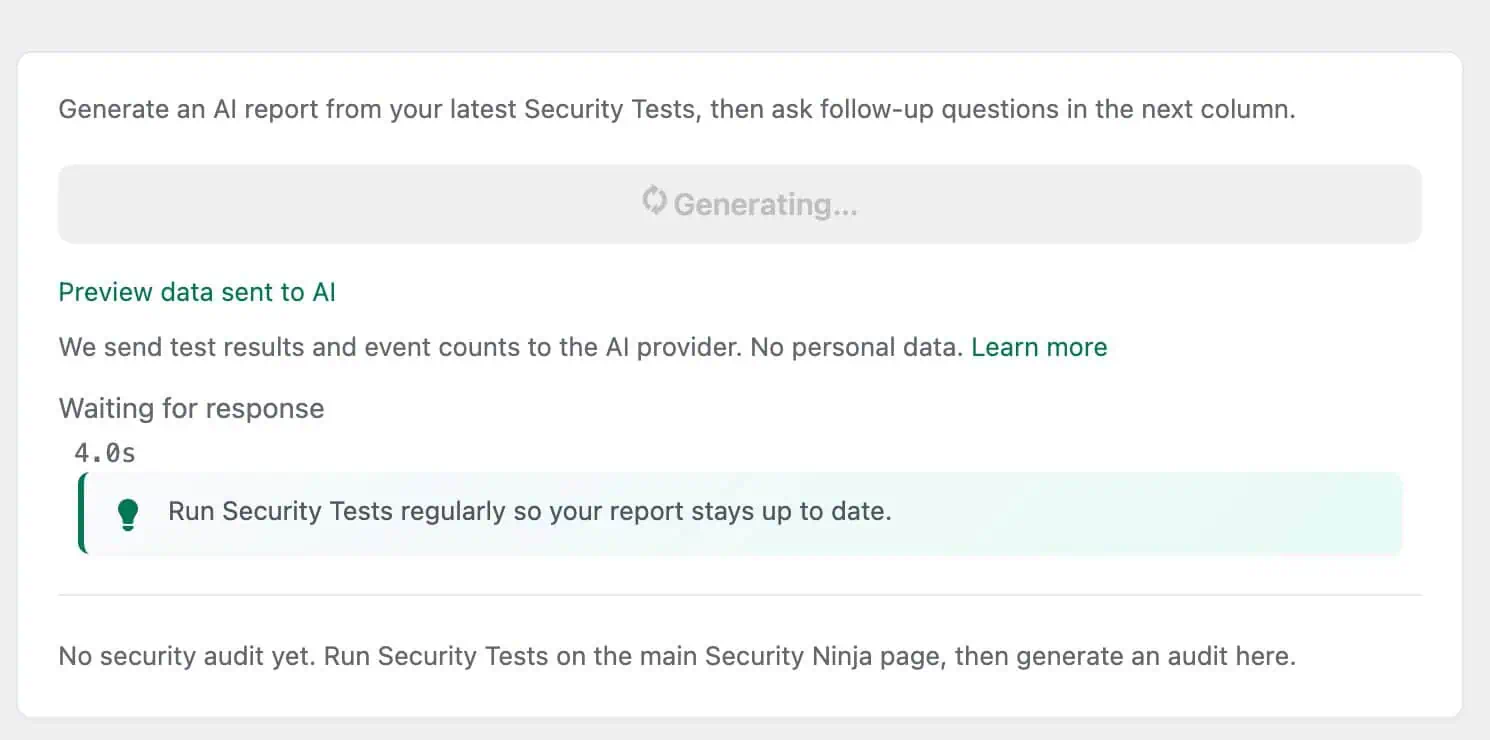
- Why we built the AI Security Advisor How WP Security Ninja’s AI Security Advisor turns real scan data into plain-language next steps on WordPress 7, without inventing another chatbot.
Ready to protect your WordPress site?
WP Security Ninja combines security tests, malware scanning, firewall, and login protection in one plugin.
