

404 Guard
Protect your site from aggressive 404 probing without blocking real users
Most bots scan websites by hitting hundreds of fake URLs to find old plugins, backups, or weak spots. That flood of 404 errors wastes server resources, fills logs, and is often the first step before an attack.
404 Guard automatically spots and blocks IPs that generate too many 404s - safely, smartly, and without touching real human visitors or search engines.
Bots and scanners often hit your site with hundreds of requests to non-existent URLs - probing for vulnerable files, old plugins, or sensitive paths. That traffic wastes resources, clutters logs, and can be a prelude to an attack. 404 Guard stops it by blocking IPs that generate too many 404 errors in a short time.
How it works
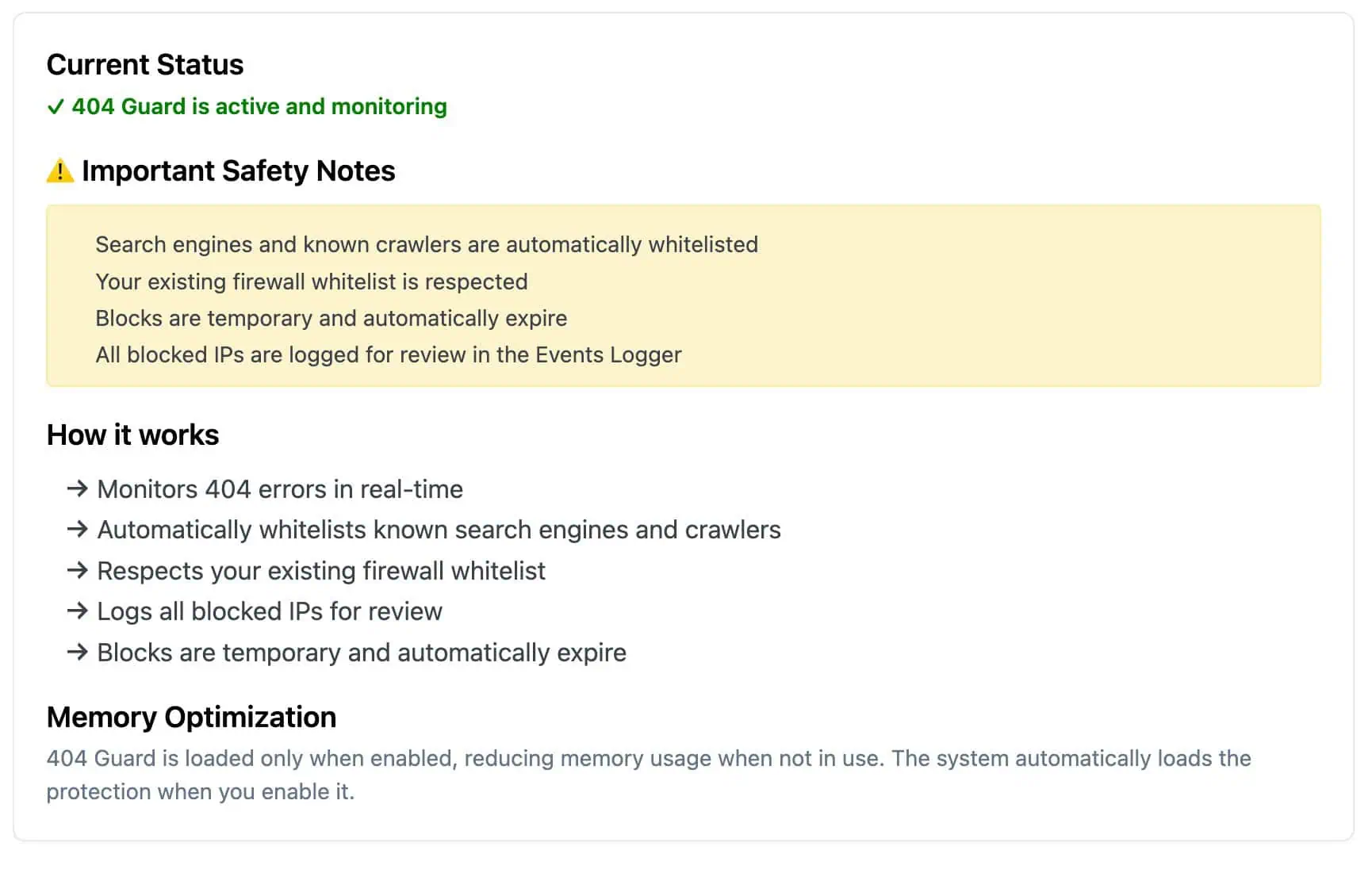
404 Guard monitors 404 responses in real time. For each IP it counts how many 404s occur within a configurable time window (e.g. 5 minutes). If an IP exceeds a set threshold (e.g. 10 errors), it is temporarily blocked. You choose:
- 404 error threshold – how many 404s trigger a block (e.g. 10–20)
- Time window – the period in which 404s are counted (e.g. 5 minutes)
- Block duration – how long the IP stays blocked (e.g. 10 minutes)
Blocks expire automatically, so legitimate users who hit a few broken links are not permanently banned.
What problem it solves (clear pain)
Bots and scanners don’t just “exist” — they:
- bombard your site with useless traffic,
- clutter logs and analytics,
- make real attacks harder to detect,
- and can even slow your site.
404 Guard stops these attackers early by watching for patterns, not one-off mistakes.
How it actually works (simple)
We watch all 404 errors in real time. If an IP triggers more than your threshold (e.g., 10 in 5 minutes) it gets a temporary block. You choose:
- how many 404s trigger blocks,
- how long to watch for them,
- and how long to block them.
All blocks expire automatically so legitimate visitors aren’t stuck blocked. Key events show up in the Events Logger for auditing.
What makes it safe
- Search engines and known crawlers are always allowed — no risk of SEO fallout.
- Your existing firewall whitelist stays intact.
- Blocks are temporary and fully adjustable.
Who needs this
Most sites don’t notice when bots scan them — until slow performance, bloated logs, or analytics noise becomes a real headache. If your site gets frequent 404s from unknown sources, 404 Guard pays for itself in cleaner logs and less wasted server load.
Protect your site from excessive 404 probing
- Search engines and known crawlers are automatically whitelisted.
- Your existing Cloud Firewall whitelist is respected.
- Blocks are temporary and fully configurable.
- Blocked IPs and key events are logged in the Events Logger for review.
Part of Security Ninja Pro
404 Guard is included in Security Ninja Pro as part of the Cloud Firewall. Turn it on in Security Ninja → Firewall → 404 Guard, adjust the threshold and timings to your needs, and let it reduce noise and risk from 404 probing.
Written by Lars Koudal
