


Updated on
The message that triggered this investigation wasn’t a dramatic security alert; it was the kind of vague hosting warning that creates immediate uncertainty because it doesn’t come with a clear root cause: “Your account is using unusually high CPU. Please investigate.”
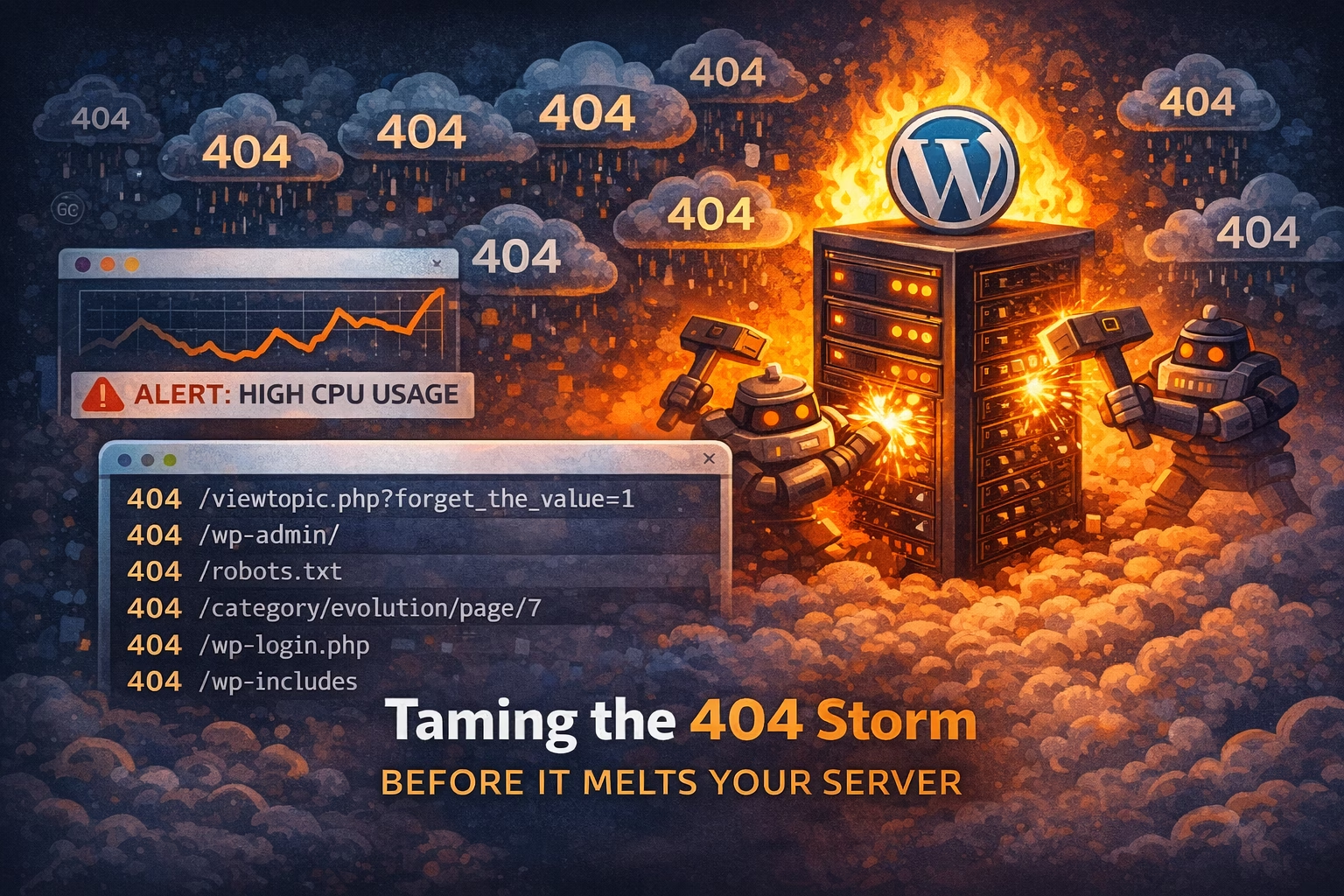
The site owner’s first instinct was completely reasonable, and it’s the same path most people follow under pressure: assume something changed inside WordPress. Maybe a plugin update introduced performance issues, maybe WooCommerce started doing something heavier, maybe a campaign brought in traffic that analytics hasn’t fully reflected yet. But the problem with that path is that it can keep you inside WordPress for hours when the real issue is outside it.
Analytics showed no meaningful spike, orders were normal, and nothing obvious had changed on the site. That’s when we made the shift that typically saves time: instead of guessing which WordPress component might be responsible, we looked at what the server was actually being asked to do. We opened the access logs and immediately saw a pattern that’s hard to unsee once you know it: long sequences of requests for pages that didn’t exist.
Not “broken links” in the normal sense, but random paths, random filenames, old WordPress endpoints, PHP files that were never on the server, misspellings, and obvious junk—request after request that all ended the same way: 404.
It’s tempting to dismiss 404s as harmless because they feel like “nothing happened,” and in low volume, that’s usually true. At scale, it’s the opposite. A 404 still costs work, and depending on the environment it can cost more work than you expect, because the request still hits the web server, still runs through routing and rules, still gets logged, and in many setups still wakes up PHP and WordPress before it ultimately returns “not found.” Multiply that by thousands or millions of junk requests and you get what looks like a random performance problem, even though it’s actually a traffic quality problem.
That’s 404 hammering in practical terms: automated noise that doesn’t need to “break in” to hurt you; it just needs to keep you busy and keep your server spending resources on meaningless requests. Sometimes it’s scanning for known vulnerable files. Sometimes it’s generic bot traffic sweeping the internet. Sometimes it’s the warm-up to a more targeted attempt. The intent can vary, but the outcome for the site owner is the same: resource spikes, intermittent timeouts, and a site that feels unreliable at exactly the wrong moment.
Once you recognize the pattern, you stop debugging WordPress like it’s a normal performance incident, because the symptom isn’t “WordPress is slow,” it’s “WordPress is being forced to process too much junk.” The log clues are usually consistent: a high volume of requests to URLs that don’t exist, repeated probes across many IPs (or one IP hammering constantly), user agents that look automated or strangely uniform, and none of the browsing behavior you’d expect from real visitors.
The practical goal isn’t to win an arms race or build a perfect list of “bad bots.” The goal is simpler and more useful: reduce the amount of nonsense that reaches the expensive parts of your stack so real visitors get consistent performance. That’s what a firewall is for in this scenario, because it can cut down abusive patterns earlier, before they become WordPress work and before they show up as another “high CPU” message from your host.
If you’re using WP Security Ninja, this is the moment where the firewall layer earns its keep, because the entire point is to control malicious or abusive request patterns before they turn into stability issues. The starting point for implementation and configuration is here:
A calm workflow also helps you avoid the common mistake: reacting aggressively and accidentally creating false positives, which is how a performance problem turns into a traffic problem for legitimate crawlers or services. The way to stay professional is to confirm the 404 storm, reduce the obvious junk conservatively, watch the impact on CPU and response time, and document what you changed so you can repeat it next time without reinventing the process.
The win isn’t “never seeing bots,” because you will always see bots. The win is your site staying stable while bot noise remains what it should be: background noise.
If you only do 3 things (quick checklist)
- Confirm it’s a 404 storm, not real demand
Use access logs (or whatever traffic logs you have) and look for a heavy concentration of repeated 404s to junk paths. - Reduce the junk earlier in the request path
Apply firewall controls to cut down abusive patterns before they become WordPress/PHP work. Start here:
https://wpsecurityninja.com/docs/firewall/ - Tune conservatively and document what changed
Watch the impact on CPU, response times, and stability, then record the rule/threshold changes so you can reapply them quickly across sites.
This scenario is rarely solved by “optimizing WordPress” first, because the pressure is coming from request volume and request quality; a firewall helps by reducing automated junk traffic before it burns server resources.
WP Security Ninja’s firewall is relevant here because it’s designed for controlling abusive patterns in a way you can tune over time, which is how you keep the site stable without accidentally blocking legitimate traffic.
Get AI-Powered Security Summary
Let AI analyze this WordPress security article and provide actionable insights from WP Security Ninja experts.
