

Protect your WooCommerce store from checkout hacks, fake orders and card theft
Running WooCommerce means you’re handling real customer data and real money. That makes your checkout page one of the most targeted parts of your website.
WP Security Ninja helps you lock down your store before attackers inject malware, skim credit cards or abuse your login and checkout.
Protect your revenue. Protect your customers. Protect your reputation.
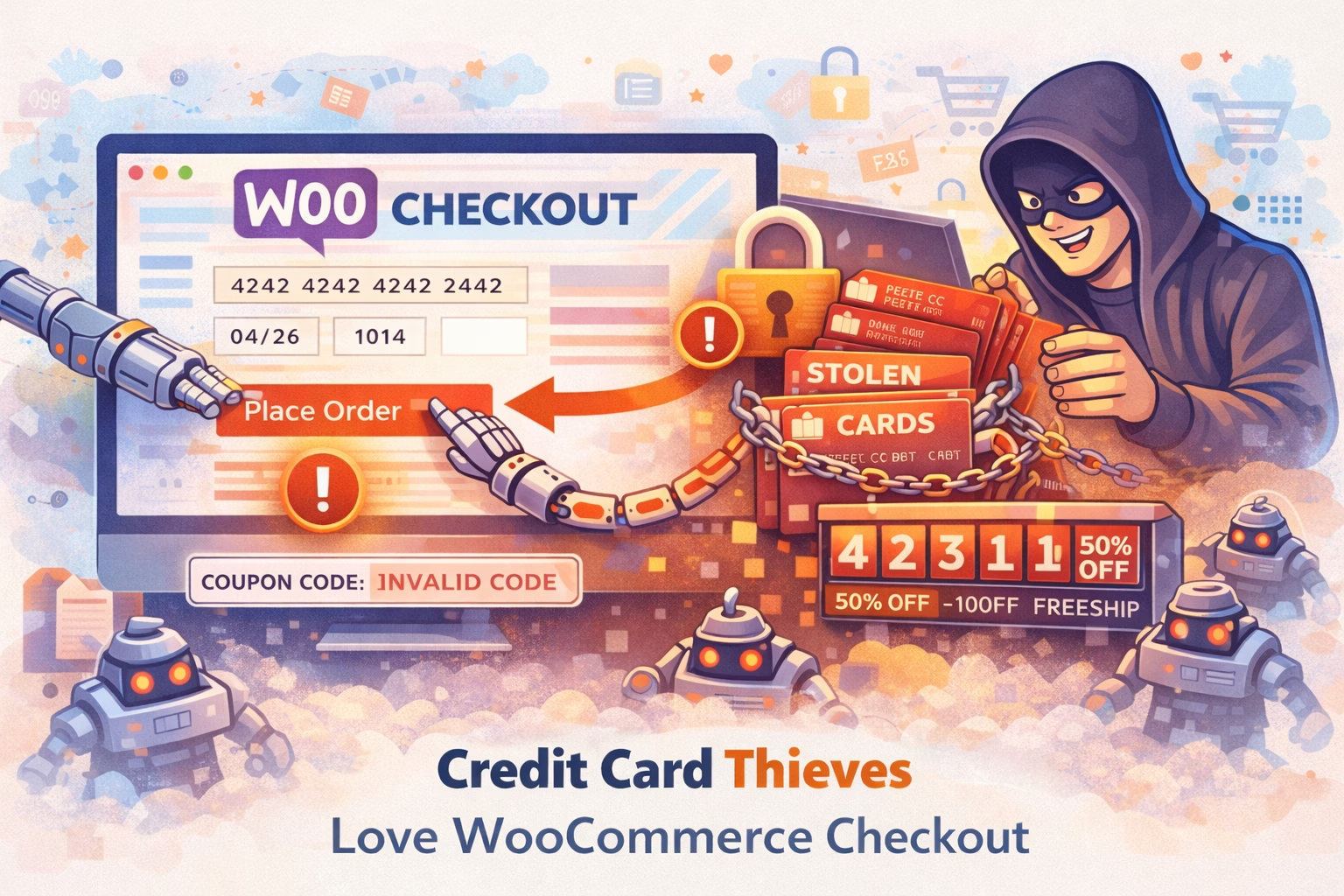
Why WooCommerce stores are targeted
WooCommerce isn’t just “another plugin.”
It turns your WordPress site into a payment processor.
That means:
-
Your checkout page can be infected with card-skimming malware (Magecart-style attacks)
-
Weak admin passwords can lead to full store takeover
-
Fake user registrations can flood your database
-
Vulnerable plugins can expose customer data
-
Bots can hammer login and checkout endpoints
-
Infected stores get blacklisted by Google and payment providers
If you process payments, you’re a target. Period.
What this means for you
Fewer chargebacks
Fewer refund disputes
Less downtime
Higher customer trust
Peace of mind during sales campaigns
Protection without hiring a security consultant
How WP Security Ninja protects your WooCommerce store
Stop malware before it steals card data
-
Core, theme and plugin vulnerability checks
-
File integrity monitoring
-
Detection of suspicious code and backdoors
-
Alerts when something changes unexpectedly
Lock down login and admin access
-
Two-factor authentication (2FA)
-
Login protection and rate limiting
-
Option to rename or protect wp-login.php
-
Block known bad IPs
Reduce attack surface
-
Disable risky features you don’t use
-
Harden WordPress configuration
-
Security headers and exposure checks
-
Hide version leaks and sensitive endpoints
Monitor your store continuously
-
Security audit logs
-
Firewall protection
-
Real-time security checks
-
Clear reports with actionable fixes
Coupon Code Protection
Protect your WooCommerce coupon codes


Rate Limiting Protection
Rate limiting that actually protects your store
404 Guard: see what’s probing your site
Broken links and typos are normal; constant 404s from the same IPs or patterns often aren’t. 404 Guard tracks failed requests to non-existent URLs so you can spot crawlers, bots, or attackers probing for vulnerable paths.
A short overview of how it works and why it matters - learn more about 404 Guard.
Written by Lars Koudal
