


Updated on
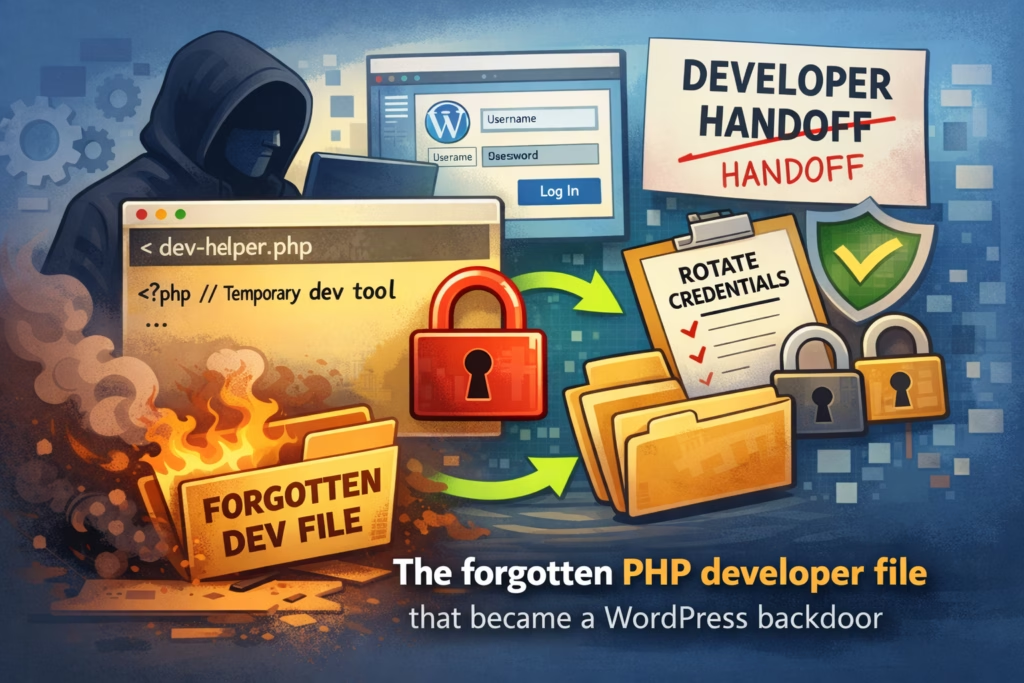
In this case, a single PHP helper file functioned as a full backdoor long after a developer handoff, which meant that rotating WordPress passwords wouldn’t have solved the real problem.
The fix wasn’t complicated, but it was disciplined: remove the spare key, rotate the right credentials, look for secondary access, and put a clean offboarding routine in place so the same mistake doesn’t repeat.
This one starts in a place that’s painfully normal: a site changed hands, a project wrapped up, someone moved on, and the site kept running as if nothing happened. The problem was that something did stay behind, and it kept doing its job—just for the wrong person.
The site owner didn’t come to us with a dramatic “we’ve been hacked” moment, because nothing was obviously broken; instead, they had the kind of quiet concerns that experienced owners learn not to ignore. The site was occasionally slower than usual, a couple of unfamiliar files had appeared in the file manager, and the most unsettling detail was the simplest one: “I swear we didn’t touch anything.”
That sentence is rarely the conclusion; it’s usually the starting point.
Before we changed anything, we asked a question that tends to save time and reduce panic: did anyone have server access recently, even for legitimate reasons—developer, agency, contractor, migration help, debugging? The answer was yes, a few months earlier, during a migration and some troubleshooting that required quick access.
That context matters because developers often use small, practical tools to move fast when deadlines are tight: file managers, uploaders, database viewers, search/replace scripts, mail testers, cache cleaners, and other “temporary” helpers that make real work easier. These tools aren’t malicious by default, and in the moment they can be genuinely helpful, but they carry a predictable risk: when they’re left behind, they become an access path that bypasses WordPress entirely.
In the audit, we found a single PHP file in a location where it didn’t belong on a production site. It didn’t have an alarming name, it didn’t announce itself with a big warning banner, and it looked exactly like the kind of thing someone might overlook during a handoff. But when we opened it, it behaved like a full file manager: browse directories, upload files, and edit files directly on the server.
At that point, the situation became clear in plain language: someone could control the site without ever logging into wp-admin. That’s why this category of incident is so frustrating; you can rotate WordPress passwords all day long, and it won’t matter if an attacker can still upload and modify PHP files on the server.
Once you view it through that lens, the risk is straightforward. If someone can upload and edit files, they can:
- drop a backdoor that survives plugin updates and “cleanup”
- inject malicious logic into theme or plugin files
- add redirects or spam pages that only trigger sometimes
- create hidden admin users later, when you stop watching closely
- reinfect the site even after you think you’ve fixed it
This isn’t “a WordPress vulnerability” in the usual sense; it’s simply unauthorized access, and you handle it the same way you’d handle a lost key.
The remediation plan wasn’t heroic, but it was thorough. First, we removed the tool by deleting the file, and then we searched for other leftovers from the same period, because helper scripts tend to come in clusters rather than as a single file. Next, we rotated credentials with the assumption that the environment had been exposed: hosting control panel access, SFTP/SSH access, and WordPress admin passwords, and where feasible, database credentials as well. We also looked for “secondary doors,” because when attackers discover easy access, they often leave a backup method behind—small, oddly placed PHP files, small injections into existing files, or persistence mechanisms designed to survive the removal of the original entry point.
After the tool was removed and access was tightened, the “quiet weirdness” stopped: no more unexplained file appearances, performance returned to normal, and the site stopped behaving like it had an invisible second administrator. The outcome wasn’t the result of a clever trick; it was the result of removing the spare key and putting a basic offboarding discipline around server access.
If you only do 3 things (quick checklist)
- Do a handoff sweep
If anyone touched the server in the last year, check for leftovers that shouldn’t exist in production: unknown PHP files, oddly named “temp” scripts, file managers, uploaders, and one-off debugging tools. - Limit who can touch the server
Remove old SFTP users, remove old SSH keys, and remove old hosting panel users; if you can’t name who it belongs to and why they still need it, it shouldn’t be there. - Adopt a baseline so “mystery files” stand out immediately
A simple checklist makes it harder for risky leftovers to become normal background noise.
https://wpsecurityninja.com/wordpress-security-checklist/
This story is mostly about operational security: clean handoffs, tight access, and the ability to notice changes early instead of normalizing them. WP Security Ninja supports that approach by helping you maintain a clearer security baseline inside WordPress, so you are more likely to catch suspicious patterns quickly, validate that hardening is in place after a cleanup, and turn one-off remediation into a routine that prevents repeat surprises.
Get AI-Powered Security Summary
Let AI analyze this WordPress security article and provide actionable insights from WP Security Ninja experts.
