


Updated on
The turning point came when we stopped chasing injected code and started looking for the process that kept writing it back to disk. Once the cron job and the script it executed were removed—and credentials and the environment were treated as exposed—the redirects stopped and file changes stopped reappearing.
The most time-consuming malware cases are rarely the ones where the site is obviously defaced; they’re the ones where everything appears normal until a customer reports something odd, and then the symptoms vanish the moment you try to reproduce them.
In this case, the site owner described two issues that felt “small” on the surface but were serious in practice: Redirects that only affected some visitors, and short CPU spikes in hosting that didn’t line up with any meaningful analytics traffic.
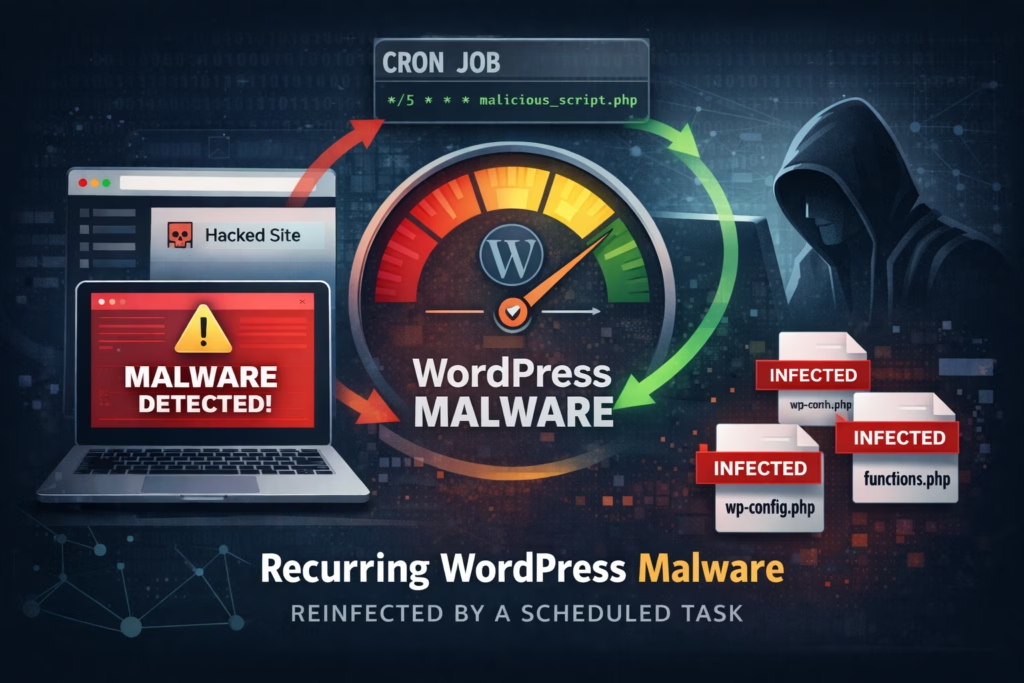
A quick spot check didn’t produce the usual red flags, because the homepage loaded, the admin panel worked, and nothing looked obviously broken. That’s exactly why this pattern is so disruptive for businesses: it wastes time, it erodes trust, and it makes you second-guess your own observations. Intermittent redirects are also a classic sign of conditional execution, where malicious logic is designed to trigger only for certain devices, countries, referrers, time windows, or first-time visits, specifically to stay out of sight during troubleshooting. Very frustrating when it is hard to replicate the exact trigger.
The first cleanup looked successful, which is often the most dangerous moment because it creates false confidence. A suspicious plugin was removed, a few modified files were cleaned, and for part of the day the site appeared stable. Then the redirects returned.
The second cleanup was more aggressive. Password resets, theme reinstall, plugin updates, and again the symptoms went away briefly, only to come back with the same behavior shortly after.
At that point, it stopped being a “missed file” problem and started looking like a persistence problem, meaning something was explicitly designed to restore the infection after removal. This is the key mindset shift that saves hours: when malware returns quickly and repeatedly, the right question is no longer “where is the bad code,” but “what keeps recreating it.”
We started by ruling out the most common reinfection loop: a compromised admin account repeatedly reintroducing changes. We checked for obvious signals such as new admin users, unusual login patterns, and suspicious changes being made through normal WordPress workflows, and we verified that password resets and stronger access controls had already been applied. Nothing pointed to an account-based reinfection, which pushed us toward automation.
The timing was the giveaway. The redirects and the file changes reappeared on a roughly daily pattern, often early in the morning, and the hosting resource spikes followed the same rhythm. Humans don’t typically reinfect a site at 04:12; scheduled processes do, and once you suspect scheduling, you can focus your investigation and stop burning time on random file searches.
Next we watched file changes instead of simply scanning for “bad strings.” The same small cluster of files kept being modified even after being restored, and the modifications were surgical—small injections rather than full overwrites—which is typical of reinjection behavior because it helps the attacker blend into legitimate code. That observation is useful for any site owner because it gives you a concrete validation step: if the same files keep changing after you restore them from known-good sources, something is still actively writing to disk.
From there, the investigation became straightforward: identify the scheduler and locate what it executes. In WordPress environments, scheduling typically happens in two places. WordPress’s internal scheduler (WP-Cron) and hosting-level cron jobs, so we checked both. The persistence mechanism turned out to be a hosting-level cron job that ran PHP directly on a schedule, and it was easy to miss because it didn’t have a descriptive label and could plausibly look like “maintenance” during a quick audit.
Once we traced the cron job to its target, the behavior matched the symptoms: it executed a hidden script that fetched a small payload from outside the server, injected it into a few common files, and minimized traces to reduce the chance of casual discovery. The injected logic was also built to be selective, redirecting only a fraction of visitors and avoiding logged-in admins, which explains why the site could look clean during manual checks while still harming real users.
The fix, therefore, had to be structured, not cosmetic. We removed the cron job and the script it called, then treated the environment as exposed rather than assuming the infection was “just a plugin.” We restored affected files from known-good sources, searched for additional backdoors and unexpected PHP files, and rotated credentials that could plausibly have been captured, including WordPress admin passwords and hosting access.
The practical outcome was immediate: the redirects stopped, the “mysterious” file changes stopped reappearing, and hosting resource usage normalized, which is what you want from remediation. stability you can verify, not a temporary improvement that depends on luck.
The main lesson is simple and reusable: if you keep cleaning and the same symptoms return, your job is to find the persistence mechanism, because cleaning payloads without removing persistence is how you end up repeating the same incident every day.
If you only do three things this week (quick checklist)
1) Audit scheduled tasks at both layers
Check hosting cron jobs for anything you didn’t create or can’t explain.
Then check WordPress scheduled events for anything unusual.
This is the difference between “we cleaned it” and “it stays clean.”
2) Watch for repeat file modification patterns
Restore from known-good sources… then watch what changes again.
If the same files keep getting “surgically” re-edited after you restore them, don’t keep re-cleaning.
Assume an active process is writing to disk and hunt that.
3) Turn the response into a baseline
Once the site stabilizes, write down what changed and keep a repeatable routine.
That’s how you stop learning the same lesson every week — and how you stop waiting for customers to be the ones who detect the problem.
Where WP Security Ninja helps
WP Security Ninja won’t replace a hosting-level audit when the persistence mechanism lives in server cron.
But it does reduce the two things that make incidents like this drag on: time-to-diagnosis and time-to-confidence.
It helps you build (and maintain) a clearer baseline inside WordPress using tools like security testing, vulnerability warnings, core integrity checks, malware scanning, scheduled scans, and visibility through logs, so you can spot suspicious patterns earlier and verify that “fixed” actually means fixed.
In practice, that means fewer mystery hours, fewer repeat cleanups, and faster answers when something feels “small”… but isn’t.
Get AI-Powered Security Summary
Let AI analyze this WordPress security article and provide actionable insights from WP Security Ninja experts.
