WooCommerce product recommendation plugins: pick carefully

Recommendation plugins can lift average order value. They also add code, tracking, and update risk. How to choose without a stale top-9 ranking list.

Topics WooCommerce & ecommerce

Lars Koudal

Updated Published

Product recommendations (related, upsell, “customers also bought”) can help shoppers find items. They do not replace a clear catalog, good search, or trustworthy checkout.

We are not publishing a frozen “best 9 plugins” list. Those rankings rot as vendors change pricing, abandon code, or ship vulnerabilities. Prefer current reviews on wordpress.org and the vendor’s own changelog.

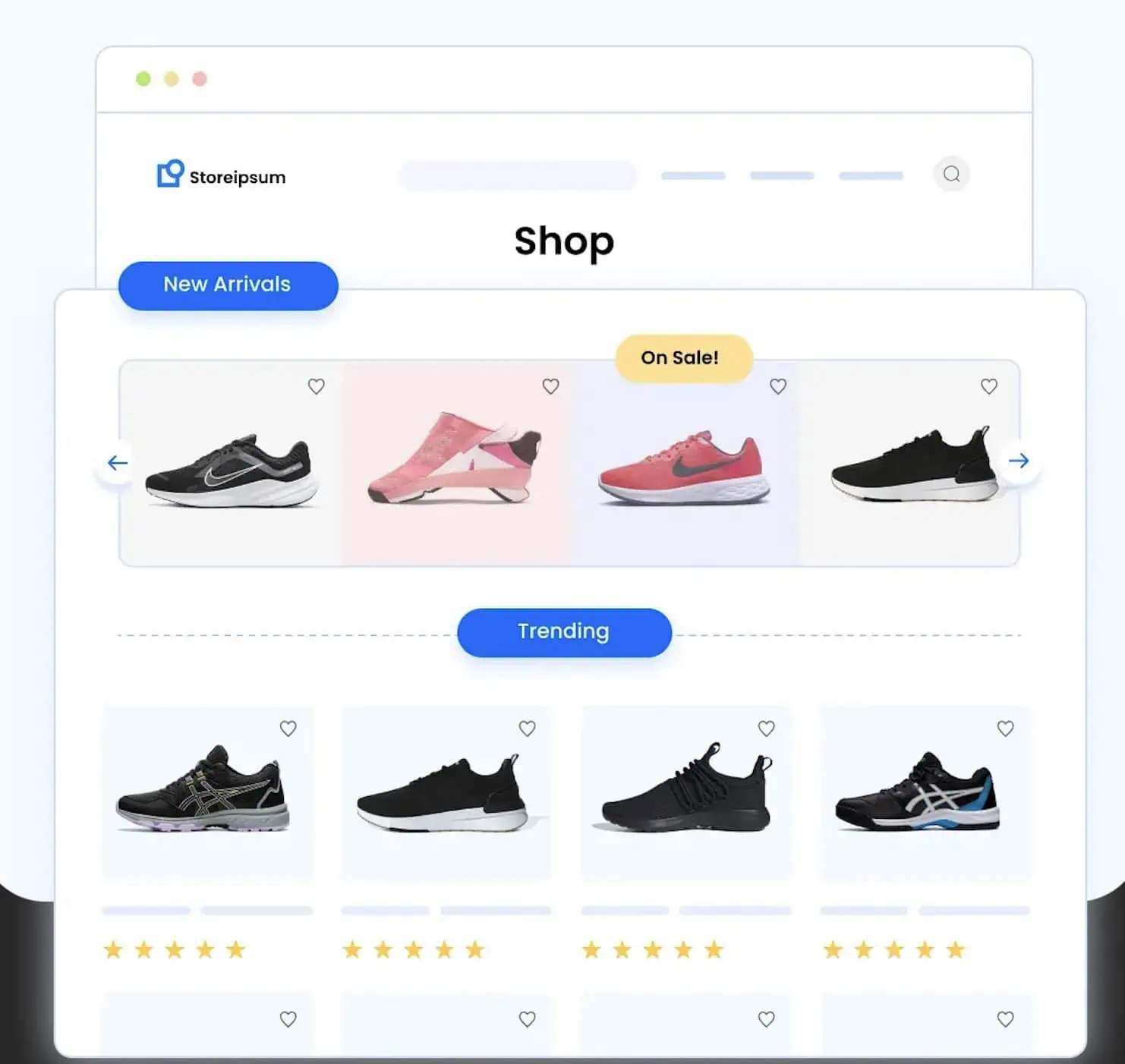
WooCommerce store product sections

What to check before you install

  • Need: Does WooCommerce’s built-in related products or your theme cover the job?
  • Maintenance: Recent updates, clear ownership, support that answers.
  • Permissions and data: Does it phone home, inject scripts on every page, or require a SaaS key?
  • Performance: Upsell widgets that hit the database on every product view add load.
  • Security habits: Same bar as any extension. Guide: how to tell if a WordPress plugin is secure.

Install one candidate on staging. Test cart, checkout, and coupons. Delete what you do not keep.

Security comes first on a store

Recommendation widgets sit next to money and customer data. Harden the shop with the WooCommerce security guide and the WordPress security checklist. A clever upsell is worthless if checkout is compromised.

Found this useful? Share it.