


Updated on
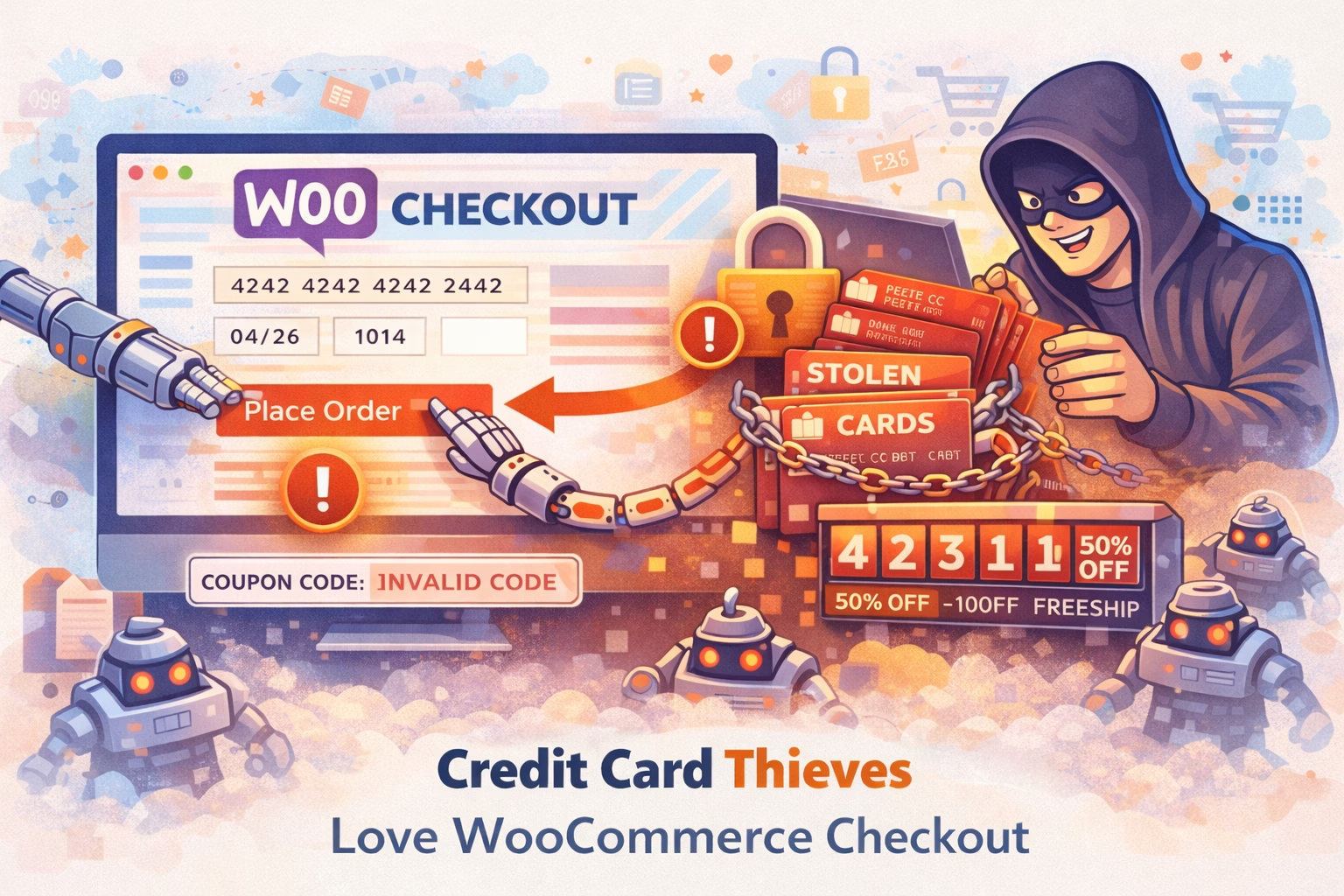
WooCommerce stores don’t always get taken down by a single catastrophic event; more often, they get worn down by automation that is cheap to run for an attacker and expensive for you to process. It rarely looks like a breach at first, because the site still loads and orders still come in, but you start noticing the kind of friction that quietly costs money: checkout feels inconsistent, support gets “it didn’t work” messages you can’t reproduce, the server has short resource spikes that don’t match analytics, and abandoned checkout numbers drift upward for no obvious reason.
There are a few known ways where WooCommerce checkout gets abused.
The first is fake checkouts and checkout hammering, where bots repeatedly hit add-to-cart and checkout-related actions to generate load, trigger expensive WooCommerce logic, and create slowdowns that look like “hosting issues.” – Having a ton of fake checkouts can cause issues with your payment gateway provider. We have helped mitigate several cases where we could show we have taken measures to protect the customers WooCommerce shop from credit card abuse or the customer would have lost their payment gateway. If they would have lost the gateway, it would make it impossible to get paid for their products or have to move to another provider which takes time and money.
The second issue is coupon brute forcing, where automation tries large volumes of coupon codes until it finds something valid or finds a rule that can be abused (and even when it never finds a working code, the repeated attempts still cost CPU time, database queries, and attention).
What makes these issues particularly annoying is that the damage isn’t limited to “performance.” Once a store owner becomes afraid of coupon abuse, promotions slow down or stop entirely, and teams start treating normal marketing tools as liabilities. At the same time, the support burden grows because symptoms are intermittent by design: bots don’t always hit the same flow in the same way, and they often behave differently depending on timing, referrer, or the presence of cookies, which means you can test checkout ten times and still miss the moment a customer gets a bad experience.
The most useful shift here is to treat checkout and coupons as revenue paths, not just URLs, because revenue paths deserve protection that is specific to how they are abused. Generic hardening helps, but it often doesn’t address the real cost drivers in WooCommerce: repeated actions that force WordPress and WooCommerce to do work over and over again for traffic that has no intent to buy.
You don’t need perfect visibility to confirm what’s happening; you just need enough signal to distinguish “real shoppers” from “unreasonable behavior.” The easiest indicators are high-frequency requests that cluster around cart/checkout actions, repeated coupon attempts in a short window (often many different codes), and traffic patterns that don’t resemble normal browsing (no product depth, no time on site, no realistic flow). If your spikes happen at odd hours or in bursts that don’t match campaigns, that’s another strong hint that the load is automated.
Once you’ve confirmed the pattern, the goal is not to “block traffic.” The goal is to make abuse expensive for bots and cheap for you. A practical protection approach does three things well: it rate-limits sensitive WooCommerce actions so bots can’t hammer them endlessly, it limits coupon attempts so guessing becomes unprofitable, and it provides a tuning path so you can tighten controls without breaking legitimate customer journeys.
That’s exactly why WP Security Ninja’s firewall has WooCommerce-focused protection, including rate and coupon protection designed for these flows. The implementation details and guidance live here: https://wpsecurityninja.com/docs/firewall/woocommerce-rate-coupon-protection/
If you need the broader firewall context: https://wpsecurityninja.com/docs/firewall/
A point worth emphasizing, because it’s where people get burned: the rollout should be tuning-first. If you go from “no protection” to “aggressive protection” in one step, you can end up blocking legitimate shoppers or causing confusing checkout failures. A safer approach is to enable protection, watch what gets blocked or throttled for a short period, adjust thresholds based on how your store actually behaves during peak periods, and then re-test the real customer journey end-to-end (add to cart → checkout → apply coupon → pay). Once you’ve confirmed that normal behavior is smooth, you can tighten further with confidence.
The best outcome is simple and measurable: checkout stays fast, resource spikes flatten out, coupon attempts stop looking like a slot machine, and support stops chasing intermittent customer reports. The store feels normal again, and that’s the real win—because “normal” is what keeps conversions steady.
If you only do 3 things (quick checklist)
- Confirm the pattern before making changes
Look for repeated checkout/cart actions and high-volume coupon attempts that don’t match normal browsing behavior. - Protect the revenue paths (checkout + coupons), then tune carefully
Start with the WooCommerce protection guide and use a monitoring/tuning approach instead of going aggressive immediately.
https://wpsecurityninja.com/docs/firewall/woocommerce-rate-coupon-protection/ - Re-test the full customer journey after any change
Always validate add-to-cart → checkout → coupon → payment so protection doesn’t become conversion friction.
This problem is less about “advanced hacking” and more about operational pressure: bots forcing your store to spend resources on actions that should be reserved for real customers. WP Security Ninja’s firewall helps by putting targeted controls on WooCommerce-sensitive flows, giving you a straightforward way to reduce abuse while keeping legitimate checkout journeys working through tuning rather than guesswork.
Related: what attackers do beyond card skimming
Credit card theft is just one part of the playbook. These two real-world stories show how malware persists and how backdoors stay hidden long after a site looks clean.
-
Malware that kept coming back
Even after cleanup, reinfection can happen if the source isn’t removed.
Read the case -
The helpful backdoor
Some backdoors don’t look malicious at all — which is exactly why they work.
See how it was uncovered
Get AI-Powered Security Summary
Let AI analyze this WordPress security article and provide actionable insights from WP Security Ninja experts.
