Basic firewall + security tests
Free8G rules and 50+ hardening checks on Free.
Comparison
WP Security Ninja
You want protection that is strong, understandable, and not a full-time job. Here is how Security Ninja stacks up by job: agencies, lightweight toolkit, cleanup, virtual patching, and platform WAF.
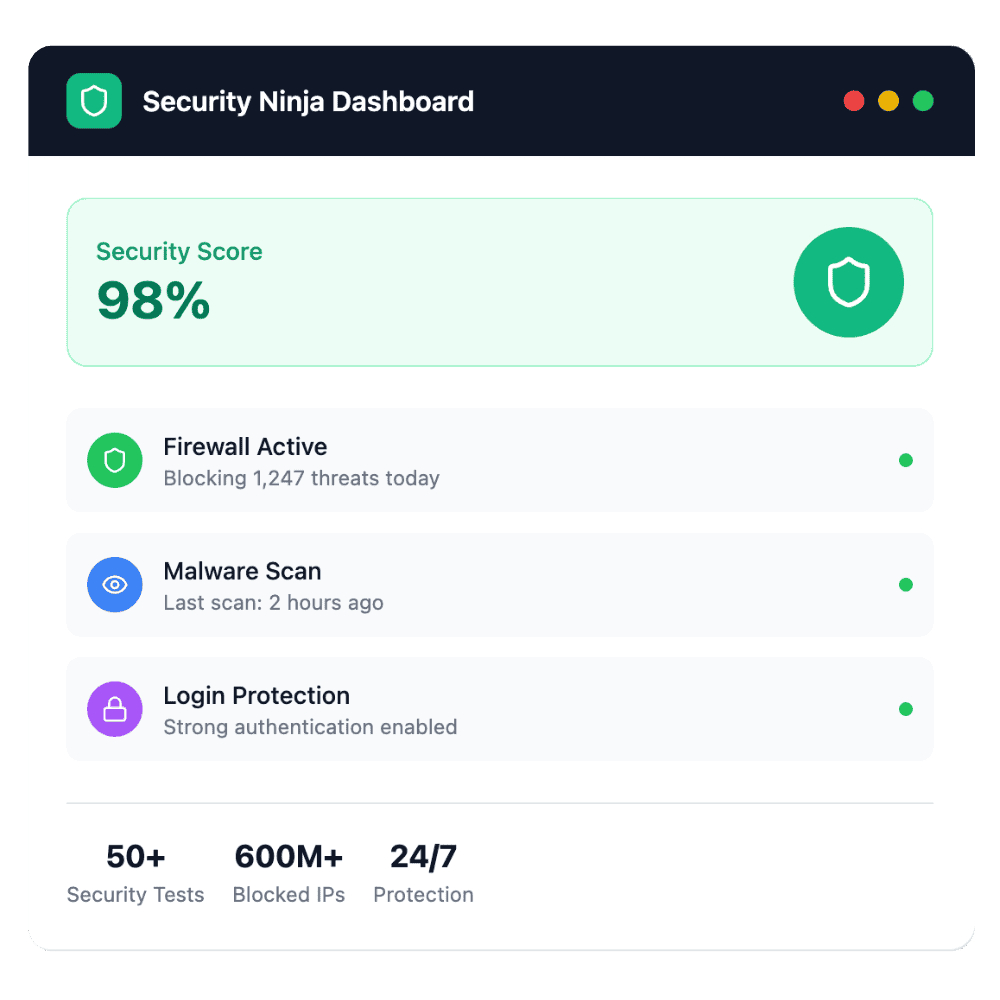
What most site owners care about
Capability snapshot
Use this when comparing checklists on other vendors’ sites.
8G rules and 50+ hardening checks on Free.
Know about known issues and core file tampering.
600M+ bad IPs, country rules, scan and clean.
Brute-force limits, rename login, authenticator or email 2FA.
Chat alerts and automated reports.
Agency branding and multi-site workflows.
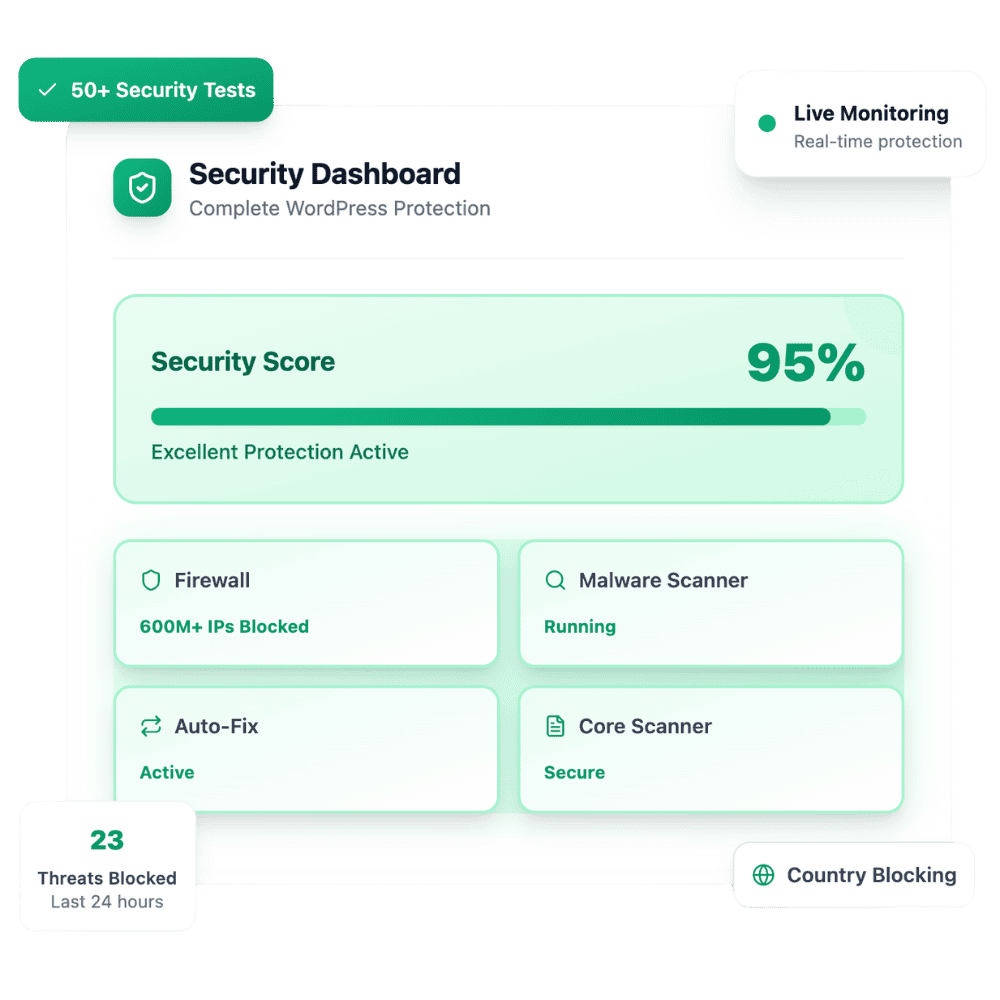
An all-in-one WordPress security plugin with a free foundation and a Pro layer that adds Cloud Firewall, malware cleanup, login hardening with 2FA, webhooks, and scheduled scans, guided by an install wizard.
Every plugin has strengths. This is a practical orientation, not a claim that others are useless. Open a 1:1 page when you already know the rival, or dig into Features and Pricing for the full Security Ninja story.
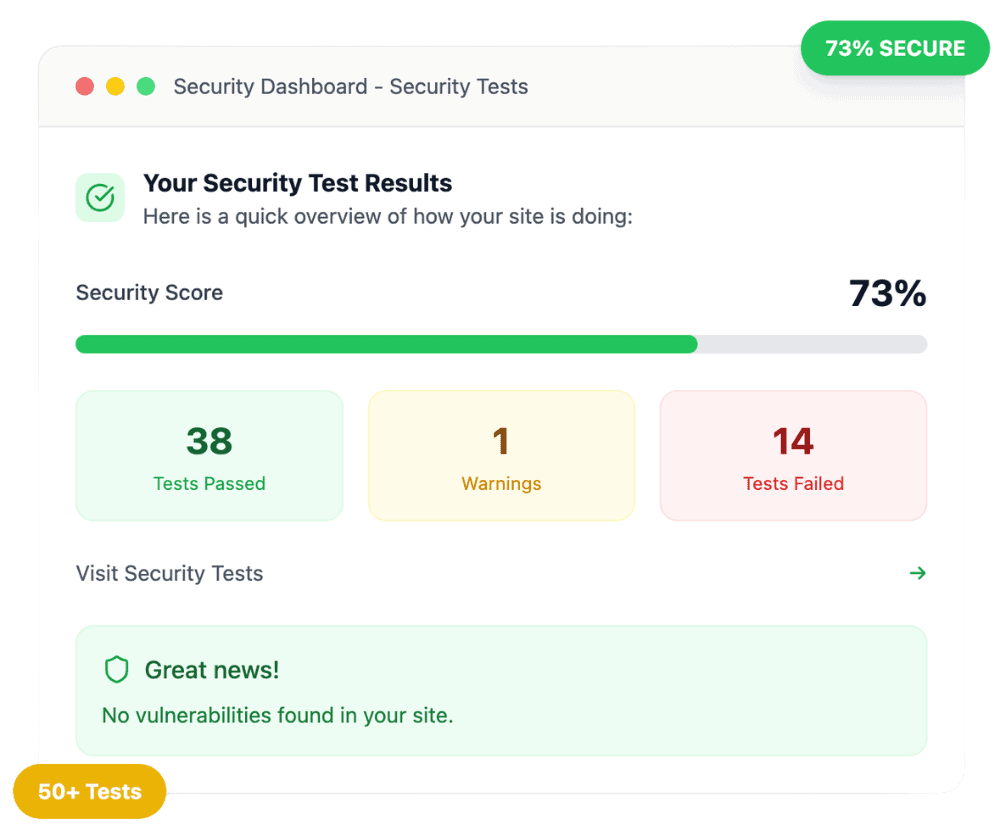
Skip the roundup when you already know who you are comparing.
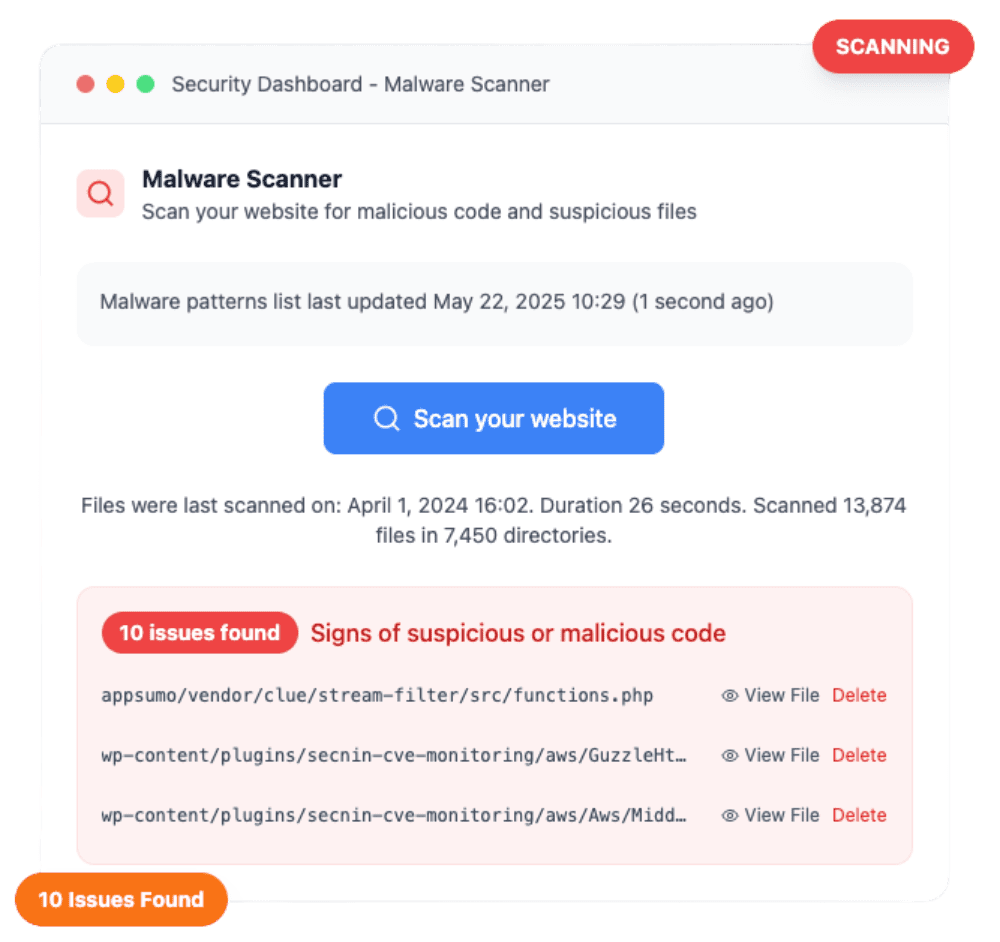
If you want one plugin that covers firewall, malware, login/2FA, vulns, logs, and alerts, with white label when you grow. Security Ninja is designed for that path.
4.9 / 5 from 262 reviews
“Security Ninja has improved massively over the last year. The plugin keeps getting better and more powerful, and it has become an important part of how I manage WordPress security…”
One of my best purchases
“So I end up purchasing quite a few accounts here. Most are just sitting on the shelf, hoping that someday they will mature enough to be worth it.”
Excellent Plugin
“Security Ninja has everything and more of what you’d want in a security plugin. Some examples are the firewall, limited login attempts, malware scanner, logs, and alerts.”
So Glad to Find This
“WP Security Ninja Review I've been using WP Security Ninja for several weeks now, and I must say, it has exceeded all my expectations.”
No. It is a product-oriented comparison to help you choose. Always verify current competitor features on their sites, products change.
On the Features hub, with dedicated pages for firewall, malware, login protection, webhooks, and more.
Yes. Start with the free plugin on WordPress.org, or see pricing for Pro trial options.
Explore Features, then pick Free or Pro on the pricing page.
Go to pricing