Pro · Events & automation
WP Security Ninja
Get security alerts where your team already works
Push logins, firewall blocks, and update events to Slack, Discord, Zapier, or a custom webhook, instead of only checking wp-admin.
- ✓ Slack & Discord
- ✓ Zapier ready
- ✓ Custom endpoints
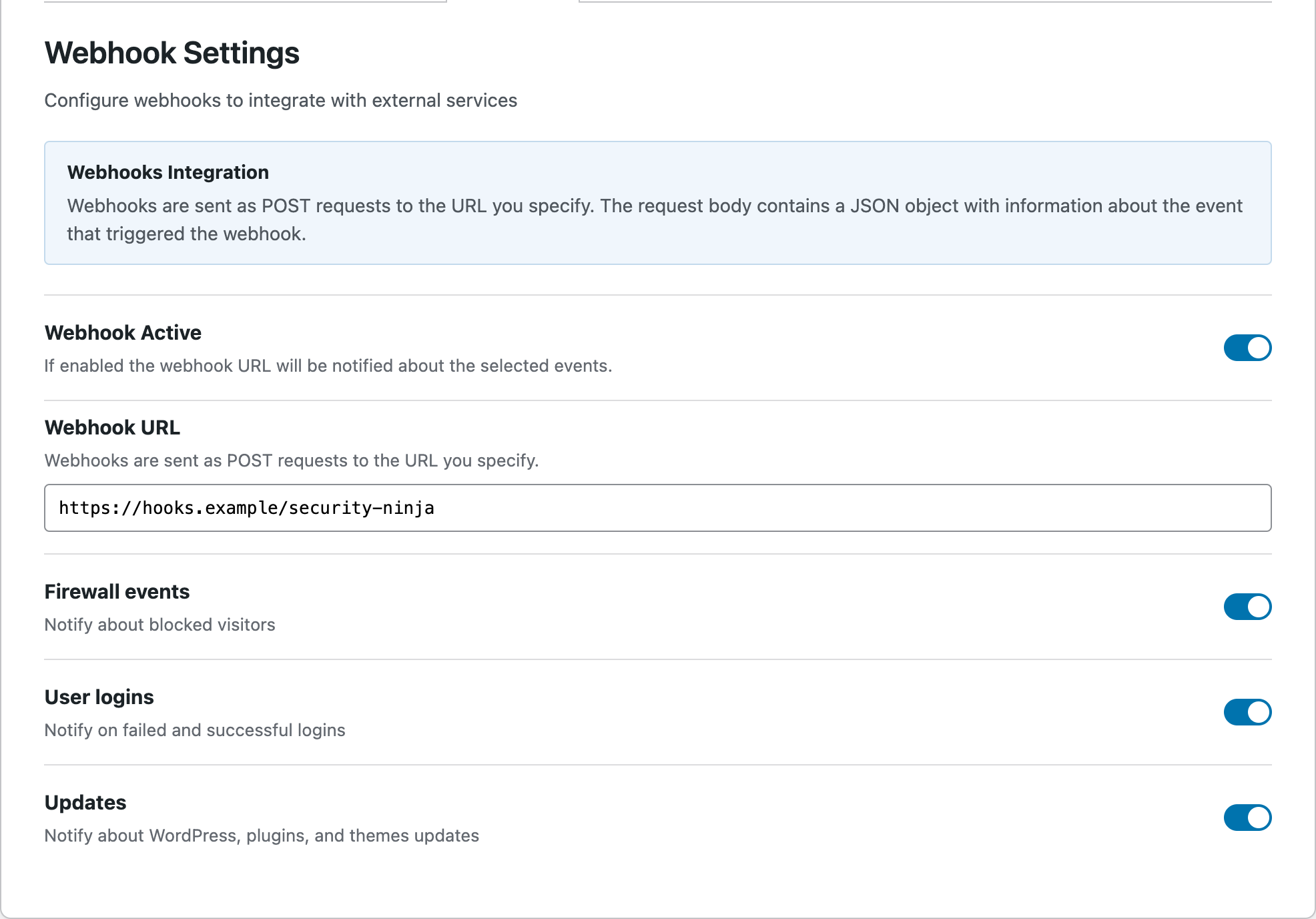
Part of the full Events Logger
- Failed logins
- Firewall blocks
- Update events
- Custom HTTPS endpoints
Stop living in the security dashboard
When something important happens on a client or production site, your ops channel should know. Webhooks deliver selected Security Ninja events to the tools you already use.
- ✓ Choose which event types to send
- ✓ Works with Slack, Discord, and Zapier
- ✓ Or point at any HTTPS endpoint you control
Pair webhooks with a real audit trail
Pro’s full Events Logger lets you filter, export, and review what happened. Webhooks send selected alerts to the tools your team already watches.
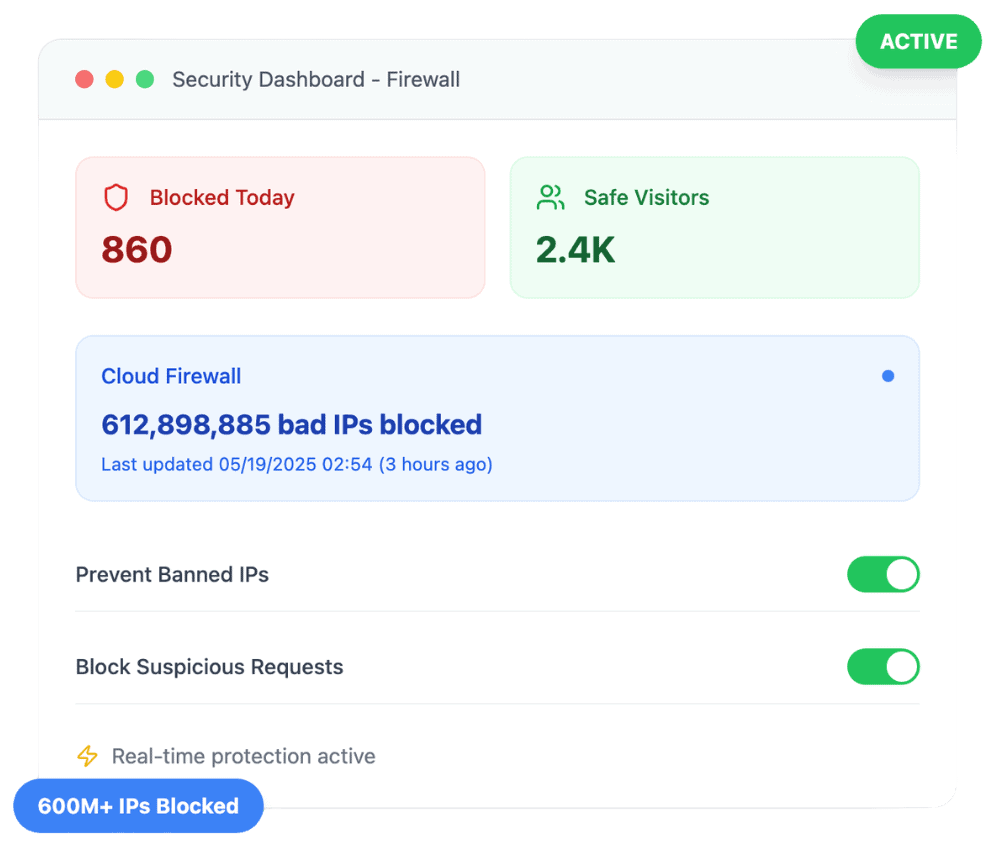
- ✓ Login successes and failures
- ✓ Firewall and protection events
- ✓ Export when you need a paper trail
Built for freelancers and agencies
Webhook alerts help you notice brute-force attempts and firewall blocks without opening every dashboard, whether you manage one site or fifty.
- ✓ Great with care plans and on-call channels
- ✓ Zapier opens email, tickets, and more
- ✓ MainWP adds fleet alerts for agencies
Customer reviews
4.9 / 5 from 262 reviews
A Complete Security Powerhouse with White Label Flexibility and Outstanding Support
“I’ve been using WP Security Ninja with the 3-tier white label option, and I couldn’t be more impressed.”
Very helpful
“Security Ninja is part of my arsenal that I offer to my clients. It helps make sure their websites are security and scans them for malware.”
No WordPress plugin should be your entire security stack, but this one is a solid choice to be a key part of it.
“I've been a web host and sysadmin for 15 years. I'm skeptical when it comes to security tools, and many of them out there are either bogged down bloatware, don't do enough, or try…”
Fast security audit with one-click fixes, but use judgment
“I installed WP Security Ninja on my own WordPress website, ran a scan, and fixed several real issues in under an hour.”
Frequently asked questions
Are webhooks included in Free? +
No. Webhooks are part of Security Ninja Pro’s full Events Logger. Free includes basic event logging in the dashboard.
Can I use Zapier? +
Yes. Point a webhook at Zapier (or similar) and route events into the apps your team uses. See our Zapier docs for a walkthrough.
Where do I configure webhooks? +
In Security Ninja under the Events Logger settings once you have an active Pro license.
Put security alerts in Slack or Discord
Upgrade to Pro for webhooks, full event export, and scheduled scan reports.
Get Pro