Pro · Visibility
WP Security Ninja
See who reached your site and who got blocked
The visitor log shows traffic and firewall decisions, so you can investigate false positives and understand unwanted requests.
- ✓ Traffic context
- ✓ Block visibility
- ✓ Faster false-positive checks
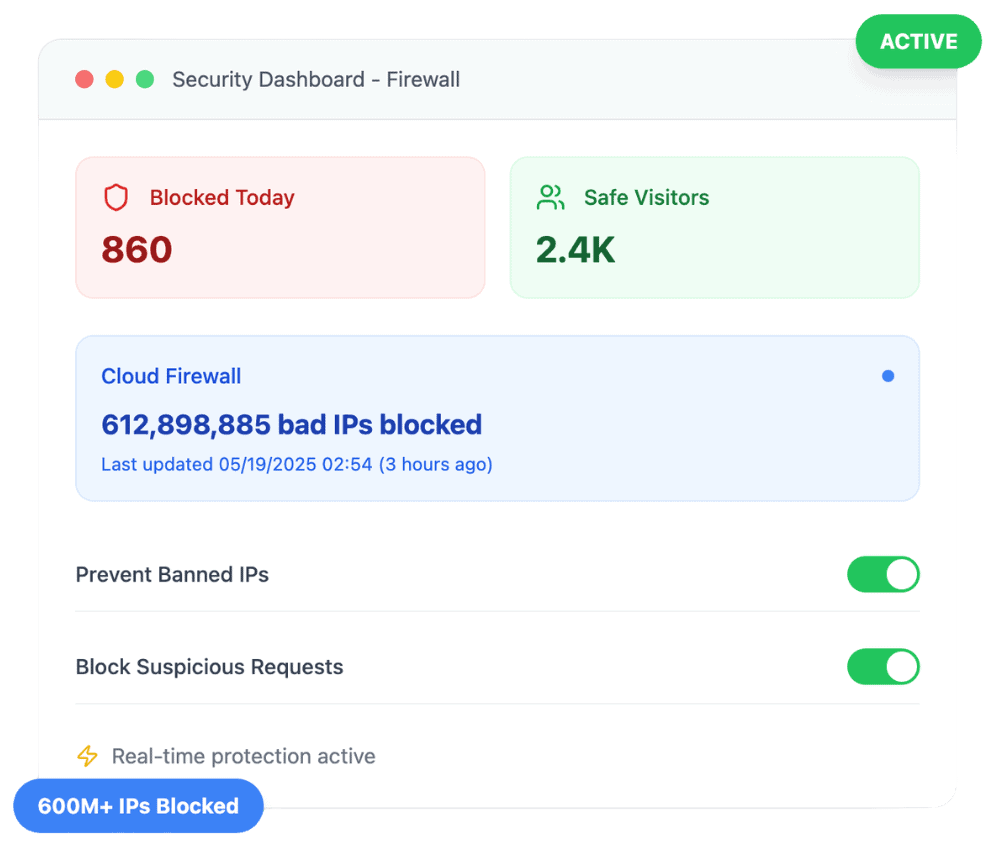
Context when something looks wrong
The visitor log helps you verify what happened. That matters when a legitimate service gets blocked or bots keep hitting the same path.
- ✓ Review recent visitor and block activity
- ✓ Support decisions about IP lists and countries
- ✓ Retention controls keep the log manageable
Works with Cloud Firewall
Visitor logging works with Pro Cloud Firewall, 404 Guard, and country rules, so you can see why traffic was allowed or blocked.
- ✓ See blocks in context of your rules
- ✓ Pair with events logger and webhooks
- ✓ Retention controls keep the log manageable
Customer reviews
4.9 / 5 from 262 reviews
Amazingly user-friendly security plugin
“Thank you, Security Ninja! Your plugin is easy to use, provides clear reports of activity, and includes built-in tools that make security a lightweight task.”
“I love the WP Security Ninja product. As a startup agency, it has made my entry into the market and my ability to stand out in my offerings much easier. Keep up the good work.”
“I've tried most of the security plugins out there. Some are good but Security Ninja beats them all!”
A Complete Security Powerhouse with White Label Flexibility and Outstanding Support
“I’ve been using WP Security Ninja with the 3-tier white label option, and I couldn’t be more impressed.”
Frequently asked questions
Is the visitor log free? +
No. Detailed visitor logging is a Pro capability tied to the firewall protection suite.
How long are logs kept? +
You can configure retention in Security Ninja Pro. A scheduled cleanup enforces your keep period.
Get clearer firewall visibility
Pro includes visitor log, Cloud Firewall, 404 Guard, and more.
Get Pro