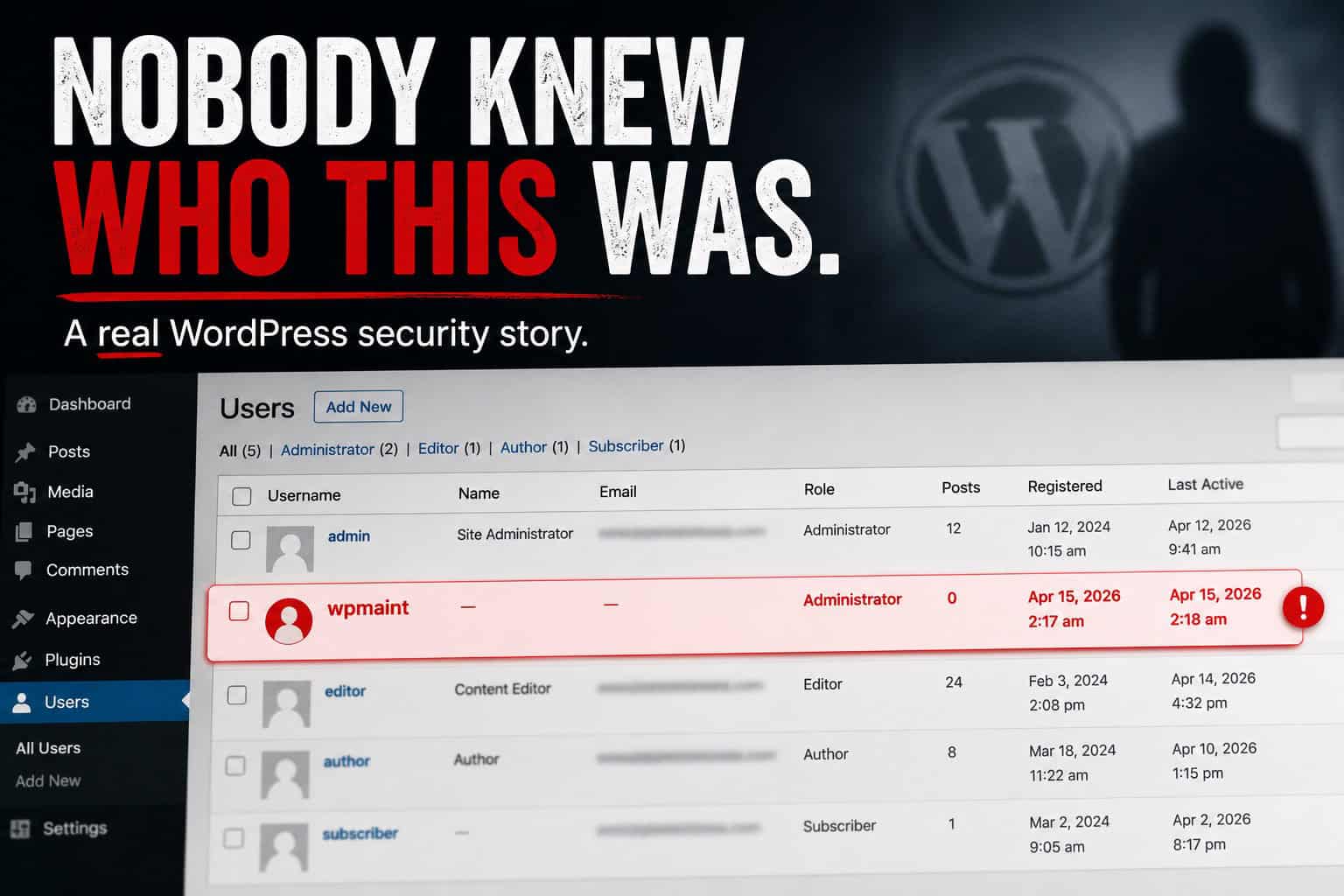
It started the way these things usually start: not with a defaced homepage, and not with a dramatic message from an attacker.
It started with a small question from a client:
“Hey, do you know who the user wpmaint is?”
One unknown WordPress administrator. No ticket. No note from a developer. Just a username that sounded ordinary enough to overlook, which is why it felt wrong.
The screenshot of the Users screen looked mostly normal. Familiar accounts, expected roles. Then one administrator nobody recognized: wpmaint.
A name like that is annoying because it is not obviously malicious. It sounds like something a developer might create during maintenance and forget to mention. Believable names create doubt, and doubt is where responses get messy.
Nobody on the team remembered creating it. No contractor had asked for access. It was simply there.
That is usually the fork. One route is chaos: everyone clicks through the dashboard, changes passwords at random, disables plugins, installs tools, and deletes things before anyone has a timeline. It feels active. It often destroys evidence and creates a second mess.
The better route is slower at the start and faster to the truth.
It starts with one question: what changed, exactly, and when?
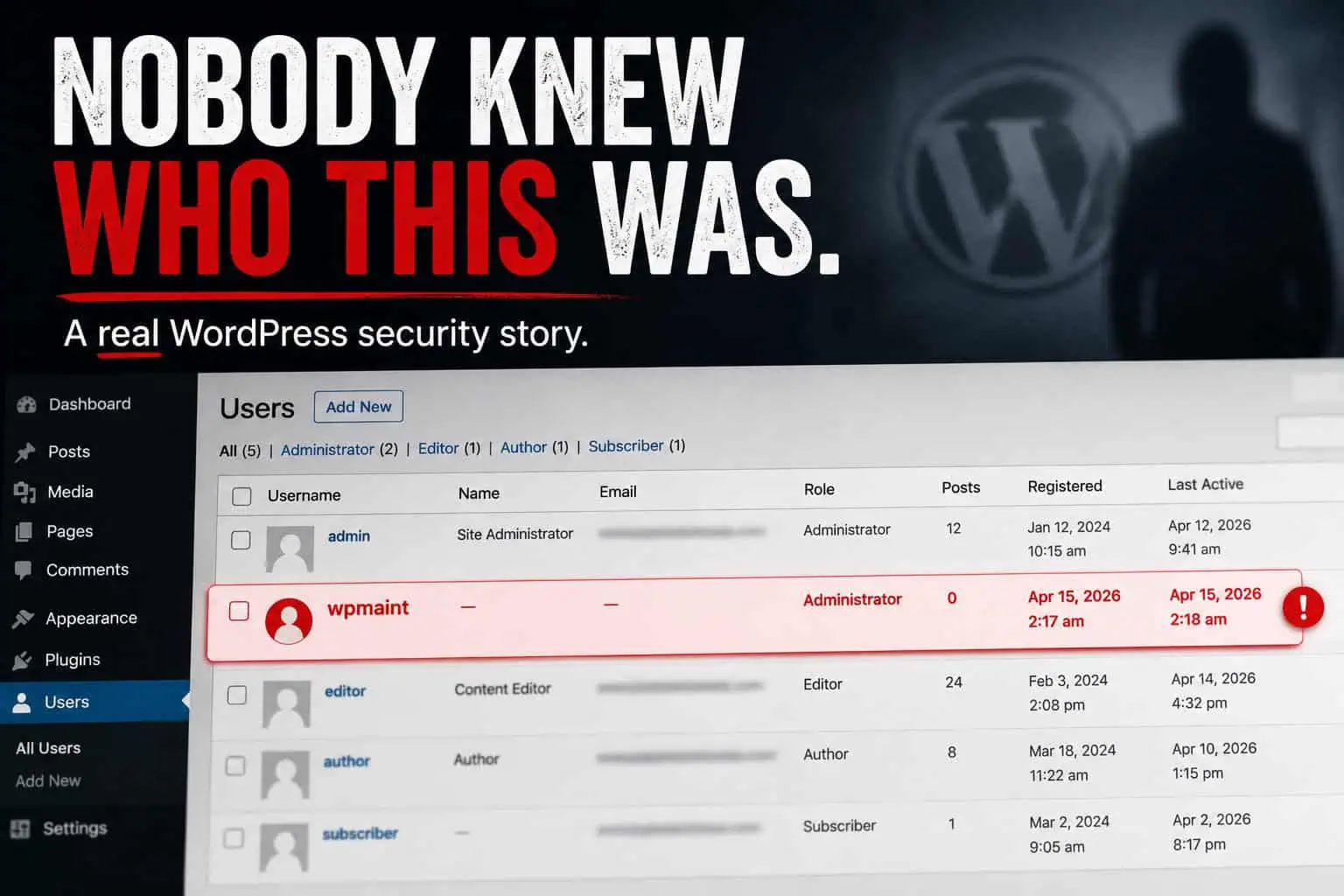
The screenshot is a warning, not the whole story
A screenshot shows what exists now. It does not show when the account appeared, who created it, whether it was used, or what else changed around it.
On a busy WordPress site, “nobody knows” does not always mean “malicious.” It can mean undocumented maintenance, a contractor naming habit, or automation. It can also mean a real access problem. You do not know until you build a timeline.
We treated it as an evidence problem, not a debate about whether the name sounded legitimate:
- When did the account show up?
- Was there a login connected to it?
- Did any plugins activate or change in the same window?
- Were settings saved or roles modified?
- Did anything else happen that made this look like part of a larger pattern?
A screenshot makes people anxious. A timeline gives you something to work with.
Memory is not a security control
Under pressure, answers get vague. Someone remembers a developer “a while ago.” Someone else thinks a migration account existed. Another person is sure they removed an old admin, but not sure when.
That is normal. Security investigations still cannot run on “I think so” for long. Event logging changes the tone: you check what the site recorded instead of reconstructing the past from memory. Who created the user, when, what role, what happened before and after?
Visibility does not magically solve everything. It moves you from guessing to checking.
Containment first, carefully
Once we confirmed the account was unrecognized, we contained the risk.
Containment is not “fix every possible security issue in the next ten minutes.” It means reducing immediate exposure while keeping enough context to understand what happened.
We moved deliberately:
- Removed the suspicious administrator
- Rotated passwords for remaining admins (and other sensitive credentials in scope)
- Reviewed who still needed Administrator vs Editor/Author (user roles, least privilege)
- Tightened login protection and 2FA so remaining paths were harder to abuse while we investigated
None of that is glamorous. The first hour often decides whether the rest of the week stays calm. Change too much too fast and you get a “cleaner” site that is harder to reason about.
An unknown admin might be the incident, or the door
After containment, do not assume the visible problem was the only problem. Administrator access is powerful. Check the places that matter:
- Plugin list vs what the team expects; remove unused plugins (inactive code is still surface area)
- Unexpected plugins nobody remembers installing
- Plugin folders that should match a known public version
- Theme files, child themes, and custom snippets (easy to skip if you only stare at the dashboard)
A quiet theme edit is easy to miss when the homepage still loads. Related patterns: backdoors, malware cleanup, hacked site steps.
Secure what would turn a scare into repeat exposure
Removing the account is the obvious fix. The better fix reduces the chance a similar account appears again unnoticed:
- Credentials rotated, not only for the bad user
- Fewer administrators, clearer ownership
- Stronger authentication on remaining admins
- Unused plugins and themes gone
- Event trail kept useful going forward
- Backups that can actually be restored (backup tips)
Nothing else was found
After the review, nothing else suspicious was confirmed. No hidden plugin tampering. No theme-level backdoor. No wider compromise proven. The suspicious admin remained the main signal. Once access was contained and the site reviewed, there was no evidence it had grown larger.
That can feel like an anticlimax. In real work it is a good outcome.
The team noticed something strange, asked quickly, and did not ignore it because the username looked harmless. Early attention kept a worrying situation contained. What could have become a long, expensive week stayed a controlled investigation.
We never proved the exact entry point
The entry point was never conclusively confirmed.
That is frustrating and realistic. Sometimes you contain the risk, validate the environment, and still lack a single perfect explanation. That is not failure. It means you turn uncertainty into a better baseline: tighten admin access, improve authentication, remove unused code, keep software updated, maintain an event trail, prove restores work.
The lesson was not “panic faster next time.” It was: the next strange screenshot should be answerable with records instead of guesses.
The client came out more disciplined
They did not leave paranoid. They left more consistent about updates, more careful about admin access, more serious about event visibility, and less interested in security theater.
A good baseline does not guarantee nothing strange will happen. It gives you a calmer way to respond when something does.
Baseline for the next strange screenshot
If you manage WordPress, the takeaway is not that every unknown user means disaster. It is that you should answer basic questions quickly when something looks wrong:
- Who created this?
- When did it happen?
- What else changed nearby?
- Was access used after the account appeared?
- What else needs review?
Those questions are easier when the baseline already exists: updates, least privilege, 2FA, event logs, regular security checks, restorable backups.
Reusable structure: WordPress security checklist.
When the uncomfortable question appears (“Do you know who wpmaint is?”), the goal is not to panic. An event trail helps. Security Ninja’s Events Logger is not a full forensic lab, and it does not pretend to be one. It can still answer the practical questions first: who changed what, when, and what else happened around the same time.
That is often the difference between guessing and investigating.