Login & access
Protect wp-login, stop brute force, and lock down administrator access.
13 articles
WordPress login pages are probed constantly. Bots try common usernames and password lists against `/wp-login.php`, recycled credentials from other breaches, and any account that still has more privilege than it needs. You do not need to be a famous brand for this to happen. It is background noise on almost every public WordPress site.
Good login security is mostly boring work done well: strong unique passwords, fewer administrator accounts, two-factor authentication for people who can change the site, and limits on how many failed attempts an IP gets. Renaming the login URL will not stop a determined attacker, but it does cut a lot of automated guessing.
In Security Ninja Pro, login protection covers failed-login limits and a custom login URL, and two-factor authentication adds a second step for the roles that matter. Cloud Firewall can also apply country rules to login forms when you configure it that way.
Articles in Login & access
13 articles, newest first.
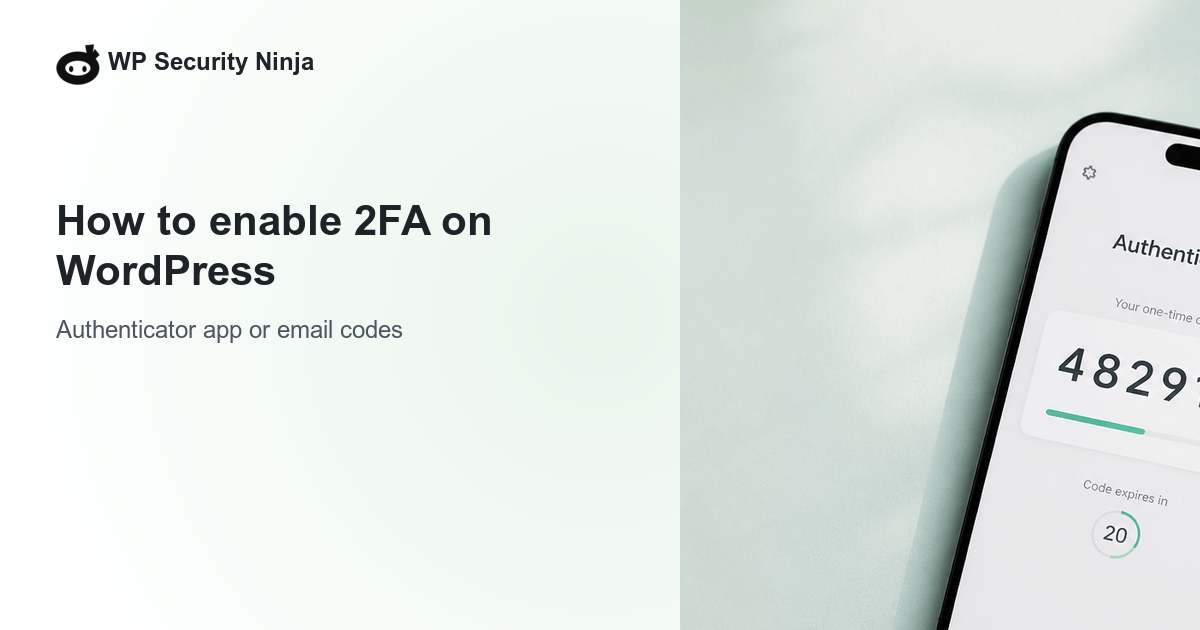
- How to enable 2FA on WordPress Enable two-factor authentication on WordPress: authenticator app or email codes, which roles must enroll, grace period, and how to recover a lost phone.
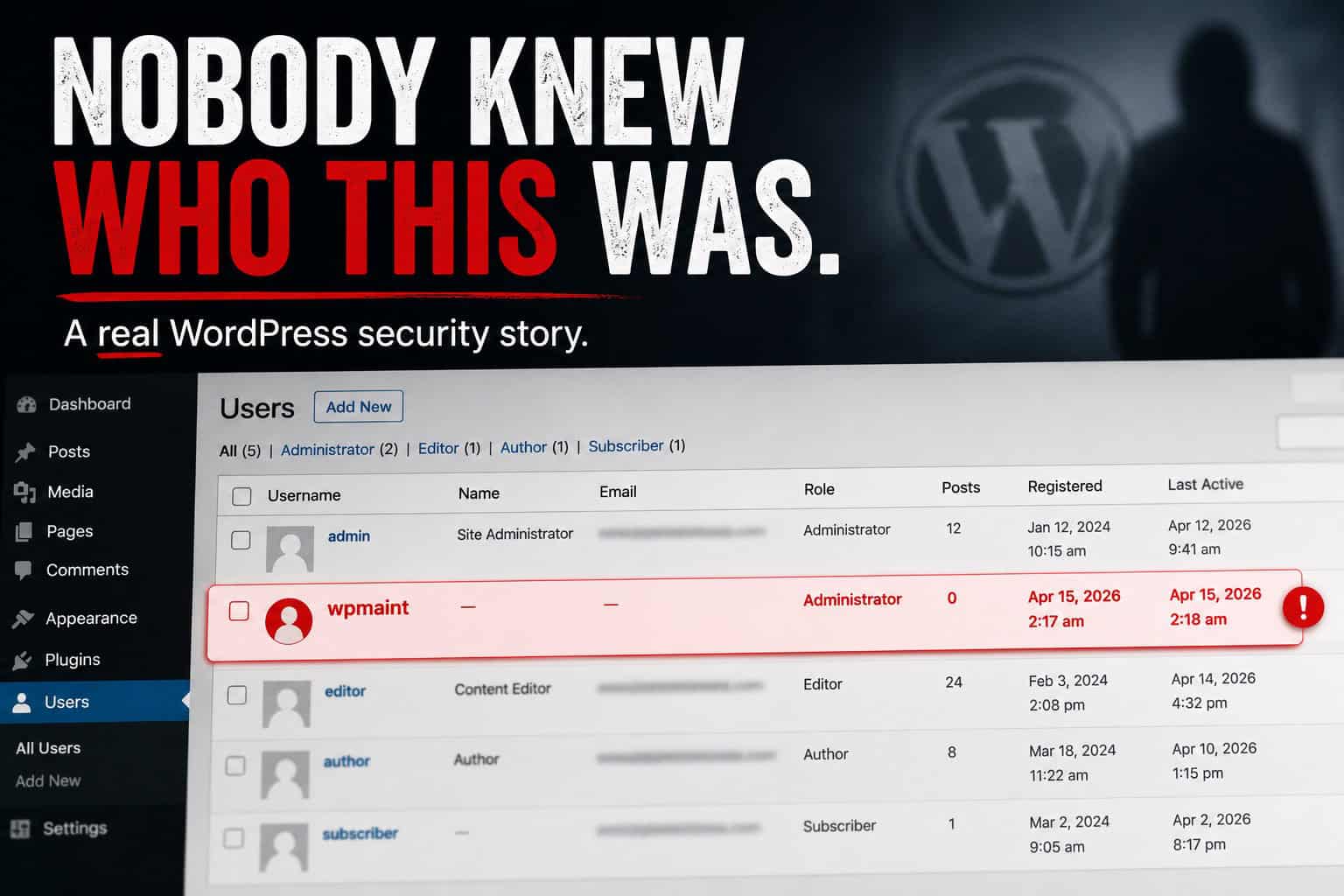
- An unknown WordPress admin: the calm response that keeps the incident short A client spotted an unrecognized administrator named wpmaint. How we contained access, checked plugins and themes, and left the site more disciplined than before.
- How to secure a WordPress login How to secure a WordPress login: unique passwords, 2FA for admins, failed-login limits, and fewer administrators.
- WooCommerce Protected Categories: password and role gates Set up WooCommerce Protected Categories (Barn2) with passwords, roles, or users. Test add to cart, cache pitfalls, and store hardening that still matters.
- Password Management Tips for WordPress Sites Numbered password practices for WordPress: unique passwords, managers, team sharing, 2FA, recovery codes, and audits without duplicating the full login guide.
- Phishing threats on WordPress: email scams vs a compromised site How WordPress phishing shows up as fake emails versus malware on your site, how to spot both, clean up safely, and harden logins with MFA.
- WordPress user roles explained: access, permissions, and safer assignments What each WordPress user role can do, how capabilities work, and how to assign the least access that still gets the job done.
- Access control in database security How database access control works: least privilege, discretionary vs mandatory models, flow and inference controls, and why it matters for WordPress data.
- Password protect a WordPress site, page, or category Password protect an entire WordPress site, a single page without a plugin, or a category. Soft gates for staging and previews, not a substitute for login security.
- Phishing guide: spot fake emails before they cost you How phishing works, how to spot fake emails and links, and simple habits that keep WordPress logins and business accounts safer.
- WordPress Admin Passwords: Stop Using Weak Ones Why weak WordPress admin passwords still get sites owned, bad-password patterns since 2012, passkeys, application passwords, breach response, and 2FA.
- Emergency WordPress admin recovery with a one-time URL hook Authorized emergency recovery when you have file access but no admin login: a temporary one-time URL hook, then remove the code immediately. Plus how to spot Indoxploit-style and odd-asset backdoors.
- Create a WordPress admin user via FTP when you are locked out Recover a locked WordPress site by temporarily adding a known-safe admin account through FTP or file manager, then remove the code immediately.




If staff or clients share passwords, or old freelancer accounts are still active, fix that before stacking more plugins. Access control is as much about people and roles as it is about rate limits.
After hardening logins, review who can install plugins and edit files. Then keep an eye on Events so repeated failures and blocks are visible instead of silent.
Need the product path? Start with login protection and 2FA, or read the complete login security guide first.
