Malware & cleanup
Guides on detecting WordPress malware, cleaning reinfections, and hardening the site afterward so it does not get infected again.
18 articles
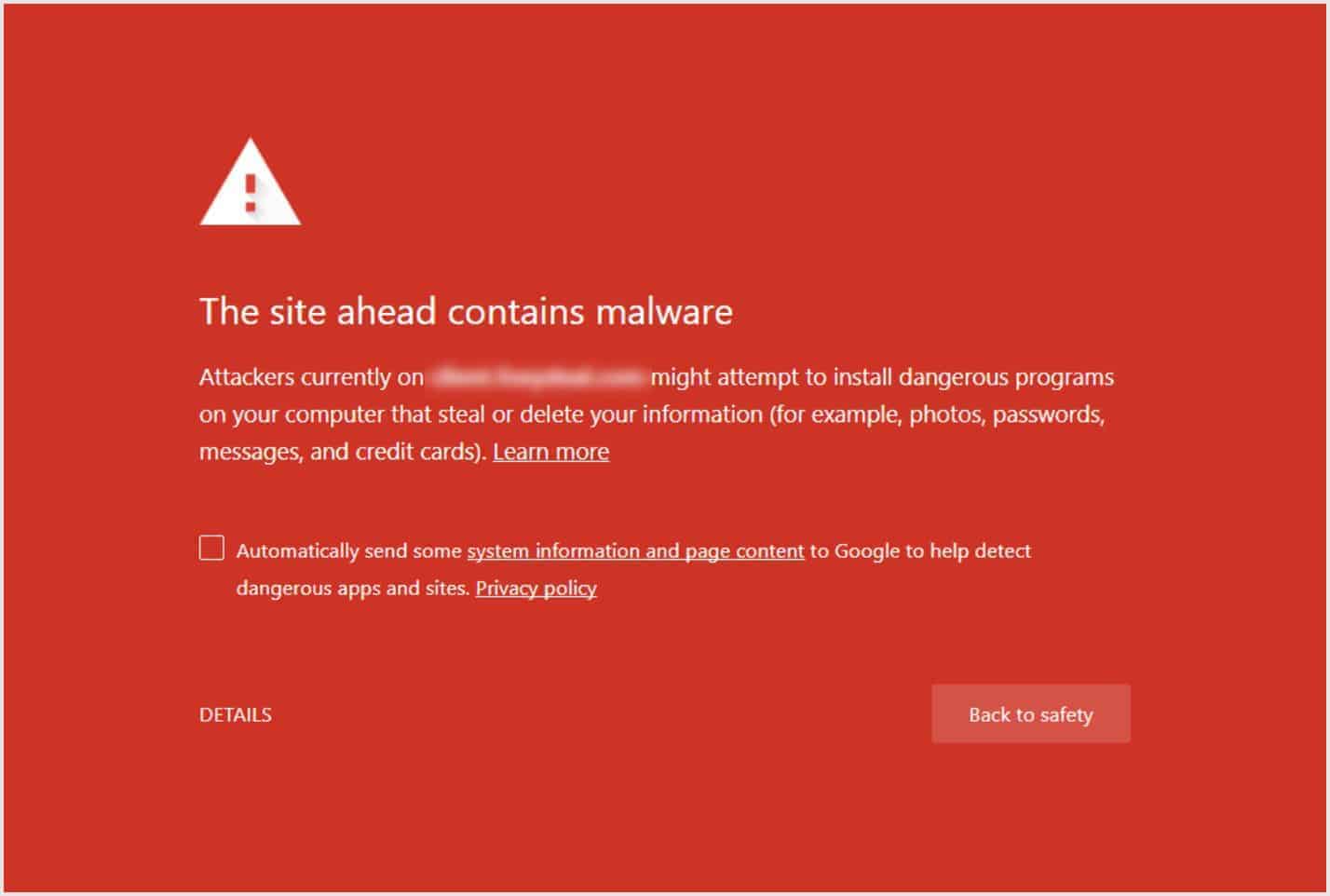
When a WordPress site is compromised, the first signs are often small: a strange redirect, a new admin user, spam links in the footer, or a Google Safe Browsing warning. Malware rarely announces itself clearly. It hides in theme files, uploads, must-use plugins, or database options and tries to stay put after a quick cleanup.
These articles cover what infections look like in practice, how reinfection loops work, and how to clean up without guessing. We focus on real patterns we see on WordPress sites: backdoors that survive password resets, modified plugin files, and malicious code that only shows for certain visitors.
If you want tools alongside the reading, Security Ninja Pro’s malware scanner helps find suspicious code, clean or whitelist findings, and check that WordPress.org plugins still match official checksums. Pair that with Cloud Firewall and login protection so you are not only cleaning after the fact.
Articles in Malware & cleanup
18 articles, newest first.
- WordPress core files were modified: what it means A core-file warning means a checksum mismatch, not an automatic hack. How to read the diff, when it is harmless, and when to restore or treat it as malware.
- When a security plugin is enough vs when to hire cleanup A plugin is the weekly stack you run yourself. Hired cleanup is humans for a live compromise or a written review. How to buy the right job, not a second dashboard.
- WordPress Malware Cleanup: DIY or Hire Help? After you confirm a WordPress hack: when to clean malware yourself, when to hire cleanup, what a good incident response includes, and how to avoid paying twice.
- Check if Your WordPress Site Is Hacked Check if a WordPress site is hacked with scans from wp-admin: vulnerabilities, security tests, core integrity, then a logged-out look at users and Search Console.
- WordPress security patterns we keep seeing (and simple fixes) Recurring WordPress security problems: postponed updates, messy access, no logs, untested backups, bot noise, and one-time security installs. Plus a simple baseline.
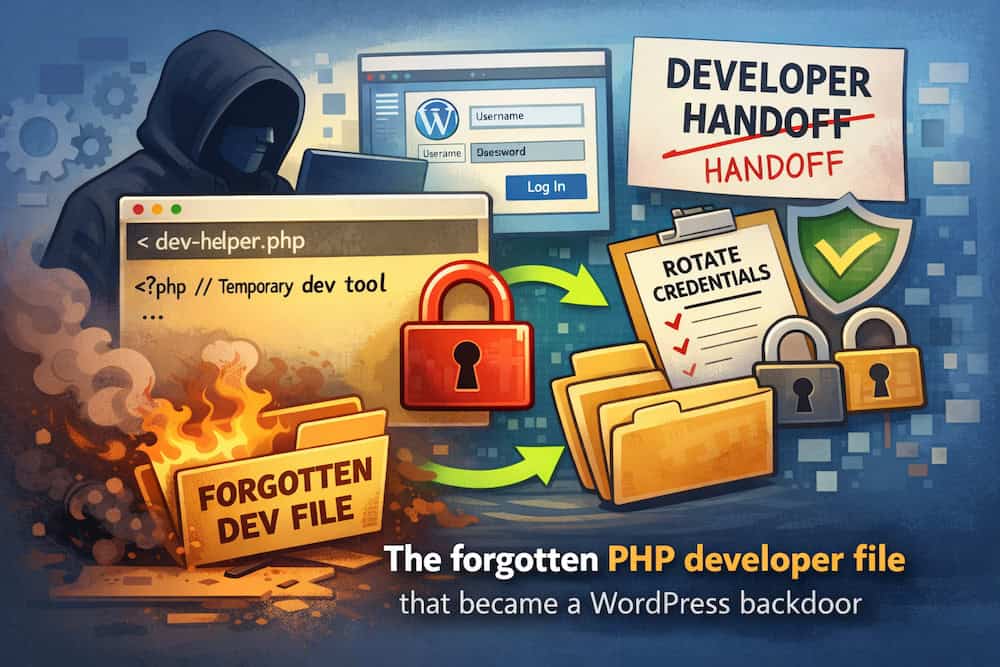
- WordPress hacked after a developer handoff: the leftover file problem A leftover developer file manager acted as a WordPress backdoor. How to find it, clean up, and stop permanent “helpful” access tools.
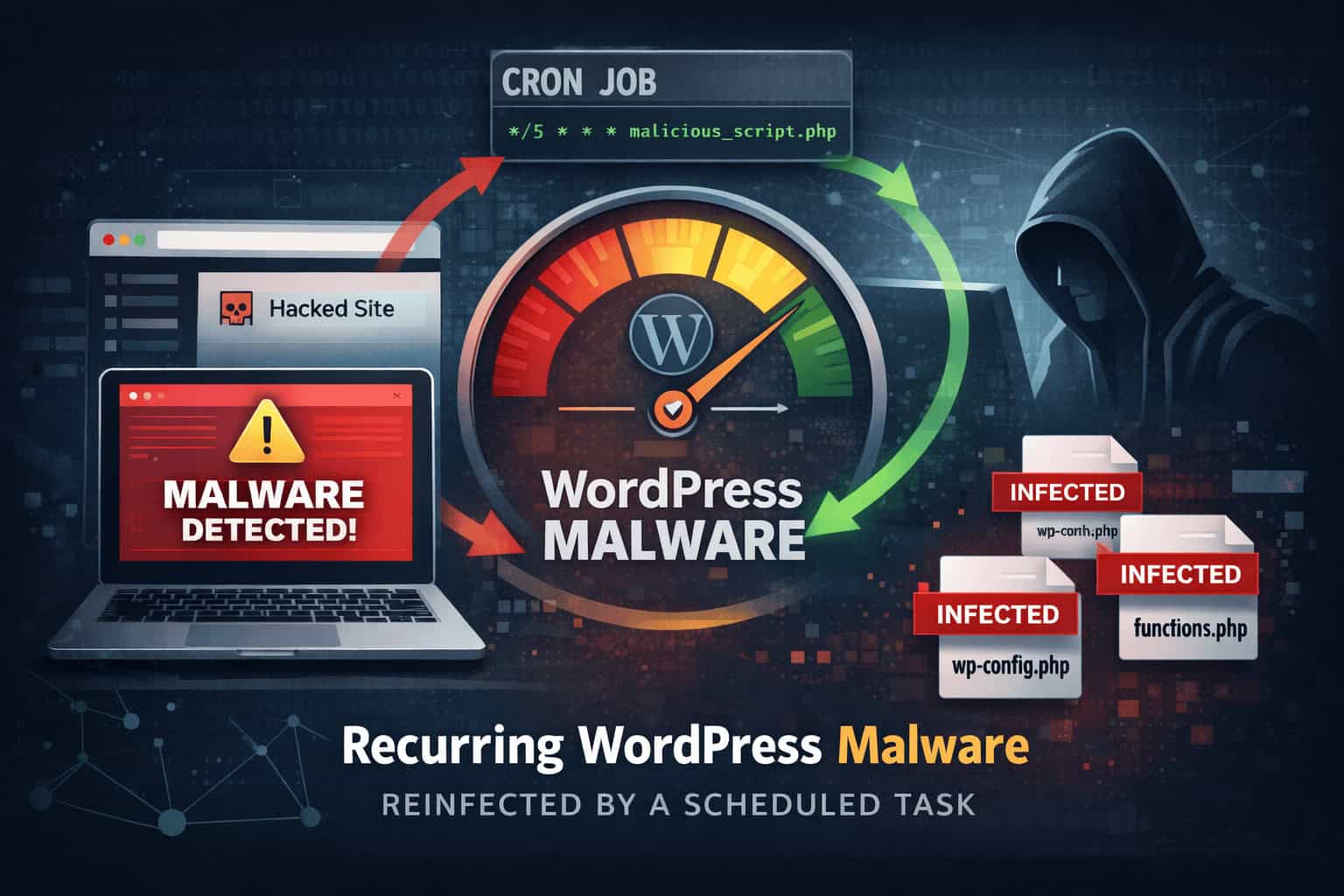
- The malware that kept coming back: the cron job we finally found A WordPress site was cleaned twice, but redirects returned. The root cause was a hosting cron job reinjecting malware on a schedule.
- WordPress malware removal How to remove WordPress malware: contain the infection, clean or restore, rescan, rotate access, and close the hole so it does not come back.
- SQL injection attacks on WordPress: how they work and how to reduce risk What SQL injection is, how it shows up on WordPress sites, and the defenses that matter: prepared statements, trusted plugins, and least privilege.
- What to know about WordPress backdoor hacks How WordPress backdoors work, where they hide, signs of compromise, and how to find, remove, and prevent hidden access without fake “support” shortcuts.
- Website Backup Plan: Survive a Site Compromise & Recover Fast Build a simple WordPress backup and recovery plan: clean backups, early alerts, restore steps, and what to do if malware or a hack takes the site down.
- Why regular website maintenance keeps your site secure Regular WordPress maintenance closes security gaps, keeps backups usable, improves speed, and protects visitor trust before small issues become incidents.
- WordPress Hacked Redirect: Find and Fix It A WordPress hacked redirect often sits in .htaccess, index.php, siteurl/home, or uploads. Find it, remove the backdoor, then harden login.
- How to Protect a WordPress Site from Malware and Hackers Practical ways to protect WordPress from malware: updates, safe plugins, strong logins, firewall, scanning, and backups you can restore.
- Backdoor injection patterns: finding layered WordPress persistence A teaching metaphor for multi-layer WordPress backdoors: droppers, obfuscation, and multiple shells. Where they hide and how to find them without inventing a fake campaign.
- WordPress malware traits: stealth redirects, SEO spam, and backdoors Common WordPress malware traits: stealth redirects, SEO spam, backdoors, Search Console warnings, how to test logged-out vs logged-in, and what to do next.
- 7 Signs a WordPress Site Is Hacked How to tell if a WordPress site is hacked: unknown admins, lockouts, redirects, spam, Search Console warnings. Several signs together, not one glitch.
- Emergency WordPress admin recovery with a one-time URL hook Authorized emergency recovery when you have file access but no admin login: a temporary one-time URL hook, then remove the code immediately. Plus how to spot Indoxploit-style and odd-asset backdoors.





Cleanup is only half the job. After you remove malware, change compromised passwords, review users and plugins, and confirm core and plugin files look right. Keep a known-good host or backup-plugin copy offline so you have a restore path if something was missed.
For ongoing monitoring, Pro can run scheduled scans and surface findings before visitors notice. The free plugin still gives you 50+ security tests and vulnerability checks to catch common weak spots early.
If DIY is not enough, you can hire us for malware cleanup or a fixed-price security review. Otherwise start with the malware scanner, Core Scanner, and security tests when you still have admin access, or the signs guide.
