We stopped building an AI advisor. Here is what we shipped instead.
A short founder note on why WP Security Ninja dropped the in-dashboard Security Advisor and switched to optional MCP access for your existing AI tools.
Topics Hardening & checklists

A short founder note on why WP Security Ninja dropped the in-dashboard Security Advisor and switched to optional MCP access for your existing AI tools.
Topics Hardening & checklists
I spent a chunk of this year building an AI Security Advisor inside WP Security Ninja.
The idea was honest enough. You already run security tests. You already get vulnerabilities, core findings, and event noise. The hard part is deciding what matters first. So we built a screen in wp-admin that turned those results into a ranked audit, with guided follow-ups, using WordPress AI connectors and the API key you set there. I wrote about that path earlier in Why we built the AI Security Advisor.
Then the feedback kept pointing somewhere else.
People were not asking for another chat box inside Security Ninja. They were already living in Cursor, Claude, WPVibe, and tools like them. What they wanted was simple: let that tool see what the scanners already found. Same findings. Their own AI. No new report UI to learn.
That is also less product work for us. No separate Advisor screen. No follow-up chips. No scheduled AI mails. No API key field inside Security Ninja for this. MCP is how those apps already reach site data, so we followed that instead of fighting it.
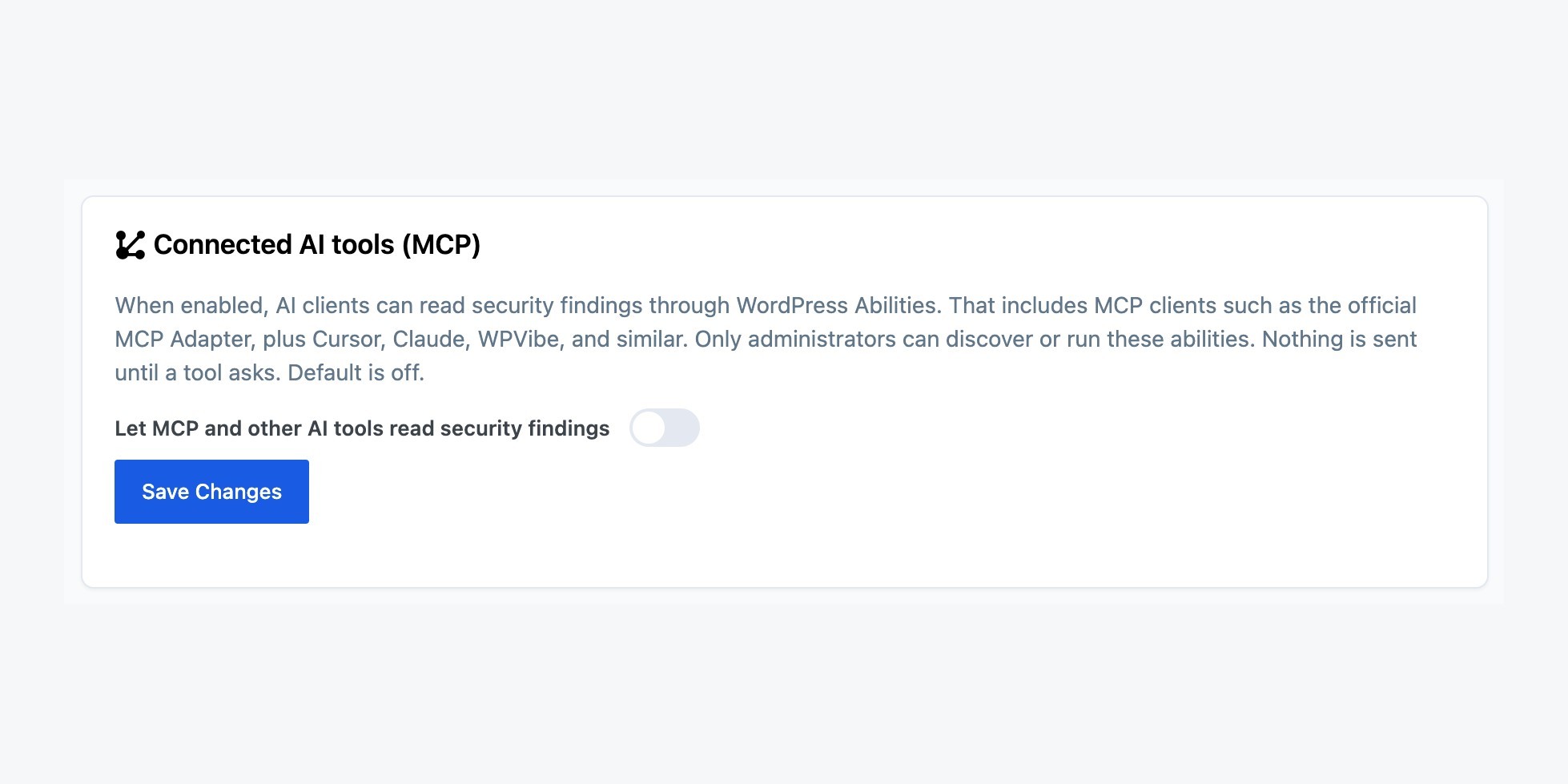
In Security Ninja 5.311 there is a switch under Overview called Connected AI tools (MCP). It stays off until you turn it on and save.
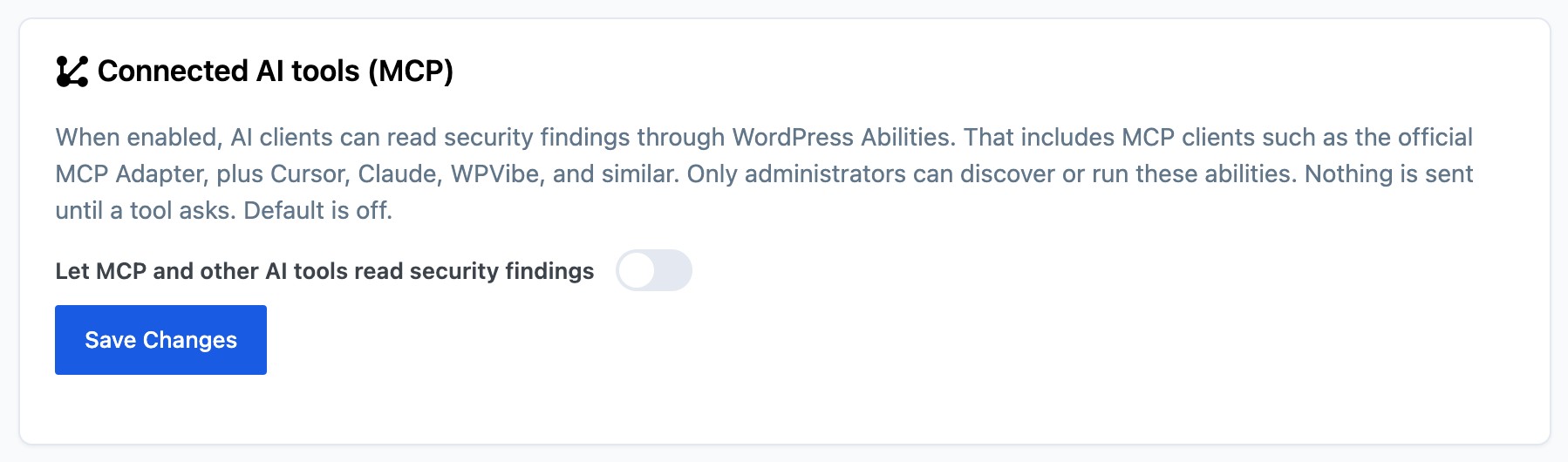
When it is on, a connected client can read failed and warning tests, open vulnerabilities, and core files that look wrong. Pro also shares malware findings, which protections are on, and attack counts for 24 hours, 7 days, and 30 days. Answers come from the latest saved scan. Asking does not start a scan, change a setting, ban an IP, or delete a file. Only a logged-in administrator can run it.
Security Ninja is not an MCP server. It registers read-only WordPress Abilities. Your AI app still needs a path to the site, for example the official MCP Adapter, or a client that already talks to WordPress. You do not install a Security Ninja connector for this.
We tried putting the AI inside the security plugin. Customers wanted the security data inside the AI they already use. That is the better fit, so that is what 5.311 does.
Details: Connected AI tools and the setup guide.
Found this useful? Share it.