Hardening & checklists
Practical hardening steps, audits, and security checklists that stick.
67 articles
Most WordPress security problems are not exotic zero-days. They are outdated plugins, debug mode left on, weak file permissions, unused themes sitting around, or XML-RPC and other endpoints left open for no reason. Hardening is the habit of closing those gaps before someone else finds them.
Checklists help because security work is easy to postpone. A short, repeatable pass after launches and updates beats a once-a-year panic. These articles walk through practical steps site owners and freelancers can actually finish, not a wall of theory.
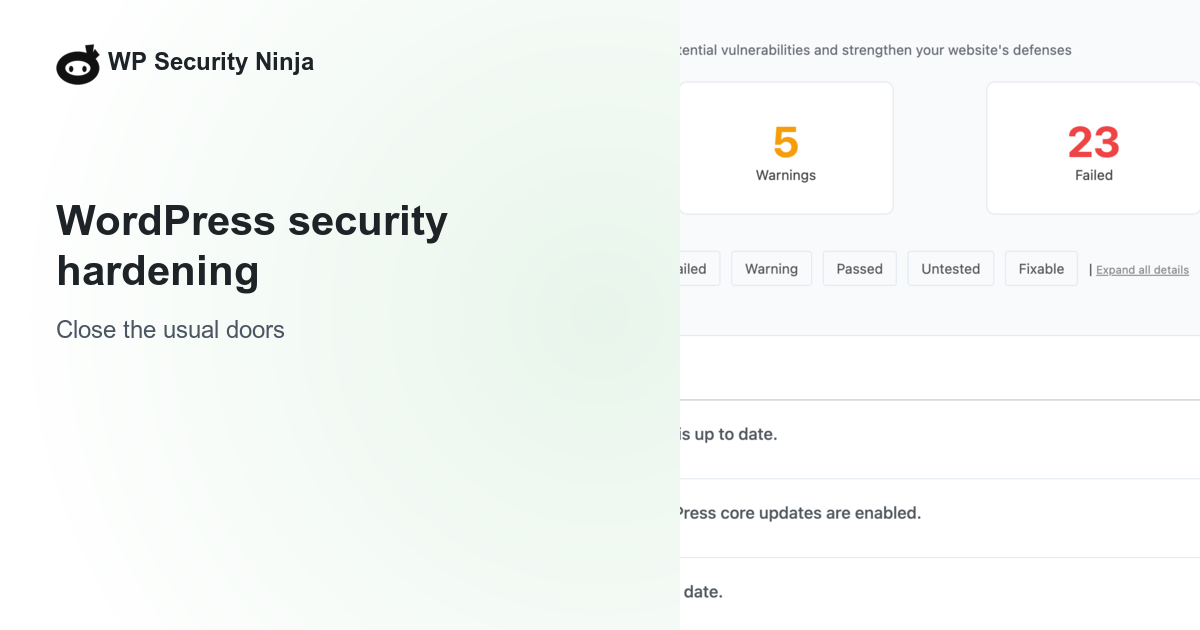
WP Security Ninja includes 50+ security tests in the free plugin. They audit common weaknesses and explain why each finding matters, so you get a prioritized todo list instead of guessing. Pro adds active protection and selected fixes when you are ready to go further.
Articles in Hardening & checklists
67 articles, newest first.
- How to enable 2FA on WordPress Enable two-factor authentication on WordPress: authenticator app or email codes, which roles must enroll, grace period, and how to recover a lost phone.
- WordPress core files were modified: what it means A core-file warning means a checksum mismatch, not an automatic hack. How to read the diff, when it is harmless, and when to restore or treat it as malware.
- When a security plugin is enough vs when to hire cleanup A plugin is the weekly stack you run yourself. Hired cleanup is humans for a live compromise or a written review. How to buy the right job, not a second dashboard.
- WordPress Security Monitoring: What It Actually Means WordPress security monitoring explained: plugin schedules, events logs, external uptime checks, and human retainers. What each covers and what none of them replace.
- wp2shell: Critical WordPress core vulnerability actively exploited WordPress 7.1.2 is a critical core security release (CVE-2026-87902). 7.1.1 patched Click2Shell and Comment2Shell. July leftover-access checks still apply.
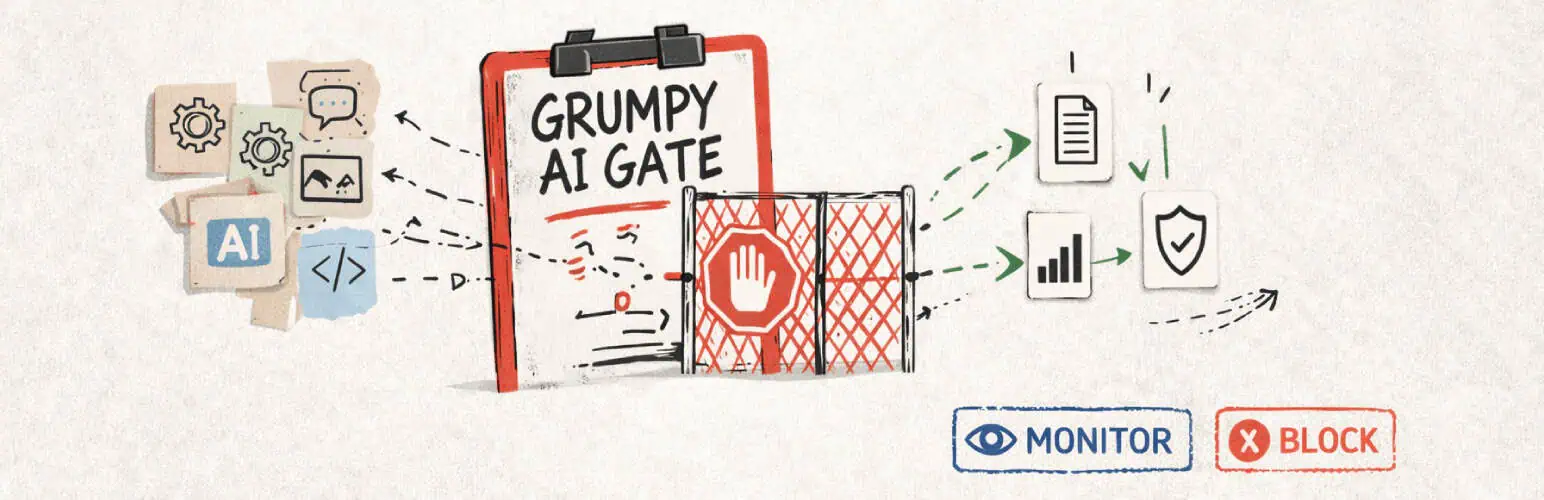
- Monitor WordPress AI plugin activity with Grumpy AI Gate Grumpy AI Gate shows which WordPress plugins talk to AI providers, logs usage locally, and can block selected WordPress AI Client flows.
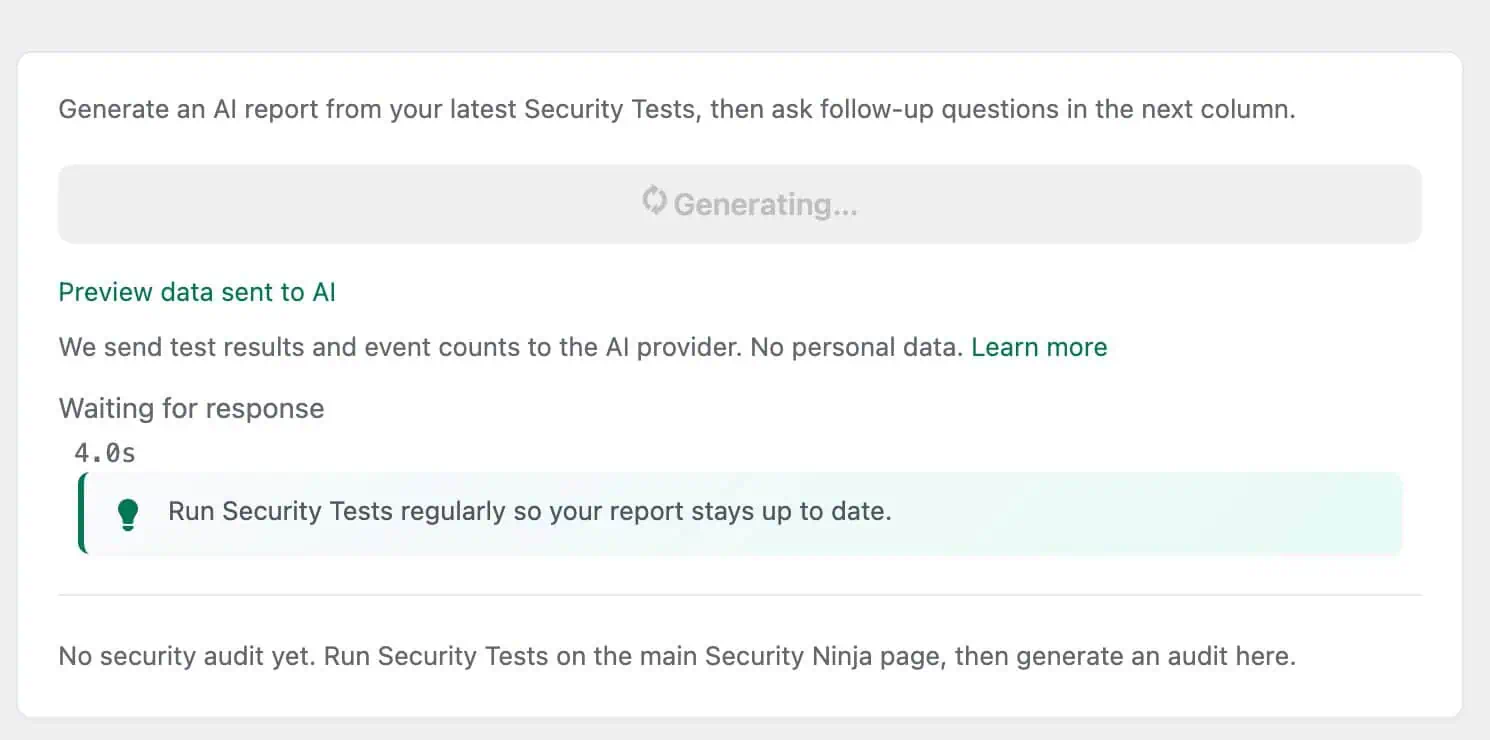
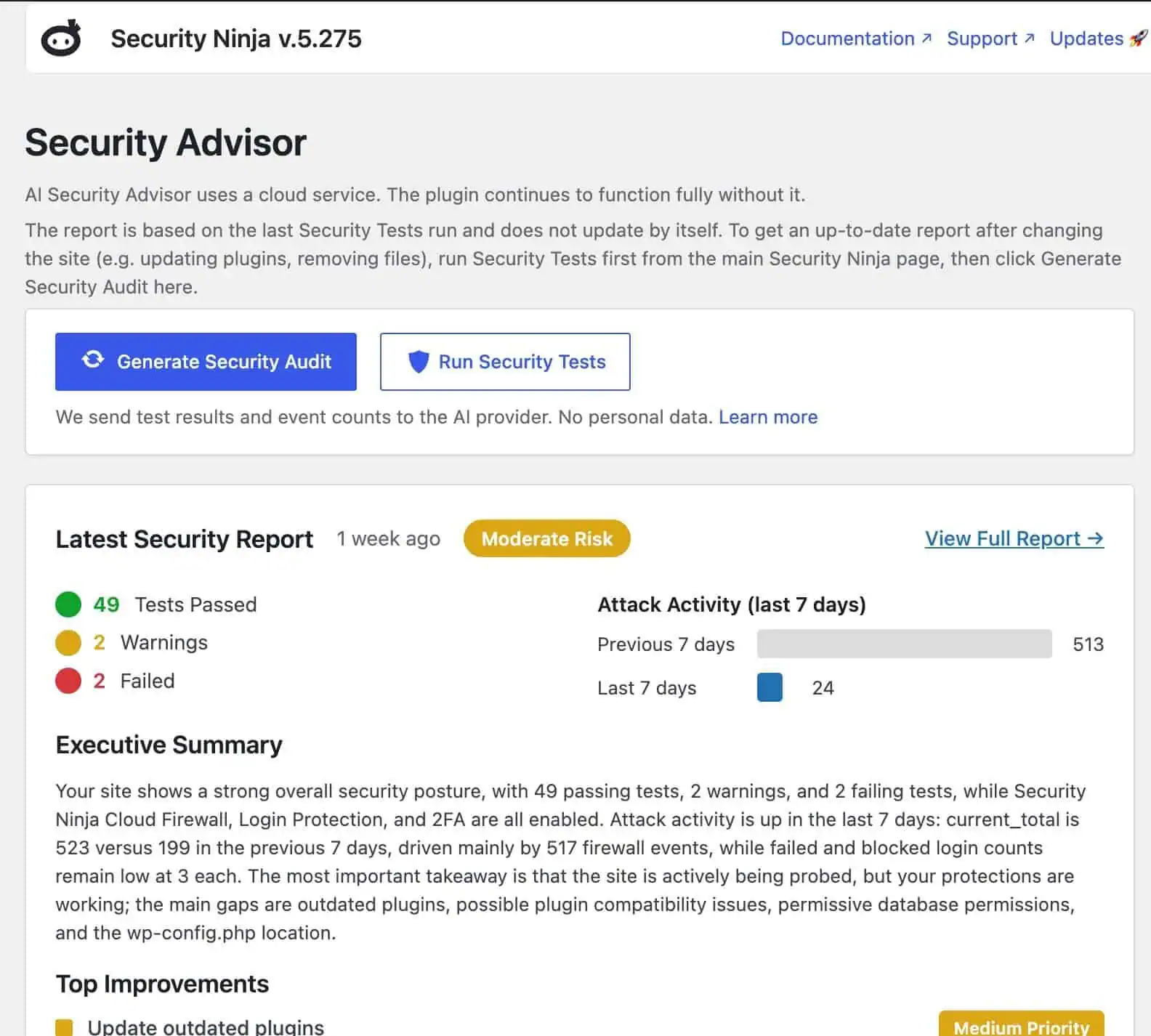
- Why we built the AI Security Advisor How WP Security Ninja’s AI Security Advisor turns real scan data into plain-language next steps on WordPress 7, without inventing another chatbot.
- WP Security Ninja and WordPress 7 AI connectors How the AI Security Advisor uses WordPress 7 AI connectors to turn real Security Ninja scan data into plain-language reports, on Free and Pro.
- Recommended tools for WordPress professionals A short, honest list of tools we use or trust for WordPress hosting, workflows, GraphQL, resets, and growth. No paid placements dressed up as advice.
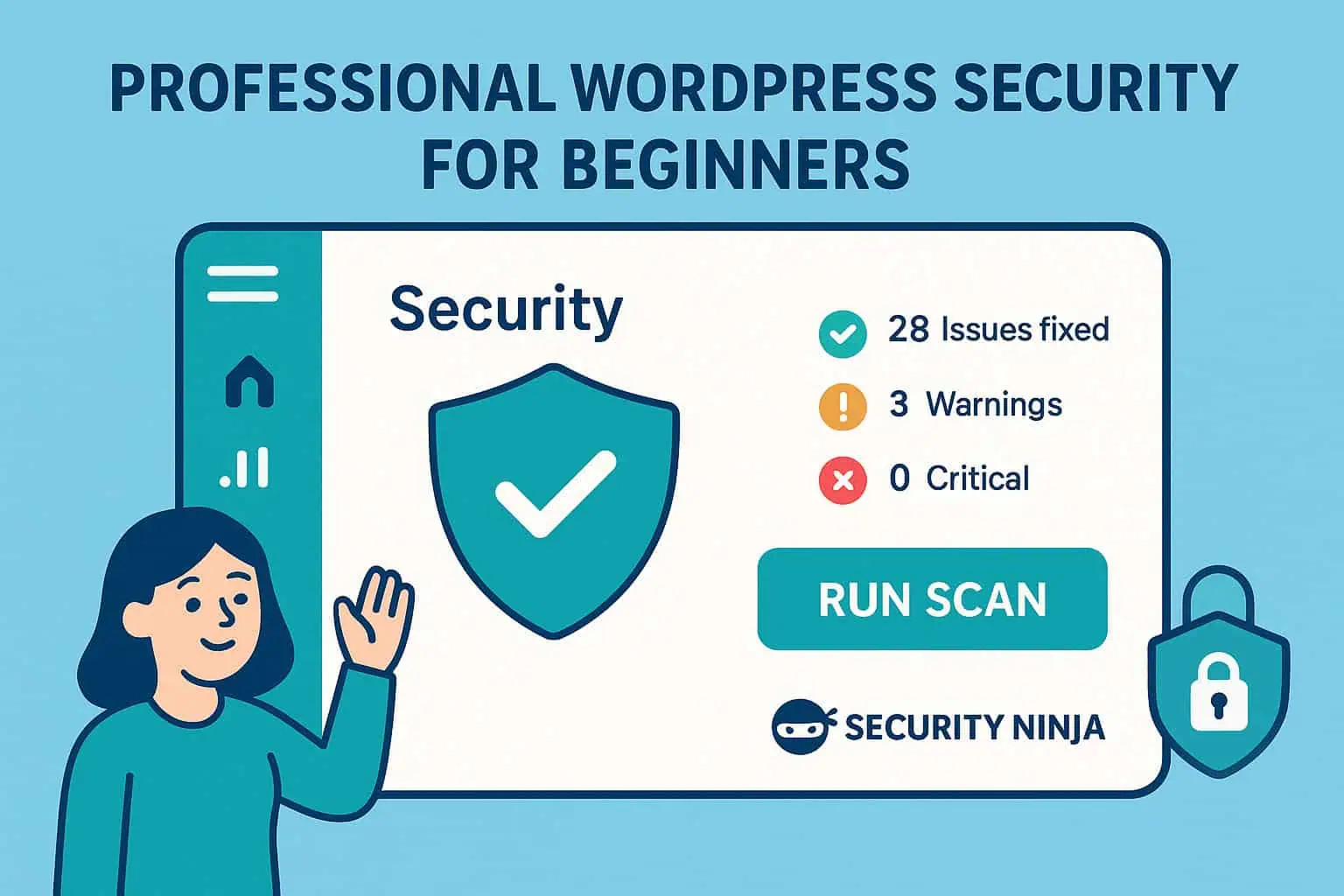
- WordPress security for beginners WordPress security for beginners: simple steps for updates, logins, plugins, backups, scanning, and what to do if something looks wrong.
- WordPress security configuration Configure WordPress security without fluff: wp-config, users, host settings, plugin module order, staging vs production, and links to deeper hardening guides.
- WordPress security audit A practical WordPress security audit: what to check, which tools to run, how to prioritize fixes, and when to get help.
- How to secure a WordPress login How to secure a WordPress login: unique passwords, 2FA for admins, failed-login limits, and fewer administrators.
- WordPress security checklist A printable WordPress security checklist: HTTPS, updates, passwords/2FA, backups, WAF/scans, least privilege, admin hardening, remove unused, and monitoring.
- WordPress firewall plugins A WordPress firewall plugin filters bad HTTP before it hits wp-admin. Plugin vs cloud WAF, what it actually blocks, and how to pick one without stacking tools.
- WordPress security best practices Practical WordPress security habits: updates, weak passwords, hosting, brief threat classes, monitoring, and a monthly routine you can keep.
- WordPress security hardening Practical WordPress hardening: updates, wp-config, permissions, logins, SSL, plugins, XML-RPC, .htaccess, firewall, scans, and backups in a sensible order.
- How AI is changing WordPress cybersecurity How AI changes WordPress cybersecurity: detection, triage, and the AI Security Advisor, plus attacker misuse and why human oversight still matters.
- Secure WordPress Forms: Practical Tips That Stick Secure WordPress contact and upload forms: spam vs exploit threats, CAPTCHA choices, file uploads, plugin vetting, rate limits, and safe storage without hack-proof claims.
- Cyber security facts that actually help WordPress sites Skip the trillion-dollar scare stats. Seven practical cyber security realities for WordPress owners, with WordPress-specific actions and links to checklists and hardening guides.
- WordPress API integration: REST, keys, and security WordPress API integration done safely: outbound keys, REST permissions, rate limits, and what Security Ninja does and does not cover.
- Password Management Tips for WordPress Sites Numbered password practices for WordPress: unique passwords, managers, team sharing, 2FA, recovery codes, and audits without duplicating the full login guide.
- Signs you may need a dedicated server (or something bigger than shared) Honest signals that shared hosting is too small: sustained slowdowns, noisy neighbors, compliance needs, custom stacks, and traffic that outgrows your plan. Dedicated is one option, not the only one.
- WordPress caching tips that actually help Practical WordPress caching: page, browser, object, and opcode layers, plugin setup, CDN notes, and pitfalls that serve stale carts or break logins.
- WordPress .htaccess Security: What Actually Helps Practical WordPress .htaccess hardening with Apache snippets, 2.4 notes, testing and rollback, plus clear warnings for Nginx and LiteSpeed.
- WordPress vs Drupal security WordPress vs Drupal security compared: attack surface, core updates, plugins, permissions, and maintenance. Neither CMS wins on neglect.
- WordPress Security Services: What You Actually Need How to choose WordPress security services: self-run plugins, managed cleanup, audits, retainers, red flags, and when hiring help beats buying another dashboard.
- WordPress Multisite security: 5 tips for network admins WordPress Multisite security for network admins: Super Admin access, updates, backups, WAF and login protection, plus network-wide hygiene.
- How to prevent comment spam on WordPress Stop WordPress comment spam with moderation, Disallowed Comment Keys, CAPTCHA, and anti-spam plugins so SEO, trust, and security stay intact.
- WordPress URLs: permalinks, HTTPS, and what is not security HTTPS, readable permalinks, stable slugs with 301s, and why hiding wp-admin is not security.
- User-generated content for SEO: upside and risks Reviews, comments, and community posts can help SEO and trust. Unmoderated UGC also invites spam, phishing links, and malware. Moderate like it is a write surface.
- Security risks of adding a chatbot to your website Practical chatbot and AI widget risks for WordPress sites: data collection, prompt injection, poisoned behavior, third-party scripts, and what to lock down before you embed one.
- WordPress analytics: GA4 and privacy-friendly options Pick one WordPress analytics method and treat tracking plugins like any other extension. Compare GA4, Matomo, Plausible-class tools, and host stats, with a security-first install checklist.
- SEO process tips that stay honest A short WordPress SEO process: clear pages, technical basics, links you earn, and security so rankings are not wiped by malware or spam.
- How to tell if a WordPress plugin is secure Practical checks for WordPress plugin safety: source, updates, reviews, vulnerability history, and habits that keep installed plugins from becoming the breach.
- WordPress backup best practices: offsite copies and tested restores How to back up WordPress properly: files plus database, automatic jobs, offsite storage, retention, encryption where it helps, and proving a restore works.
- Cloud hosting benefits for WooCommerce (with the security catch) Cloud and managed hosting can scale a WordPress store. You still own updates, logins, and plugins. Shared responsibility in plain language.
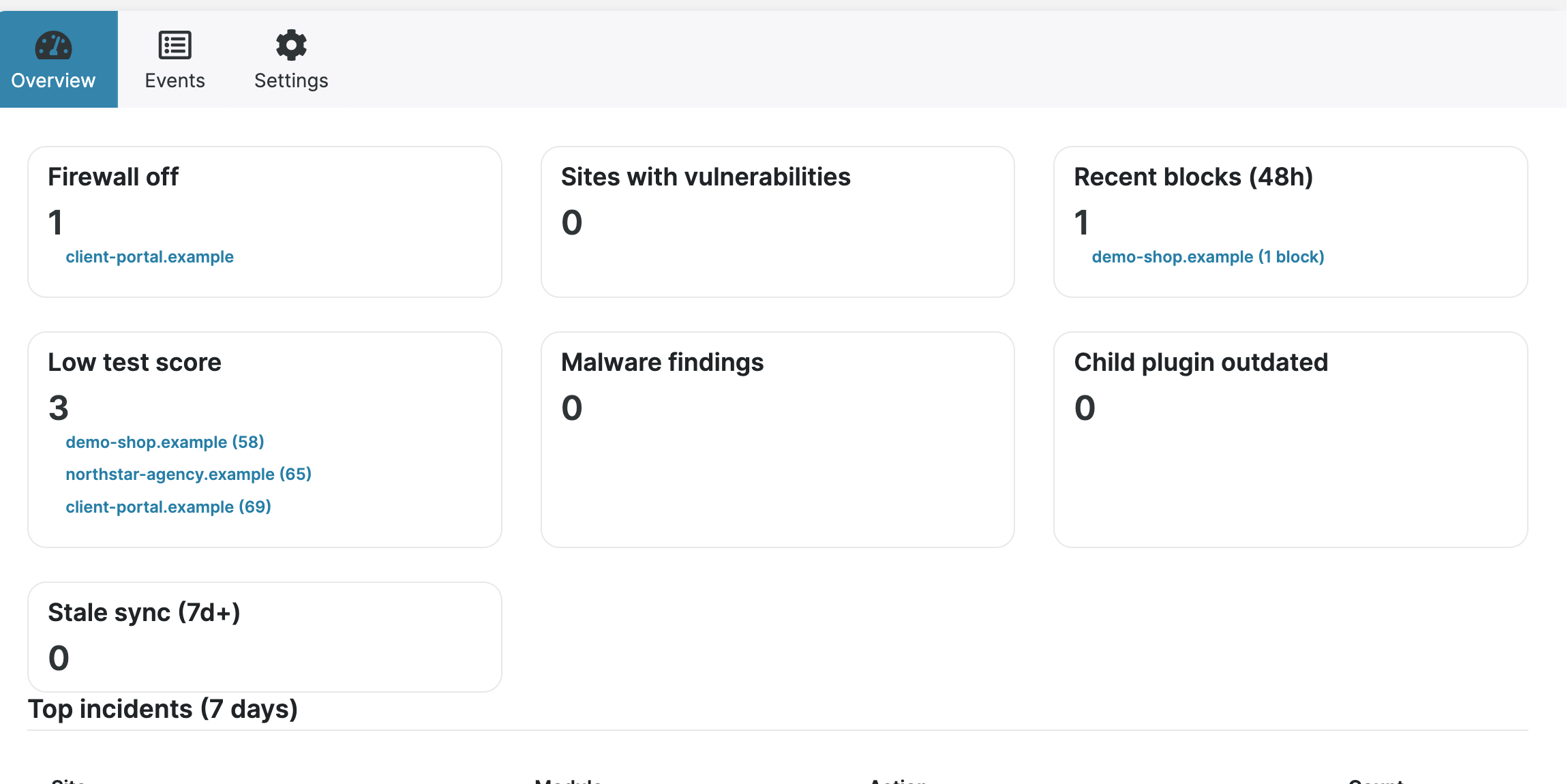
- MainWP for managing multiple WordPress sites What MainWP is, how Dashboard and Child plugins work, what it helps with (updates, backups, security overview), and how Security Ninja fits in.
- Online data privacy regulations site owners should know A plain overview of GDPR, UK GDPR, CCPA/CPRA, COPPA, GLBA, HIPAA, and PIPEDA: who they cover, what they expect, and practical habits for websites.
- Security Ninja for MainWP: fleet security from one dashboard How Security Ninja for MainWP handles fleet status, remote scans, combined events, email alerts, report history, and white label.
- How to protect your ecommerce website: practical security basics Practical ecommerce security for WordPress and WooCommerce: HTTPS, MFA, bot noise, updates, payments honesty, and recovery without overclaiming PCI magic.
- What is a browser fingerprint? How fingerprinting works What is a browser fingerprint? How sites build a profile from device signals, what private mode cannot hide, and practical ways to reduce browser fingerprinting.
- Negative SEO vs WordPress malware Junk backlinks often look like negative SEO when the real problem is malware on WordPress. Clean the site first. Disavow in Search Console only after the install is clean.
- Why website security matters for SEO How HTTPS, malware, spam injections, and downtime affect search visibility, plus practical security steps that protect rankings and trust.
- Password protect a WordPress site, page, or category Password protect an entire WordPress site, a single page without a plugin, or a category. Soft gates for staging and previews, not a substitute for login security.
- How criminals steal personal data (and what to do about it) Spyware, social apps, loyalty databases, and open Wi-Fi: common ways personal data is stolen, plus practical defenses for people and small businesses.
- Why Hackers Target Your Website, and How to Protect WordPress Even small WordPress sites get hit by bots. Here is why, how attacks usually start, and the practical steps that cut most of the risk.
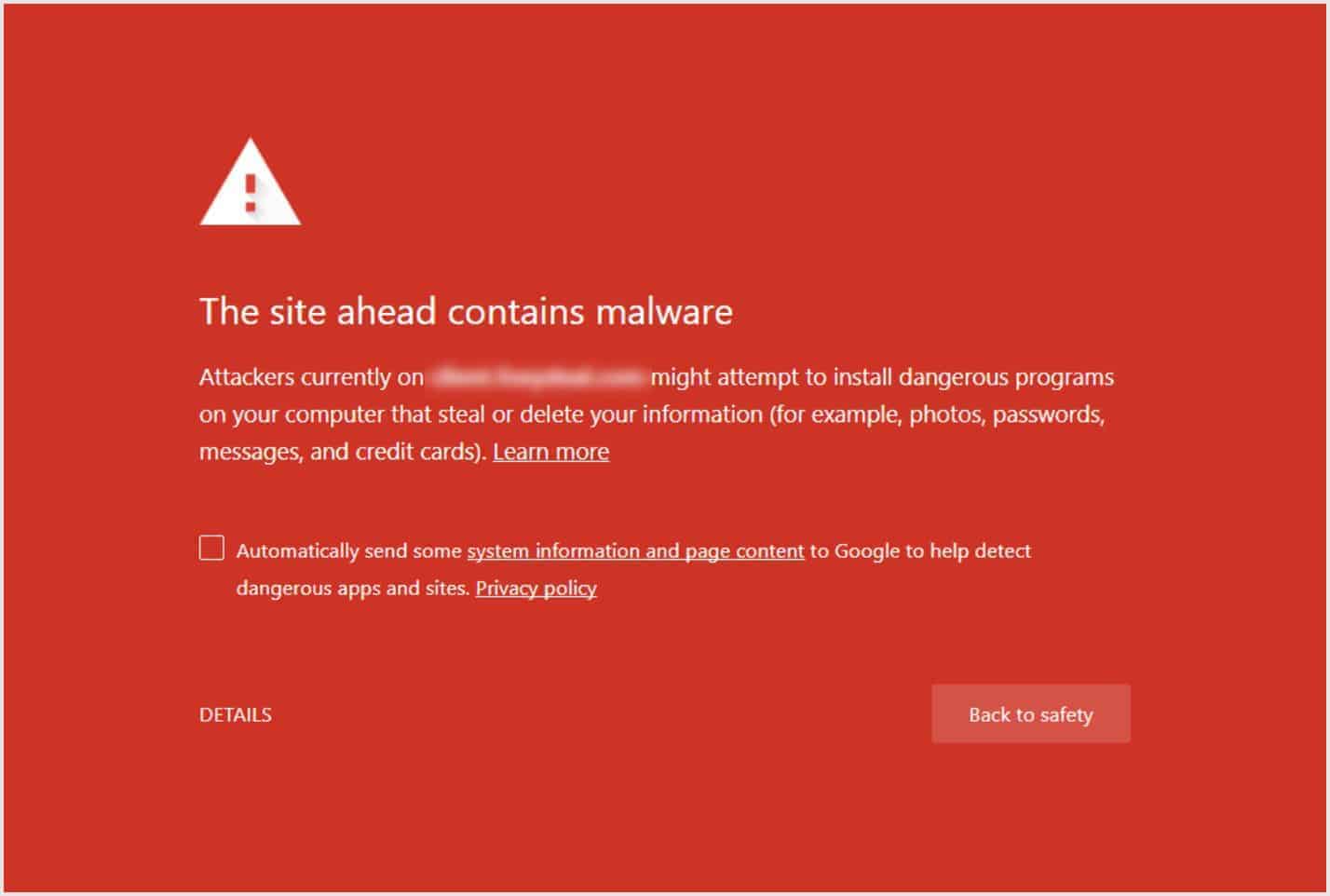
- How to Protect a WordPress Site from Malware and Hackers Practical ways to protect WordPress from malware: updates, safe plugins, strong logins, firewall, scanning, and backups you can restore.
- Methods to protect your WordPress site from breaches Practical WordPress defenses that reduce breach risk: updates, strong logins, IP limits when they fit, HTTPS, and hardening that is not security theater.
- How an ethical hacker can help protect your WordPress site What ethical hackers (penetration testers) actually do for WordPress sites, when hiring one makes sense, and how security plugins fit beside that work.
- Steps to secure your business online A practical sequence for small online businesses: risk priorities, updates, network basics, staff training, access control, and shadow IT without the brochure voice.
- WordPress SEO mistakes that also create security risk Thin SEO checklists miss the failures that hurt rankings and trust: malware redirects, spam, weak HTTPS, and neglected plugins. Fix these first.
- WordPress backup tips: protect your site and restore fast Practical WordPress backup habits: what to copy, offsite storage, retention, and why a tested restore matters more than a folder of old ZIPs.
- Phishing guide: spot fake emails before they cost you How phishing works, how to spot fake emails and links, and simple habits that keep WordPress logins and business accounts safer.
- Cybersecurity for small business: WordPress and WooCommerce sites Practical cybersecurity for small businesses that run WordPress or WooCommerce: updates, MFA, backups, vulnerability scans, firewall, and when a pen test is worth paying for.
- Best practices for WordPress website risk management Practical WordPress risk management: reduce attack surface, harden logins, segment environments, keep PHP current, and plan for incidents without fake guarantees.
- WordPress theme security risks: warning signs to avoid Spot risky WordPress themes early: unknown developers, abandoned updates, bundled junk plugins, fake reviews, and code you cannot trust.
- Protecting customer data: practical steps for small businesses How to reduce customer data risk: collect less, encrypt in transit and at rest where it matters, limit access, train staff, and keep WordPress stores honest.
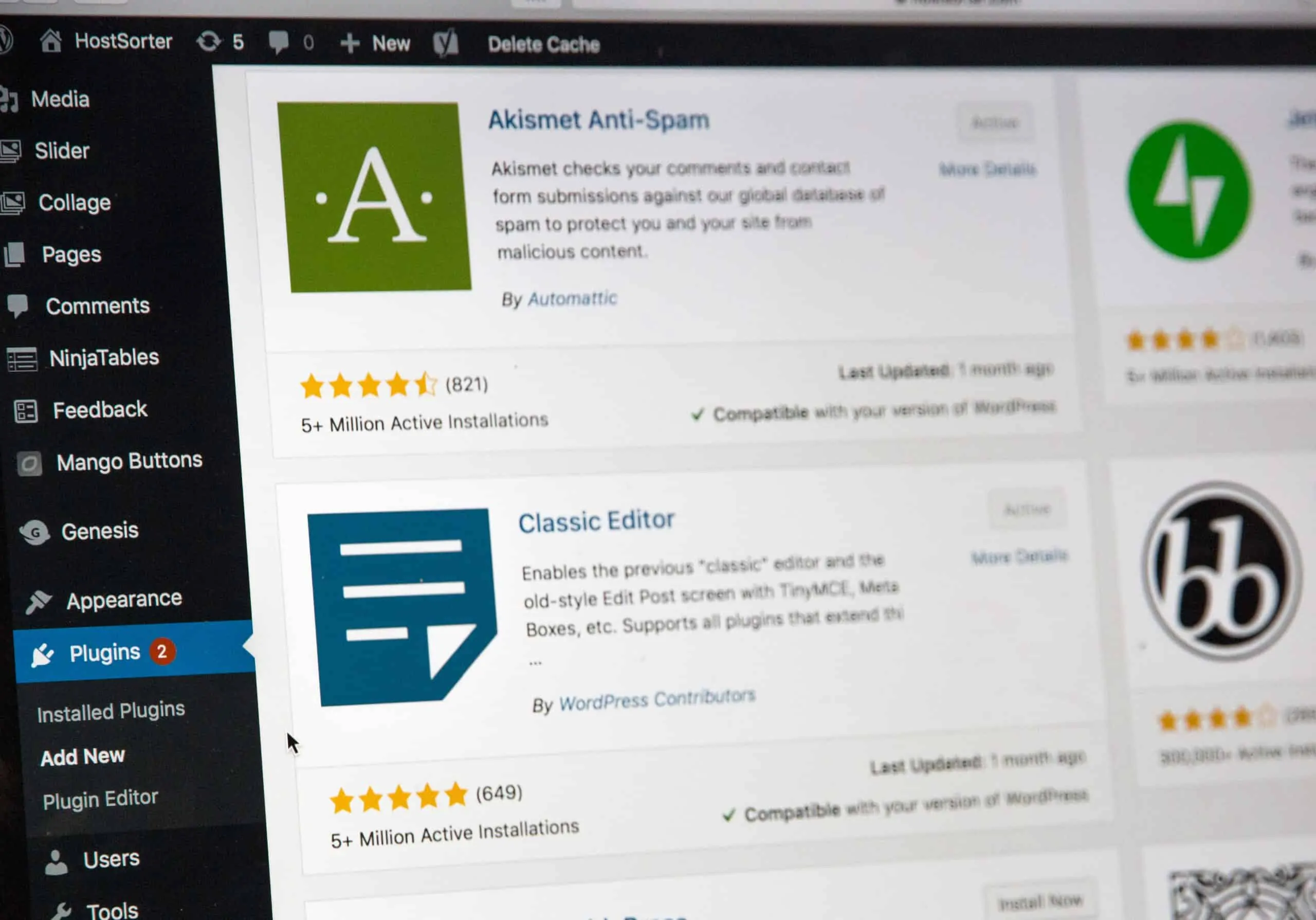
- WordPress Plugin Security Risk: How Plugins Threaten Your Site Most WordPress breaches start in plugins. Learn how outdated, abandoned, nulled, and unused plugins create risk, and how to keep the ones you need safer.
- Fix WordPress file and folder permission errors Correct WordPress filesystem permissions (755 directories, 644 files), how to set them in cPanel or FTP, and what not to recurse.
- 8 WordPress beginner mistakes that cause real problems Common WordPress beginner mistakes: skipped updates, weak logins, no backups, plugin clutter, SEO settings left wrong, and picking the wrong hosting path.
- Optimize WooCommerce for speed, checkout, and security Practical WooCommerce optimization: UX clarity, hosting and caching, image and plugin weight, trust signals, checkout friction, and store security basics.
- WordPress cybersecurity risk questions WordPress cybersecurity risk questions for small teams: testing, insider risk, standards, recovery, and insurance. Aimed at site owners, not CISOs.
- Server issues that can break a WordPress site Common host and server problems on WordPress: slow loads, memory limits, mail delivery, DNS, 500 errors, stale caches, and max execution time, with practical fixes.
- Best WordPress import export plugins Compare WordPress import export plugins for products, orders, users, and migrations. Staging habits, CSV security, and when WP All Import or WP Migrate fit.
- Moving wp-content: when it helps, when it breaks things How WordPress maps the content directory with WP_CONTENT_DIR and WP_CONTENT_URL, why renaming is not real security, rollback steps, and when a move is still justified.
- WordPress security for marketing teams If you run ads or client WordPress sites, you often have wp-admin, ads, and analytics. How that access goes wrong, and what to check before you scale spend.

























Hardening is never “done.” Themes, plugins, and hosting change. Re-run tests after major updates, after adding new plugins, and when you hand a site to a client.
Use the reading below as context, then verify the same ideas on your own install. If you want a guided start in the dashboard, the Install Wizard walks through the important switches.
When you are ready for prevention on top of checklists, look at Cloud Firewall, login protection, and the malware scanner.
