WordPress core files were modified: what it means
A core-file warning means a checksum mismatch, not an automatic hack. How to read the diff, when it is harmless, and when to restore or treat it as malware.

A core-file warning means a checksum mismatch, not an automatic hack. How to read the diff, when it is harmless, and when to restore or treat it as malware.
When a scanner says “WordPress core files were modified,” it is telling you that at least one file that ships with WordPress no longer matches the official copy from wordpress.org. The homepage can still look fine. That is often the point. Attackers like a quiet edit inside wp-includes that loads on every request, so this warning is worth opening even when the site “still works.”
This article is the diagnostic. For the product overview, start with Core Scanner. To run a scan, see scan WordPress core. Short definitions live in core file integrity and file integrity monitoring.
The Core Scanner is included in Free. It compares wp-admin, wp-includes, and the WordPress root against wordpress.org checksums for your installed version and locale.
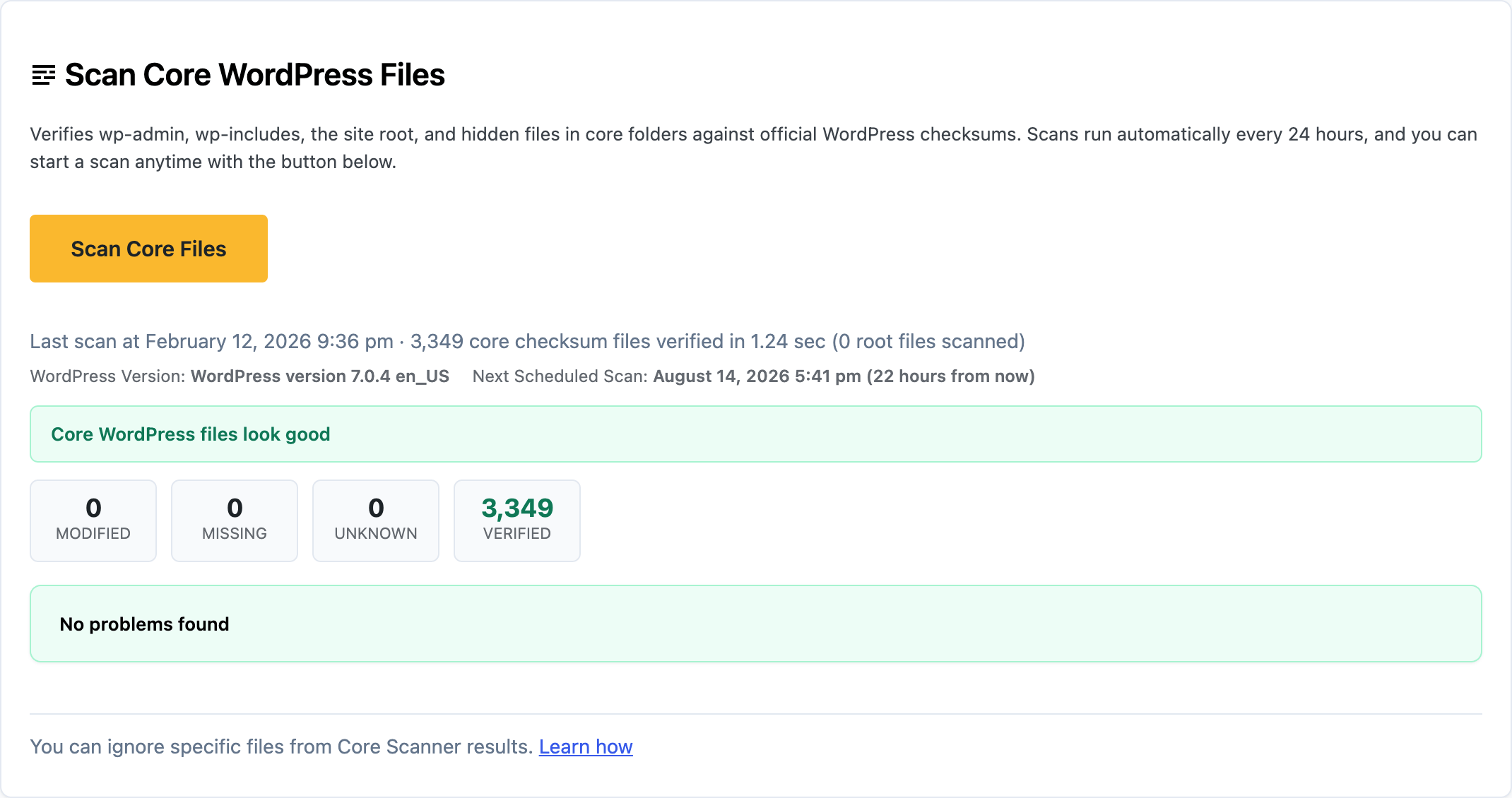
Each finding has a severity. Critical is reserved for obvious junk in core paths, such as a phpinfo drop. Warning covers most unknown or modified files. Notice is lower risk. The tab badge counts critical and warning items, not every notice.
The scan looks for three kinds of mismatch. Modified core files no longer match official checksums. Expected core files can be missing (WordPress allows a few exceptions). Unknown files can appear in core directories, including unexpected files in the WordPress root and hidden dotfiles under wp-admin and wp-includes.
This is not a malware signature scan. A clean core check does not prove plugins are clean. A dirty core check does not always mean you are hacked. It means you should look at the diff before you ignore it.
Some mismatches are expected. wp-config.php is unique per site. Missing readme.html, license.txt, or install helpers is often intentional. OS metadata such as .DS_Store is excluded from results.
Someone editing core “just to silence a warning” also produces a mismatch. That is still a problem. Do not keep custom PHP inside WordPress core. Put that work in a plugin or a child theme.
If you just updated WordPress and the scan ran in the middle of the update, run it again. A leftover mismatch after a finished update is not something to wait out.
Open Security Ninja → Core Scanner and work each finding in order:
Do not ignore a changed wp-includes PHP file because the site still loads.
Treat it as a compromise when you did not update or deploy anything, the diff is obfuscated (eval, mystery includes), unknown PHP appeared in a core directory, or the same file comes back after you restore it. That last one is malware that kept coming back.
From there, follow WordPress malware removal and signs your site is hacked. If you are locked out or it reinfects, use DIY vs hire or consultation.
A modified-core warning is a checksum mismatch, not a diagnosis by itself. Open the diff. Restore stock WordPress files you did not edit. Investigate anything you did not put there. Core should match wordpress.org. Your custom work belongs in plugins and themes, not in wp-includes.
Found this useful? Share it.
A core file under wp-admin, wp-includes, or the WordPress root no longer matches the official wordpress.org checksum for your installed version and locale. Treat it as a warning, not a green light. Open the diff before you ignore it.
Sometimes. wp-config.php is unique per site. Missing readme.html or license.txt is often intentional. OS junk like .DS_Store is excluded from counts. A changed wp-includes PHP file you did not edit is not a false positive.
View the diff, restore official core files you did not mean to change, delete unknown files in core paths when you are sure they do not belong, then investigate how they changed. Re-run the scan. Pair with a malware scan if anything looks obfuscated.
Yes. Security Ninja Free includes the Core Scanner. Pro adds malware scanning in plugins, themes, and other files, plus scheduled scans.
