Beginner guides
Start here if you are new to WordPress security or need the big picture.
29 articles
WordPress security can feel like a long list of scary terms. You do not need to learn everything at once. Start with updates, strong admin passwords, fewer plugins, HTTPS, and a backup from your host or backup plugin that you can restore. Those basics prevent a large share of everyday problems.
These beginner guides explain threats and habits in plain language: why sites get targeted, what SSL does and does not do, and which steps are worth doing first on a small business site. Skip anything that sounds like fear marketing. Focus on changes you can finish this week.
If you want a product starting point, install the free WP Security Ninja plugin and run security tests. The get started page and Install Wizard walk through the important options without assuming you already know the ecosystem.
Articles in Beginner guides
29 articles, newest first.
- Do I need a WordPress security plugin? Honest answer: you can harden WordPress without a plugin, but most sites still benefit from one stack for scans, vulns, login, and firewall. Free vs Pro jobs explained.
- Do security plugins slow down WordPress? Yes, some can, usually from heavy on-server scans, live logging, or stacked firewalls. How architecture and settings matter, and what Security Ninja does differently.
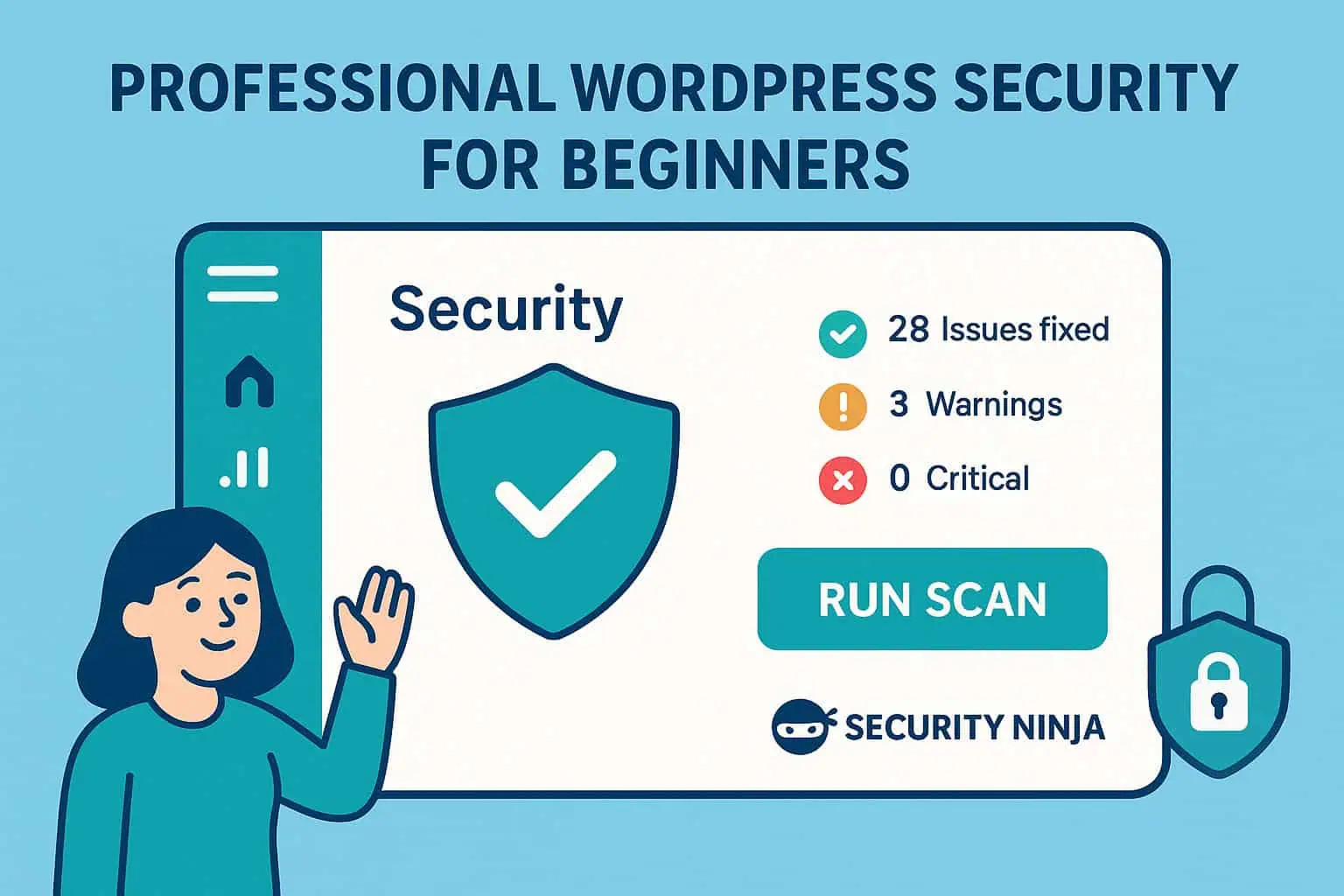
- WordPress security for beginners WordPress security for beginners: simple steps for updates, logins, plugins, backups, scanning, and what to do if something looks wrong.
- WordPress security configuration Configure WordPress security without fluff: wp-config, users, host settings, plugin module order, staging vs production, and links to deeper hardening guides.
- How to set up a WordPress security plugin Set up one WordPress security plugin: Free tests first, then firewall, malware, and login. Do not stack two suites.
- WordPress security audit A practical WordPress security audit: what to check, which tools to run, how to prioritize fixes, and when to get help.
- WordPress security checklist A printable WordPress security checklist: HTTPS, updates, passwords/2FA, backups, WAF/scans, least privilege, admin hardening, remove unused, and monitoring.
- WordPress security best practices Practical WordPress security habits: updates, weak passwords, hosting, brief threat classes, monitoring, and a monthly routine you can keep.
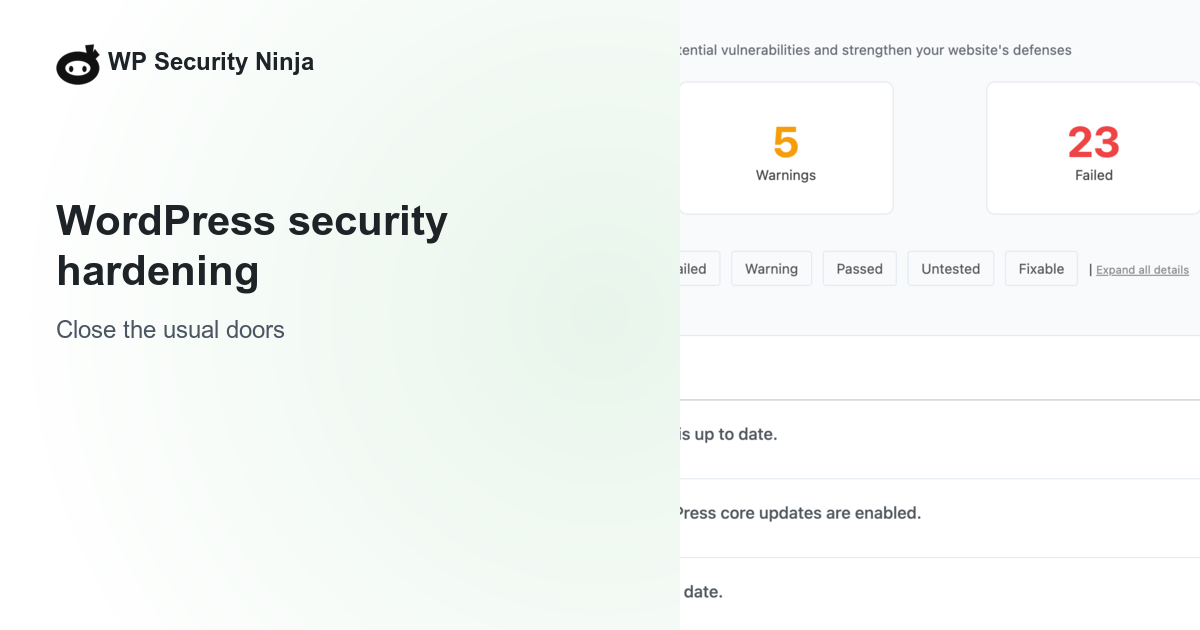
- WordPress security hardening Practical WordPress hardening: updates, wp-config, permissions, logins, SSL, plugins, XML-RPC, .htaccess, firewall, scans, and backups in a sensible order.
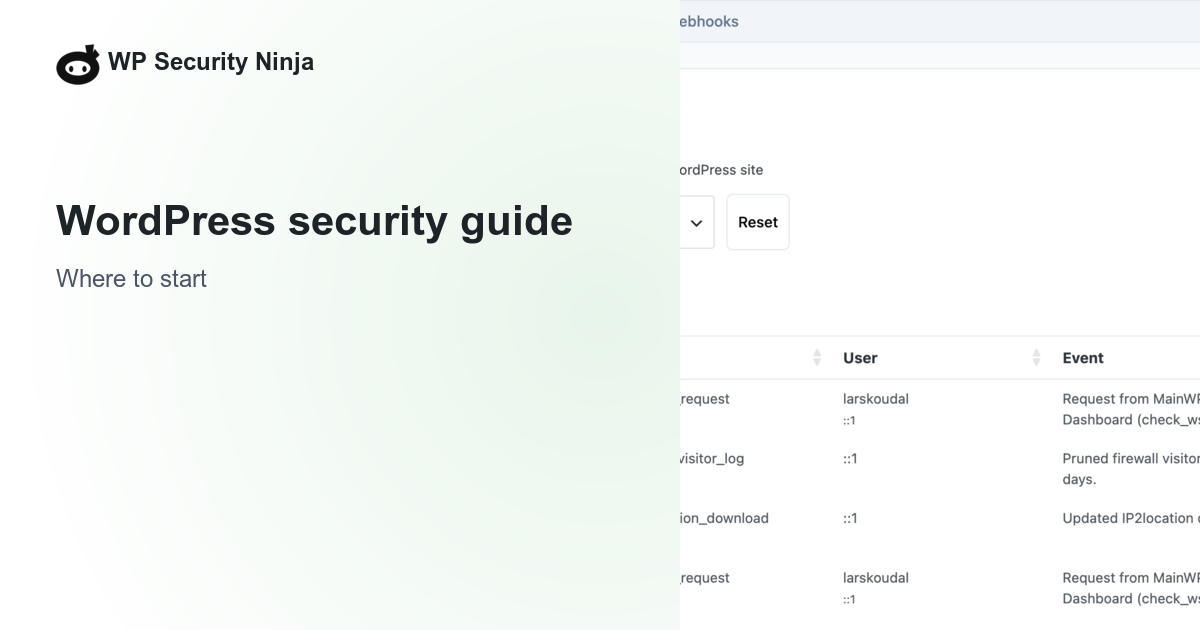
- WordPress security guide A practical WordPress security hub: ordered paths for beginners, agencies, stores, and incident response, plus links to checklists, hardening, login, firewall, and scanners.
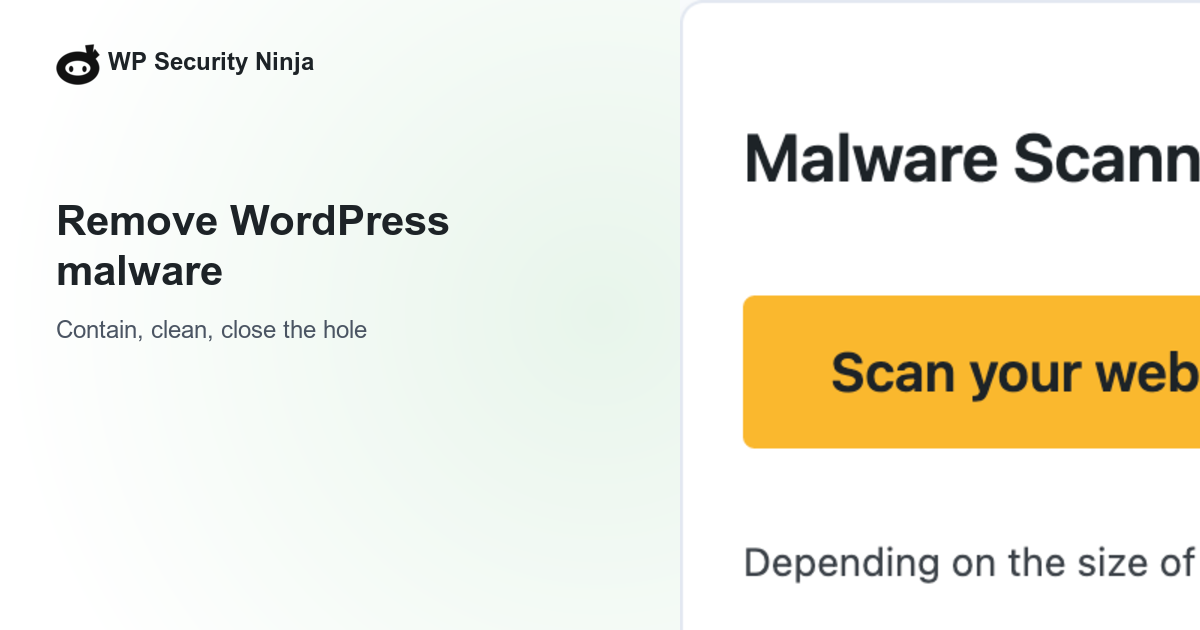
- WordPress malware removal How to remove WordPress malware: contain the infection, clean or restore, rescan, rotate access, and close the hole so it does not come back.
- WordPress ecommerce vs WooCommerce: what's the difference WordPress ecommerce usually means WooCommerce: WordPress is the CMS, WooCommerce is the store plugin. Honest tradeoffs vs hosted carts, then the security work that comes with ownership.
- WordPress API integration: REST, keys, and security WordPress API integration done safely: outbound keys, REST permissions, rate limits, and what Security Ninja does and does not cover.
- WooCommerce security How to secure a WooCommerce store: updates, strong logins, checkout rate limits, malware scanning, backups, and monitoring. No fake PCI guarantees.
- WordPress Security Issues and How to Fix Them WordPress security issues you actually see: outdated plugins, weak logins, malware, bad hosting habits, and a clear fix for each.
- How to secure a WordPress donation page Practical steps to harden WordPress donation pages: HTTPS, trusted payment gateways, least privilege, form abuse controls, backups, and honest PCI expectations.
- SQL injection attacks on WordPress: how they work and how to reduce risk What SQL injection is, how it shows up on WordPress sites, and the defenses that matter: prepared statements, trusted plugins, and least privilege.
- WordPress user roles explained: access, permissions, and safer assignments What each WordPress user role can do, how capabilities work, and how to assign the least access that still gets the job done.
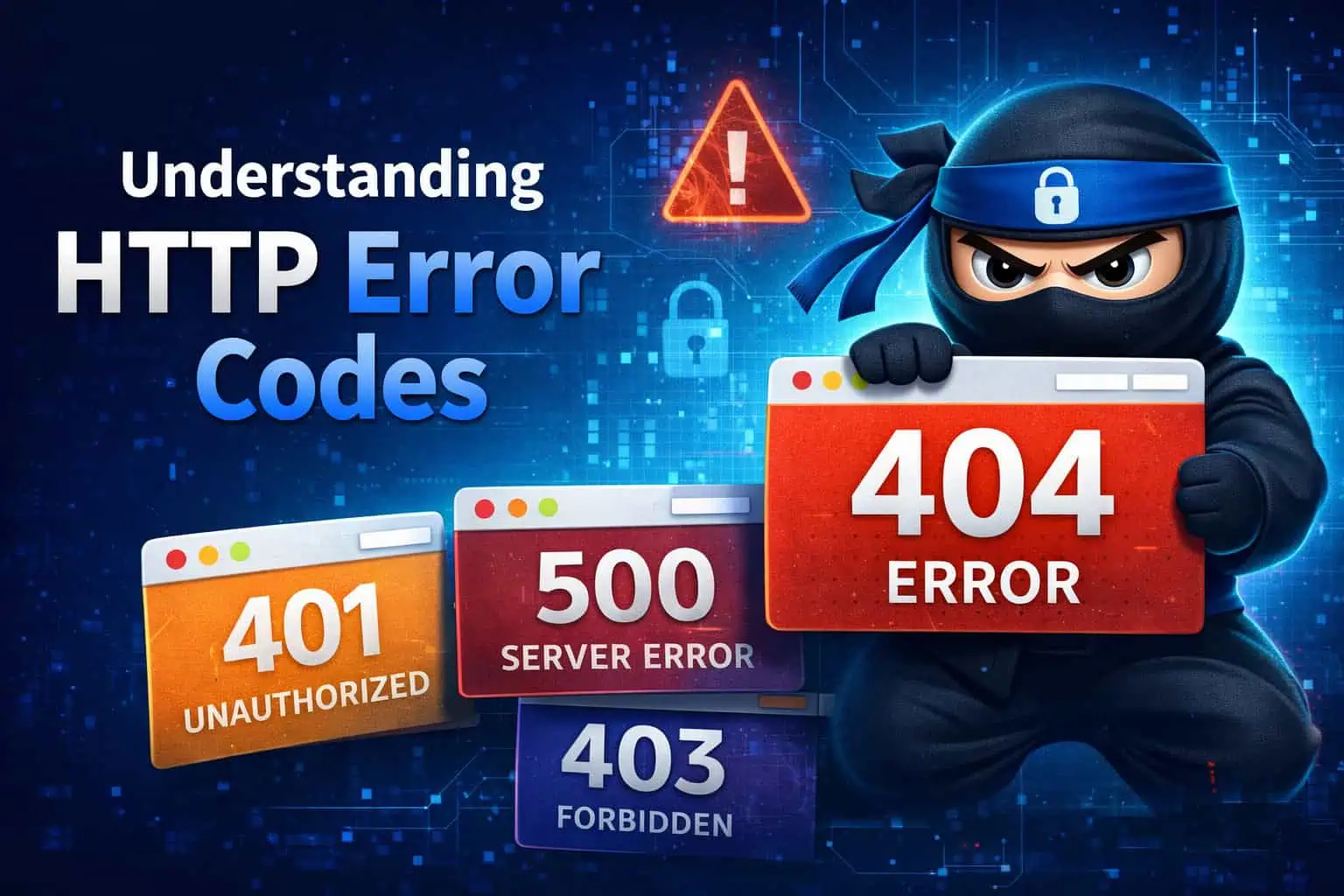
- WordPress HTTP errors: 404, 403, 500, 502, 504 WordPress HTTP errors: a 500 after a plugin update, 403/429 from a WAF, 404 probes, and a fix order that starts with the last change you made.
- Why Hackers Target Your Website, and How to Protect WordPress Even small WordPress sites get hit by bots. Here is why, how attacks usually start, and the practical steps that cut most of the risk.
- WordPress Site Hacked? Steps to Recover and Secure It Fast If your WordPress site is hacked: confirm the compromise, contain damage, restore or clean, rotate access, close the entry point, and harden so it does not return.
- What visitors and customers risk without WordPress security How a compromised WordPress site harms visitors and customers: stolen data, malware redirects, defacement, fake ads, lost trust, and legal exposure.
- Steps to secure your business online A practical sequence for small online businesses: risk priorities, updates, network basics, staff training, access control, and shadow IT without the brochure voice.
- Cybersecurity for small business: WordPress and WooCommerce sites Practical cybersecurity for small businesses that run WordPress or WooCommerce: updates, MFA, backups, vulnerability scans, firewall, and when a pen test is worth paying for.
- Fix WordPress file and folder permission errors Correct WordPress filesystem permissions (755 directories, 644 files), how to set them in cPanel or FTP, and what not to recurse.
- 8 WordPress beginner mistakes that cause real problems Common WordPress beginner mistakes: skipped updates, weak logins, no backups, plugin clutter, SEO settings left wrong, and picking the wrong hosting path.
- Why hackers attack small WordPress sites Small WordPress sites get hacked by bots looking for open doors, not personal targeting. Why “we are too small” fails, and what to do instead.
- HTTPS and SSL/TLS certificates for WordPress What TLS certificates do, why every WordPress site needs HTTPS, and how to enable it with your host or Let's Encrypt without breaking redirects.
- Common questions about WP Security Ninja Short FAQ for WP Security Ninja: docs, support, pricing, webhooks, GDPR, white label, and where to start hardening your WordPress site.




Once the basics feel familiar, move into the more specific topics: login & access, hardening, and malware & cleanup. You do not need every Pro feature on day one.
When you outgrow checklists and want active blocking, Pro adds Cloud Firewall, login protection and 2FA, and malware scanning. Until then, staying updated and keeping solid host or plugin backups already puts you ahead of many sites.
Prefer a single long read? The WordPress security beginners guide is built for that.
