WordPress malware often stays quiet. Redirects can hit only logged-out visitors. SEO spam can show mainly to Googlebot. Backdoors wait in uploads or must-use plugins while the homepage looks fine in wp-admin.
Test in a private window. Then run the malware scanner, vulnerability scanner, and Core Scanner. This page is the stealth vs obvious split. The seven-sign walkthrough lives on how to tell if your WordPress site has been hacked. Recovery is what to do if hacked.
Obvious vs stealthy attacks
Obvious
- Homepage defacement
- Full-site redirects to scam pages
- Login completely broken
- Hosting suspension email
Stealthy
- Redirects only for logged-out visitors (admins see a clean site)
- Cloaked spam links shown mainly to Googlebot
- Backdoors waiting for later use
- Drive-by scripts aimed at visitors
- Pharma / gambling SEO injections in posts, widgets, or theme files
- New admin users you did not create (midnight admin pattern)
- Mail deliverability collapse from spam relay abuse
If you only check the site while logged in, you can miss visitor-only redirects. Always test in a private window. Also try mobile data or a VPN country if geo-targeted redirects are suspected.
Quick self-check (5 minutes)
- Open the homepage in a private/incognito window
- Click an inner page and a form; note unexpected redirects
- View page source for odd scripts, base64 blobs, or iframe injections
- In wp-admin → Users, look for unknown administrators
- Check Search Console → Security issues and Manual actions
- Run the malware scanner and vulnerability scanner if you have Security Ninja installed. Check Core Scanner if core files look wrong.
Flat analytics with high server CPU can mean bot abuse rather than marketing success. See 404 hammering and malware that kept coming back.
Why attackers want your site
They usually want one of these:
- Spam or phishing pages on your domain
- SEO link spam
- A backdoor for later
- Mail relay / spam sending
- Crypto mining or malware delivery to visitors
Small sites are useful because they are plentiful and often poorly maintained. See why hackers still hit small sites and why insignificant sites get attacked.
SEO and trust damage
Infected sites often get:
- Safe Browsing / browser warnings
- Search Console security notices
- Ranking drops after Google stops trusting the pages
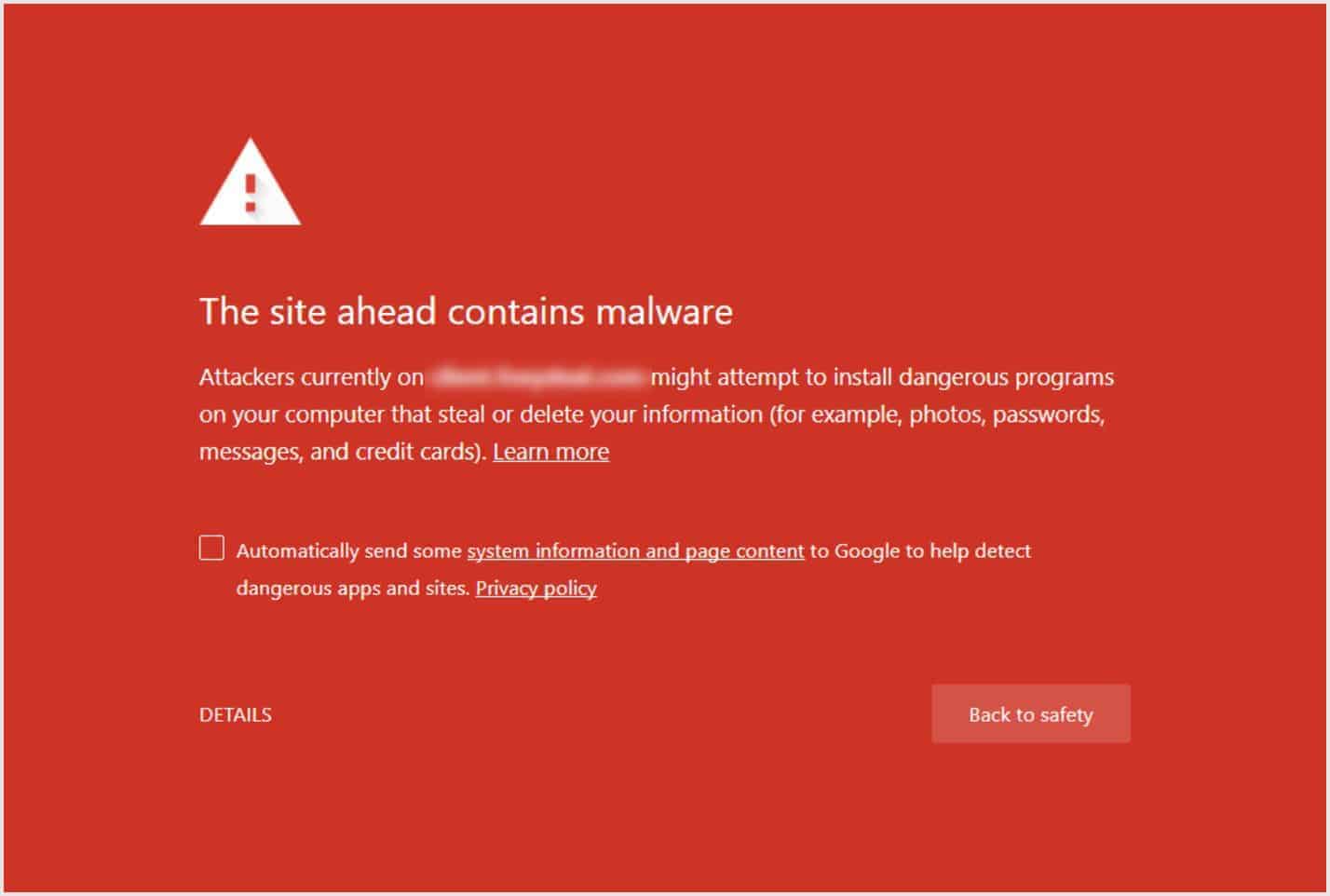
Google’s hacked site guidance and Search Console are useful after cleanup. You still need to clean the install first. A review request before the malware is gone wastes time.
Recovery: SEO after a hack.
How to confirm and clean
- Note when symptoms started (logs, file dates, first odd admin)
- Prefer restore from a clean backup from before that point
- If no clean backup: remove unknown admins/plugins, scan files, check
wp-config.php, .htaccess, mu-plugins, and uploads
- Update core/plugins/themes, delete unused software
- Rotate all passwords (WordPress, hosting, FTP, email, DNS) and enable 2FA
- Scan again, then request Google review if needed
Full walkthrough: WordPress malware removal. Security Ninja’s malware scanner helps find suspicious files. For locked-out or recurring infections, hire cleanup.
Prevention that actually matters
Bottom line
Hacks are often quiet until SEO or hosting blows up. Test logged out, trust scanners and user audits, restore or clean properly, then harden so reinfection does not become a monthly ritual.
 Lars Koudal