A WordPress firewall plugin is a filter for HTTP aimed at your site. It stops the worst requests and known bad sources before they become a WordPress problem. Pick one that matches how you host and how much false-positive noise you can live with.
We make Security Ninja. Cloud Firewall is the Pro firewall in that stack. If search sent you here for “ninja firewall,” you might also mean a different product named NinjaFirewall. They are not the same. Clear the mix-up on Security Ninja vs NinjaFirewall, then come back to this chooser.

What a WordPress firewall plugin does
Most plugin and cloud firewalls try to:
- Block known malicious IPs and botnets
- Filter exploit-shaped requests (SQLi/XSS style probes, bad user agents, weird query strings)
- Slow or stop brute-force login abuse
- Optionally restrict countries or IP ranges
- Log what got blocked so you can tune false positives
What it does not do alone:
- Patch vulnerable plugins for you
- Replace backups
- Guarantee zero malware if someone already has admin access
- Replace payment/PCI controls on a store
Firewall + updates + strong logins + scanning is the useful stack.
WAF vs a traditional network firewall
A traditional firewall mostly cares about ports, IPs, and network protocols. It is good at keeping unwanted ports closed. It does not understand WordPress login forms, plugin endpoints, or SQL-shaped query strings.
A Windows desktop firewall (Defender, TinyWall, and similar) protects programs on your PC. It does not sit in front of wp-login.php on a remote server. If an old URL sent you here from a laptop-firewall roundup, this page is the WordPress job.
A web application firewall (WAF) sits closer to HTTP. It looks at URLs, headers, cookies, and request bodies for patterns that match known web attacks (and often known bad sources). That is why WordPress owners talk about WAFs and WordPress firewall plugins instead of only a server port filter.
You often want both layers: host or CDN edge for volume and known-bad networks, plus an application-aware WordPress firewall for login abuse and WordPress-shaped probes. Neither replaces patching.
What about DDoS and brute force?
- Brute force / credential stuffing on
wp-login.php is a firewall plus login protection job: rate limits, temporary bans, optional login URL rename, and 2FA.
- Large volumetric DDoS is usually a host or CDN problem. A WordPress plugin cannot absorb gigabits of junk traffic by itself.
- Application-layer floods (expensive PHP requests, checkout hammering) sit in the middle: edge WAF, plugin rules, and store-specific rate limits all help.
If your host already runs a strong edge WAF, still keep application login limits. Edge tools miss some WordPress-specific abuse unless you tune them.
Cloud / edge vs plugin-only
Cloud or edge WAF (CDN / host WAF / cloud IP lists)
- Blocks a lot of junk before PHP wakes up
- Needs correct DNS or host integration
- Great for volume attacks and known bad networks
Plugin firewall inside WordPress
- Easy to manage from wp-admin
- Still uses server resources for every request that reaches WordPress
- Useful rules and login protection live next to your other security tools
Many sites use both: host/CDN edge plus an application-aware plugin. That is fine if rules do not fight each other.
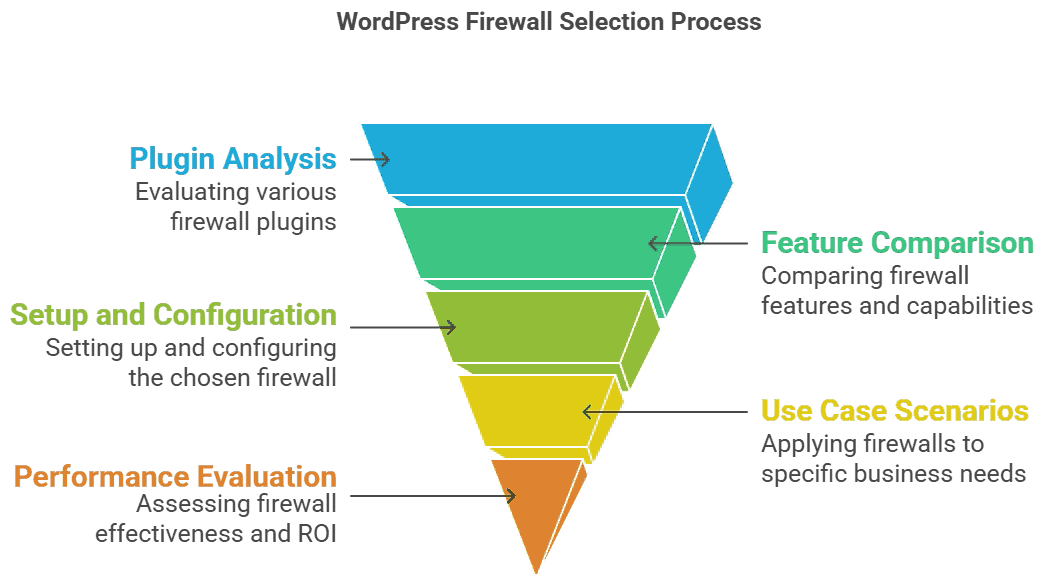
How to choose the best WordPress firewall plugins (without fake scorecards)
Judge options on:
- False positives: Can you whitelist IPs, review blocks, and adjust quickly?
- Login abuse: Rate limits, bans, optional login URL rename, 2FA companion tools
- Threat intel: Living bad-IP lists vs static rules only
- Country / network controls: Useful for regional businesses; dangerous if set carelessly
- Performance: Heavy page-level scanning on every request can hurt TTFB
- Support and clarity: When a real customer gets blocked, who helps?
There are solid products in this category beyond Security Ninja. Pick one primary application firewall and keep overlapping “do everything” stacks to a minimum. Full-stack product compare (not firewall-only): best WordPress security plugins.
Named options (firewall job only)
Keep this short. These notes are about the firewall job, not a full suite review.
Security Ninja Cloud Firewall
Pro feature with living bad-IP intel (600M+), request filtering, country/custom rules, and Events for review. Pairs with login protection and 2FA in the same plugin. Details: Cloud Firewall.
Wordfence firewall
Part of a larger on-site security suite. Strong when you already want Wordfence’s scanning model and are fine managing a heavier endpoint stack. Confirm Free vs Premium rule timing on their site.
Strongest as an external security platform (often DNS or proxy). Good when you want vendor WAF and cleanup services more than an in-dashboard toolkit.
Cloudflare or host edge WAF
Excellent volume and known-bad network layer before PHP. Treat it as an edge companion, then keep one application firewall for WordPress-shaped abuse. It is usually not a full substitute for in-dashboard vulns and malware review.
NinjaFirewall (different product)
Search results for “ninja firewall” often mean NinjaFirewall from NinTechNet, not WP Security Ninja. Different vendor, different product. If that naming clash brought you here, read Security Ninja vs NinjaFirewall, then decide whether you want a firewall-focused plugin or a broader Free-to-Pro stack with Cloud Firewall.
Security Ninja Cloud Firewall (accurate picture)
Security Ninja Cloud Firewall is built to stop bad traffic before it becomes a WordPress incident:
- Filters malicious requests
- Blocks from a large living list of known bad IPs (600M+ on the product)
- Country blocking and custom IP/network rules
- Works alongside login protection (failed-login limits, rename login) and optional 2FA
- Blocks show up in Events so you can investigate
It is a Pro feature. Free still includes security tests, vulnerability checks, and related basics. Details and screenshots: the Cloud Firewall page.
For stores, pair firewall with WooCommerce rate limits and coupon abuse protection.
Setup habits that matter more than brand names
- Turn the firewall on, then watch Events for a day
- Whitelist your office/VPN IPs before travel season
- Do not ban “the whole world except one country” unless you truly only serve that country
- Keep plugins updated; the firewall is not a patch substitute
- After enabling country rules, test checkout, login, and webhooks (payment gateways, CRMs)
Common firewall mistakes
- Enabling country bans without testing payment webhooks and admin travel
- Stacking three overlapping firewall plugins that double-block legitimate traffic
- Ignoring Events until a customer emails “I cannot check out”
- Treating a firewall enable click as “we are secure now” while plugins stay outdated
Firewall + the rest of the stack
Security Ninja Pro puts firewall, malware scanning, login tools, and scheduled scans in one plugin so you are not juggling five half-configured apps.

