Blog / Page 4
All articles
Page 4 of 7
- WordPress Multisite security: 5 tips for network admins WordPress Multisite security for network admins: Super Admin access, updates, backups, WAF and login protection, plus network-wide hygiene.
- How to prevent comment spam on WordPress Stop WordPress comment spam with moderation, Disallowed Comment Keys, CAPTCHA, and anti-spam plugins so SEO, trust, and security stay intact.
- How to secure a WordPress donation page Practical steps to harden WordPress donation pages: HTTPS, trusted payment gateways, least privilege, form abuse controls, backups, and honest PCI expectations.
- SQL injection attacks on WordPress: how they work and how to reduce risk What SQL injection is, how it shows up on WordPress sites, and the defenses that matter: prepared statements, trusted plugins, and least privilege.
- WordPress URLs: permalinks, HTTPS, and what is not security HTTPS, readable permalinks, stable slugs with 301s, and why hiding wp-admin is not security.
- User-generated content for SEO: upside and risks Reviews, comments, and community posts can help SEO and trust. Unmoderated UGC also invites spam, phishing links, and malware. Moderate like it is a write surface.
- Phishing threats on WordPress: email scams vs a compromised site How WordPress phishing shows up as fake emails versus malware on your site, how to spot both, clean up safely, and harden logins with MFA.
- Security risks of adding a chatbot to your website Practical chatbot and AI widget risks for WordPress sites: data collection, prompt injection, poisoned behavior, third-party scripts, and what to lock down before you embed one.
- WordPress analytics: GA4 and privacy-friendly options Pick one WordPress analytics method and treat tracking plugins like any other extension. Compare GA4, Matomo, Plausible-class tools, and host stats, with a security-first install checklist.
- SEO process tips that stay honest A short WordPress SEO process: clear pages, technical basics, links you earn, and security so rankings are not wiped by malware or spam.
- How to tell if a WordPress plugin is secure Practical checks for WordPress plugin safety: source, updates, reviews, vulnerability history, and habits that keep installed plugins from becoming the breach.
- WordPress user roles explained: access, permissions, and safer assignments What each WordPress user role can do, how capabilities work, and how to assign the least access that still gets the job done.
- WordPress HTTP errors: 404, 403, 500, 502, 504 WordPress HTTP errors: a 500 after a plugin update, 403/429 from a WAF, 404 probes, and a fix order that starts with the last change you made.
- WordPress backup best practices: offsite copies and tested restores How to back up WordPress properly: files plus database, automatic jobs, offsite storage, retention, encryption where it helps, and proving a restore works.
- What to know about WordPress backdoor hacks How WordPress backdoors work, where they hide, signs of compromise, and how to find, remove, and prevent hidden access without fake “support” shortcuts.
- Cloud hosting benefits for WooCommerce (with the security catch) Cloud and managed hosting can scale a WordPress store. You still own updates, logins, and plugins. Shared responsibility in plain language.
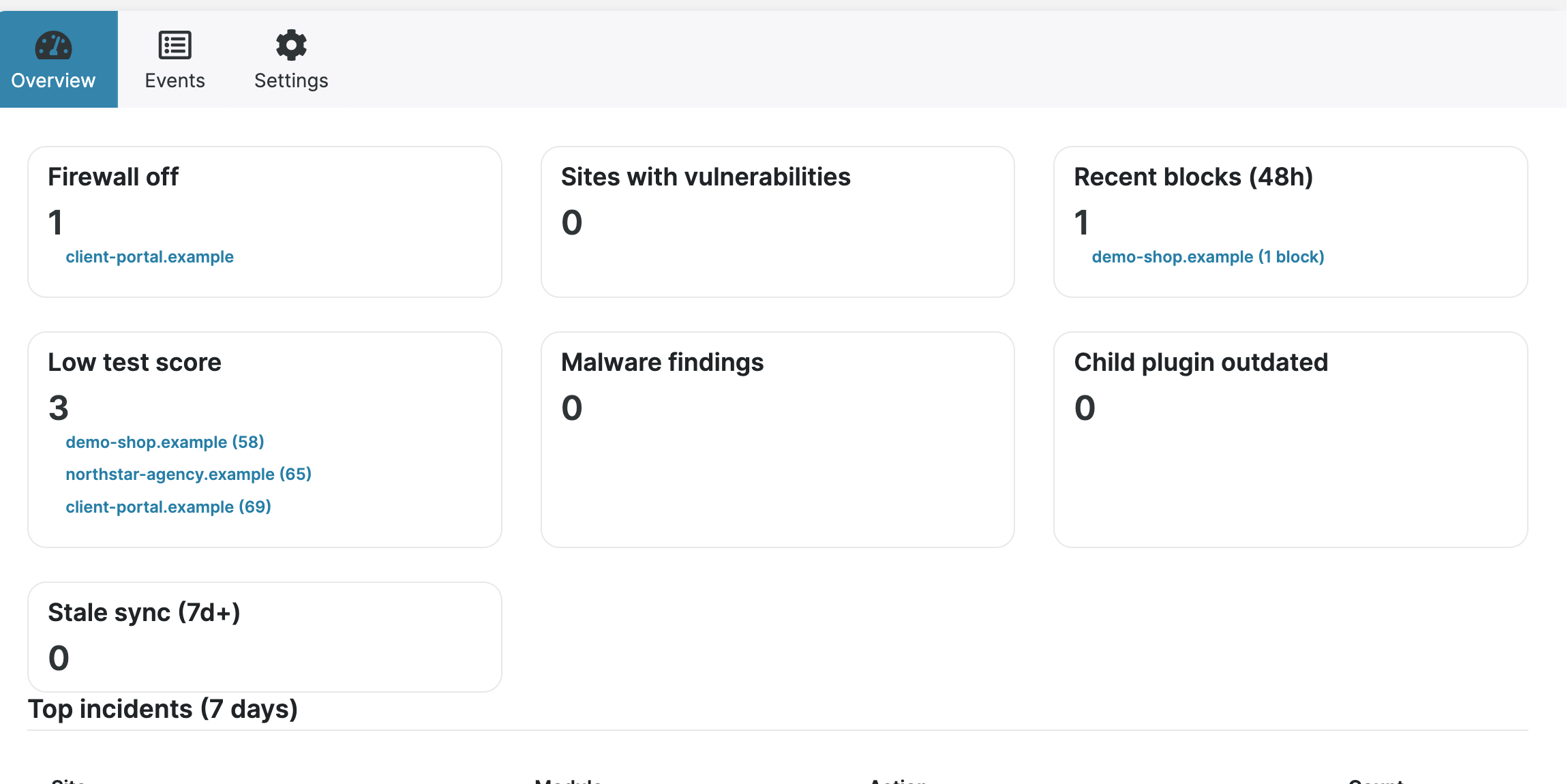
- MainWP for managing multiple WordPress sites What MainWP is, how Dashboard and Child plugins work, what it helps with (updates, backups, security overview), and how Security Ninja fits in.
- Online data privacy regulations site owners should know A plain overview of GDPR, UK GDPR, CCPA/CPRA, COPPA, GLBA, HIPAA, and PIPEDA: who they cover, what they expect, and practical habits for websites.
- Security Ninja for MainWP: fleet security from one dashboard How Security Ninja for MainWP handles fleet status, remote scans, combined events, email alerts, report history, and white label.
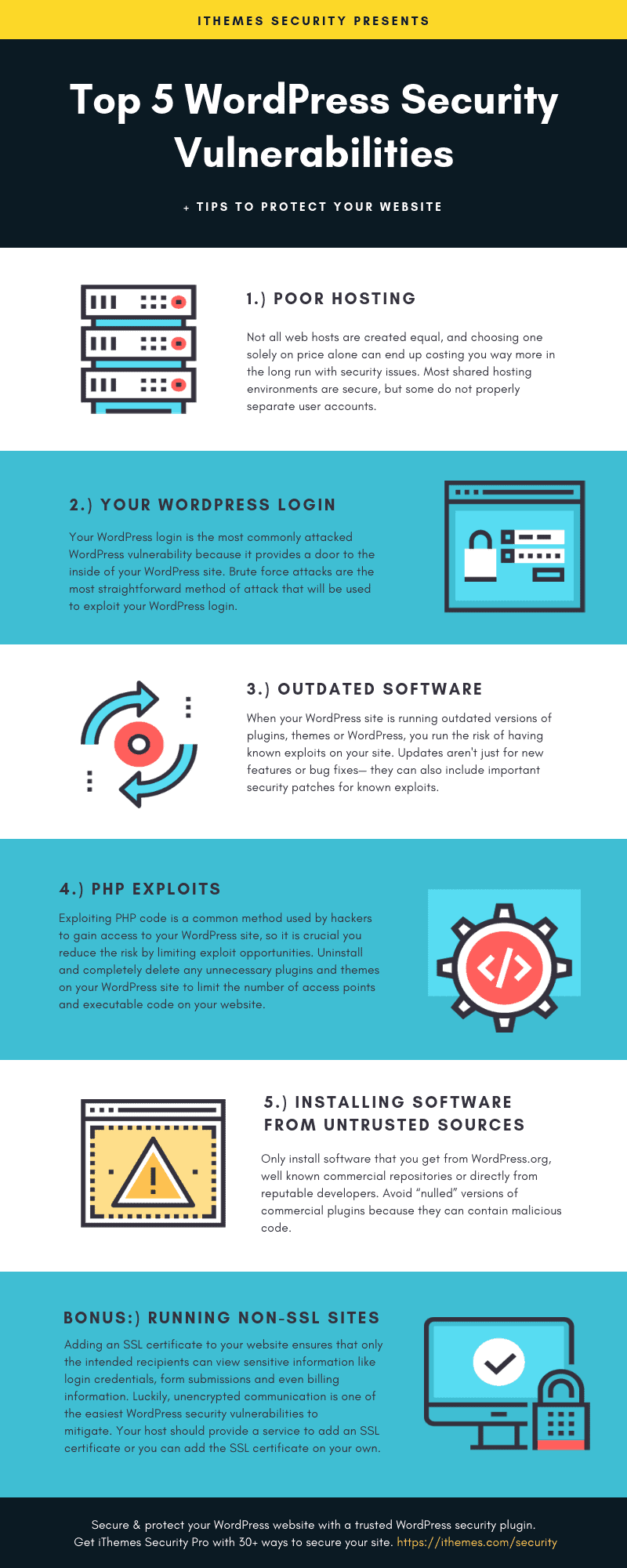
- WordPress security vulnerabilities: causes and practical fixes Why WordPress sites get compromised: outdated software, weak credentials, risky plugins, weak hosting, and supply-chain tricks, plus fixes that reduce real risk.