WooCommerce & ecommerce
Practical WooCommerce security tips: protect customer data, reduce checkout abuse, and keep your storefront trustworthy.
11 articles
A WooCommerce store is still a WordPress site, with all the usual plugin and login risks, plus storefront endpoints that bots love to abuse. Coupon guessing, checkout spam, fake orders, and malware aimed at payment pages show up regularly on real shops. Customer trust disappears quickly when checkout feels unsafe or the site gets flagged.
Payment card data itself is normally handled by your payment gateway, not by WordPress. Your job on the store side is different: keep WordPress and extensions updated, lock down admin access, reduce bot abuse on cart and checkout, and notice compromised files before skimmers or redirects appear.
These articles cover store security in practical terms: customer data habits, common WooCommerce weak points, and what is worth hardening first. In Security Ninja Pro, WooCommerce protection adds rate limits for checkout, add-to-cart, and orders, plus coupon abuse protection across classic forms, AJAX, and Blocks. That sits alongside Cloud Firewall, malware scanning, and login / 2FA.
Articles in WooCommerce & ecommerce
11 articles, newest first.
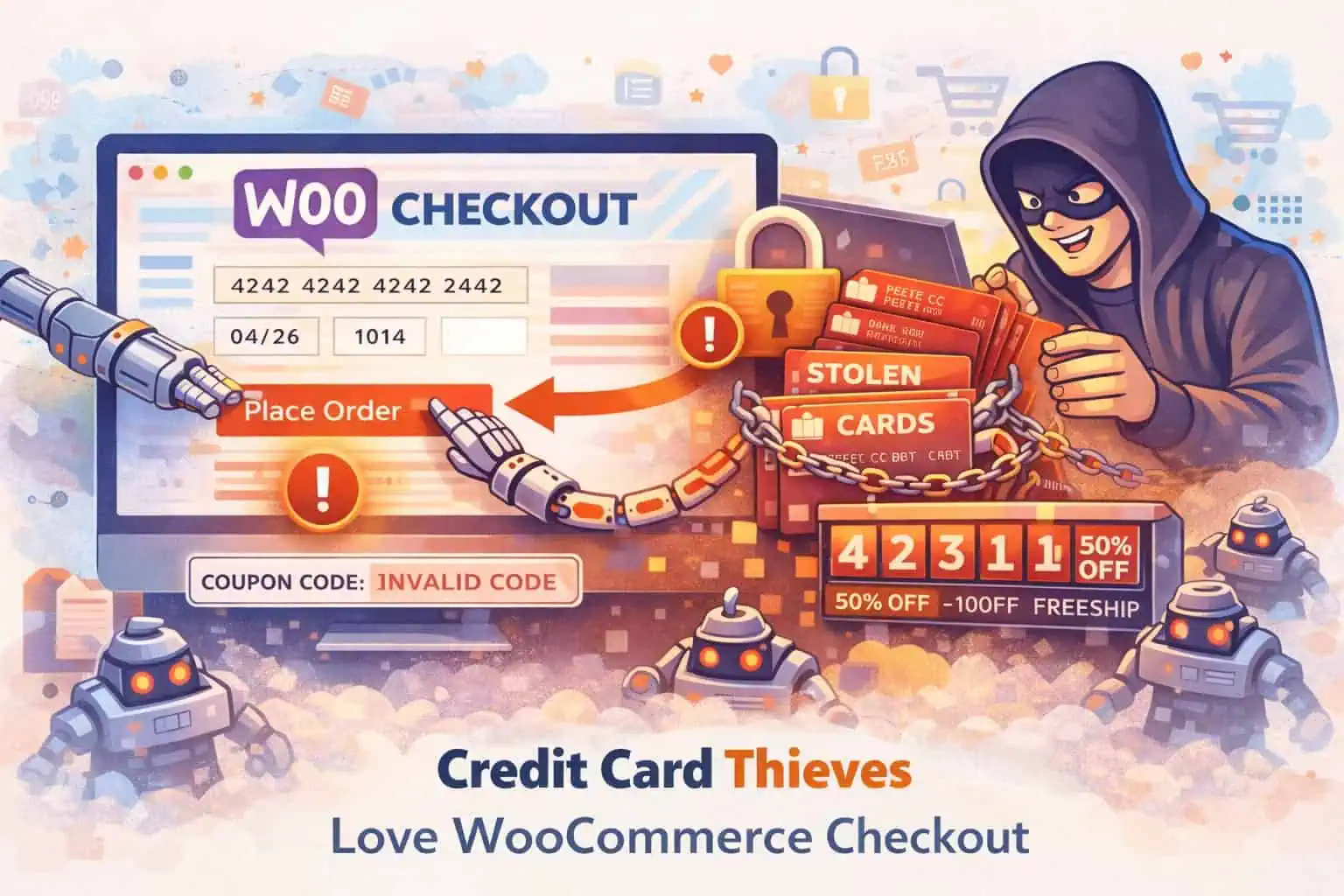
- WooCommerce Checkout and Coupon Security Secure WooCommerce checkout and coupons: bot abuse, credential stuffing, skimming risk, rate limits, and staff access. Satellite guide to the WooCommerce security hub.
- WooCommerce abuse: fake checkouts, coupon attacks, and rate limits Coupon guessing and checkout hammering drain stores without a classic “hack.” Signals to watch and a tuning-first rate-limit approach that protects real shoppers.
- WordPress ecommerce vs WooCommerce: what's the difference WordPress ecommerce usually means WooCommerce: WordPress is the CMS, WooCommerce is the store plugin. Honest tradeoffs vs hosted carts, then the security work that comes with ownership.
- WooCommerce Protected Categories: password and role gates Set up WooCommerce Protected Categories (Barn2) with passwords, roles, or users. Test add to cart, cache pitfalls, and store hardening that still matters.
- Secure WordPress Forms: Practical Tips That Stick Secure WordPress contact and upload forms: spam vs exploit threats, CAPTCHA choices, file uploads, plugin vetting, rate limits, and safe storage without hack-proof claims.
- WooCommerce security How to secure a WooCommerce store: updates, strong logins, checkout rate limits, malware scanning, backups, and monitoring. No fake PCI guarantees.
- How to secure a WordPress donation page Practical steps to harden WordPress donation pages: HTTPS, trusted payment gateways, least privilege, form abuse controls, backups, and honest PCI expectations.
- Cloud hosting benefits for WooCommerce (with the security catch) Cloud and managed hosting can scale a WordPress store. You still own updates, logins, and plugins. Shared responsibility in plain language.
- How to protect your ecommerce website: practical security basics Practical ecommerce security for WordPress and WooCommerce: HTTPS, MFA, bot noise, updates, payments honesty, and recovery without overclaiming PCI magic.
- Protecting customer data: practical steps for small businesses How to reduce customer data risk: collect less, encrypt in transit and at rest where it matters, limit access, train staff, and keep WordPress stores honest.
- Optimize WooCommerce for speed, checkout, and security Practical WooCommerce optimization: UX clarity, hosting and caching, image and plugin weight, trust signals, checkout friction, and store security basics.



Store security works best as a stack. Update WooCommerce and payment-related plugins promptly, remove unused extensions, require strong access for shop managers, and keep host or backup-plugin copies you have actually tested restoring.
Pro WooCommerce rate limits use published defaults aimed at burst abuse, not normal shopping, and you can adjust them under Security Ninja → Firewall → WooCommerce. Blocked attempts show up in Events if you need to tune thresholds. This does not replace your gateway’s PCI scope or hosting-level controls.
For the product overview, see WooCommerce security. For a longer written guide, start with the WooCommerce security guide.
