You can exclude specific folders or files from malware scans so they are never scanned or reported. This helps when you know a plugin or theme is safe but its code still matches scanner patterns (for example Leadpages, AccessAlly, Hide My WP Ghost, UpdraftPlus, or custom plugins).
Exclude paths from scan (in the plugin)
- Go to Security Ninja → Malware.
- In the Exclude paths from scan card, enter one path or pattern per line.
- Click Save patterns.
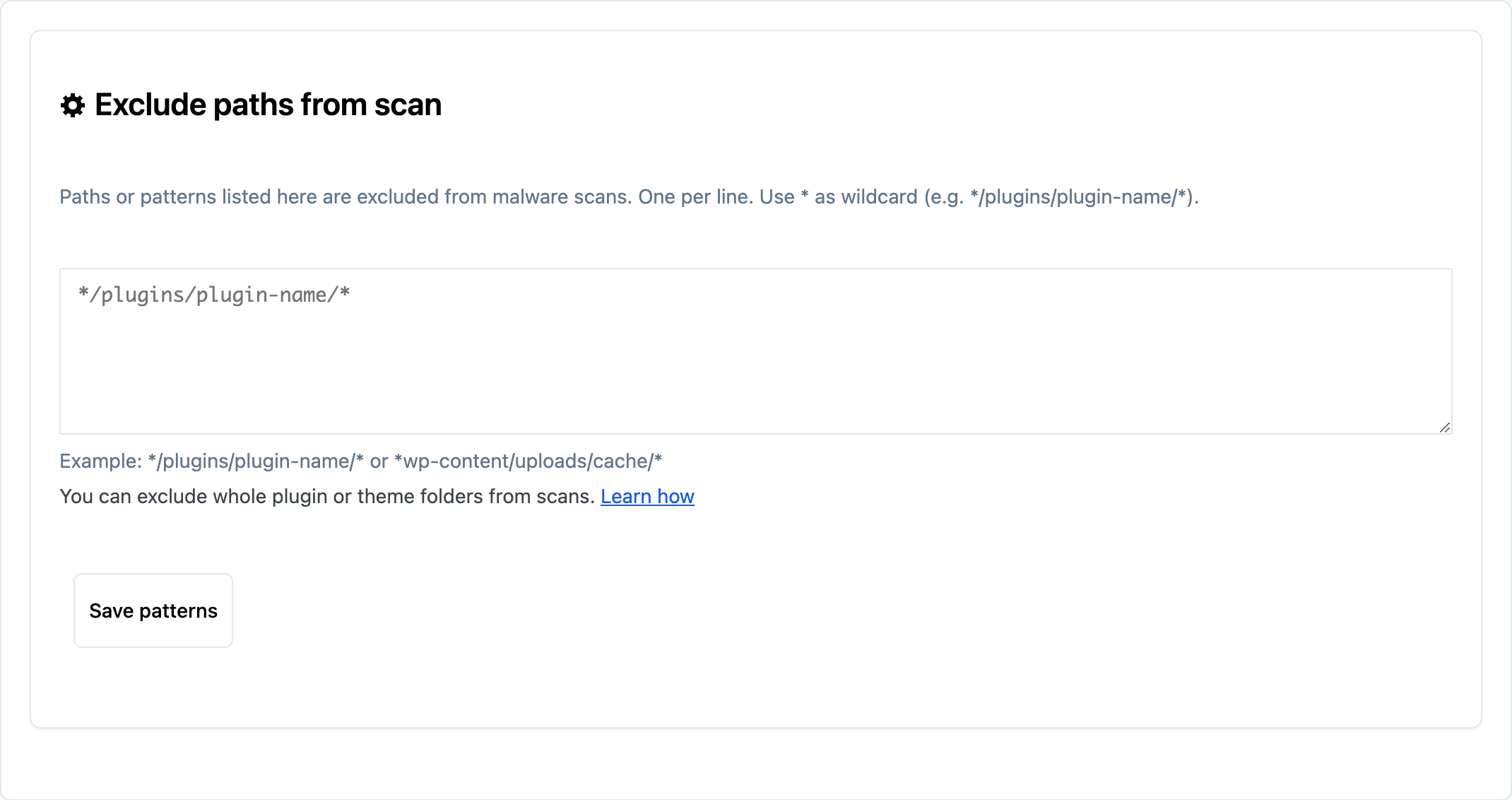
Paths and patterns listed there are excluded from every malware scan. They are not scanned and do not appear in results.
Pattern format
- One pattern per line.
- Patterns are matched against the full server path to the file.
- Use
*as a wildcard (matches any characters).
Examples
*/plugins/updraftplus/*excludes the whole UpdraftPlus plugin folder*/plugins/leadpages/*excludes the Leadpages plugin*/plugins/accessally/*excludes the AccessAlly plugin*/plugins/hide-my-wp-ghost/*excludes Hide My WP Ghost*/media/cache/*excludes a cache folder*/themes/my-theme/inc/*excludes a specific theme subfolder
You can combine multiple lines to exclude several plugins or paths at once.
Whitelisted files vs path patterns
- Whitelisted files: single files you added with the Whitelist button on a scan result (path + hash). They show in the whitelisted files list. Use Revert Whitelist to remove one.
- Path patterns: lines in Exclude paths from scan. They apply to folders or glob patterns, are stored with the same whitelist data, and are edited in the textarea with Save patterns.
Both are included in Import/Export (Tools page) under malware scanner settings.
For developers: add exclusions in code
Use the filter securityninja_malware_exclude_paths. It receives an array of path/pattern strings and must return an array of strings.
Example: add a pattern
add_filter( 'securityninja_malware_exclude_paths', function ( $paths ) {
    $paths[] = '*/plugins/my-custom-plugin/*';
    return $paths;
} );
Example: add multiple patterns
add_filter( 'securityninja_malware_exclude_paths', function ( $paths ) {
    return array_merge( $paths, array(
        '*/plugins/leadpages/*',
        '*/plugins/accessally/*',
        '*/plugins/updraftplus/*',
    ) );
} );
Patterns follow the same rules as the UI: full path, one string per pattern, * for wildcards. Filter patterns apply in addition to any patterns saved in Malware Scanner settings.
