Renew early when:
- A deal is running and you want the discounted price.
- You want to move the subscription date.
- You want to update the card on the subscription (you can also do that in Account).
How early renewal works
Renewing before expiry does not discard remaining time. Freemius extends the current license by one full billing period:
- Monthly plans: +30 days
- Annual plans: +365 days
That time stacks on whatever you already have left.
Example: Annual plan with 5 days left, renew today:
- Keep the 5 remaining days.
- Add 365 days for the new term.
- New expiry is in 370 days.
Renew early (and apply a coupon)
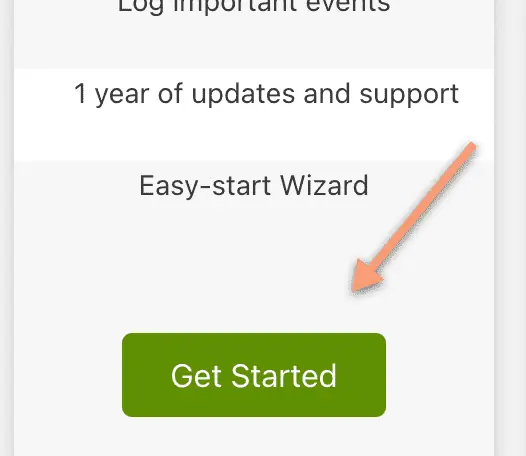
- Open https://wpsecurityninja.com/pricing/ and click Get Started.
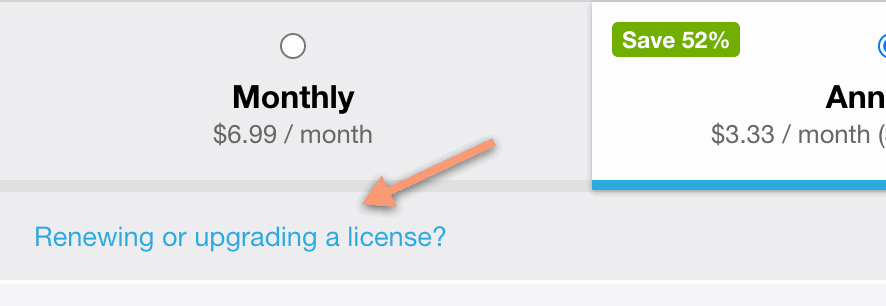
- In checkout, click Renewing or upgrading a license?
- Enter your license key and click Apply.

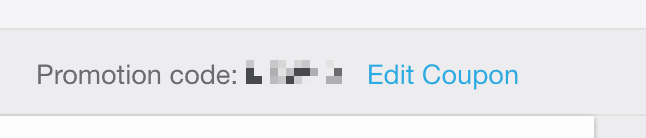
- To use a coupon, open Have a promotional code?

- Enter the code. The discount applies automatically.
Proration details: Early license renewal proration.
