Administrators can exempt a single user from 2FA when that person needs a simpler login. Prefer this over turning 2FA off for the whole site.
Steps
- Go to Users → All Users.
- Open the user you want to change.
- Scroll to Two Factor Authentication.
- Check Bypass 2FA (“Check this box to allow the user to bypass Two Factor Authentication.”).
- Click Update User / Save.
When Bypass 2FA is checked, that user is not asked for a 2FA code at login. When it is unchecked, they must use 2FA if the feature is enabled for their role (or if they already enrolled).
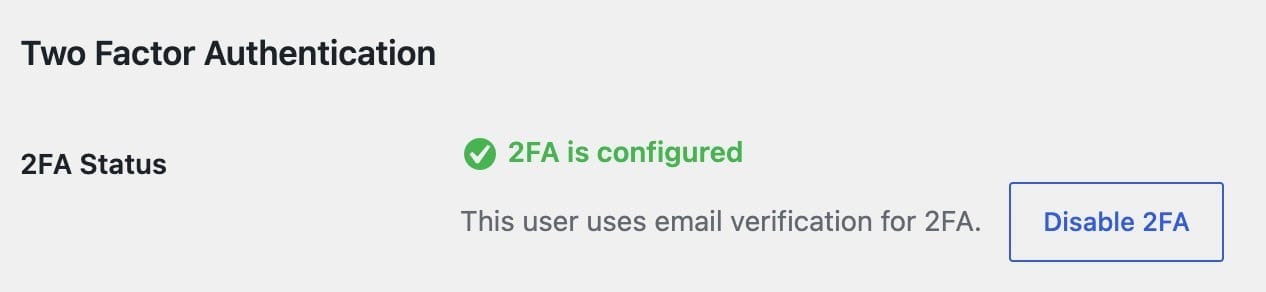
The same profile section shows whether 2FA is configured and lets admins disable 2FA for that user when needed.
Reset everyone
To clear 2FA for all users at once, see How to reset 2FA.
