On your MainWP Dashboard site:
- Select Security Ninja in the MainWP left menu, or
- Go to Extensions → Security Ninja for MainWP.
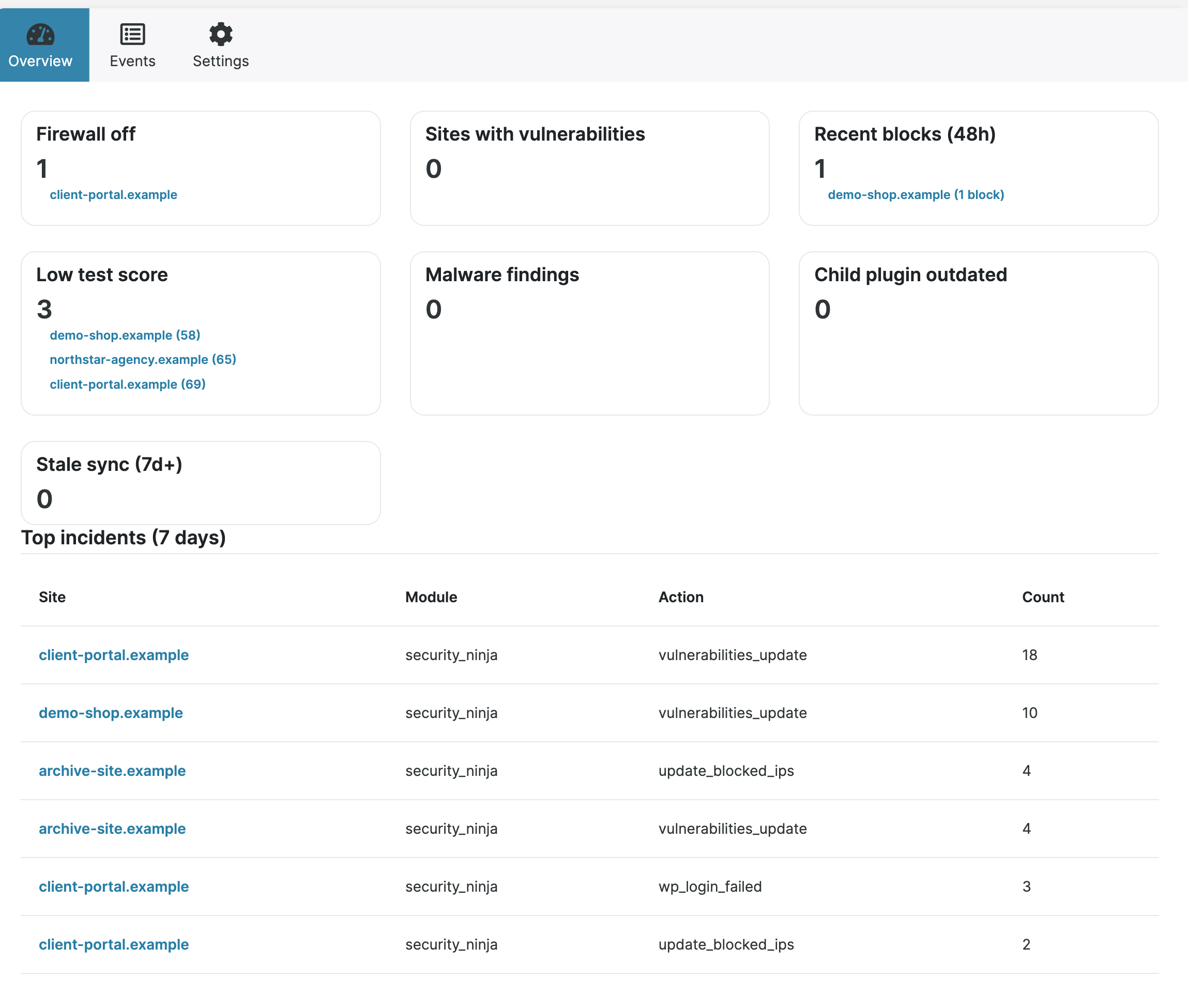
The three fleet tabs
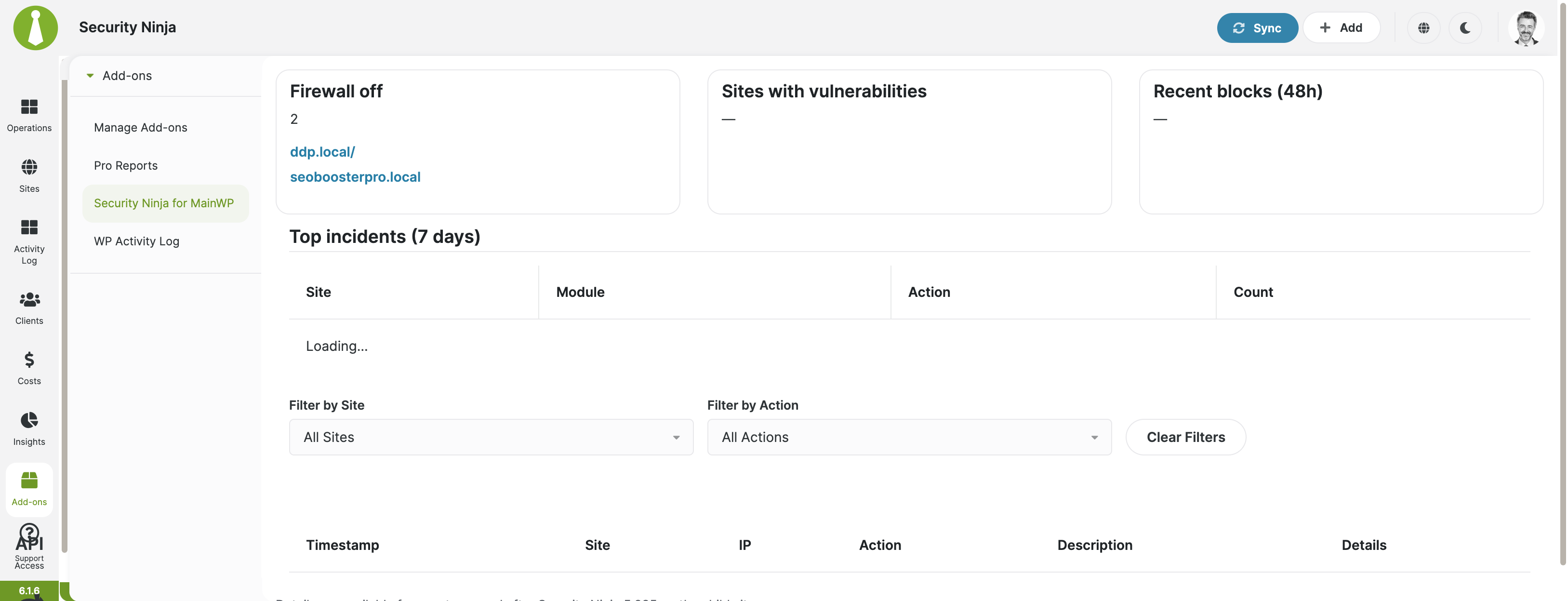
- Overview: Fleet attention cards, low scores, vulnerabilities, recent blocks, stale sites, and top incidents.
- Events: Search and filter synchronized Security Ninja events across connected Pro child sites.
- Settings: Configure optional fleet email alerts and review daily metrics history used by MainWP Pro Reports.
If the overview is empty, connect child sites, install Security Ninja on those sites, then run MainWP Sync. Full setup: Install Security Ninja with MainWP.
Also useful: Get started with MainWP and Install the free MainWP extension.
