Go to Security Ninja → Events and open the Event Log subtab.
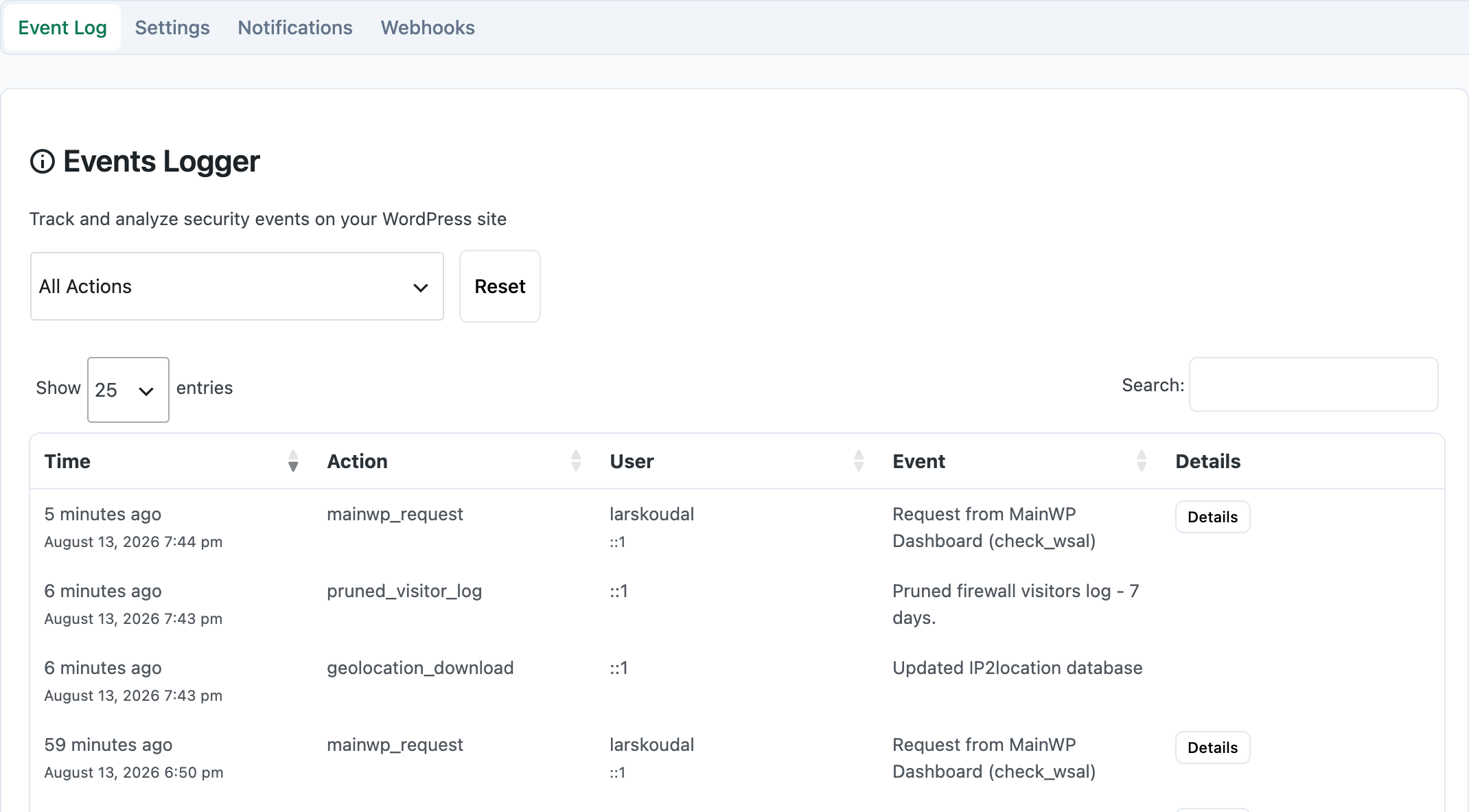
Browse the list
Use pagination or previous/next controls to move through events.
Search
Use the search field near the top of the Events Log. Matching rows update as you type or apply filters.
Filter by clicking a value
Click a value in a row to narrow the list:
- Date: events from that day
- User: events by that user (not logged in shows as anonymous)
- IP: events from that address
- Module: category such as logins, comments, posts, or plugin updates
- Action: one specific event type
Use Reset (when shown) to clear the current filter.
