Requires WordPress 7.0 or newer (AI Connectors).
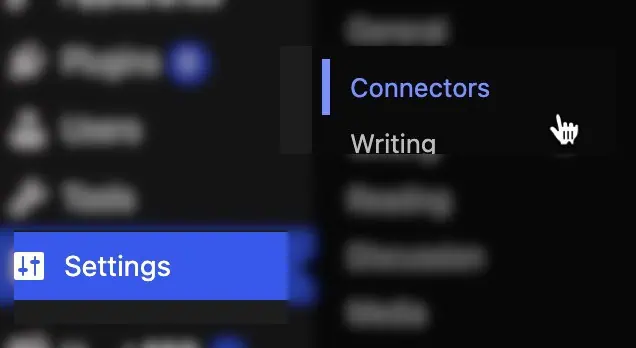
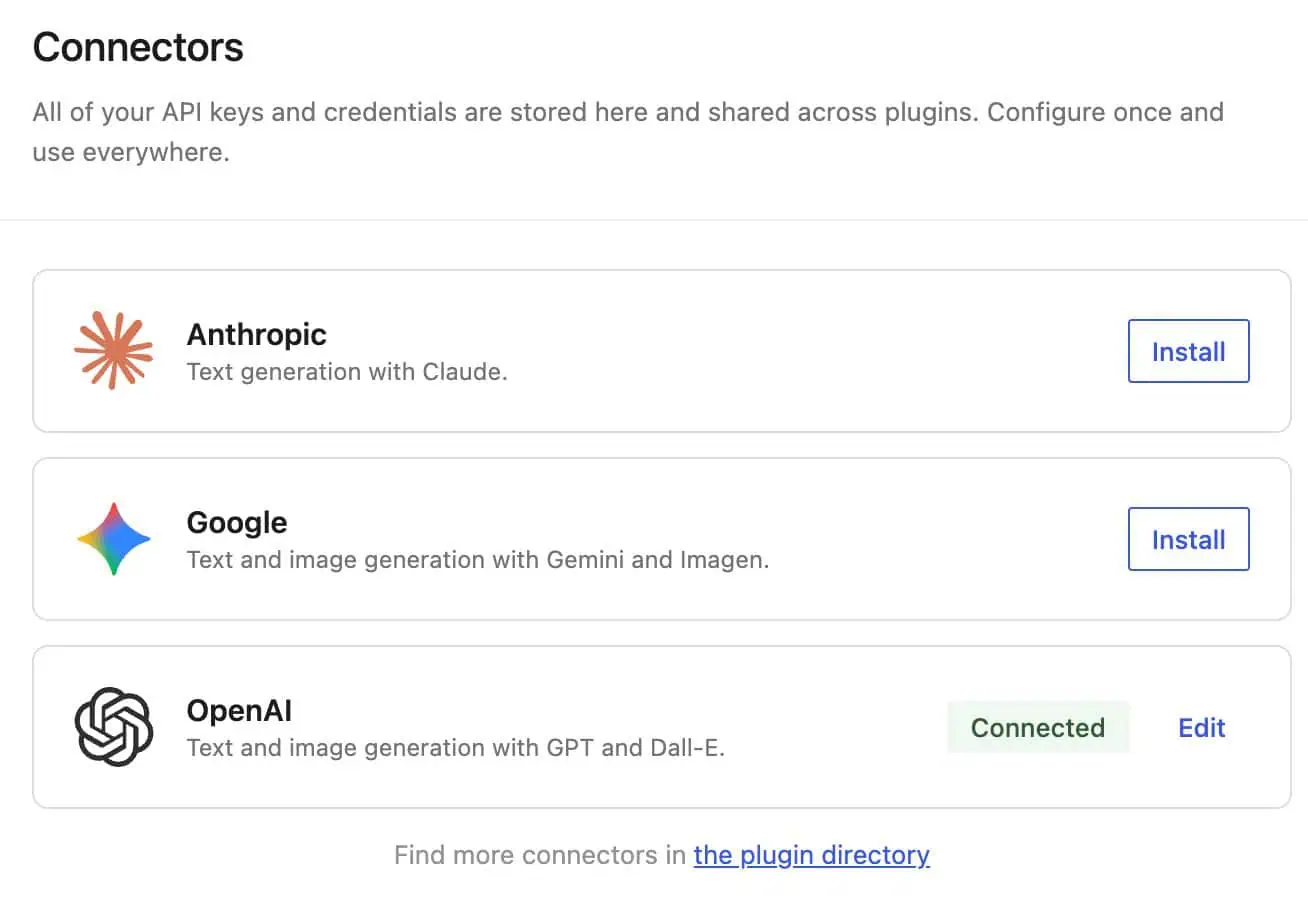
- Go to Settings → Connectors.
- Add credentials for at least one provider (for example OpenAI, Gemini, or Anthropic, depending on what WordPress lists on your site).
- Open Security Ninja → Security Advisor.
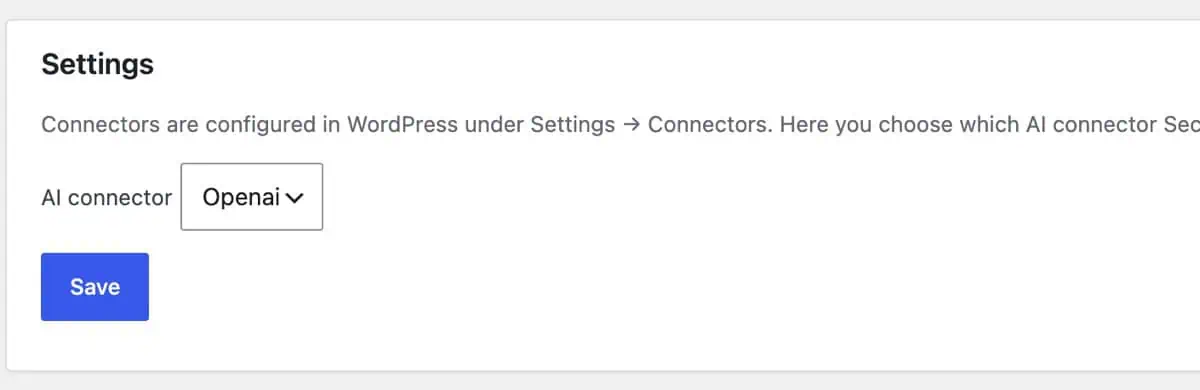
- If more than one provider is configured, choose which connector Security Advisor should use under the AI settings on that page.
Related: What happens when you generate a report, Security report.