After you connect an AI provider, open Security Ninja → Security Advisor and generate a report.
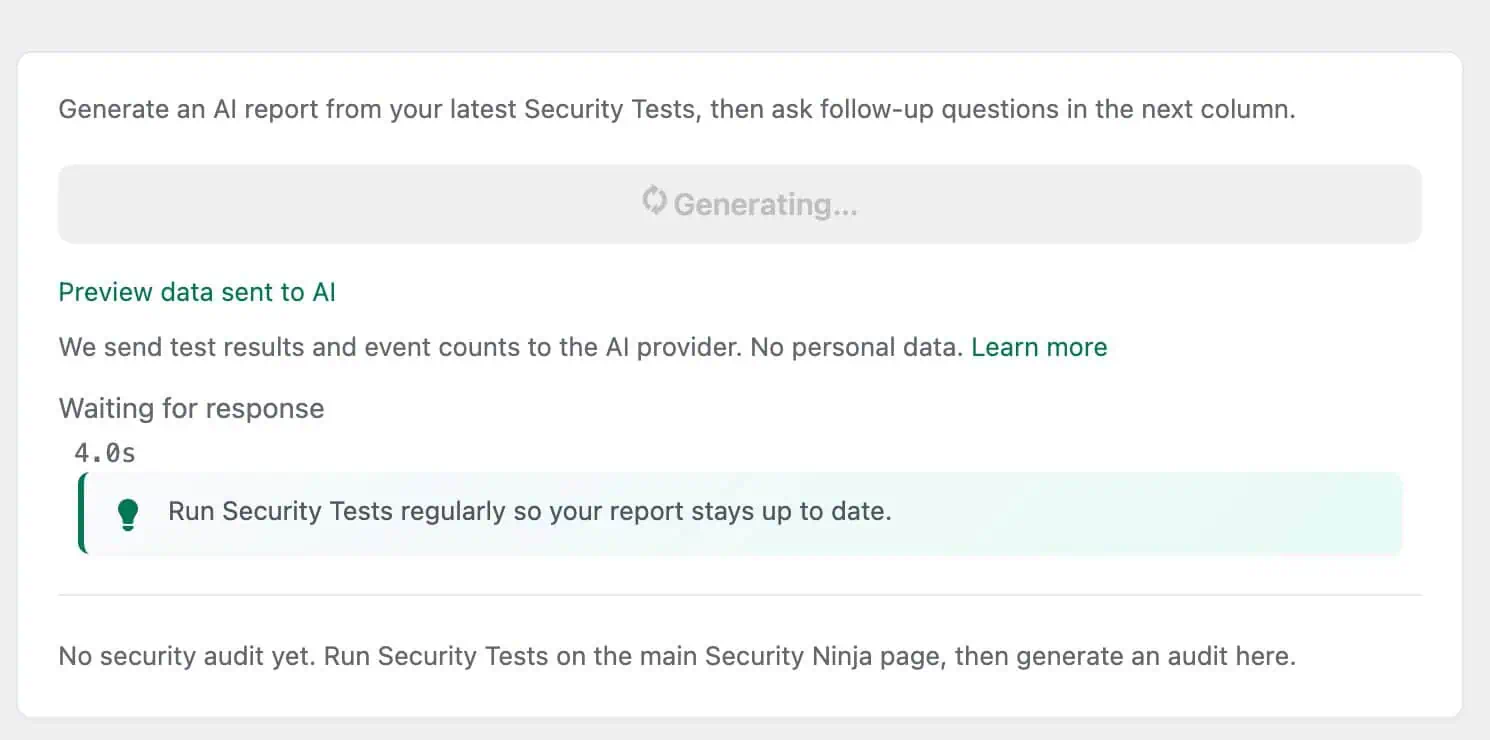
Click Generate report. You can preview the test results and event counts that will be sent to the AI before you continue.
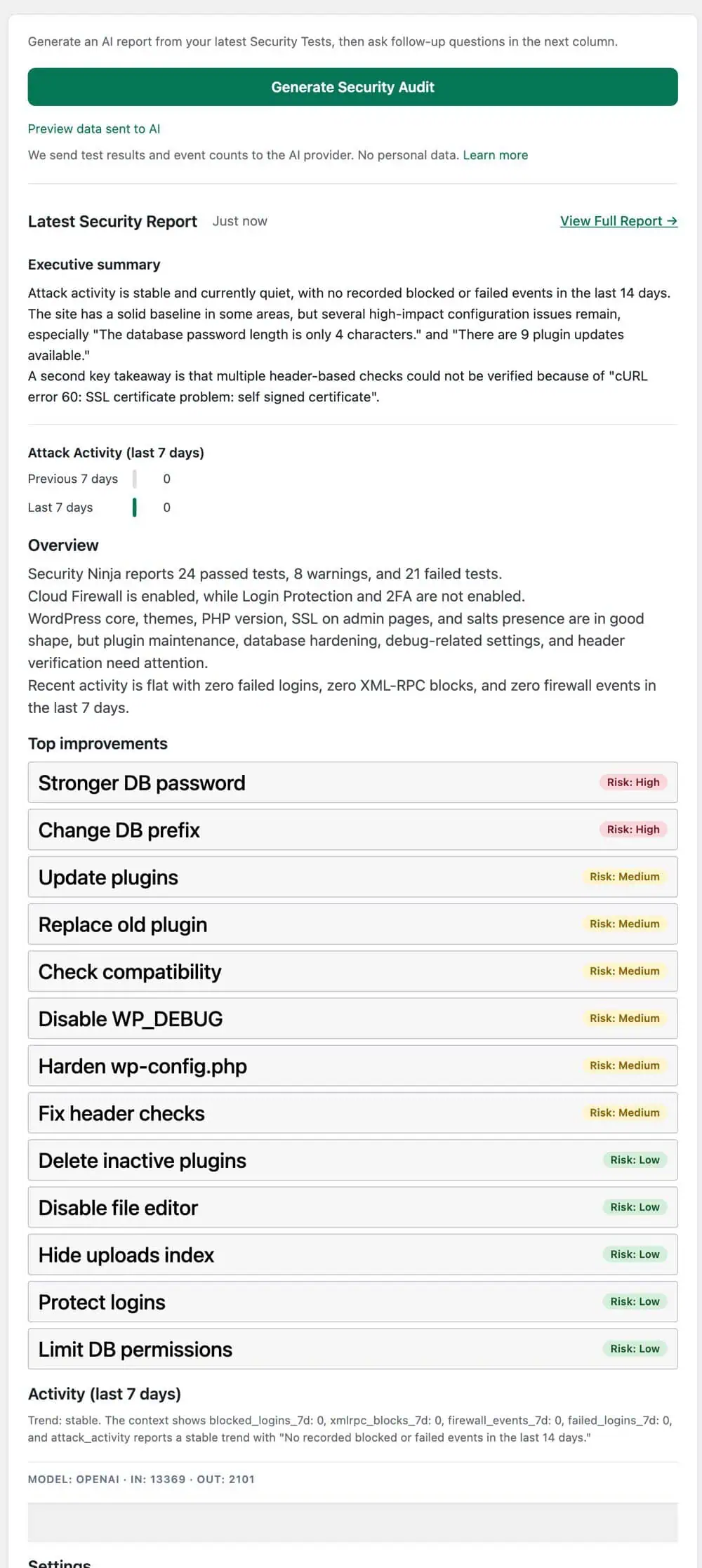
After a short wait, the report shows an executive summary and a prioritized list of improvements for your site.
Follow-up questions
After the first report is saved, guided follow-up questions appear. Examples include:
- What should I fix first?
- Which issue is most urgent?
- Which items can wait?
- What improved since last time?
- What changed since last report?
- Explain this for a client
- Give me a 30-minute action plan
- What should I monitor this week?
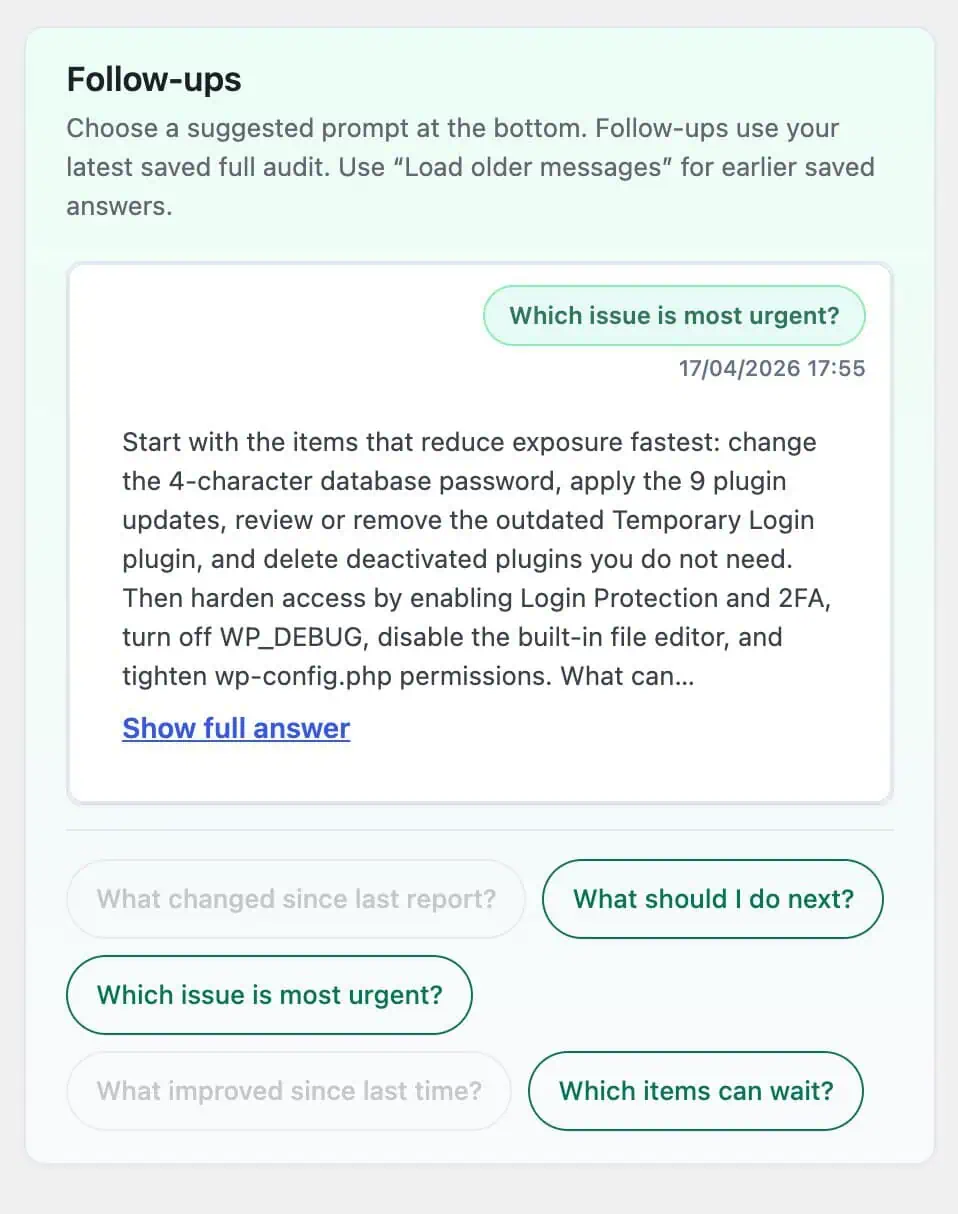
Comparison questions need more than one saved full report. Answers use your scan results and recent security activity, not a general chat about the open web.
Reports and follow-up messages stay in the local AI history until you clear them from Security Advisor settings. See What happens when you generate a report.