Free vs Pro
- Free: 8G firewall rules that inspect requests and block many malicious patterns.
- Pro: Cloud Firewall with 600M+ known bad IPs, country blocking, brute-force login limits, rename login, block “admin” login, visitor messaging/redirects, and related settings described below.
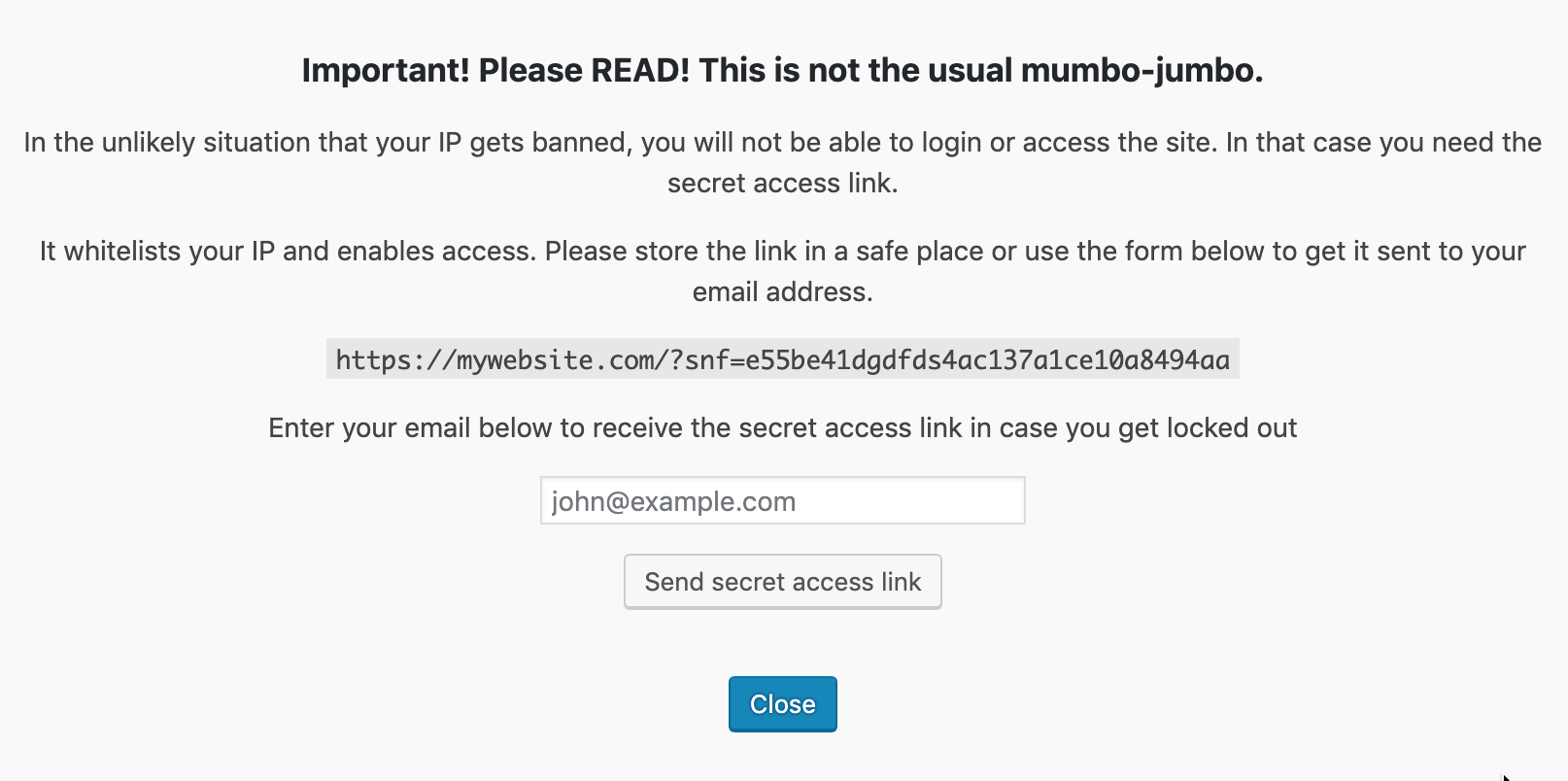
The Pro firewall is not enabled automatically on install. That is intentional: save the secret access URL first so you can recover if you lock yourself out.
Prefer a guided setup? Use the installation wizard. After enabling protection, test key flows (login, checkout, APIs) so legitimate traffic is not blocked.
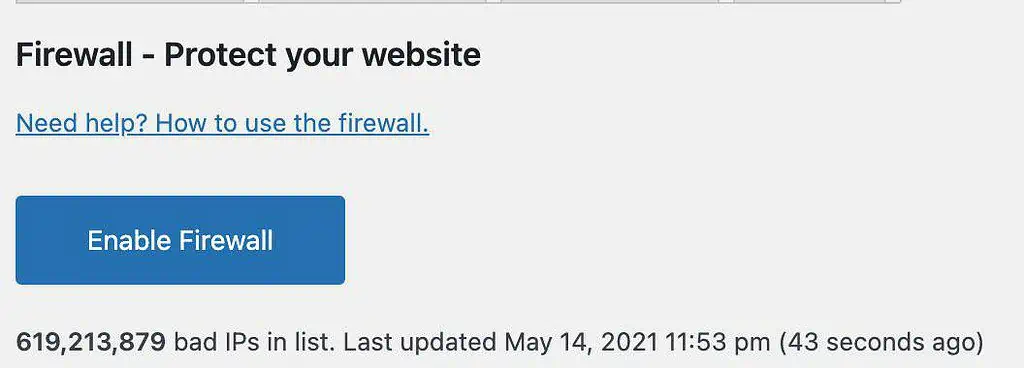
Enable the firewall (Pro)
Click enable on the Firewall screen. A popup explains recovery and shows the secret access URL. You can copy it or email it to yourself. After a short wait, Close continues setup.
Configure protection
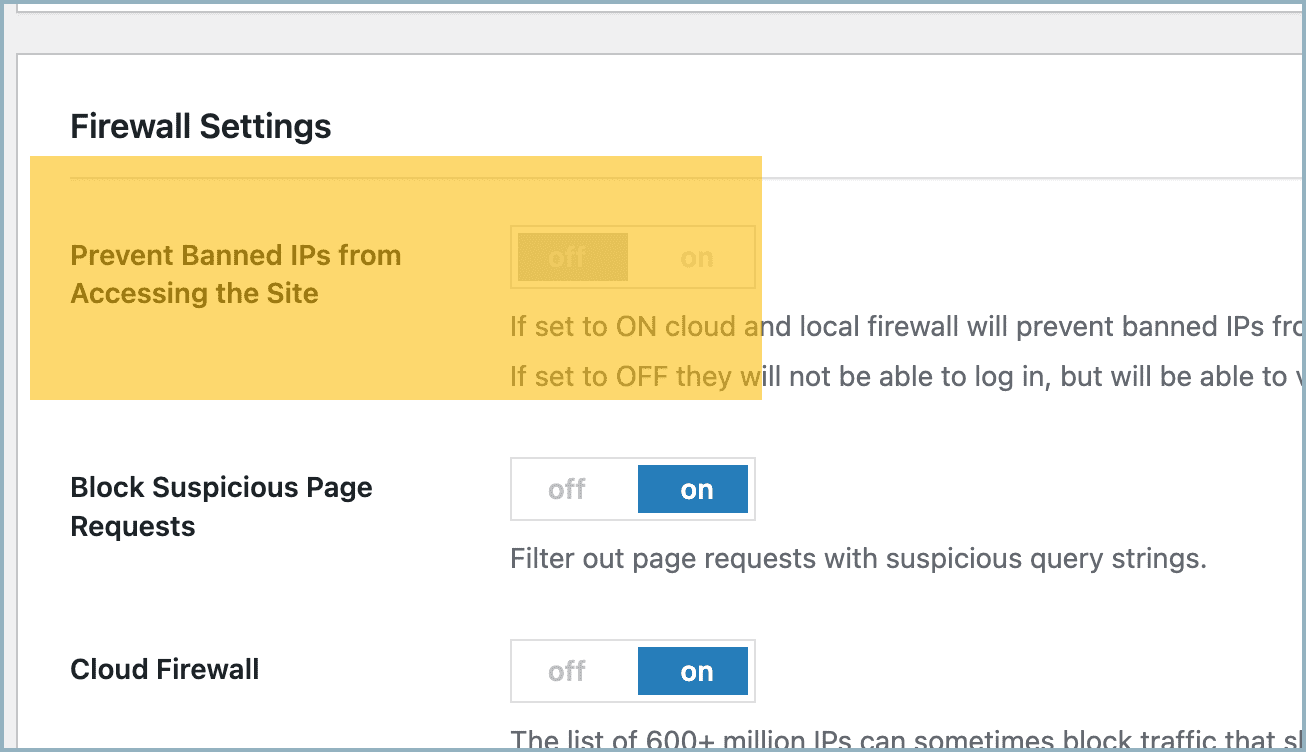
Prevent banned IPs from accessing the site
- On: cloud and local bans block the visitor from the whole site.
- Off: banned IPs cannot log in but can still view the front end.
Message for banned IPs
Customize the message shown to blocked visitors (or use redirect instead).
Auto-ban rules (failed logins)
If an IP fails login too often, it is banned locally.
Defaults: maximum 5 failed logins within 5 minutes → ban for 2 hours.

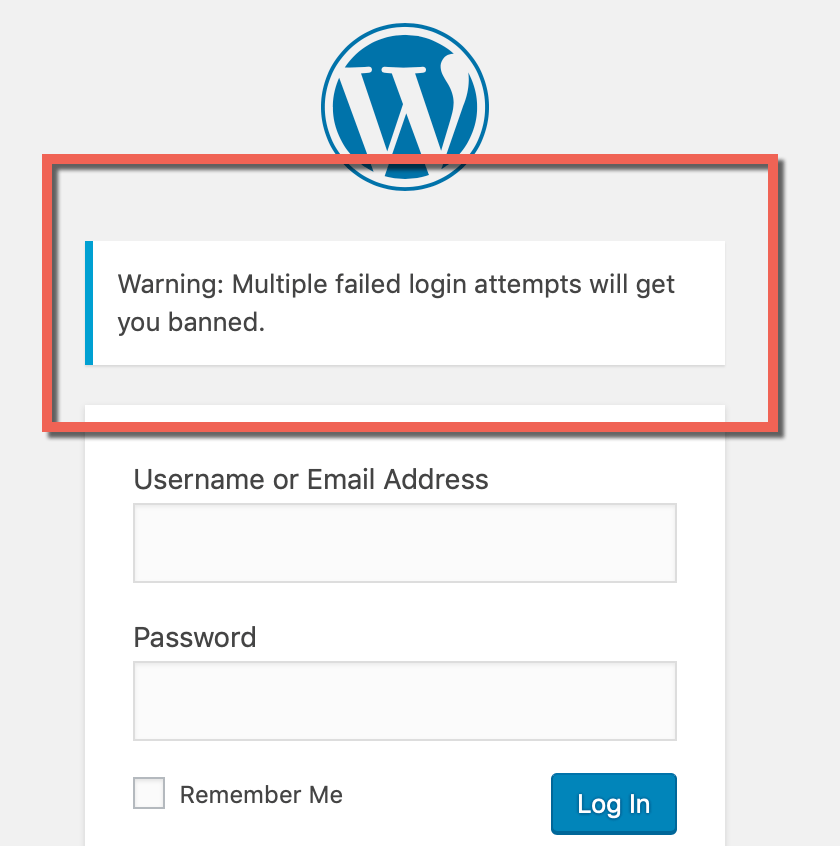
Login notice
Optional warning shown on the login form about lockouts after repeated failures.
Block “admin” login
Blocks login attempts that use the username admin. Only enable this if no administrator still uses that username.

Change login URL
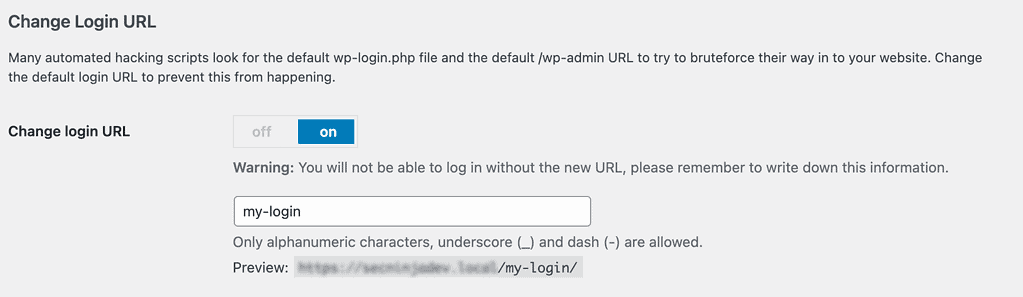
Rename the default login path away from wp-login.php / wp-admin. Slug may use letters, numbers, underscore, and hyphen (default placeholder my-login). Details: Change login URL.
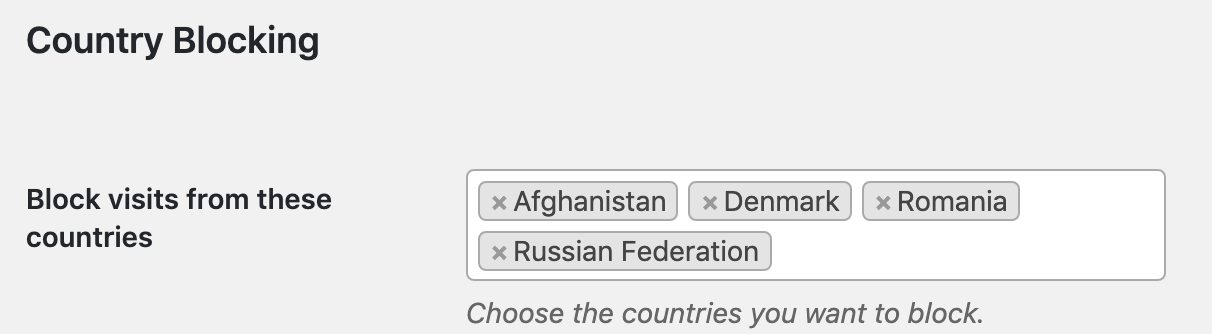
Country blocking
Select countries to block. Detection uses IP2Location LITE data, updated on your site about monthly while the firewall stays active. Accuracy is good but not perfect (VPNs can bypass country rules).
This product includes IP2Location LITE data available from https://lite.ip2location.com.
More: How to block a country.
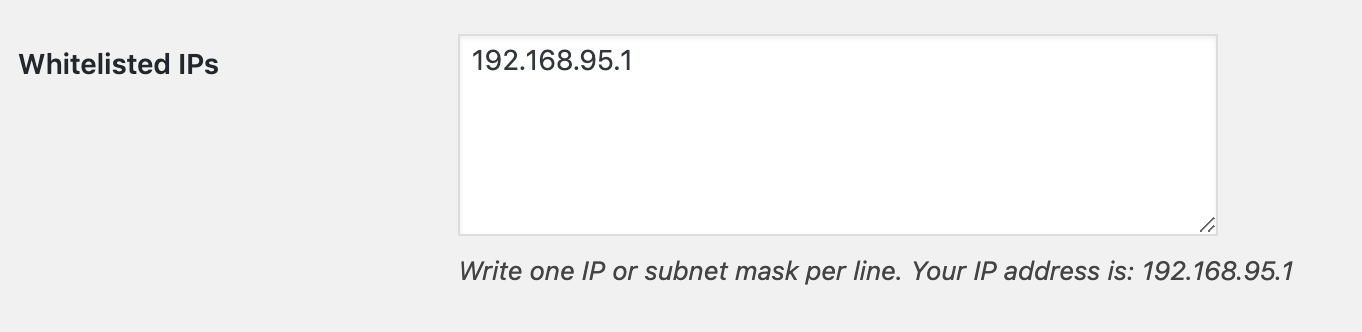
Whitelist IP
Whitelisted IPs keep access even if they appear on the cloud list or a country block. One IP per line.
Locally banned IPs
IPs banned on this site for repeated failed logins.

Secret access URL
Recovery link if you lock yourself out. See Secret Access URL.

Test IP
Check whether a given IP is currently blocked or allowed.

How often are lists updated?
- Bad IP / Cloud Firewall list: updated daily in the background (
secnin_update_cloud_firewall). - Country (IP2Location) database: downloaded when the firewall is enabled, then refreshed on a regular schedule (monthly-oriented geo update) while the plugin remains active.