Ask your AI client which sites have open vulnerabilities, a low test score, or a firewall that is off, without opening every child site. Security Ninja for MainWP 2.3.8+ registers six read-only WordPress Abilities on the MainWP Dashboard. MainWP 6.5+ MCP (local @mainwp/mcp or remote Connect an app) can expose them when you allow the right namespace.
What you need
- MainWP Dashboard 6.5 or newer with the Abilities API available
- Security Ninja for MainWP 2.3.8 or newer on the Dashboard
- A WordPress Application Password for an administrator (or the account you use for MCP)
- Child sites synced at least once so scores, vulns, and events exist in MainWP
Fleet overview, top incidents, and recent events need the Pro MainWP extension. Listing vulnerable sites and reading a per-site summary work on the free extension when data is already synced.
Add the namespace
MainWP MCP only loads ability namespaces you allow. Keep mainwp, and add security-ninja-mainwp.
In Cursor (~/.cursor/mcp.json), Claude, or another local MCP client that runs @mainwp/mcp:
{
  "mcpServers": {
    "mainwp": {
      "command": "npx",
      "args": ["-y", "@mainwp/mcp"],
      "env": {
        "MAINWP_URL": "https://your-dashboard.example",
        "MAINWP_USER": "your-admin-username",
        "MAINWP_APP_PASSWORD": "xxxx xxxx xxxx xxxx xxxx xxxx",
        "MAINWP_ABILITY_NAMESPACES": "mainwp,security-ninja-mainwp"
      }
    }
  }
}
You can set the same list in settings.json as "abilityNamespaces": ["mainwp", "security-ninja-mainwp"]. Environment variables override the file.
Use your real Dashboard URL. For a local HTTP Dashboard (for example Local), set MAINWP_ALLOW_HTTP to true. Prefer HTTPS for anything reachable outside your machine.
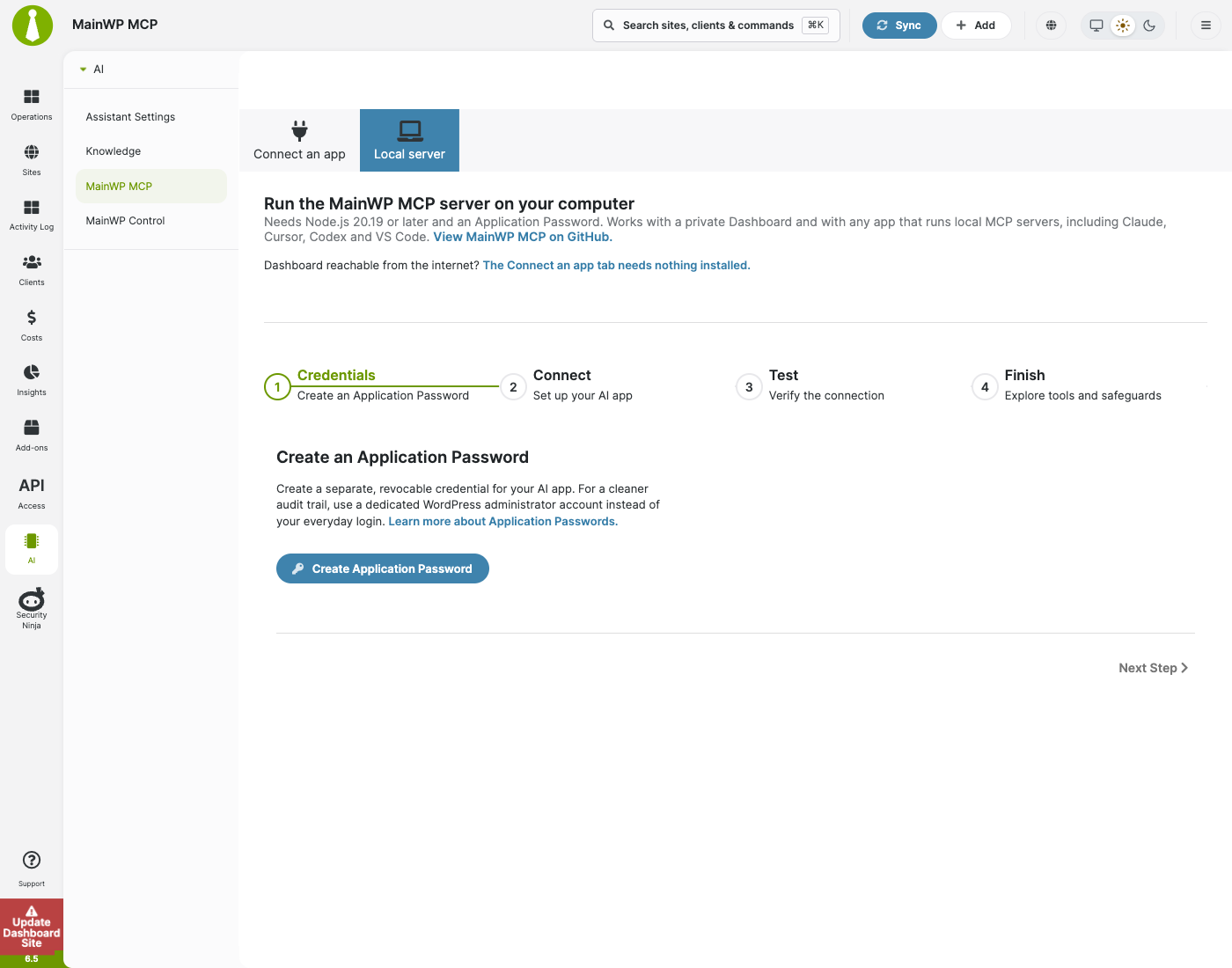
Create the Application Password under Users → Profile or from MainWP → MainWP MCP. Restart the AI app after you save the config.
What the tools return
In the MCP client the tools appear with a security_ninja_mainwp__ prefix. The ability names on WordPress are:
| Ability | What it returns |
|---|---|
security-ninja-mainwp/get-fleet-security-overview-v1 | Fleet triage counts and site lists: firewall off, vulnerabilities, low scores, malware, outdated children, stale sync, recent blocks (Pro) |
security-ninja-mainwp/list-sites-with-vulnerabilities-v1 | Child sites with one or more known vulnerabilities |
security-ninja-mainwp/get-site-security-summary-v1 | One site: score, vuln count, firewall, malware count, core scanner status, last sync |
security-ninja-mainwp/list-site-vulnerabilities-v1 | Plugin and theme vulnerability details for one site |
security-ninja-mainwp/list-top-security-incidents-v1 | Grouped event counts for the last 7 days (Pro) |
security-ninja-mainwp/list-recent-security-events-v1 | Recent firewall and security events; optional site_id filter (Pro) |
All six are read-only. Team Control users only see sites they can access. The fleet overview cache is not shared with delegated users.
Try it
After the client reconnects, ask something concrete:
- “Which MainWP sites have vulnerabilities?”
- “Give me the Security Ninja summary for site ID 12.”
- “Fleet overview: anything with the firewall off or a low score?”
Use real MainWP site IDs from your Sites table. A wrong ID returns secnin_mainwp_site_not_found.
Child-site Connected AI vs MainWP MCP
MainWP MCP (security-ninja-mainwp) | Connected AI on a child | |
|---|---|---|
| Where it runs | MainWP Dashboard | That WordPress site |
| Data source | Synced Security Ninja data in MainWP | Live findings on the child |
| Switch | Extension 2.3.8+ registers abilities automatically | Overview → Connected AI tools (off by default) |
| Typical client | @mainwp/mcp with both namespaces | MCP Adapter / WPVibe on that site |
From Security Ninja 5.311+, MainWP Pro can also copy or edit the child’s Connected AI switch through settings sync. That only turns abilities on for that child. It does not add the Dashboard namespace for you.
Troubleshooting
- No Security Ninja tools: Confirm
security-ninja-mainwpis inMAINWP_ABILITY_NAMESPACESorabilityNamespaces, then restart the client. - Permission denied: Use an Application Password for a user who can manage those sites in MainWP.
- Empty or stale numbers: Run MainWP Sync on the sites, then ask again. MCP reads the Dashboard cache, not a live remote scan.
- Pro-only errors: Fleet overview, incidents, and events return
secnin_mainwp_premium_requiredon the free extension.