Security Ninja can flag or help harden xmlrpc.php. Many sites do not need XML-RPC. Jetpack (and some other remote tools) still do.
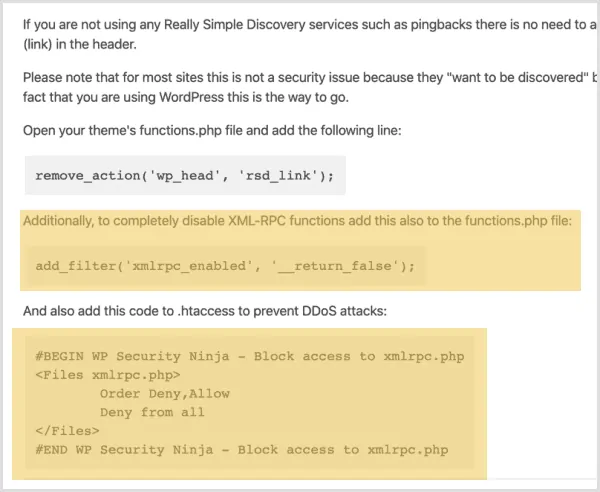
If you blocked XML-RPC with a functions.php snippet, an .htaccess rule, or a Security Ninja fix that disables XML-RPC, Jetpack features that rely on it can fail.
What to do
- If you use Jetpack, do not leave XML-RPC fully blocked.
- Remove any custom
.htaccessor theme code that deniesxmlrpc.php, or turn off the related option in Security Ninja → Fixes if you enabled one. - Re-test the Jetpack connection and the features you need.
You can still use other hardening (strong passwords, 2FA, firewall login protection) without blocking XML-RPC.
