Security headers are part of the HTTP response your server sends. They tell browsers how to treat HTTPS, framing, content types, and similar hardening rules.
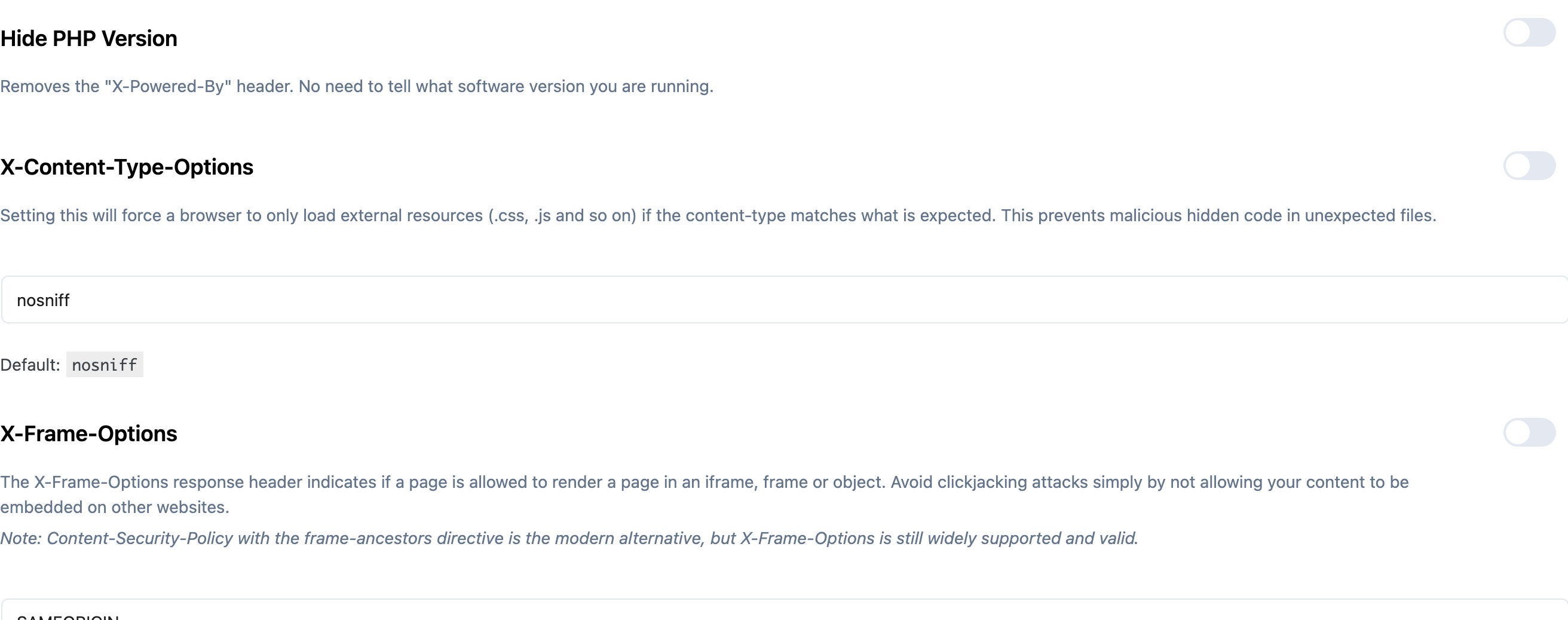
On Pro, you can enable many of these from Security Ninja → Fixes. You can also set them in .htaccess, Nginx, or PHP. Misconfigured headers (especially CSP) can break the site, so test after each change.
Strict Transport Security (HSTS)
HSTS tells browsers to use HTTPS only. Confirm your SSL certificate works on the whole site before you enable it.
PHP example (prefer a child theme or small plugin):
header( 'Strict-Transport-Security: max-age=31536000;' );Apache (.htaccess):
#BEGIN WP Security Ninja - Forces only HTTPS
	<IfModule mod_headers.c>
	Header set Strict-Transport-Security "max-age=31536000;"
	</IfModule>
#END WP Security Ninja - Forces only HTTPS
Add includeSubDomains if you want the policy to cover subdomains.
Nginx (server block):
add_header Strict-Transport-Security "max-age=31536000;";Further reading: https://hstspreload.org
Content Security Policy (CSP)
CSP limits which sources the browser may load (scripts, styles, frames, and more). It reduces XSS impact, but a tight policy can break Analytics, embeds, and plugins.
Start with Content-Security-Policy-Report-Only while you tune the policy. Full guide: Content Security Policy.
Example report-only policy that only allows same-origin scripts:
#BEGIN WP Security Ninja - Only allow browsers to load.js files from this website
	# Use Content-Security-Policy-Report-Only to test settings before using Content-Security-Policy.
	<IfModule mod_headers.c>
	Header set Content-Security-Policy-Report-Only: "script-src 'self'"
	</IfModule>
#END WP Security Ninja - Only allow browsers to load.js files from this website
Nginx:
add_header Content-Security-Policy-Report-Only "script-src 'self'";Security Ninja no longer sets the legacy X-XSS-Protection header. Modern browsers rely on built-in XSS defenses and CSP instead.
X-Frame-Options
Blocks or limits embedding your pages in iframes (clickjacking defense).
Warning: Some theme customizer previews break with this header.
header( 'X-Frame-Options: SAMEORIGIN' );Apache:
#BEGIN WP Security Ninja - Prevent page-framing and click-jacking
	<IfModule mod_headers.c>
	Header always append X-Frame-Options SAMEORIGIN
	</IfModule>
#END WP Security Ninja - Prevent page-framing and click-jacking
Allowed values include DENY, SAMEORIGIN, and (legacy) ALLOW-FROM. Be careful if your own site uses iframes.
Nginx:
add_header X-Frame-Options "SAMEORIGIN";X-Content-Type-Options
X-Content-Type-Options: nosniff reduces MIME sniffing attacks where a browser treats a non-script upload as executable content.
Referrer-Policy
Controls how much referrer data the browser sends on navigation and cross-origin loads.
Security Ninja defaults to strict-origin-when-cross-origin for new installs and the setup wizard:
- Same-origin requests still get the full URL.
- Cross-origin HTTPS requests get the origin only.
- HTTPS to HTTP sends nothing.
Stricter values like same-origin or no-referrer can break embeds such as Google Maps or YouTube. If embeds fail after enabling headers, check Referrer-Policy first. Existing sites keep their saved value.
header( 'Referrer-Policy: strict-origin-when-cross-origin' );Apache:
#BEGIN WP Security Ninja - Set Referrer-Policy
	<IfModule mod_headers.c>
	Header set Referrer-Policy "strict-origin-when-cross-origin"
	</IfModule>
#END WP Security Ninja - Set Referrer-Policy
Nginx:
add_header Referrer-Policy "strict-origin-when-cross-origin";If YouTube embeds show Error 153, see YouTube embed error 153.
Permissions-Policy
Permissions-Policy (formerly Feature-Policy) controls browser features such as camera, microphone, and geolocation. Syntax differs from the old Feature-Policy header, so review older configs.
Example:
header( 'Permissions-Policy: geolocation=(self "https://example.com"), microphone=()' );Apache:
#BEGIN WP Security Ninja - Set Permissions-Policy
	<IfModule mod_headers.c>
	Header set Permissions-Policy "geolocation=(self \"https://example.com\"), microphone=() "
	</IfModule>
#END WP Security Ninja - Set Permissions-Policy
Nginx:
add_header Permissions-Policy "geolocation=(self \"https://example.com\"), microphone=()";Reference: MDN Permissions-Policy.
Using Security Ninja
Enable and tune headers under Security Ninja → Fixes, or start from the installation wizard. Turn one header on at a time and verify the front end and admin still work.
