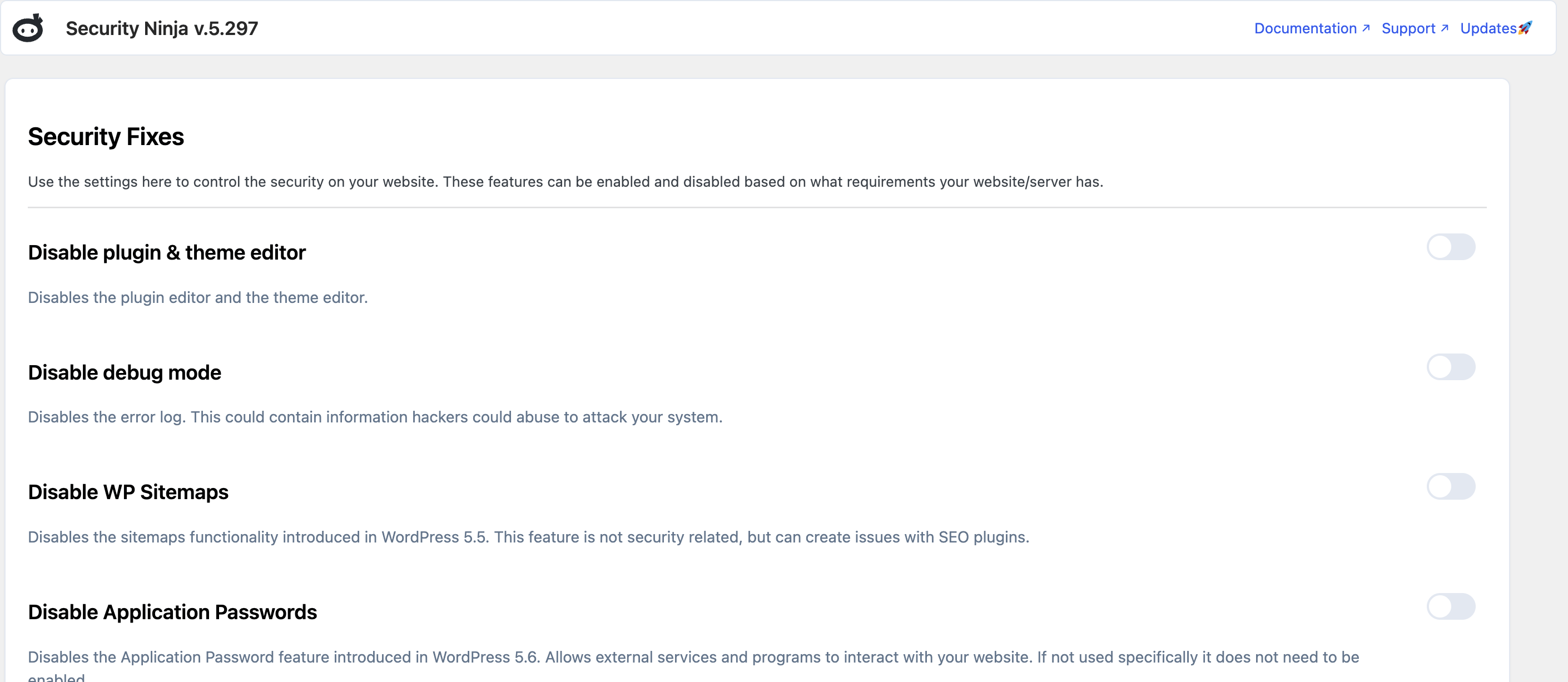
Security Ninja → Fixes (Pro) turns common hardening options on or off without editing wp-config.php by hand. Examples include disabling the plugin and theme editor, hiding version info, and other toggles shown on that screen.
Free users still get guidance on failing security tests. Many one-click applies require Pro.
Detailed fix docs: Security Fixes.
