When you need more sites than your current plan allows:
- Log in at wpsecurityninja.com/account/.
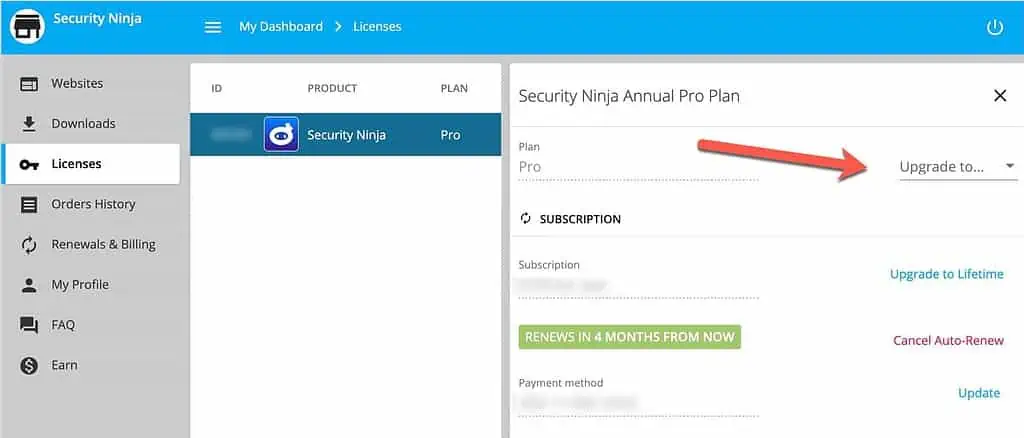
- Open Licenses and select your WP Security Ninja license.
- Use the upgrade option to move to a higher site limit (pricing is shown before you confirm).
After upgrading, activate additional sites from the plugin Account screen or your Freemius websites list. See Remove a website from a license if you need to free a slot first.
