Security advisorywp2shell: WordPress core vulnerability. Updated August 4, 2026.

Read the advisory

Account & license

License Activation Is Not Authorized: Whitelist Your Site

Learn how to fix the "License activation is not authorized for..." error by whitelisting your website in your WP Security Ninja account's Restrict Sites settings.

If you get the error “License activation is not authorized for …” when trying to activate your license, you are using the “Restrict Sites” function that prevents your license for being activated on any website you have not allowed.

To enable your website go to your account on wpsecurityninja.com/account/

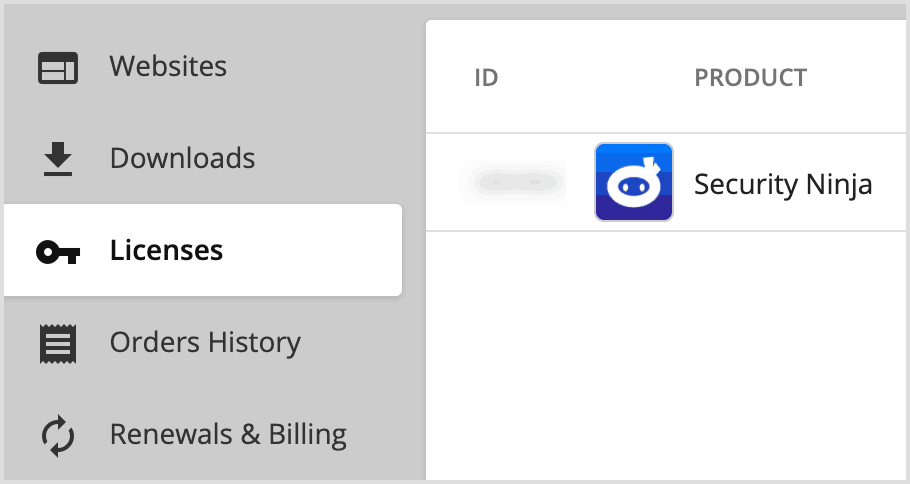
Click on “Licenses” and choose the appropriate Security Ninja license

Licenses tab

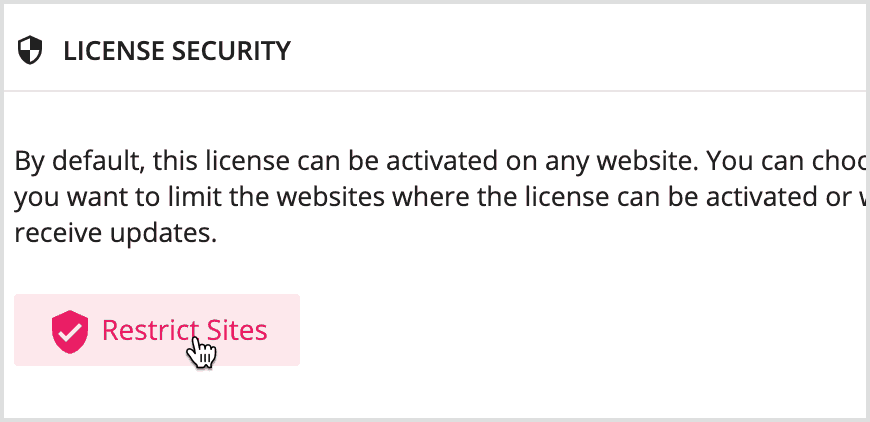
Scroll down to the “Restrict Sites” button

Restrict Sites button

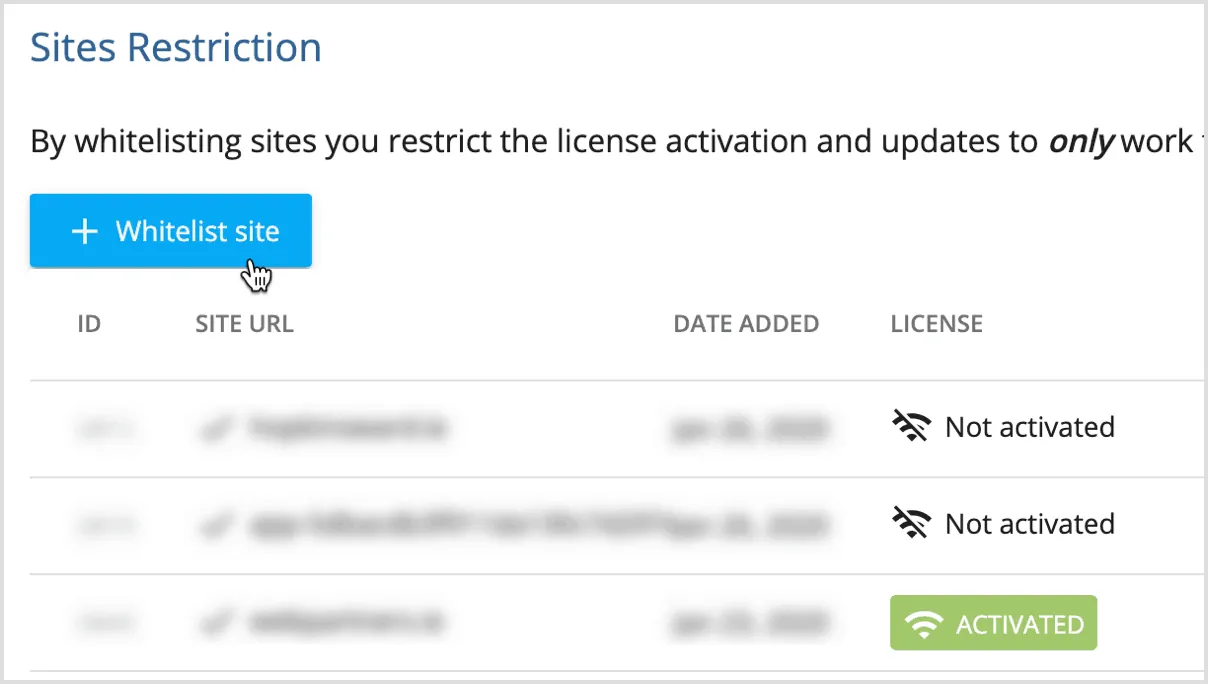
This will open a window where you can see the sites you have already whitelisted (if any) and also a button where you can add a new site “Whitelist site”

Whitelist site button

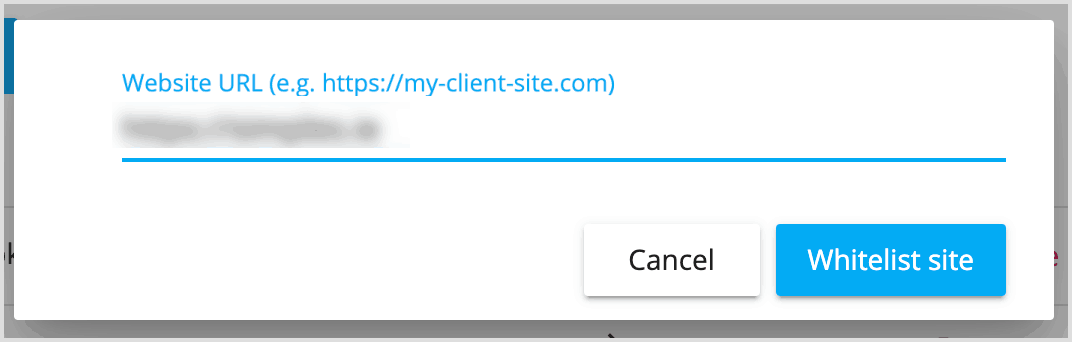
Here you can add a new website to allow your license to be activated.

Enter URL to whitelist site

You are now able to activate your license.

Still stuck? Get help or contact us.