

There is a Beta program in Security Ninja if you want to check out and test features before they are made publicly available.
New features are usually tested in the Beta program first, so if you want to test upcoming releases please enable the Beta program on your website.
Go to “Security Ninja” -> Account and click to join the Beta program.
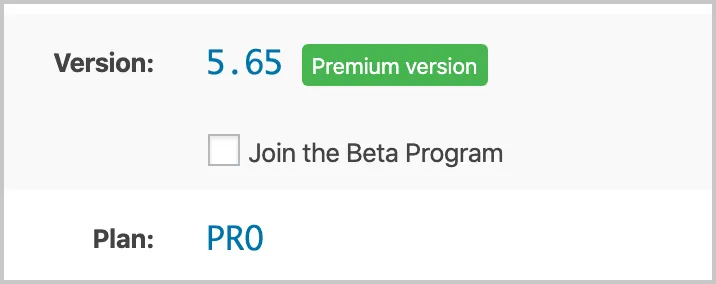
Once you click to enable you will get a warning message to confirm you are aware of the potential risks.
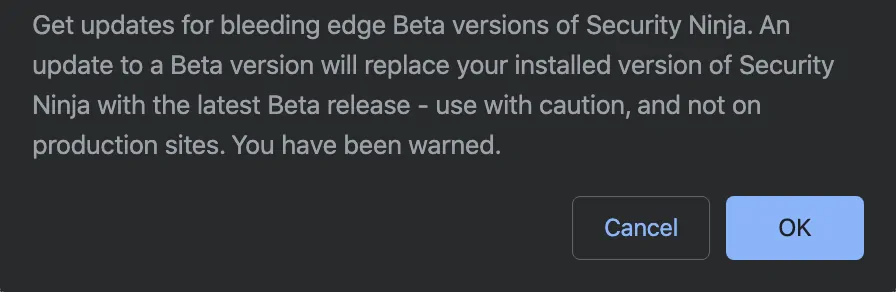
Releases in the Beta program are to be considered stable and should not break your website, but Beta releases are by nature not as tested as a regular release, so please install on your own risk.
Written by Lars Koudal
Get AI-Powered Security Summary
Let AI analyze this WordPress security article and provide actionable insights from WP Security Ninja experts.
