

If you are experiencing issues in your admin you can try to temporarily disable the firewall to debug the issue.
Navigate to “Security Ninja” and locate the Firewall tab.
Click the “Disable Firewall” button and try your action again.
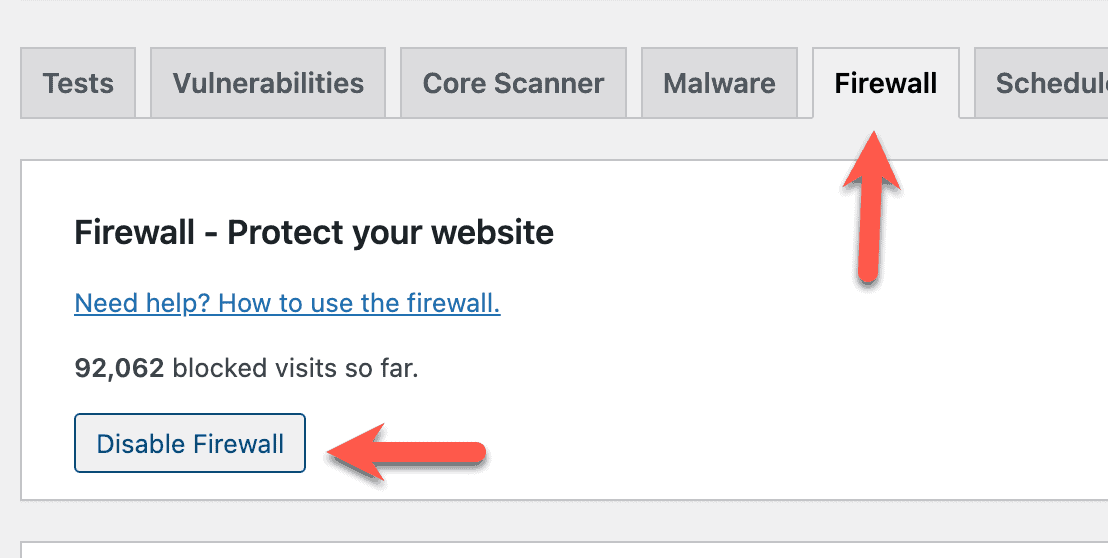
Remember to activate the firewall again and reach out to our support if you have found an issue with the firewall.
Written by Lars Koudal
Get AI-Powered Security Summary
Let AI analyze this WordPress security article and provide actionable insights from WP Security Ninja experts.
Trusted WordPress Security Expert
